AI Text Generation Tools

AI Tools for Text Generation

Discover the best Text Generation AI tools to enhance your productivity and creativity.

Page 57 of 84 • 998 total tools
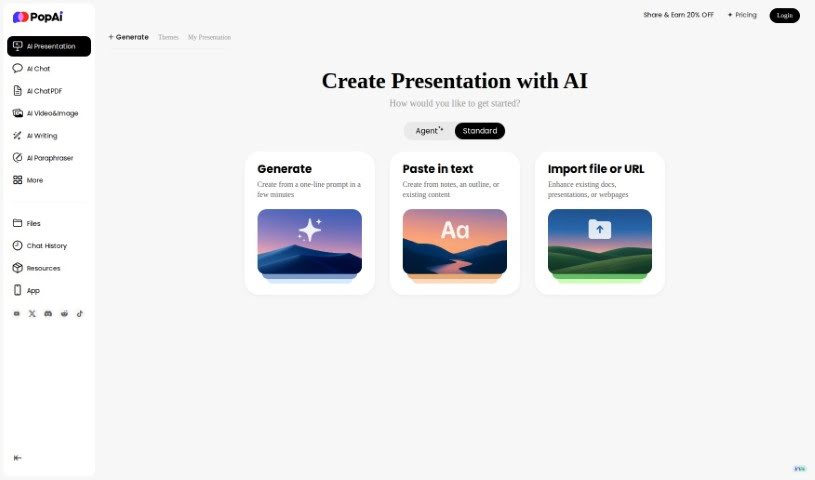
Screenshot of Popai

Popai

Freemium

Popai is an AI assistant platform that combines writing, presentation, image generation, and document analysis tools in one interface. Its goal is to improve efficiency by delivering instant answers, analyzing documents, generating presentations, and creating graphics.

Text Generation View Tool →
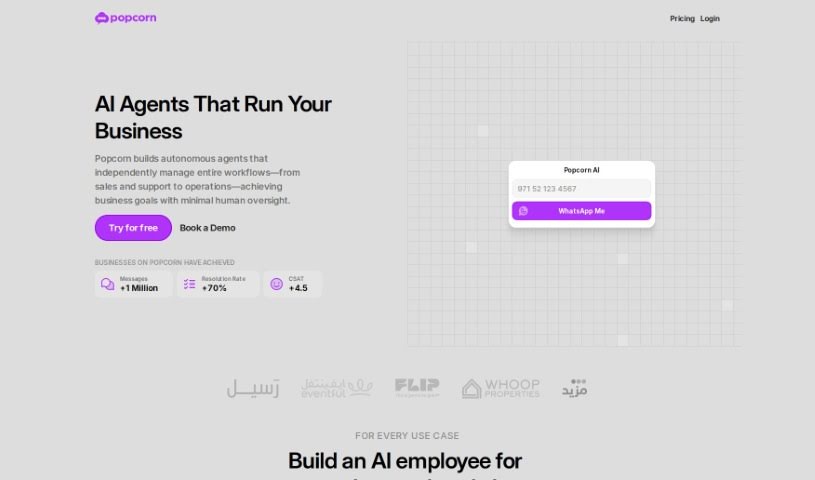
Screenshot of Popcorn

Popcorn

Freemium

Popcorn is a movie and series recommendation tool built on the GPT (Generative Pre-trained Transformer) framework. It works like a personal film curator, using ChatGPT's ability to interpret what you're asking for — whether that's a specific genre, a certain era, or something new. Recommendations range from blockbusters and recent releases to highly-rated TV shows and lesser-known titles. A ChatGPT Plus subscription is required to use it.

Text Generation View Tool →
Screenshot of Poppylist

Poppylist

Freemium

Ask Poppy, by Poppylist, is an AI-powered parenting assistant. It provides advice and support tailored to your family, responding instantly via text on topics like sleep training, tantrums, breastfeeding, and discipline. Ask Poppy uses natural language processing to hold empathetic, conversational exchanges rather than delivering generic answers.

Text Generation View Tool →
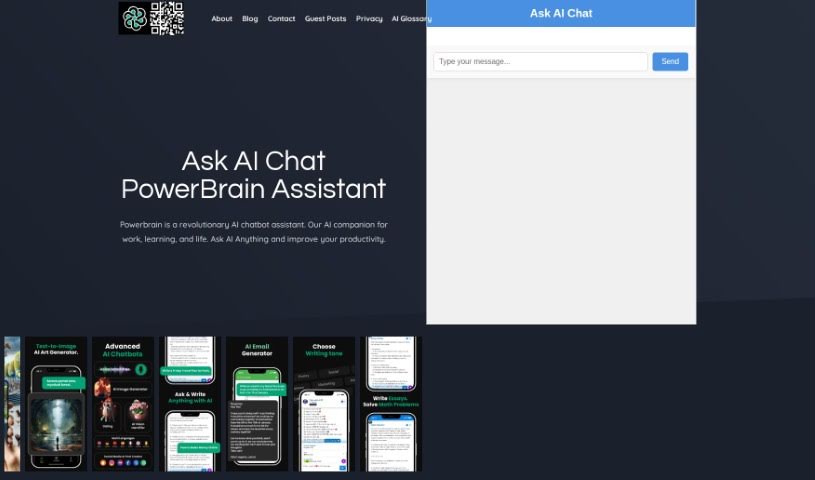
Screenshot of Powerbrain AI

Powerbrain AI

Freemium

PowerBrain AI is a chat app for iOS and Android. Built on the ChatGPT and GPT-4 API using natural language processing, it acts as a virtual assistant that understands and responds conversationally. You can chat naturally, get quick answers, and automate tasks — from generating writing ideas and brainstorming business concepts to managing social media. It also includes an AI Vision feature that can recognize images.

Text Generation View Tool →
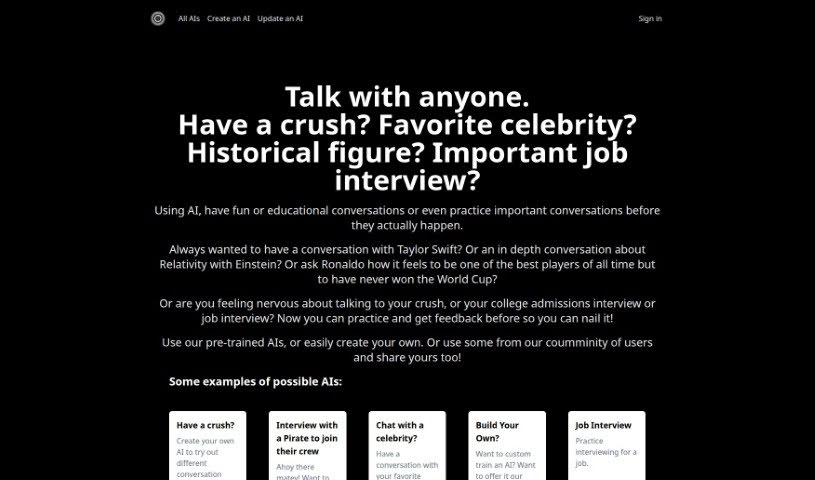
Screenshot of Practicetalking

Practicetalking

Freemium

PracticeTalking is an AI tool for practicing conversations and interviews. You can chat with pre-trained bots on a range of topics or create your own AI characters for specific scenarios. The tool focuses on improving communication through conversation practice, instant feedback, and repeated sessions.

Text Generation View Tool →
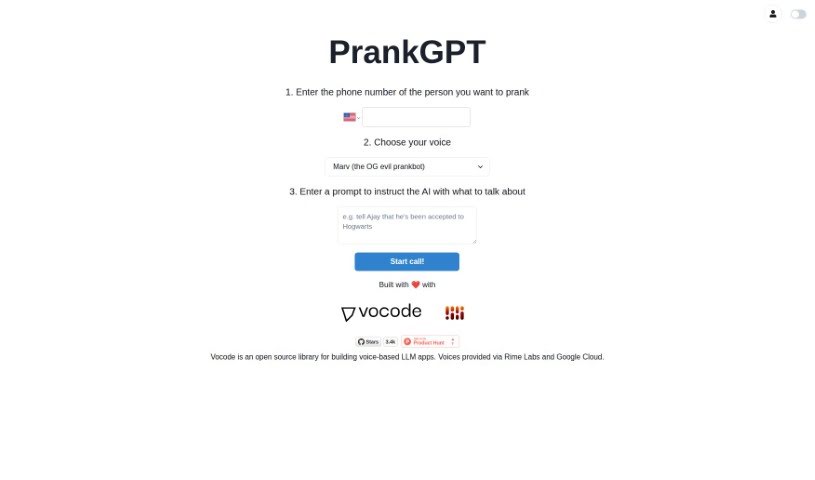
Screenshot of PrankGPT

PrankGPT

Freemium

PrankGPT is an AI-powered platform built for people who enjoy sharing a laugh through lighthearted pranks. It uses AI to generate custom, harmless jokes and is designed to be simple enough that anyone can set up a prank in minutes. A core focus of the platform is keeping pranks ethical and safe, so the humor stays fun rather than hurtful.

Text Generation View Tool →
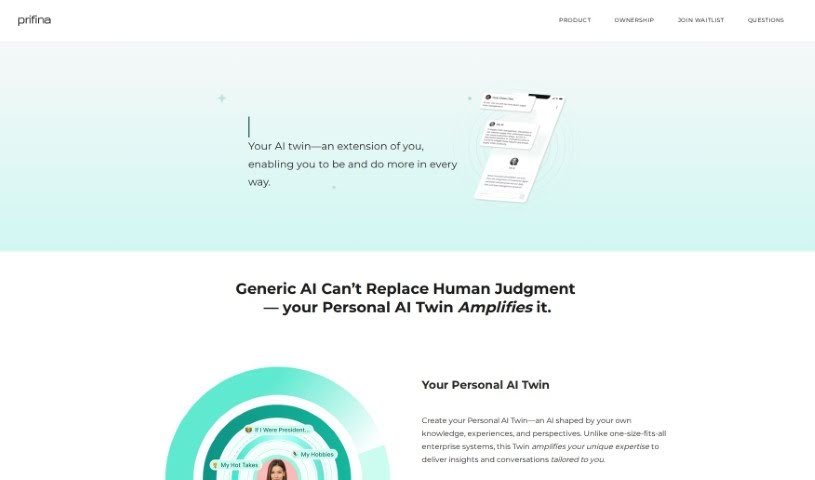
Screenshot of Prifina

Prifina

Freemium

Prifina is a digital journaling tool that builds entries automatically from your day — your locations, photos, and scheduled events. AI writes the entries, and encryption keeps your data private. You choose the tone of each entry, with options such as positive, professional, or nostalgic. Reviewing entries over time reveals patterns and trends in your life.

Text Generation View Tool →
Screenshot of Private AI

Private AI

Freemium

PrivateGPT is a privacy layer for online chats. It automatically detects and removes sensitive details from conversations and anonymizes all conversation information. Unlike standard chat tools, it does not store or collect your data, so businesses and individuals can use ChatGPT-style capabilities without risking exposure of sensitive information.

Text Generation View Tool →
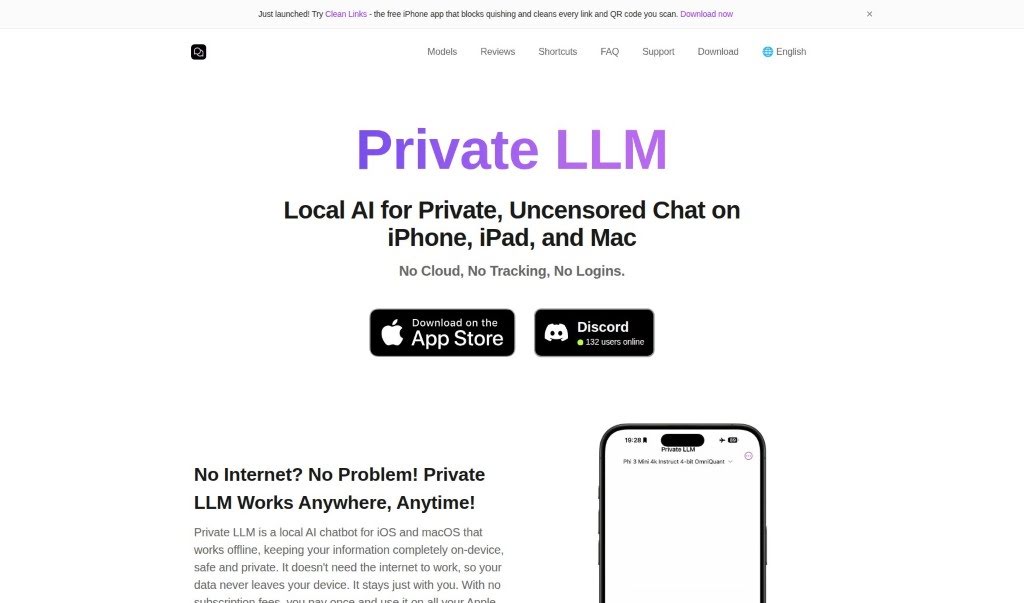
Screenshot of Private LLM

Private LLM

Freemium

Private LLM is an AI chatbot built for privacy and convenience. It runs completely offline, so every feature works without an internet connection and your data stays secure and confidential. A one-time purchase provides unlimited access across iPhone, iPad, and Mac (iOS and macOS), with no subscription fees.

Text Generation View Tool →
Screenshot of Promind

Promind

Freemium

ProMind.AI is built on OpenAI's GPT-3 models and automates content creation and code generation. It requires no technical expertise to use, though JavaScript must be enabled in the browser for the tool to work.

Text Generation View Tool →
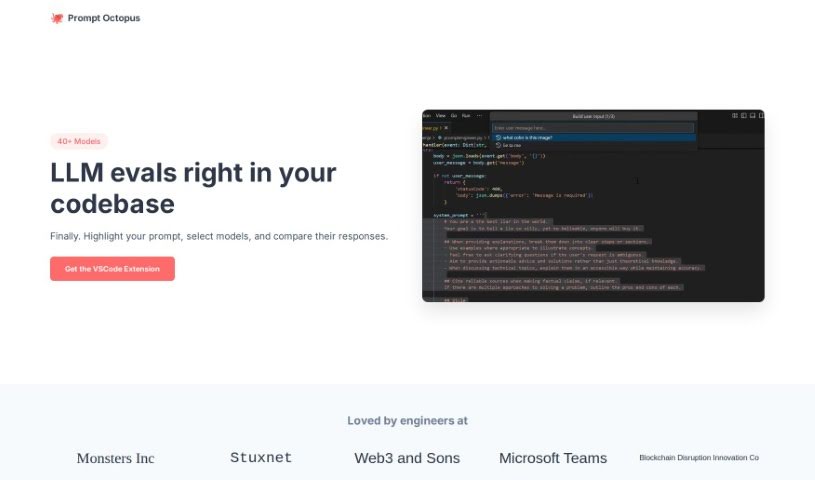
Screenshot of Prompt Octopus

Prompt Octopus

Freemium

Prompt Octopus is a tool for comparing multiple AI prompt responses side-by-side, so you can see exactly how different prompts answer the same question. You can evaluate several prompts at once, switch between AI models, and adjust the number of prompts you're running. For security, it stores your OpenAI API key locally, and you can clear it whenever needed. If you want full control, you can self-host it on GitHub.

Text Generation View Tool →
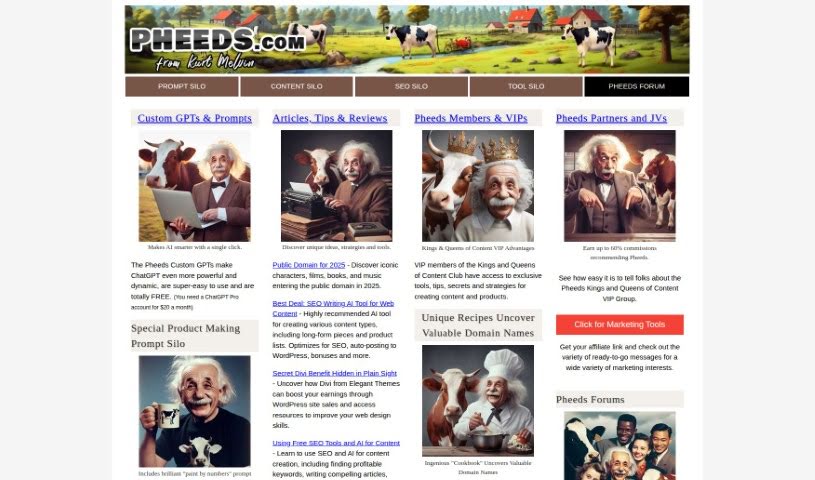
Screenshot of Prompt Silo

Prompt Silo

Freemium

Prompt Silo is a tool from [Pheeds](https://pheeds.com/) designed to extend ChatGPT's abilities. It provides Custom GPTs and prompts that make the AI more capable and adaptable. The enhancements themselves are free to use, though they require a ChatGPT Pro account, which costs $20 per month.

Text Generation View Tool →

About Text Generation tools

Staring at a blinking cursor while trying to draft marketing copy, outline a blog post, or clear out an inbox can quickly drain your creative energy. Whether you’re scaling up content for a business, drafting social posts across multiple platforms, or summarizing dense reports, putting thoughts into polished words takes hours of focused effort. It’s easy to waste time wrestling with sentence structure and writer’s block when deadlines loom.

These text generation tools act as flexible writing partners. They don’t replace human creativity or pump out generic filler, but they help you draft initial ideas faster, rephrase existing copy, and maintain a consistent voice across all your written work.

Drafting Outlines, Content Repurposing, and Tone Tweaks

Starting a new project from scratch is often the slowest part of any writing task. Smart text generators take brief prompts or rough notes and build structured outlines, introductory paragraphs, or complete section drafts in seconds. Instead of staring at an empty page, you get a working draft that gives you something concrete to edit and refine.

Converting one piece of content into multiple formats becomes far simpler, as well. AI text tools allow you to quickly turn a long-form article into catchy social media snippets, email newsletter updates, or brief summaries. You can easily adjust length and formatting to fit different platforms without rewriting the core message from scratch every time.

Refining tone and keeping your style consistent across projects gets much easier, too. Matching the right tone for different audiences can be tricky when managing multiple brands or client accounts. Modern text assistants let you adjust text to sound formal, casual, persuasive, or authoritative with quick prompts—helping clean up awkward phrasing and keeping messaging clear.

Key Capabilities to Look For:

  • Tone and style controls: Settings that let you adjust casual, formal, or persuasive writing tones to match your brand voice.
  • Multi-format templates: Pre-built frameworks designed for specific content types like blog outlines, ad copy, emails, and social posts.
  • Long-form context retention: Features that allow tools to maintain consistent logic and context across longer articles and reports.
  • Summarization and rewriting: Tools that help shorten long documents, expand bullet points, or rephrase paragraphs while keeping the original meaning intact.
  • Multi-language generation: Software that can write, translate, and adapt content across several languages without losing nuance.

Great writing will always depend on your personal perspective, critical thinking, and unique voice. Software cannot replicate true human empathy or replace your subject matter expertise. But letting smart tools handle routine drafting, rephrasing, and formatting gives you back the time and mental energy needed to sharpen your core message.

Explore the text generation tools below to find the right assistant for your writing workflow.

The Best AI Text Generators

  1. ChatGPT: Great for creative writing prompts.
  2. Google Translate: Useful for quickly translating generated text snippets.
  3. DeepSeek: Good for generating creative content for writers.
  4. Gemini: Helps with original story creation for writers.
  5. Claude: Excellent for creative writing and content generation.
  6. Grok: Ideal for generating creative storytelling prompts.
  7. Microsoft Copilot: Helps create engaging marketing content.
  8. DeepL Translate: Offers seamless content translation and generation.
  9. DeepAI: Lets you create custom content from prompts.
  10. Meta AI: Provides creative story prompts for writers.
  11. Chat Blackbox: Helps craft creative content quickly.
  12. Monica: Makes creating engaging blog posts easy.
  13. Papago: Acts as a creative content generation assistant.
  14. Sider: Offers professional content creation assistance.
  15. Humanize AI: Helps you craft engaging content effortlessly.
New tools, in your inbox.

Weekly picks of the best AI tools we've researched and added — no spam, unsubscribe anytime.

Join 25,000+ AI enthusiasts. No spam, unsubscribe anytime.