AI Software Development Tools

AI Tools for Software Development

Discover the best Software Development AI tools to enhance your productivity and creativity.

Page 10 of 23 • 269 total tools
Screenshot of GPT-AdBlocker

GPT-AdBlocker

Freemium

GPT-AdBlocker is a browser extension that uses the GPT-4 model to block ads and sponsorships in YouTube videos and across other websites. It handles pre-roll ads, banners, pop-ups, in-video ads, and trackers from services like Google Analytics, and runs in the background without slowing down browsing.

Software Development View Tool →
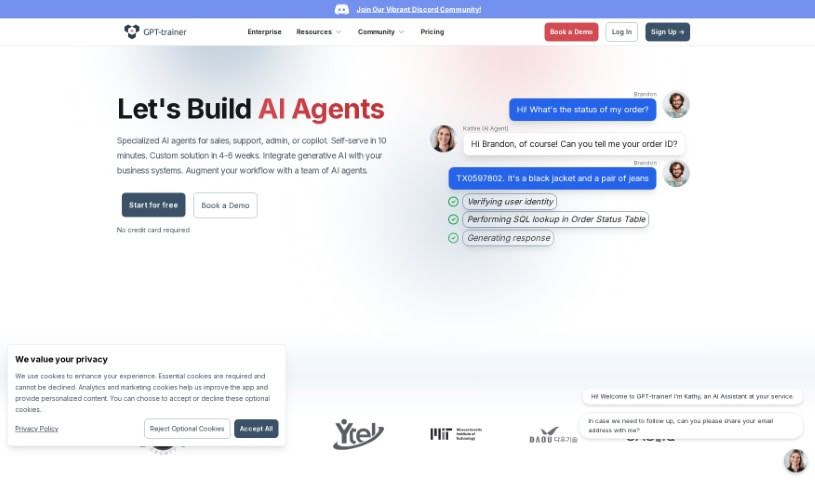
Screenshot of GPT-trainer

GPT-trainer

Freemium

GPT-Trainer is a no-code platform for building AI assistants for your website. It lets you deliver personalized information to visitors without writing any code. Use cases include handling customer questions, assisting with HR tasks, and translating languages. The AI is trained on your own data, so responses are tailored to your content, and the platform provides detailed analytics on how visitors interact with your chatbot. It also integrates with popular platforms.

Software Development View Tool →
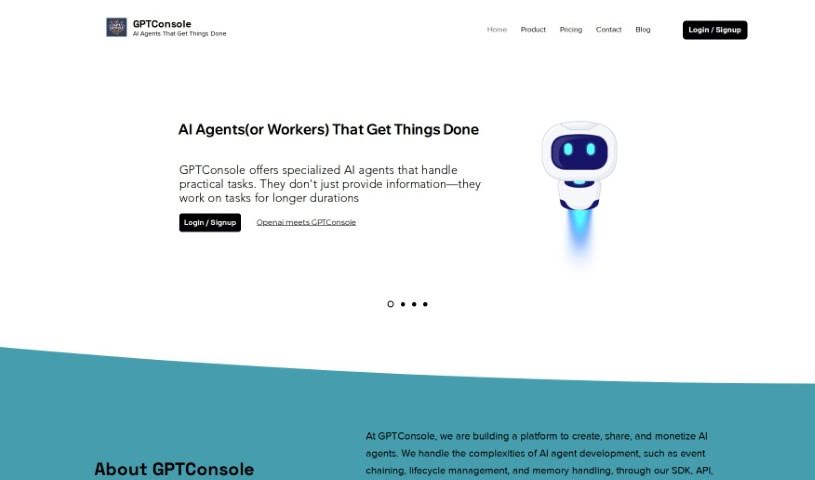
Screenshot of GPTConsole

GPTConsole

Freemium

GPTConsole is a platform that helps developers create web and mobile applications more efficiently. It offers an NPM package that automates web tasks using prompts, such as filling out forms, interacting with webpages, and extracting data. The package installs locally, making it accessible to developers at any skill level.

Software Development View Tool →
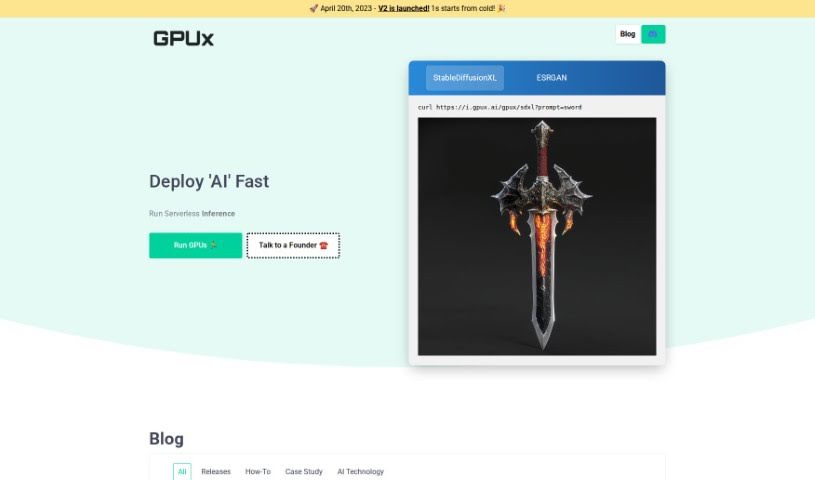
Screenshot of GPUX AI

GPUX AI

Freemium

GPUX AI is a system built to improve GPU performance. It monitors real-time data and user interaction, then adjusts GPU settings on the fly to match the workload. By continuously learning and adapting, it aims to deliver faster processing and better resource utilization for both gaming and heavy computational jobs.

Software Development View Tool →
Screenshot of GradientJ

GradientJ

Freemium

GradientJ is an AI toolkit for building and managing Natural Language Processing (NLP) applications, particularly those built on Large Language Models (LLMs) like GPT-4. It covers the full lifecycle: developing and integrating LLMs, fine-tuning, testing performance, deploying, and managing applications over time.

Software Development View Tool →
Screenshot of Graphlit

Graphlit

Freemium

Graphlit is an API-first platform for developers building AI-powered applications that work with unstructured data. It provides cloud infrastructure and automates backend data workflows: ingestion, knowledge extraction, semantic search, and integration with other systems via webhooks.

Software Development View Tool →
Screenshot of Greptile

Greptile

Freemium

Greptile helps developers get up to speed on codebases they're not familiar with. You ask questions about the code, and it returns direct answers, making it easier to understand what different parts of a codebase do and how they fit together.

Software Development View Tool →
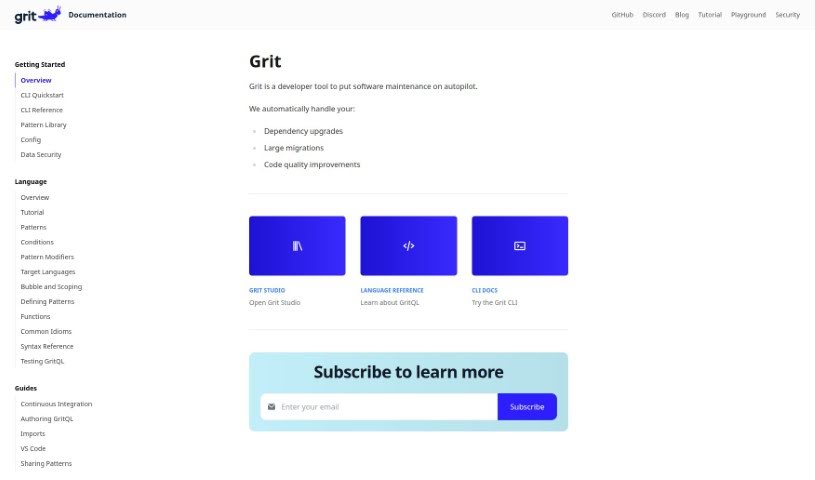
Screenshot of Grit.io

Grit.io

Freemium

Grit.io is an AI tool that automates fixing technical debt in code. It combines static analysis with machine learning to generate pull requests that clean up code and migrate it to newer frameworks. Common migration tasks include converting JavaScript to TypeScript, transforming class components into functional components, upgrading JavaScript to arrow functions, and migrating AngularJS projects to Angular. According to the company, Grit.io can complete these migrations up to 10 times faster than doing them manually.

Software Development View Tool →
Screenshot of Hermae Ai

Hermae Ai

Freemium

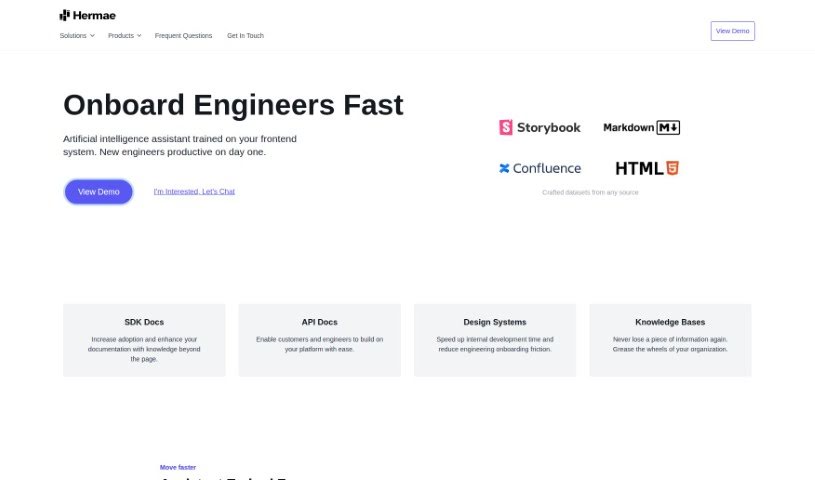
Hermae AI is an AI assistant built for businesses, designed to make design systems run more smoothly. It speeds up development, helps new engineers get up to speed, and synthesizes large volumes of documentation. It provides immediate feedback, generates code, and supports adoption of front-end systems — all while embedding directly into your existing documentation sites.

Software Development View Tool →
Screenshot of heyCLI

heyCLI

Freemium

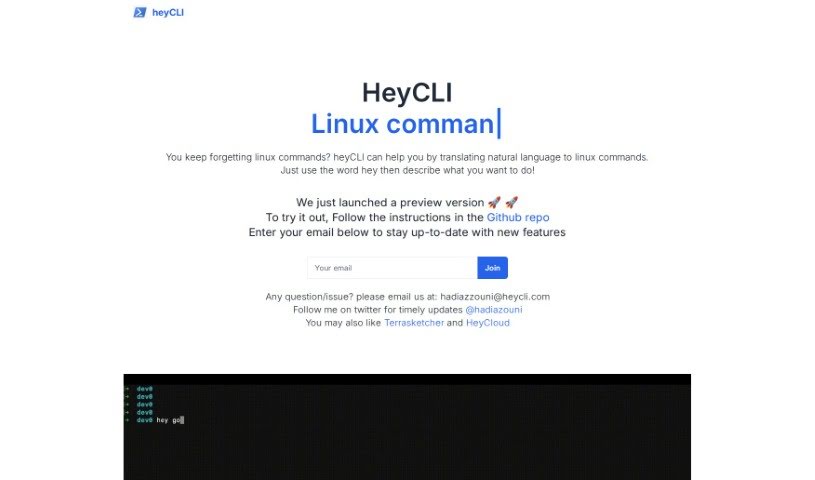
HeyCLI lets you run Linux commands by typing in plain English. Instead of memorizing command syntax, you describe what you want to do, and HeyCLI translates it into the correct Linux commands. You can move between folders, create or delete files, install or remove software, and change permissions. As you type, it offers autocomplete suggestions and explains what each command does, with examples.

Software Development View Tool →
Screenshot of HoneyHive

HoneyHive

Freemium

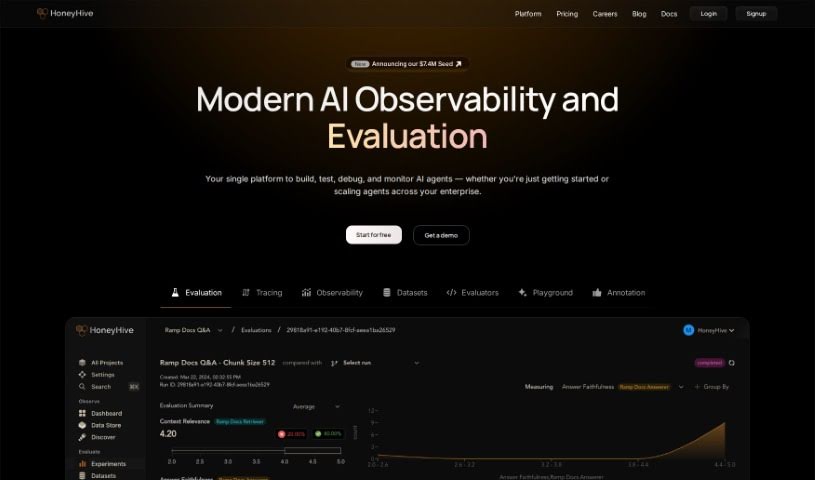
HoneyHive is an AI developer platform that helps teams securely deploy and improve LLMs in production. It works with any model, framework, or environment, and includes tools for monitoring and evaluating LLM agents to ensure performance and quality. Features include offline model evaluation, monitoring, collaborative prompt engineering, debugging, evaluation metric tracking, and model version management.

Software Development View Tool →
Screenshot of Horseman

Horseman

Freemium

Horseman is a web crawling tool for extracting data from websites. It features GPT3.5 integration for content analysis, over 120 pre-built JavaScript snippets, and an AI assistant that can build custom snippets without any coding. It runs on Windows, Mac OS (Intel and M1/M2), and Linux. Sponsoring the project through GitHub unlocks Early Bird Pricing and perks such as early access to new features.

Software Development View Tool →

About Software Development tools

Staring at a terminal screen at two in the morning while trying to trace a subtle memory leak or decipher a cryptic build stack trace can test any developer’s patience. (I once spent four straight hours hunting down a bug in an API integration, only to discover a missing comma in a JSON config file.) Between writing repetitive boilerplate, untangling legacy codebases, updating dependencies, and building out test coverage, everyday coding tasks often keep you away from solving core logic problems.

These development platforms act as high-speed pair programmers for software engineers, web developers, system architects, and open-source contributors. They write routine code, catch edge cases, and explain unfamiliar syntax in seconds without replacing human logic, algorithmic thinking, or system design choices.

Code Completion, Legacy Refactoring, and Automated Tests

Accelerating daily coding tasks and generating boilerplate code turns ideas into working software much faster. Writing repetitive CRUD endpoints, database schemas, or API wrapper functions by hand eats up valuable sprint hours. Modern AI coding assistants auto-complete functions, suggest context-aware logic based on your existing codebase, and turn plain English comments into tested functions right inside your favorite editor.

Debugging complex errors and refactoring legacy systems becomes far less tedious. Trying to trace how a massive legacy module works or figuring out why a specific build failed often leads to endless web searches. Intelligent development agents scan your repository structure, pinpoint failing lines of code, explain the root cause in simple terms, and offer clean refactoring suggestions that preserve your application’s original intent.

Writing unit tests and generating documentation keeps codebases healthy without extra overhead. Most developers love building features, but few enjoy writing test suites or updating API docs. AI development tools analyze your code pathways, generate comprehensive test cases that cover tricky edge cases, and auto-generate inline documentation, ensuring your project remains maintainable for your entire team.

Key Capabilities to Look For:

  • Context-aware code completion: Systems that read your entire project repository to suggest code that matches your existing patterns and conventions.
  • Interactive terminal and chat assistants: Tools that let you ask questions about your codebase, debug stack traces, and run terminal commands directly from your IDE.
  • Automated test and doc generation: Features that automatically create unit tests, integration scenarios, and inline docstrings for your functions.
  • Multi-language and framework support: Software that works smoothly across Python, JavaScript, TypeScript, Rust, Go, SQL, and popular web frameworks.
  • Privacy and repository security controls: Platforms built with strict security models that ensure your proprietary code remains private and is never used to train external models.

Building great software will always depend on human problem-solving, architectural vision, and a deep understanding of user needs. Software can suggest a function, flag a syntax error, or draft a unit test, but designing scalable architecture and making core system choices requires your developer brain.

Browse the software development tools below to upgrade your engineering stack.

The Best AI Software Development Tools

  1. Continue.dev: Open source assistant that brings ChatGPT into VS Code for code generation and editing.
  2. Sourcegraph Cody: AI coding assistant for writing and understanding code across a repository.
  3. CodeAssist: Works inside JetBrains IDEs and VS Code, so it fits an editor you already use.
  4. Aider Chat: Pair programming tool that edits code directly in your local git repository.
  5. Bloop: Open source assistant for searching, navigating and understanding an existing codebase.
  6. Greptile: Ask plain questions about any GitHub repository and get direct answers.
  7. Wolfia: Finds answers in codebases from plain-English questions, with automated search.
  8. DoWhile AI: Browser-based assistant for searching and understanding large codebases.
  9. CodeAnt AI: Finds and fixes code issues and reviews pull requests automatically.
  10. Codereviewbot: Reviews GitHub pull requests and flags bugs and security issues.
  11. What The Diff: Writes pull request descriptions and summaries for reviewers.
  12. Metabob: Code review tool that detects, explains and fixes coding problems.
  13. CodeThreat: SAST analysis that finds and fixes security weaknesses in code.
  14. Snyk Deepcode AI: Security engine that finds, fixes and prioritises vulnerabilities.
  15. Pixee AI: Pixeebot automatically finds and fixes code vulnerabilities.

New tools, in your inbox.

Weekly picks of the best AI tools we've researched and added — no spam, unsubscribe anytime.

Join 25,000+ AI enthusiasts. No spam, unsubscribe anytime.