AI Tools for Professionals

AI Tools for Professionals

Discover the best Professionals AI tools to enhance your productivity and creativity.

Page 5 of 32 • 384 total tools
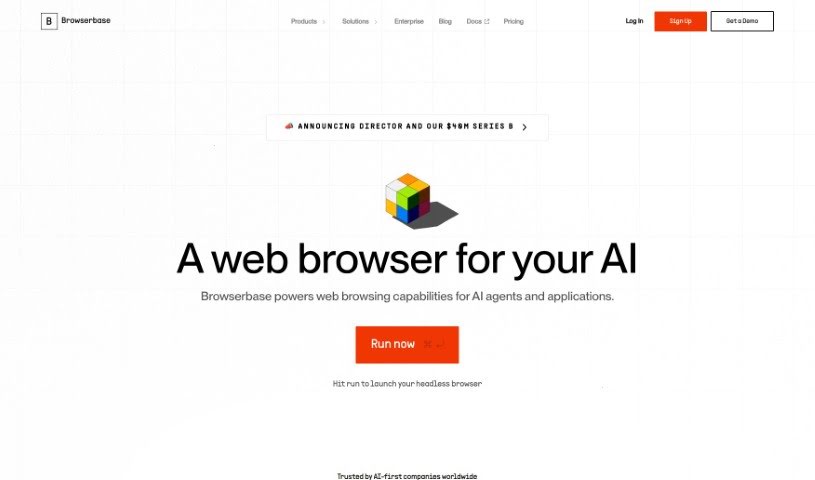
Screenshot of Browserbase

Browserbase

Freemium

Browserbase is a browser infrastructure service for developers. It provides browser instances that automatically scale up or down as needed, so you can focus on writing code instead of managing browser infrastructure. The instances include stealth features that let AI agents navigate complex web pages without being detected, behaving like a real user. Debugging feels like Chrome DevTools, and when a task is too complex for the AI, the Live Session View feature lets a human step in and take over.

Professionals View Tool →
Screenshot of BuildKeeper

BuildKeeper

Freemium

BuildKeeper is a construction management platform built for small to mid-sized businesses. Its focus is on simplicity, affordability, and automation: projects live in one central hub, supported by straightforward tools for tasks, budgets, notes, and expenses. The aim is to cut down on manual work, keep financial details from slipping through the cracks, and give businesses tighter control over their money.

Professionals View Tool →
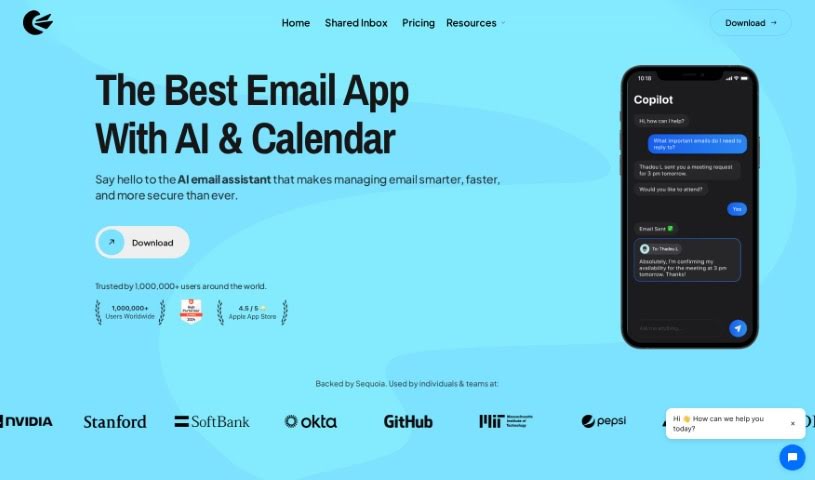
Screenshot of Canary Mail

Canary Mail

Freemium

Canary Mail is an email management tool that uses AI to make handling your inbox more efficient. It learns your email habits and adapts to your preferences. Its intelligent writing assistant helps you compose emails with suggestions for sentence structure, grammar, and content ideas — useful when writing professional or persuasive messages.

Professionals View Tool →
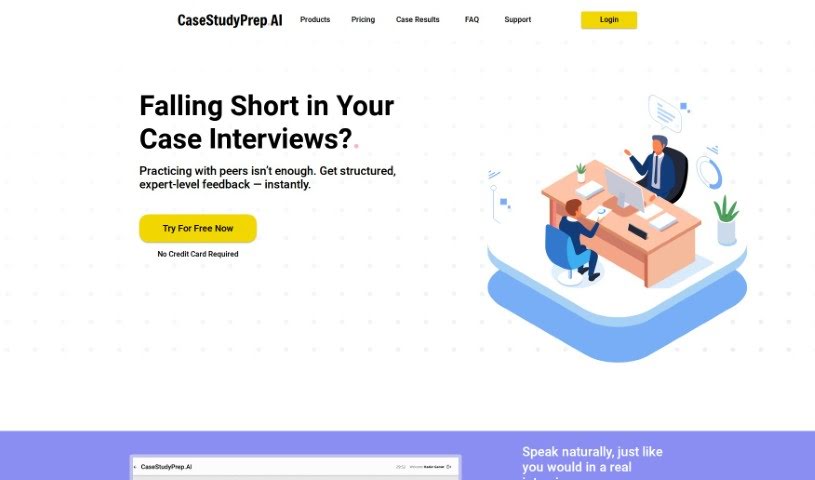
Screenshot of Case Study Prep AI

Case Study Prep AI

Freemium

CaseStudyPrep.AI is an AI-powered tool for preparing for case study interviews. It runs voice-based simulations that mimic how real consulting interviewers behave, provides personalized feedback on your responses, and draws on strategies used by top consulting firms. You can start with a free case interview before upgrading for more in-depth preparation, and a metric system displays the tool's popularity and usage levels.

Professionals View Tool →
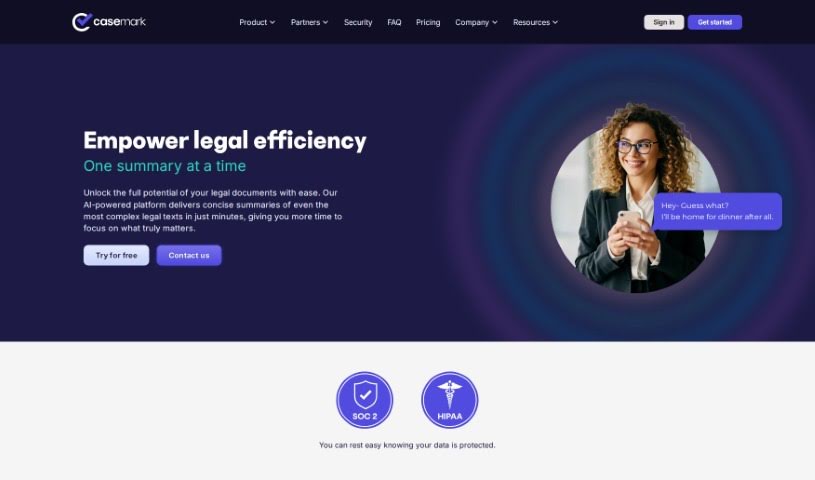
Screenshot of CaseMark AI

CaseMark AI

Freemium

CaseMark AI is a workflow platform built for the legal industry that uses artificial intelligence to handle routine, document-heavy tasks. It generates case summaries, assists with matter profiling, drafts immigration reference letters, summarizes depositions, and reviews contracts, running on AI models such as GPT-3.5-turbo and GPT-4.

Professionals View Tool →
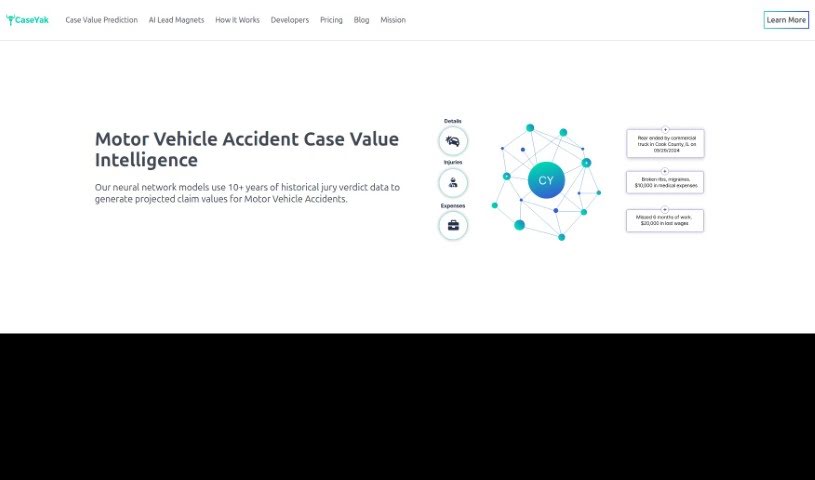
Screenshot of CaseYak

CaseYak

Freemium

CaseYak is an AI assistant that estimates the value of personal injury claims. It compares the details you provide about an accident against a database of past jury verdicts. You input information about the accident, your injuries, medical expenses, and lost wages, and the tool produces a quick estimate.

Professionals View Tool →
Screenshot of Castello

Castello

Freemium

Castello is an AI chatbot developed by Transcrypts Inc. It is designed to empower investors with instant access to deep financial insights, drawing on 10-K forms, stock performance data, and economic trends. The goal is to cut down the research time normally required for financial analysis and make complex financial decisions simpler.

Professionals View Tool →
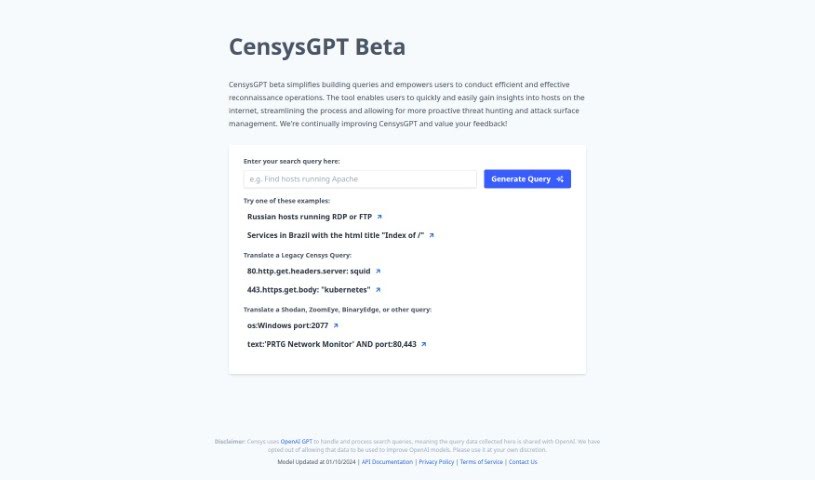
Screenshot of CensysGPT Beta

CensysGPT Beta

Freemium

CensysGPT Beta is a tool designed to strengthen cybersecurity reconnaissance by simplifying query building. It gives users easy access to information about internet hosts, supporting proactive threat hunting and attack surface management. The tool runs on OpenAI GPT technology, enabling more efficient analysis of internet hosts.

Professionals View Tool →
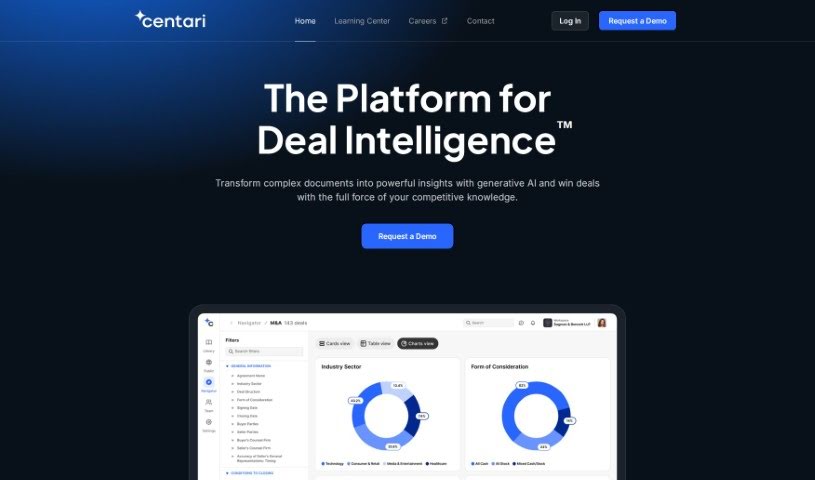
Screenshot of Centari

Centari

Freemium

Centari is a secure legal AI platform built to make deal-focused legal teams more efficient. It combines large language models (LLMs) with legal precedents and acts as an assistant for lawyers. Users can draft documents directly inside Microsoft Word and search a large library of standard legal language and clauses with AI.

Professionals View Tool →
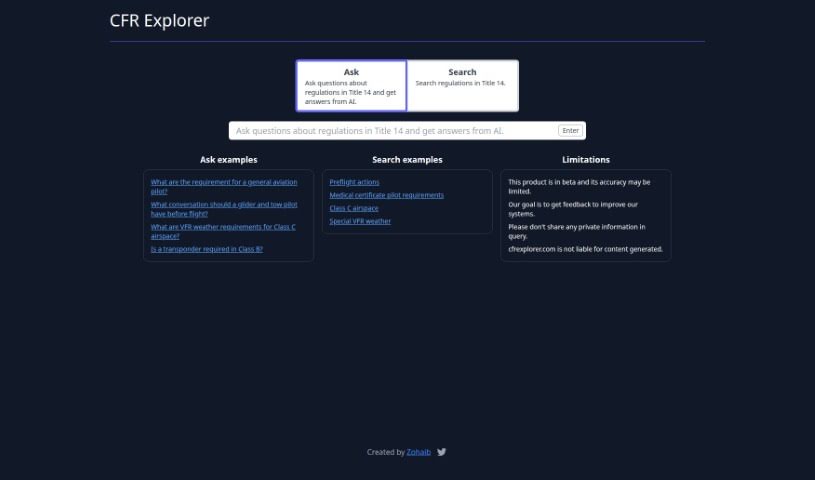
Screenshot of Cfr Explorer

Cfr Explorer

Freemium

CFR Explorer is a tool designed to help pilots find and understand aviation regulations, particularly those in Title 14. It uses AI to answer questions with clear, straightforward responses about aviation laws, helping pilots stay compliant and fly safely.

Professionals View Tool →
Screenshot of Channel 1 AI

Channel 1 AI

Freemium

Channel 1 AI is a personalized global news network built with generative AI. It aggregates news from various sources, reports on events worldwide, and tailors the experience to each viewer's interests. Content is customizable and interactive, and the service improves over time based on viewer feedback.

Professionals View Tool →
Screenshot of Charlie News

Charlie News

Freemium

Charlie News is a personal news assistant that delivers stories tailored to your interests without overwhelming you. It pulls from a wide range of sources — independent publishers and major outlets alike — and shows different viewpoints on the same story. You can set it up for a quick rundown of the day's headlines or a deep dive into topics you care about, and it tracks stories as they develop.

Professionals View Tool →

About Professionals tools

Juggling admin work, long client threads, market research, and tight deadlines can make any workday feel chaotic. Between sorting through endless email chains, drafting client reports, prepping for back-to-back meetings, and staying current on industry trends, routine desk work easily swallows your strategic focus.

Built for consultants, business analysts, managers, and corporate strategists, these platforms act as high-speed executive assistants. They synthesize research, draft clear communications, and handle routine data analysis in seconds without replacing your industry expertise or professional judgment.

Research Synthesis, Client Communications, and Status Tracking

Synthesizing market research and long reports takes a fraction of the usual effort. Reading through a fifty-page industry analysis or a dense compliance document to pull out key metrics used to take hours. Intelligent research tools parse complex files, extract key trends, and generate executive summaries with direct source citations, giving you accurate data for your next meeting without manual scanning.

Drafting clear client communications and internal updates becomes much faster, too. Finding the right tone for an important pitch, a delicate project update, or a detailed proposal takes careful thought. AI writing assistants help turn quick bullet points into polished emails, client proposals, and executive memos, keeping your communication clear across the organization.

Automating data analysis and status tracking keeps projects moving on schedule. Keeping project boards updated while pulling insights from scattered team spreadsheets often leads to administrative bottlenecks. Smart workspace tools analyze data sheets, flag project risks, and summarize meeting action items automatically—letting you spend more time driving results and less time tracking status.

Useful Features for Knowledge Workers:

  • Document synthesis with citations: Systems that read long reports, PDFs, and spreadsheets to provide cited summaries and key takeaways.
  • Contextual tone customization: Settings that adapt drafts to match formal corporate communications, client pitches, or internal team updates.
  • Enterprise data security: Platforms built with strict encryption models that guarantee proprietary business records remain confidential.
  • Seamless workspace integrations: Extensions and plugins that work directly inside your existing email clients, document editors, and project boards.
  • Automated meeting intelligence: Tools that record call transcripts, highlight key decisions, and assign follow-up action items automatically.

A successful career will always depend on critical thinking, personal integrity, and relationship-building skills. Software can summarize a report or analyze a spreadsheet, but making crucial business decisions and leading teams requires human experience.

Take a look through the tools below to streamline your daily desk work.

The Best AI Professionals Tools

  1. Google Labs: for an AI assistant for project management tasks.
  2. UserTesting: for improving workflow tools to make users happier.
  3. What Font Is: for finding fonts in client design projects.
  4. vLex: for automating legal research.
  5. Forms.app: for making client feedback collection simpler.
  6. CrowdStrike: for endpoint protection for teams working remotely.
  7. Flyhomes: for thorough market analysis.
  8. Katalon: for automating tests for professional software tools.
  9. BlockSurvey: for easier team collaboration on surveys.
  10. Viact: for AI-powered tools tracking and management.
  11. 15-Minute plan AI: Generates presentation-ready business plans.
  12. Hiver: for simpler team email collaboration.
  13. Gamma.AI: for real-time collaboration alerts.
  14. REimagine Home: for AI space planning for real estate professionals.
  15. ReRender AI: for smooth integration with design software.
New tools, in your inbox.

Weekly picks of the best AI tools we've researched and added — no spam, unsubscribe anytime.

Join 25,000+ AI enthusiasts. No spam, unsubscribe anytime.