AI Data Visualization Tools

AI Tools for Data Visualization

Discover the best Data Visualization AI tools to enhance your productivity and creativity.

Page 8 of 14 • 166 total tools
Screenshot of LayerNext

LayerNext

Freemium

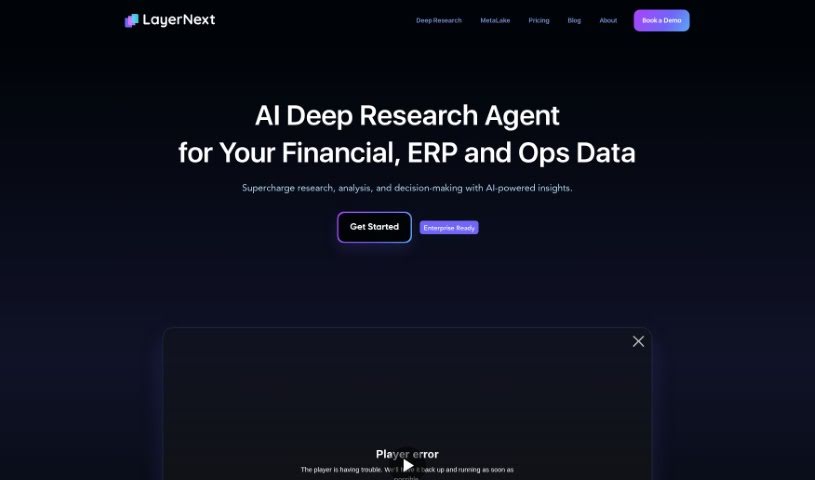
LayerNext is an end-to-end platform for managing data in computer vision projects. It serves as a central hub for collecting, organizing, labeling, and searching large volumes of computer vision data.

Data Visualization View Tool →
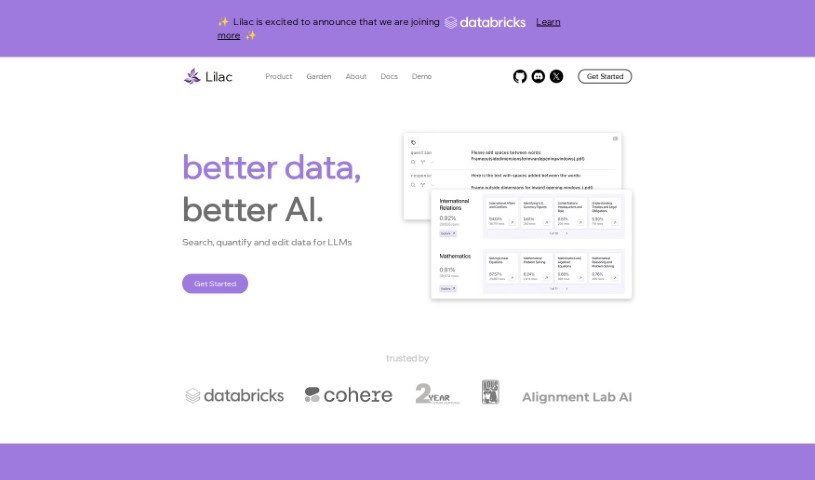
Screenshot of Lilac

Lilac

Freemium

Lilac is a data platform designed for AI and data professionals. Its goal is to help improve data quality and make AI products better, with tools for clustering, searching, editing, and detecting issues in data.

Data Visualization View Tool →
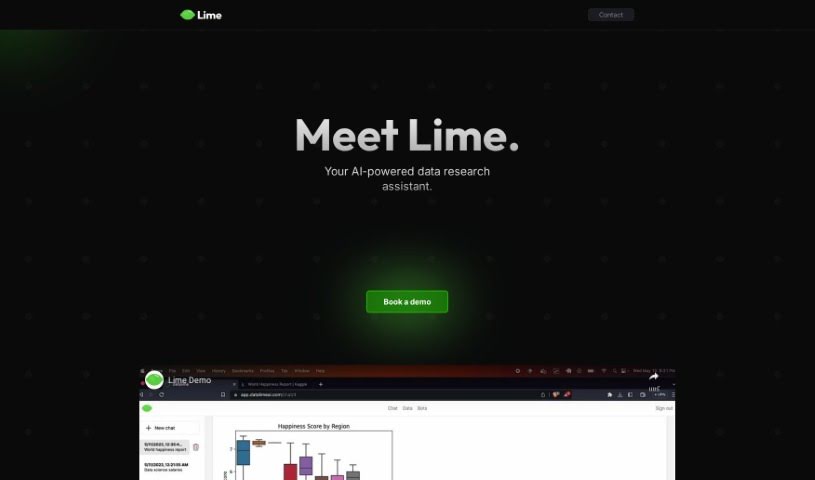
Screenshot of Lime Ai

Lime Ai

Freemium

Lime AI is an AI-powered assistant built to simplify data research and make analysis more efficient. It combines machine learning and natural language processing (NLP) to surface insights quickly, and its interface makes it easier to spot patterns, trends, and connections in your data. It targets both businesses and individuals who want complex data analysis to be more straightforward.

Data Visualization View Tool →
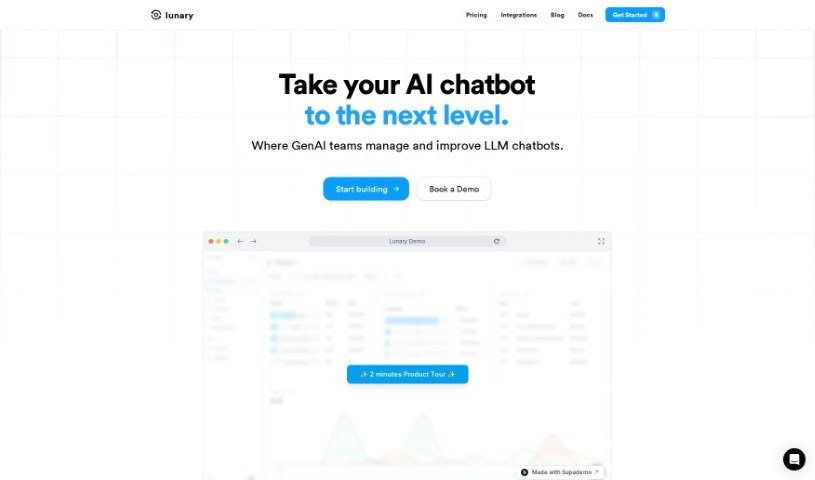
Screenshot of Lunary

Lunary

Freemium

Lunary (also known as LLMonitor) is an observability and logging platform for AI agents and chatbots built on the LLM framework. It gives developers visibility into how their agents behave, how they perform, and how users interact with them.

Data Visualization View Tool →
Screenshot of Magic Dash AI

Magic Dash AI

Freemium

Magic Dash AI is an analytics assistant that works like ChatGPT for your databases. You ask questions in plain English and get insights from your data without writing any code. It connects to databases like Airtable and MongoDB and visualizes your data quickly, saving the time and resources you'd otherwise spend writing queries. A 7-day free trial is available, and users often highlight how much it simplifies data visualization, especially for analyzing key performance indicators (KPIs).

Data Visualization View Tool →
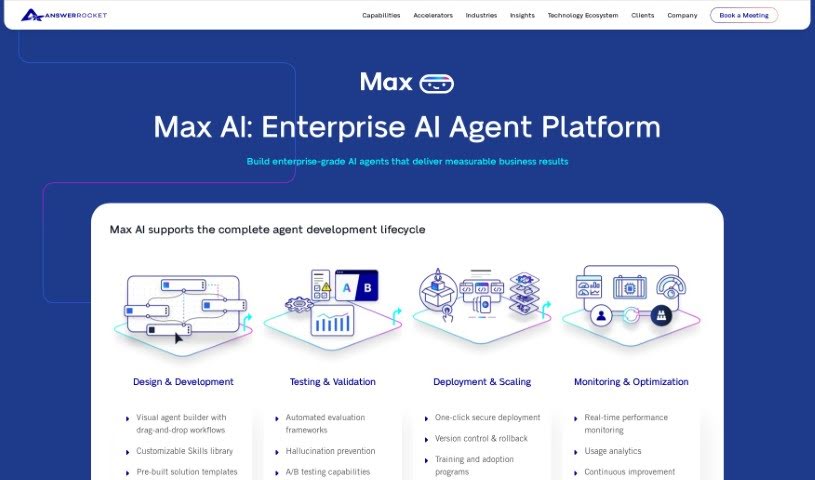
Screenshot of Max

Max

Freemium

Max is an AI-powered data analysis assistant built to make working with data simpler and faster. It uses GPT-3.5 Turbo combined with AnswerRocket's analytics technology to sort through data quickly and offer useful analysis suggestions. Its interface is designed to be easy to use, turning complicated data into clear, understandable stories.

Data Visualization View Tool →
Screenshot of Medoo

Medoo

Freemium

Medoo is coaching software built to improve the coaching process for both coaches and the people they coach. It focuses on increasing engagement, making progress visible, and keeping coachees on track.

Data Visualization View Tool →
Screenshot of Metis by Amazon

Metis by Amazon

Freemium

Metis is a browser-based AI assistant developed by Amazon's AGI team. It runs on Amazon's own Olympus model and answers text- and image-based questions in a conversational format.

Data Visualization View Tool →
Screenshot of Morph

Morph

Freemium

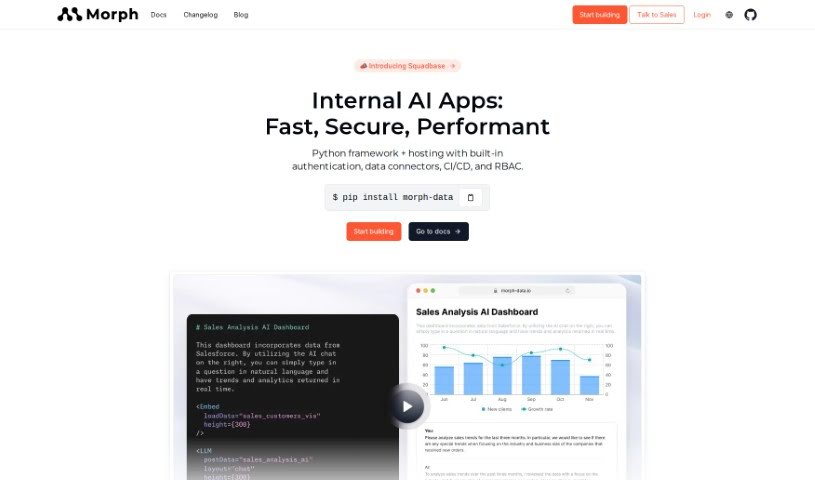
Morph is a no-code, all-in-one data studio. It provides a single platform for storing, managing, analyzing, visualizing, and sharing data, and it includes Morph AI, an AI assistant that handles data tasks such as querying data, creating visualizations, generating reports, building data pipelines, and transforming data using SQL or Python.

Data Visualization View Tool →
Screenshot of Myko AI

Myko AI

Freemium

Myko AI is an AI-powered platform that makes data access simpler for individuals and organizations. It helps you find, analyze, and use information to make better decisions. Data security is a priority: data is encrypted, and your information won't leak to public AI models. Myko AI also offers team collaboration within tools you already use, such as Slack — you can even update Salesforce data directly from Slack — and builds custom AI models trained on your company's data.

Data Visualization View Tool →
Screenshot of MyLens AI

MyLens AI

Freemium

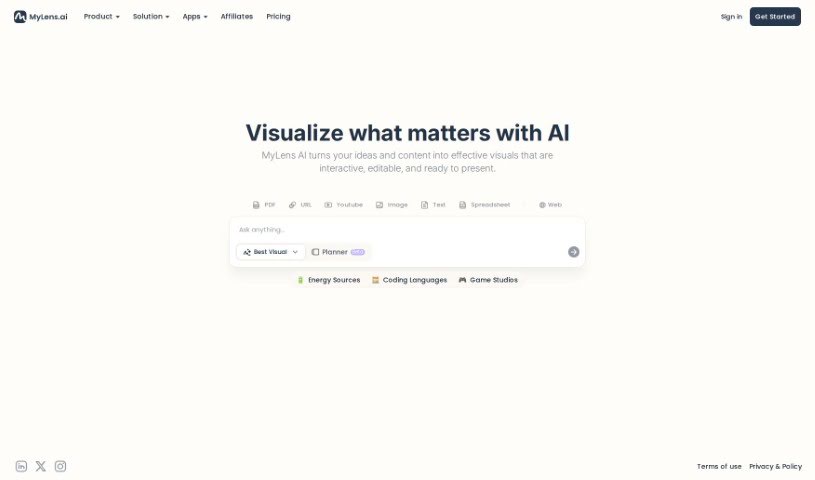
MyLens AI is an AI data assistant, called Klarence, built by DataMotto. It simplifies complex data by suggesting useful questions to ask your data and automatically writing code for custom queries. Klarence supports Python, R, and SQL, and lets you share reports, connect different data sources, and focus your data for clearer insights.

Data Visualization View Tool →
Screenshot of NativeBI

NativeBI

Freemium

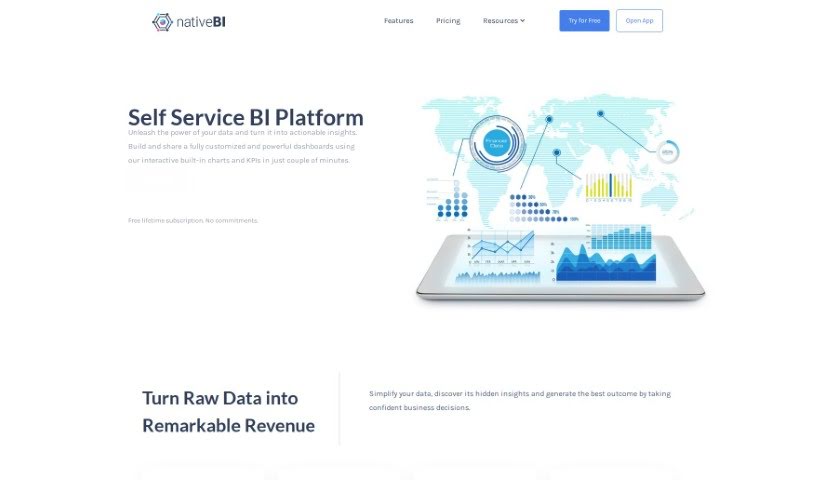
NativeBI is a self-service business intelligence platform that gives business leaders a central hub to visualize and analyze their organization's data. It consolidates internal and external sources — relational databases, spreadsheets, REST APIs, and cloud data — into interactive dashboards with key performance indicators (KPIs) and built-in charts. A data extraction engine keeps exploration up to date, and a ChatGPT-powered chat lets you ask questions about your data in plain language for quick analysis. Collaboration tools support secure sharing, unlimited viewers are included at no extra cost, and subscription plans fit companies of any size.

Data Visualization View Tool →

About Data Visualization tools

Turning raw spreadsheets into clean, compelling graphics can easily feel like a slog. You spend hours adjusting chart axes, picking color palettes, and wrestling with dashboard settings just to present last week’s performance numbers. By the time you fix the legend formatting, your presentation deadline is minutes away.

These visual platforms convert complex datasets into presentation-ready charts and dynamic dashboards without the usual design friction.

Building Visuals Without the Formatting Headache

Setting up custom dashboards traditionally meant learning complex business intelligence software or sitting through endless drag-and-drop steps. Modern visualization tools skip that hassle with simple prompt-based controls. Upload a dataset, type a request like “plot monthly recurring revenue by region,” and the system selects an effective visual layout to render an interactive chart instantly.

Selecting the wrong chart format is an easy trap (like using a crowded pie chart for time-series data). Smart visualization engines evaluate your underlying metrics and recommend the most readable layout—whether your data calls for a stacked bar chart, a scatter plot, or a heatmap.

Graphics also become easier to present because these platforms generate written narrative summaries alongside your charts. They highlight key percentage shifts, call out anomalies, and point out trends directly on the screen, saving you from typing up explanatory slides for every team review.

Features Worth Looking For

  • Natural language chart creation: Tools that let you type plain-text prompts to generate custom charts instantly.
  • Automated chart selection: Software that analyzes your dataset structure to recommend the clearest visual layout.
  • Written narrative generation: Features that provide concise text summaries and key takeaways alongside your graphics.
  • Interactive dashboard controls: Platforms that convert static charts into dynamic visual boards viewers can filter on the fly.
  • Custom brand styling: Settings that apply your company colors, typography, and logos across every generated visual.

A polished visual means very little if the underlying numbers are flawed. While algorithms format charts and suggest color scales, verifying data accuracy and framing the narrative for your audience still rests on your shoulders.

Check out the tools below to turn your raw data into clear visual stories.

The Best AI Data Visualization Tools

  1. Databricks: Great for interactive dashboards that give you sales insights.
  2. Visme: Helps you turn data into stunning visuals.
  3. Julius AI: Lets you craft dynamic graphs for clear insights.
  4. Scale AI: Useful for visualizing security threat patterns efficiently.
  5. Text Cortex: Streamlines creating visuals for reports, effortlessly.
  6. Dataminr: Offers visual analytics tools for crisis response.
  7. Rapidminer: Provides interactive dashboards for sales performance.
  8. KNIME: Offers interactive dashboards for sales analysis.
  9. Kanaries: Delivers streamlined visual insights for data trends.
  10. Piktochart AI Infographic Maker: Perfect for data dashboard infographics.
  11. Strawpoll: Lets you create engaging visual reports from polls.
  12. Powerdrill: Helps with dynamic data dashboard creation.
  13. Quadratic: Ideal for visualizing quadratic regression trends.
  14. Insightjini: Generates dynamic charts from your datasets.
  15. Aitable: Transforms data into insightful charts.
New tools, in your inbox.

Weekly picks of the best AI tools we've researched and added — no spam, unsubscribe anytime.

Join 25,000+ AI enthusiasts. No spam, unsubscribe anytime.