AI Data Visualization Tools

AI Tools for Data Visualization

Discover the best Data Visualization AI tools to enhance your productivity and creativity.

Page 7 of 14 • 166 total tools
Screenshot of Intellize

Intellize

Freemium

Intellize is an AI-powered data platform that lets you search logs, build dashboards, and set up alerts using plain English instead of code. It was launched by a team led by John Smith with the goal of providing AI tools that boost productivity and efficiency across different sectors. The platform is designed to be usable by people with varying levels of technical skill — no programming knowledge required.

Data Visualization View Tool →
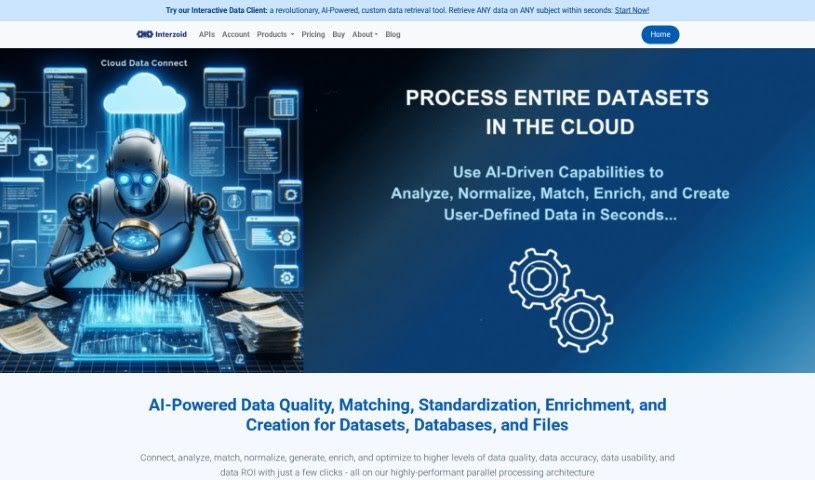
Screenshot of Interzoid

Interzoid

Freemium

Interzoid Cloud Data Connect is a cloud-based tool for improving the quality and consistency of your data. It connects to a range of data sources, including cloud databases, plain text files (CSV/TSV), and Excel spreadsheets, whether stored online or locally. A guided wizard walks you through setting up database connections, and the platform uses AI-powered algorithms to run match reports, build new tables with similarity keys, and make data cleaner and more consistent. Interzoid also offers matching API products and direct drivers for major cloud database types.

Data Visualization View Tool →
Screenshot of IvyCheck

IvyCheck

Freemium

IvyCheck is a generative analytics platform that connects your databases to AI so you can get answers and insights quickly. Its engine, Deekard, provides natural language data access: type questions in plain English and get quick replies. If you prefer a visual approach, a graphical query builder helps you refine requests, and an AI-powered SQL editor lets advanced users write and tweak queries directly. IvyCheck also makes it simple to create dashboards from your databases and share findings with your team, while handling data extraction and analysis automatically.

Data Visualization View Tool →
Screenshot of Jeda.ai

Jeda.ai

Freemium

Jeda.ai is described as the world's first all-in-one AI Visual Workspace, combining Generative AI with advanced visualization tools. It is designed to help you create, visualize, and analyze data more efficiently, enabling faster business decisions. The platform includes AI-powered features such as AI Use Cases, Template Analysis, Mind Map, Flowchart, Wireframe, Text Writer, Sticky Notes, Art generation, Data Analysis powered by DataGPT, and Document Analysis with DocumentGPT. It also offers Interactive AI Charts and Filters, Freeform AI Data Analysis, and the ability to download filtered data as a CSV file. Users report that it boosts productivity and strengthens data analysis.

Data Visualization View Tool →
Screenshot of Jua

Jua

Freemium

Jua is a weather forecasting technology built for the energy sector. It uses a proprietary "Large Physics Model" that combines millions of primary data points, innovative data sources, and artificial intelligence to produce highly precise weather predictions. The result is a significant edge in temporal and local accuracy, enabling faster, better-informed decisions in energy trading.

Data Visualization View Tool →
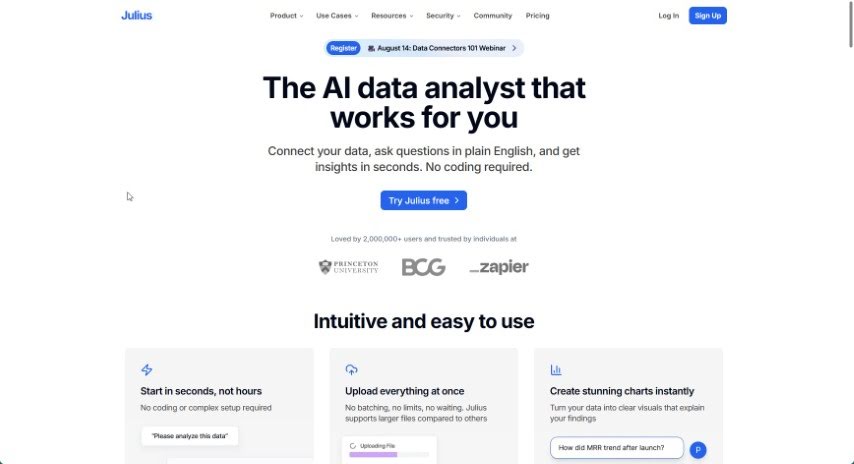
Screenshot of Julius AI

Julius AI

Freemium

Julius AI is an AI-powered data analyst that simplifies working with data. It lets you chat with your datasets, create dynamic graphs, and use advanced forecasting — all through an easy-to-use interface. This makes data analysis accessible whether you're an expert or just getting started.

Data Visualization View Tool →
Screenshot of Jumpboost

Jumpboost

Freemium

JumpBoost is a mobile app that measures how high you jump using your smartphone's camera. Record a jump, and the app's algorithms analyze the video to produce detailed metrics: jump height, flight time, knee and hip angles, and velocity.

Data Visualization View Tool →
Screenshot of June Ai

June Ai

Freemium

June Ai is an analytics platform built to address common hurdles in product management. Its core features include auto-generated reports, English-based SQL (querying data in plain English instead of writing complex code), a two-click analytics approach, and support for popular tools like Segment and Mixpanel. You can implement its SDK, and save and share your queries with your team.

Data Visualization View Tool →
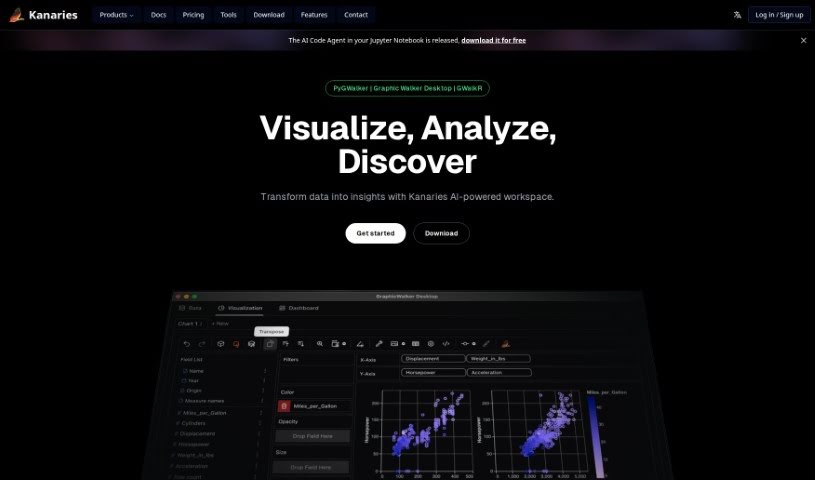
Screenshot of Kanaries

Kanaries

Freemium

Kanaries RATH is an AI assistant for data exploration. It automatically finds patterns, generates insights, and creates charts and dashboards from a wide range of data sources, simplifying the tedious work of cleaning, analyzing, and visualizing data.

Data Visualization View Tool →
Screenshot of Kater

Kater

Freemium

Kater, also known as Butler, is a data agent built to address everyday challenges organizations face with data literacy, data access, and data processing. It helps teams sort through data messes, generate hypotheses, write the queries needed to test them, and surface key insights quickly.

Data Visualization View Tool →
Screenshot of KNIME

KNIME

Freemium

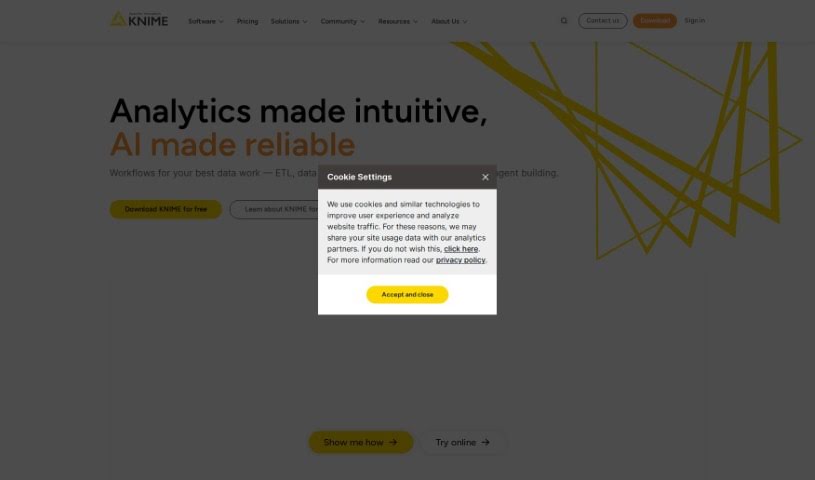
KNIME is a comprehensive platform covering the end-to-end data science process in a single, unified environment. You build workflows — series of connected steps — to handle data tasks ranging from simple cleaning and filtering to complex analyses like geographical data, image analysis, or deep learning. KNIME also helps you monitor analytics and AI models, which matters for keeping sensitive data safe. It's suited for teams that need accurate, explainable results and want to make the most of their data and AI capabilities.

Data Visualization View Tool →
Screenshot of Kvery

Kvery

Freemium

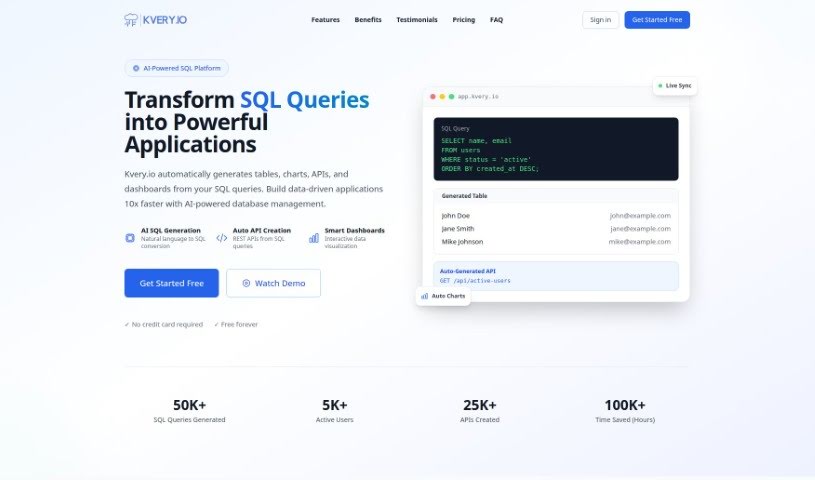
Kvery is a SQL editor built for data professionals. It offers an easy-to-use interface with features like syntax highlighting, code completion, and advanced data management tools, all designed to boost productivity and reduce mistakes when writing SQL. Kvery supports work with large, complex datasets, saving time and improving accuracy. It serves developers, data analysts, and database administrators who want to simplify database querying and extract insights from their data faster.

Data Visualization View Tool →

About Data Visualization tools

Turning raw spreadsheets into clean, compelling graphics can easily feel like a slog. You spend hours adjusting chart axes, picking color palettes, and wrestling with dashboard settings just to present last week’s performance numbers. By the time you fix the legend formatting, your presentation deadline is minutes away.

These visual platforms convert complex datasets into presentation-ready charts and dynamic dashboards without the usual design friction.

Building Visuals Without the Formatting Headache

Setting up custom dashboards traditionally meant learning complex business intelligence software or sitting through endless drag-and-drop steps. Modern visualization tools skip that hassle with simple prompt-based controls. Upload a dataset, type a request like “plot monthly recurring revenue by region,” and the system selects an effective visual layout to render an interactive chart instantly.

Selecting the wrong chart format is an easy trap (like using a crowded pie chart for time-series data). Smart visualization engines evaluate your underlying metrics and recommend the most readable layout—whether your data calls for a stacked bar chart, a scatter plot, or a heatmap.

Graphics also become easier to present because these platforms generate written narrative summaries alongside your charts. They highlight key percentage shifts, call out anomalies, and point out trends directly on the screen, saving you from typing up explanatory slides for every team review.

Features Worth Looking For

  • Natural language chart creation: Tools that let you type plain-text prompts to generate custom charts instantly.
  • Automated chart selection: Software that analyzes your dataset structure to recommend the clearest visual layout.
  • Written narrative generation: Features that provide concise text summaries and key takeaways alongside your graphics.
  • Interactive dashboard controls: Platforms that convert static charts into dynamic visual boards viewers can filter on the fly.
  • Custom brand styling: Settings that apply your company colors, typography, and logos across every generated visual.

A polished visual means very little if the underlying numbers are flawed. While algorithms format charts and suggest color scales, verifying data accuracy and framing the narrative for your audience still rests on your shoulders.

Check out the tools below to turn your raw data into clear visual stories.

The Best AI Data Visualization Tools

  1. Databricks: Great for interactive dashboards that give you sales insights.
  2. Visme: Helps you turn data into stunning visuals.
  3. Julius AI: Lets you craft dynamic graphs for clear insights.
  4. Scale AI: Useful for visualizing security threat patterns efficiently.
  5. Text Cortex: Streamlines creating visuals for reports, effortlessly.
  6. Dataminr: Offers visual analytics tools for crisis response.
  7. Rapidminer: Provides interactive dashboards for sales performance.
  8. KNIME: Offers interactive dashboards for sales analysis.
  9. Kanaries: Delivers streamlined visual insights for data trends.
  10. Piktochart AI Infographic Maker: Perfect for data dashboard infographics.
  11. Strawpoll: Lets you create engaging visual reports from polls.
  12. Powerdrill: Helps with dynamic data dashboard creation.
  13. Quadratic: Ideal for visualizing quadratic regression trends.
  14. Insightjini: Generates dynamic charts from your datasets.
  15. Aitable: Transforms data into insightful charts.

New tools, in your inbox.

Weekly picks of the best AI tools we've researched and added — no spam, unsubscribe anytime.

Join 25,000+ AI enthusiasts. No spam, unsubscribe anytime.