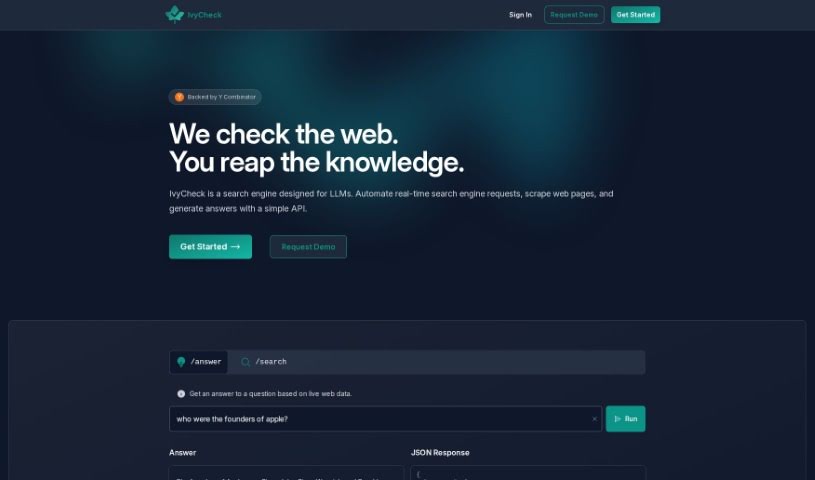
What is IvyCheck?
IvyCheck is a generative analytics platform that really lets you connect your databases to AI. This means you can get answers and insights super fast. It’s packed with features designed for everyone, whether you’re just starting out or you’re a seasoned pro. Thanks to Deekard’s natural language data access, you can just type your questions in plain English and get quick replies. If you prefer a more visual approach, there’s a graphical query builder to help you refine your requests. And for those who like to get hands-on, an AI-powered SQL editor lets you write and tweak queries like a pro. Plus, IvyCheck makes creating dashboards from your databases a breeze, so you can share what you find with your team in just minutes. It also handles data extraction and analysis automatically, making complex queries accessible to all users. Basically, IvyCheck makes getting, analyzing, and sharing data much simpler, helping you get the insights you need from your databases efficiently.
Who created IvyCheck?
Deekard was actually developed by IvyCheck, a company focused on using Generative AI for data cleaning and enrichment. Deekard itself, which is a generative analytics platform, first launched on May 21, 2023. It’s designed to let you connect your databases to AI for instant answers. The platform really simplifies how you access data, letting you use natural language queries. You’ll also find a handy graphical query builder and an AI-powered SQL editor. Creating dashboards and sharing insights is straightforward, and an AI assistant even automates data extraction and analysis. Beyond that, Deekard offers tools for managing teams, sharing data, and collaborating more smoothly.
What is IvyCheck used for?
- You can set up your own functions to classify, pull out, and clean data.
- Connect your databases to AI to get answers right away.
- It makes accessing and analyzing data easier for everyone, no matter their skill level.
- Use plain language to ask questions and get quick responses.
- There’s a graphical query builder that makes refining your queries simple.
- For advanced users, an AI-powered SQL editor helps with writing, editing, and fixing queries.
- It’s easy to create dashboards from your databases and share insights.
- Data extraction and analysis tasks get automated with an AI assistant.
- You can generate personalized data apps based on your connection details.
- It helps you share data easily through customizable data portals.
- Get quick answers using natural language data access.
- Refine your queries visually with the graphical query builder.
- Write, edit, and fix queries using the AI-based SQL editor.
- Quickly create dashboards from your databases to share insights.
- Data extraction and analysis are automated.
- It generates a data catalog with searchable descriptions of your database.
- Share data easily via customizable data portals.
- Streamline team management, set permissions, and improve collaboration.
- Visually refine queries with the graphical query builder.
- Advanced users can write and fix SQL queries with the AI-based SQL editor.
- Create dashboards from databases in a flash.
- Data extraction and analysis are automated.
- Generate data apps tailored to your specific needs.
- It makes data sharing and team collaboration much smoother.
- Extract insights efficiently without needing a dedicated data team.
- Refine your queries visually using the graphical query builder.
- Write and fix SQL queries with the AI-based SQL editor.
- Build dashboards from your databases.
- Share data through customizable portals.
- Manage teams, grant permissions, and collaborate effectively.
- Automate the generation of data apps.
- Create a data catalog with searchable descriptions.
Who is IvyCheck for?
- Data Analysts
- Database administrators
- Business analysts
- Data scientists
- BI Developers
- IT professionals
- Data engineers
How to use IvyCheck?
Here’s how you can get started with Deekard:
- Connect Your Database: First, you’ll need to input your database connection details into Deekard.
- Query Your Data: You can use Deekard’s natural language feature to ask questions in plain English and get quick answers. If you prefer, the graphical query builder is also available for visual query refinement.
- Explore Advanced Features: If you’re an experienced user, Deekard offers an AI-based SQL editor to help you write, edit, and fix your SQL queries.
- Build Dashboards: Making dashboards from your databases is simple, allowing you to share insights with your team quickly.
- Automated Data Management: Deekard automates data extraction and analysis, which means even users who aren’t data experts can easily work with complex queries.
- Use the Data Catalog: You’ll benefit from an automatically generated data catalog that provides searchable descriptions for your database’s tables, columns, and values.
- Collaborate with Your Team: Deekard’s interface makes it easy to manage teams, grant permissions, and encourage collaboration.
- Get Insights Efficiently: Deekard empowers you to extract insights from your databases efficiently, without needing deep data expertise.