AI Data Visualization Tools

AI Tools for Data Visualization

Discover the best Data Visualization AI tools to enhance your productivity and creativity.

Page 3 of 14 • 166 total tools
Screenshot of Cleora.ai

Cleora.ai

Freemium

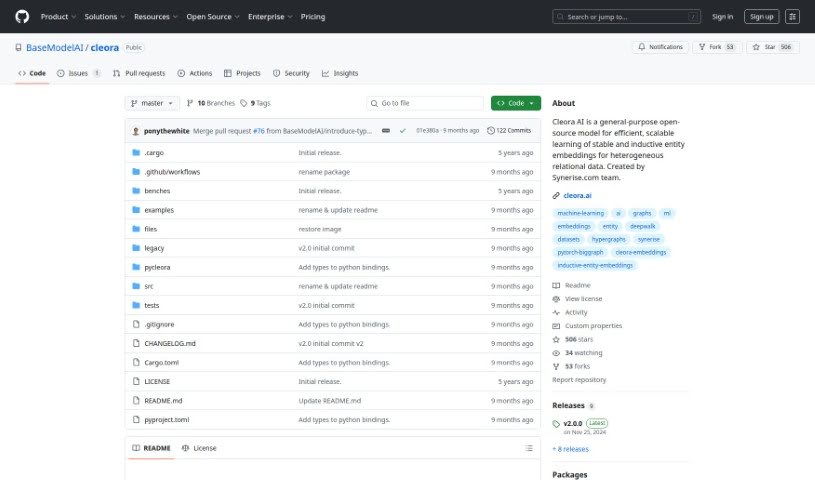
Cleora.ai is a machine learning tool that helps Data Science and Analytics teams create high-quality enterprise embeddings without expensive hardware. It embeds entities such as customers, products, and other business data into n-dimensional spaces using a stable, iterative projection method. The resulting embeddings capture an entity's behavioral history as large-scale graphs, enabling advanced models for recommender systems, customer segmentation, behavior prediction, and customer lifetime value modeling. To get started, you only need three columns from your databases.

Data Visualization View Tool →
Screenshot of Coactive AI

Coactive AI

Freemium

Coactive AI is a platform for extracting insights from unstructured image and video data. It organizes large collections of visual content so it becomes searchable and useful for machine learning and general data analysis. Businesses handling high volumes of images and videos can use it to make that data actionable.

Data Visualization View Tool →
Screenshot of Columns AI

Columns AI

Freemium

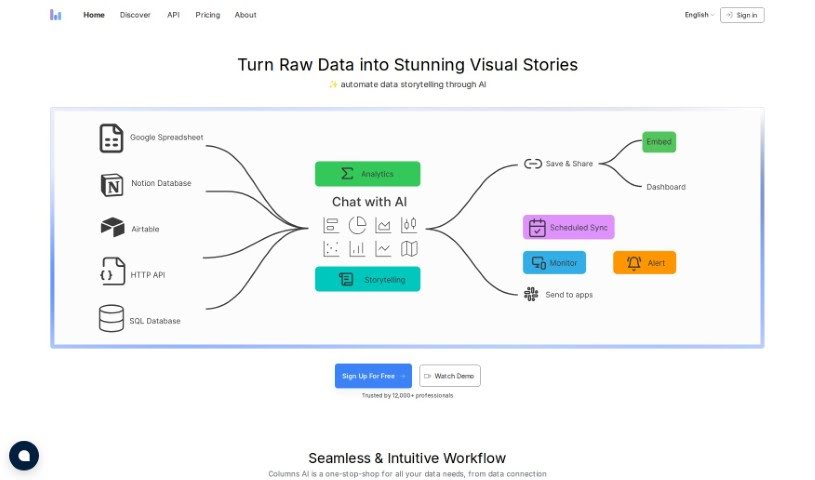
Columns AI is a data visualization platform that uses AI to help teams explore data and collaborate in real time. You can create charts and graphs by typing or speaking requests in everyday language, and the platform interprets those queries and responds conversationally. It also includes granular controls over who can see what in your data catalogs, along with templates, pre-built visualization tools, and integrations with other software.

Data Visualization View Tool →
Screenshot of Conduit app

Conduit app

Freemium

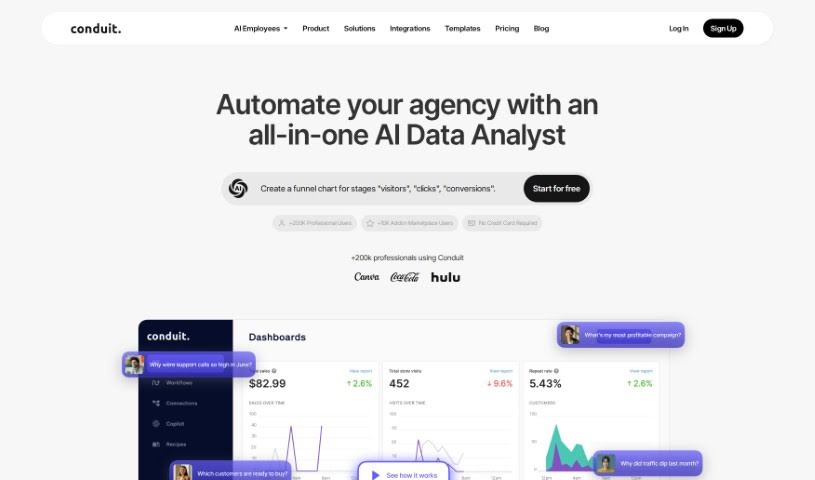
Conduit is an AI-powered data tool that pulls information from sources like Shopify, Salesforce, HubSpot, Google Analytics, Quickbooks, Zendesk, and Stripe directly into Google Sheets. Once connected, you can build custom dashboards from the combined data.

Data Visualization View Tool →
Screenshot of CoolMindMaps

CoolMindMaps

Freemium

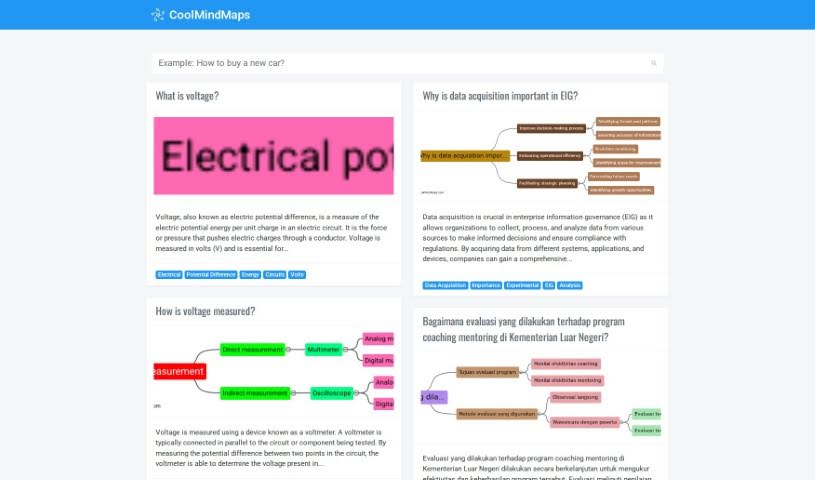
CoolMindMaps is a platform built specifically for creating and exploring mind maps. Its easy-to-use interface makes it simple for anyone to visualize ideas and build clear, structured diagrams, breaking complex concepts into manageable visual outlines. You can create detailed mind maps, explore a large library of existing ones for inspiration, and navigate the system smoothly. It is useful for organizing thoughts, preparing presentations, or brainstorming new projects.

Data Visualization View Tool →
Screenshot of CrowdPrisma

CrowdPrisma

Freemium

CrowdPrisma is an AI-powered survey analysis platform that automates the analysis of open-ended survey responses. It claims to be the first tool of its kind, using advanced Natural Language Processing (NLP) to quickly process free-text answers and identify groups of respondents who think alike.

Data Visualization View Tool →
Screenshot of Dashbot

Dashbot

Freemium

Dashbot is a Conversational Data Platform that uses AI to extract insights from customer conversations at scale. It consolidates chat data from multiple sources — including hard-to-access "dark data" and customer surveys — and organizes unstructured conversational information so it's easy to work with.

Data Visualization View Tool →
Screenshot of Data On Demand

Data On Demand

Freemium

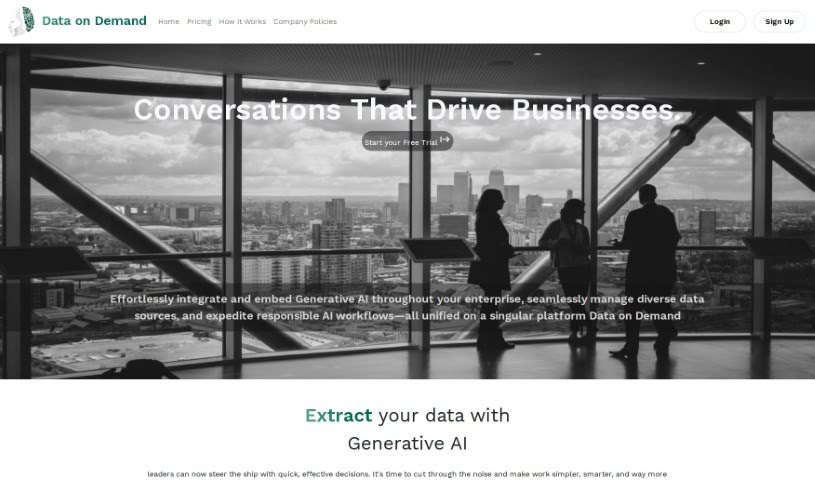
Data On Demand is a generative AI platform that provides practical business insights by consolidating and managing data sources in one central place. You extract data from wherever it lives, the platform analyzes it for patterns, trends, and anomalies, and results appear as charts and graphs. Predictive analytics forecast future demand based on historical data and external factors.

Data Visualization View Tool →
Screenshot of Databricks

Databricks

Freemium

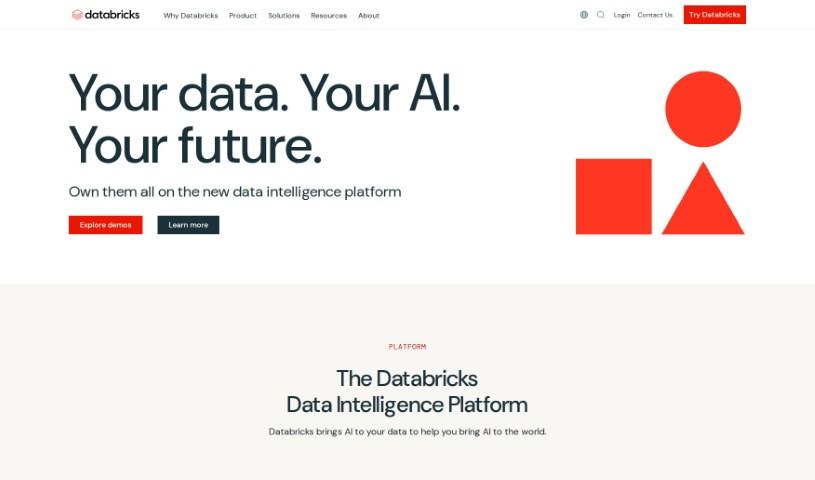
Databricks is a Data Intelligence Platform built on an open lakehouse architecture. It provides a single place for all your data and governance, combined with AI models tailored to your organization. Non-technical users can explore data using automation and natural language, while technical teams can build and deploy secure data and AI applications.

Data Visualization View Tool →
Screenshot of Databricks Mosaic AI

Databricks Mosaic AI

Freemium

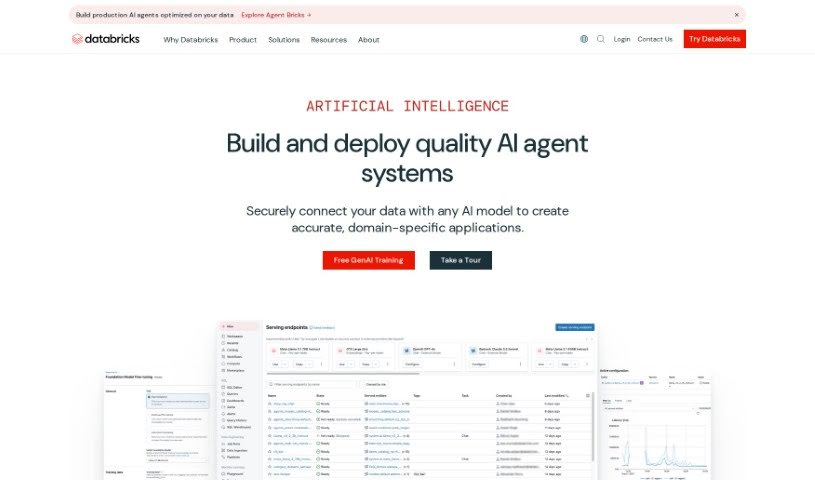
Mosaic AI is a toolkit from Databricks that combines analytics and AI capabilities. It pulls in data from sources like customer information, financial records, and operational metrics to surface insights that support data-backed decisions. It uses predictive analytics, machine learning, and dashboards to help identify patterns, trends, and opportunities in your data.

Data Visualization View Tool →
Screenshot of Datadog

Datadog

Freemium

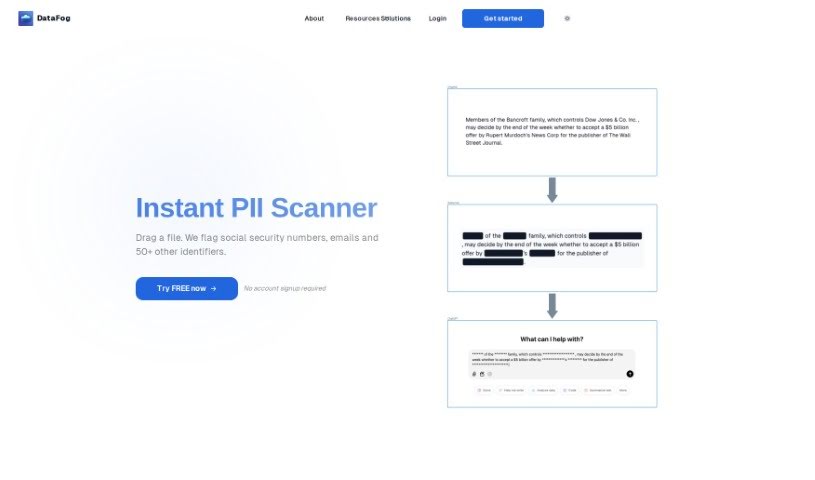
Note: despite the listing name, this tool is actually DataFog, not Datadog. DataFog is an open-source, privacy-focused platform that finds and anonymizes Personally Identifiable Information (PII) — such as names, addresses, or phone numbers — in text documents, images, and audio files. It scans data for sensitive information, then either redacts it or replaces it with custom synthetic data, producing datasets that are free of PII and safe to share with trusted third parties like partners or collaborators.

Data Visualization View Tool →
Screenshot of DataGems

DataGems

Freemium

DataGems (also known as ChartGPT by Cadlabs) is a personal data assistant that helps you create charts and get answers to questions about your data. It guides you through exploring your datasets, using either pre-loaded sample datasets or ones you request for a specific use case. Note that ChartGPT runs on GPT-3.5 rather than GPT-4, so results can sometimes be inconsistent. The team is actively improving performance, adding features, and updating datasets.

Data Visualization View Tool →

About Data Visualization tools

Turning raw spreadsheets into clean, compelling graphics can easily feel like a slog. You spend hours adjusting chart axes, picking color palettes, and wrestling with dashboard settings just to present last week’s performance numbers. By the time you fix the legend formatting, your presentation deadline is minutes away.

These visual platforms convert complex datasets into presentation-ready charts and dynamic dashboards without the usual design friction.

Building Visuals Without the Formatting Headache

Setting up custom dashboards traditionally meant learning complex business intelligence software or sitting through endless drag-and-drop steps. Modern visualization tools skip that hassle with simple prompt-based controls. Upload a dataset, type a request like “plot monthly recurring revenue by region,” and the system selects an effective visual layout to render an interactive chart instantly.

Selecting the wrong chart format is an easy trap (like using a crowded pie chart for time-series data). Smart visualization engines evaluate your underlying metrics and recommend the most readable layout—whether your data calls for a stacked bar chart, a scatter plot, or a heatmap.

Graphics also become easier to present because these platforms generate written narrative summaries alongside your charts. They highlight key percentage shifts, call out anomalies, and point out trends directly on the screen, saving you from typing up explanatory slides for every team review.

Features Worth Looking For

  • Natural language chart creation: Tools that let you type plain-text prompts to generate custom charts instantly.
  • Automated chart selection: Software that analyzes your dataset structure to recommend the clearest visual layout.
  • Written narrative generation: Features that provide concise text summaries and key takeaways alongside your graphics.
  • Interactive dashboard controls: Platforms that convert static charts into dynamic visual boards viewers can filter on the fly.
  • Custom brand styling: Settings that apply your company colors, typography, and logos across every generated visual.

A polished visual means very little if the underlying numbers are flawed. While algorithms format charts and suggest color scales, verifying data accuracy and framing the narrative for your audience still rests on your shoulders.

Check out the tools below to turn your raw data into clear visual stories.

The Best AI Data Visualization Tools

  1. Databricks: Great for interactive dashboards that give you sales insights.
  2. Visme: Helps you turn data into stunning visuals.
  3. Julius AI: Lets you craft dynamic graphs for clear insights.
  4. Scale AI: Useful for visualizing security threat patterns efficiently.
  5. Text Cortex: Streamlines creating visuals for reports, effortlessly.
  6. Dataminr: Offers visual analytics tools for crisis response.
  7. Rapidminer: Provides interactive dashboards for sales performance.
  8. KNIME: Offers interactive dashboards for sales analysis.
  9. Kanaries: Delivers streamlined visual insights for data trends.
  10. Piktochart AI Infographic Maker: Perfect for data dashboard infographics.
  11. Strawpoll: Lets you create engaging visual reports from polls.
  12. Powerdrill: Helps with dynamic data dashboard creation.
  13. Quadratic: Ideal for visualizing quadratic regression trends.
  14. Insightjini: Generates dynamic charts from your datasets.
  15. Aitable: Transforms data into insightful charts.
New tools, in your inbox.

Weekly picks of the best AI tools we've researched and added — no spam, unsubscribe anytime.

Join 25,000+ AI enthusiasts. No spam, unsubscribe anytime.