AI Creative Tools

AI Tools for Creative

Discover the best Creative AI tools to enhance your productivity and creativity.

Page 90 of 107 • 1276 total tools
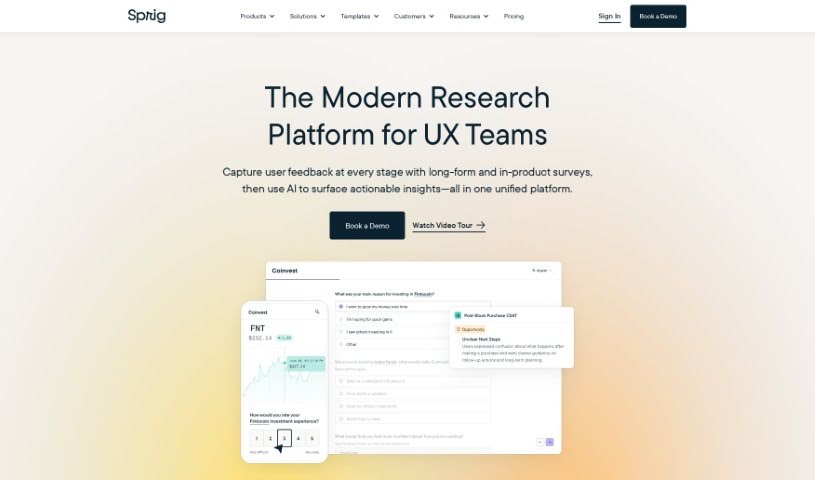
Screenshot of Sprig

Sprig

Freemium

Sprig is a user research tool designed to help teams gather feedback from their users so they can improve their products. With Sprig, you can create targeted surveys, record how people use your product, and test prototypes. Sprig's AI automatically surfaces key insights, pointing out both problems and opportunities for improvement. Large tech companies use it to refine their products.

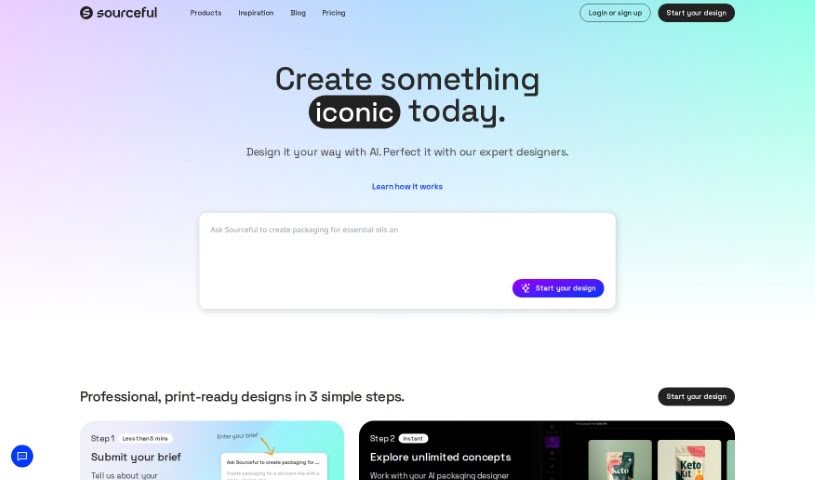
Screenshot of Spring by Sourceful

Spring by Sourceful

Freemium

Spring by Sourceful is a free platform that uses AI to generate unique packaging design ideas in minutes. You can create artwork, share your designs, and have them produced through Sourceful's services.

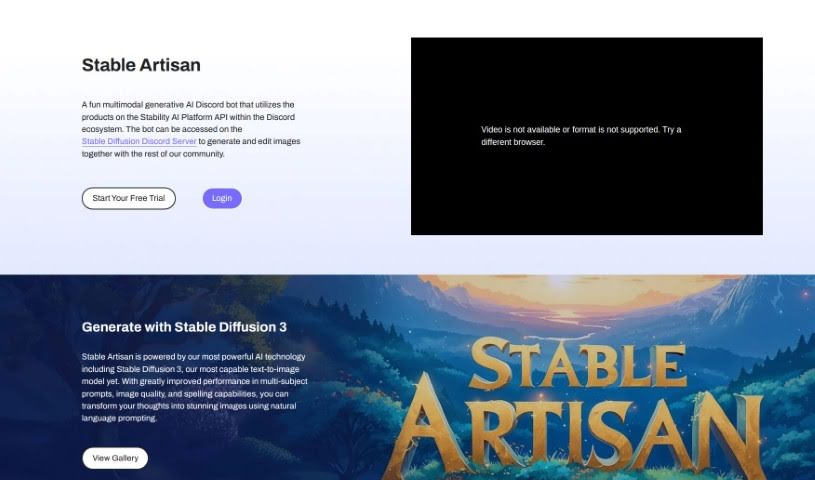
Screenshot of Stability AI Stable Artisan

Stability AI Stable Artisan

Freemium

Stable Artisan is a platform built on Stability AI's technology, including Stable Diffusion 3. Stable Diffusion 3 turns text into images and performs especially well with prompts containing multiple subjects. It produces high-quality images and is notably better at rendering spelling correctly. You describe your idea in plain language, and Stable Artisan generates the picture.

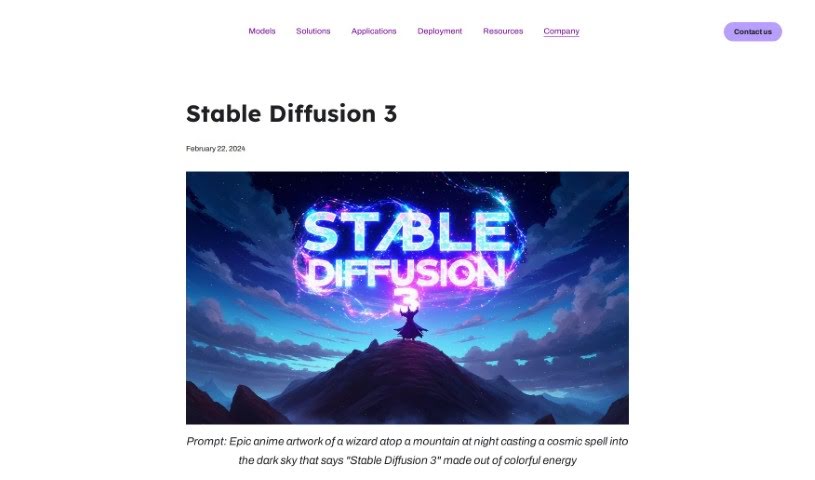
Screenshot of Stability AI Stable Diffusion 3

Stability AI Stable Diffusion 3

Freemium

Stable Diffusion 3 is a text-to-image model released in an early preview. It improves performance on prompts with multiple subjects, delivers high image quality, and handles accurate spelling. Technically, it combines a diffusion transformer architecture with flow matching.

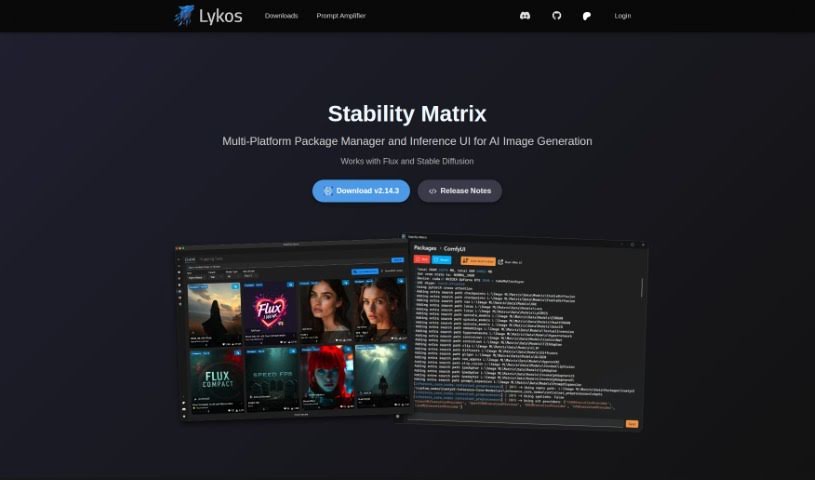
Screenshot of Stability Matrix

Stability Matrix

Freemium

Stability Matrix is an assistant for AI image generation that simplifies managing AI image models. It helps you keep models organized and up to date with minimal effort: you can install new models with a single click or import existing ones via drag and drop. It also provides quick access to the latest model updates.

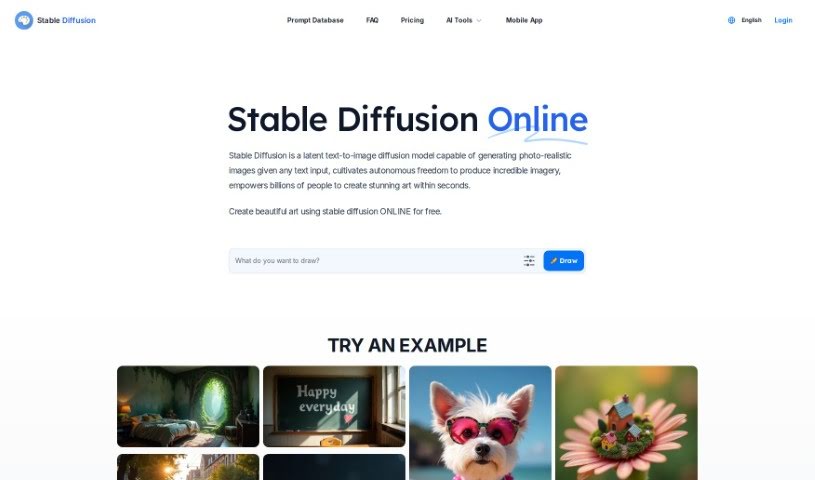
Screenshot of Stable Diffusion

Stable Diffusion

Freemium

Stable Diffusion is a deep learning model that turns text descriptions into high-quality, photo-realistic images. The latest version, Stable Diffusion XL, uses a larger UNet backbone network to produce better images.

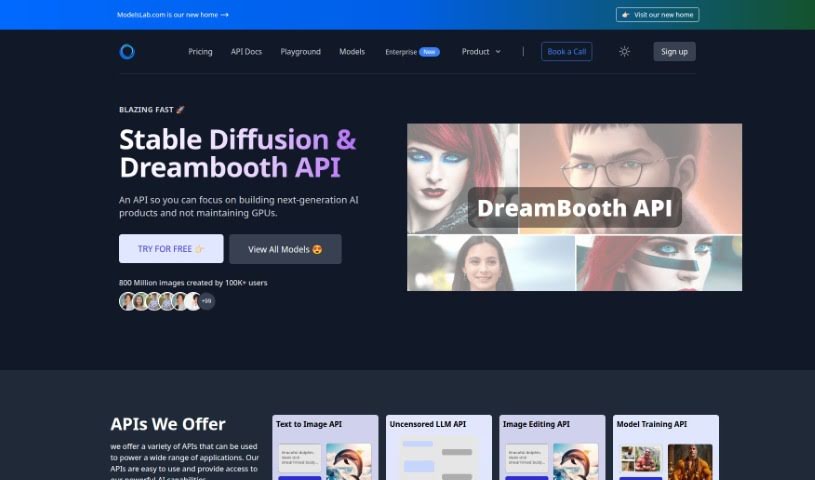
Screenshot of Stable Diffusion API

Stable Diffusion API

Freemium

Stable Diffusion API enables image creation and editing using Stable Diffusion models. It supports text-to-image, image-to-image, and inpainting workflows, along with queue retrieval for images still in processing. Users can upload images, provide text and negative prompts, and adjust parameters such as image scale, processing steps, and random seed. A Webhook URL can send notifications when generation completes.

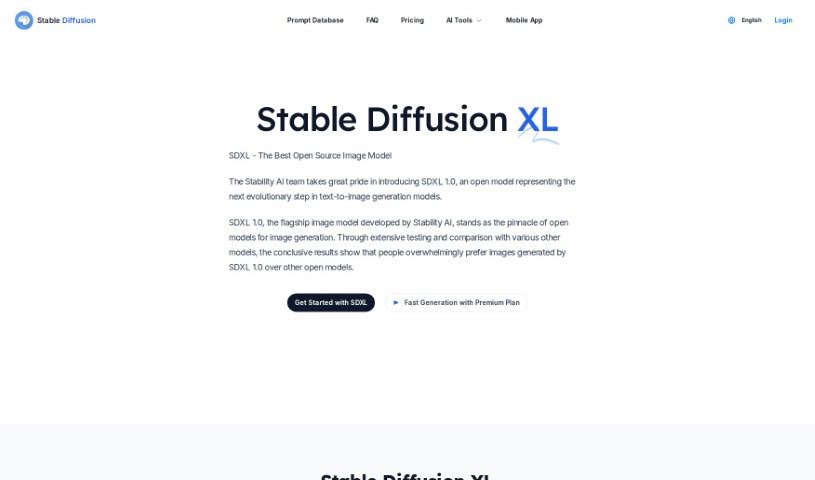
Screenshot of Stable Diffusion SDXL

Stable Diffusion SDXL

Freemium

Stable Diffusion XL Turbo (SDXL Turbo) is a text-to-image model that generates realistic images from text descriptions in real time. It uses a technique called Adversarial Diffusion Distillation (ADD), which allows it to produce high-quality images quickly without requiring many refinement steps, setting a high standard for both speed and output quality in text-to-image generation.

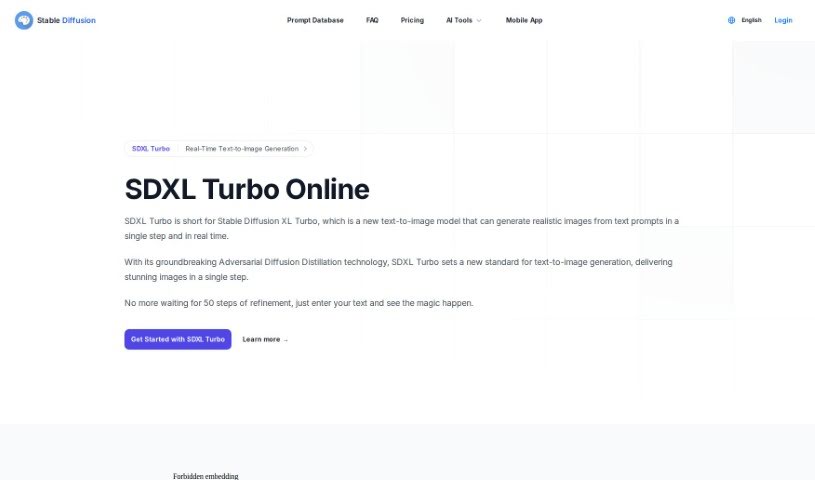
Screenshot of Stable Diffusion SDXL Turbo

Stable Diffusion SDXL Turbo

Freemium

SDXL Turbo (Stable Diffusion XL Turbo) is a text-to-image model that generates realistic images from text descriptions almost instantly. It uses Adversarial Diffusion Distillation, a technique that refines a large diffusion model so it can produce images in a single step instead of many. The result is real-time image generation with strong speed and quality.

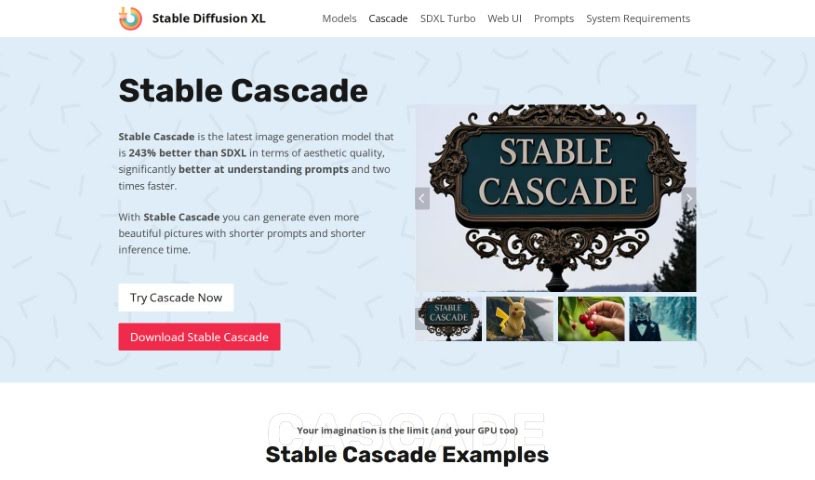
Screenshot of Stable Diffusion XL Stable Cascade

Stable Diffusion XL Stable Cascade

Freemium

Stable Cascade is an AI image generation model developed by Stability AI. It uses the Würstchen architecture, which makes it easy to use and possible to train on regular computer hardware. Training is cost-effective, yet the model still produces high-quality images quickly.

Screenshot of Stablecog

Stablecog

Freemium

Stablecog is an AI platform for creating visual art. It uses technologies like Stable Diffusion and Kandinsky to generate digital artwork from a simple text description, or from an existing image you want to reinterpret artistically. The platform is designed to be user-friendly, with a straightforward interface, support for multiple languages, and free trials so you can experiment before committing. It is built on open-source technology.

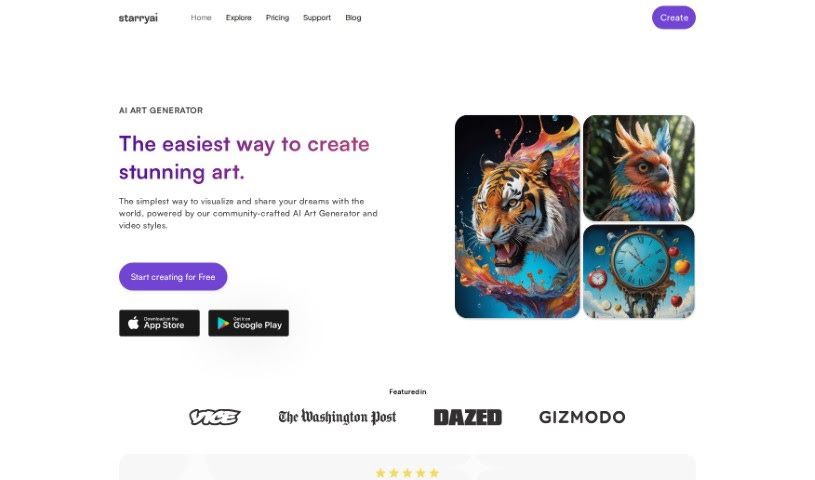
Screenshot of StarryAI

StarryAI

Freemium

StarryAI is an AI art generator app that turns text descriptions, or "prompts," into artwork. It's designed to be easy to use, even if you've never made digital art before, while still offering meaningful control over the output: you can choose different styles, set the size and shape of your artwork (the aspect ratio), and pick specific AI models to get the look you want.

About Creative tools

Bringing a creative vision to life takes stamina. Whether you’re working on visual art, video projects, sound design, or written work, the gap between a great idea and a finished piece is usually filled with hours of tedious setup. You spend time masking image layers, cutting out filler words from audio, or wrestling with software settings when you’d rather be making art.

The tools in this category handle repetitive technical tasks so you can keep your focus where it belongs: on creative direction and artistic choice.

Offloading Technical Setup to Focus on Art

Testing visual concepts gets much faster when you can prototype ideas instantly. Instead of spending hours building manual moodboards or sketching rough wireframes by hand, generative tools let you test lighting styles, color palettes, and compositions in seconds. You can explore dozens of creative paths before committing to a full production shoot or detailed illustration.

In video and audio editing, smart software handles the tedious mechanics. Automatically generating precise closed captions, reframing shots for vertical video formats, or isolating vocal tracks from ambient background noise used to take complex plugins and hours of manual editing. Modern creative tools process those heavy tasks in minutes, giving you back time to polish the story itself.

Maintaining visual consistency across large projects gets a major upgrade, too. Managing design elements, color palettes, and character references across a long series or multi-asset campaign often leads to small visual errors. Creative AI tools help enforce visual rules and match styles automatically, keeping your artwork, video sequences, or digital assets aligned from start to finish.

Key Capabilities for Creators:

  • Style and reference matching: Systems that analyze an artistic style or reference image and apply it across new graphic assets.
  • Generative canvas expansion: Tools that expand image borders, fill in background details, or remove unwanted objects cleanly.
  • Text-to-media rendering: Software that converts written prompts into high-resolution images, video clips, or sound textures for fast prototyping.
  • Non-destructive asset editing: Applications that adjust lighting, color tones, and individual layers without destroying original files.
  • Cross-format conversion: Features that automatically reformat visual assets and video projects for desktop, mobile, and print.

Technology can generate pixels and format files, but true artistic judgment, taste, and emotional expression still belong to you. Handing off routine file conversions, background cleanup, and quick concept testing simply gives you the freedom to focus on your craft.

Explore the tools below to upgrade your creative workspace.

The Best AI Creative Tools

  1. Canva: for designing social media posts
  2. Character AI: for brainstorming story ideas and concepts.
  3. Janitor AI: for quickly crafting unique story ideas.
  4. Remove.bg: for instantly removing backgrounds from design projects
  5. Leonardo AI: for generating dynamic artwork for designers
  6. Photopea: for designing stunning graphics and illustrations.
  7. Photoroom: for improving photos for creative projects
  8. Pixelcut: for designing eye-catching product ads
  9. Pixlr: for designing great graphics with ease
  10. Midjourney: for visual storytelling through art prompts.
  11. AI Face Swap: for creating unique memes for social media.
  12. Cutout.pro: for creating dynamic backgrounds for art
  13. Remaker: for AI-powered image creation for unique designs.
  14. Ideogram: for logo design and customization.
  15. Openart: for experimenting with unique artistic styles
New tools, in your inbox.

Weekly picks of the best AI tools we've researched and added — no spam, unsubscribe anytime.

Join 25,000+ AI enthusiasts. No spam, unsubscribe anytime.