AI Tools for Creative

Discover the best Creative AI tools to enhance your productivity and creativity.

Page 74 of 114 • 1360 total tools

Creativity today is changing fast, and AI is becoming a super helpful partner. Whether it’s creating amazing visuals or writing music, AI creative tools are making the art process more accessible and exciting. But with so many options out there, finding the right one for your creative needs can feel a bit overwhelming.

Things have really changed in just a few years. AI tools aren’t just for special uses anymore; they’re smoothly fitting into our everyday creative work. These new technologies can make your projects better, save you time, and even lead you to explore artistic ideas you hadn’t considered before.

I’ve spent a good amount of time exploring the world of AI creative tools, looking into everything from graphic design apps to music software. Since I love seeing how technology and creativity come together, I wanted to share what I found about the best tools available right now.

So, whether you want to make eye-catching visuals or come up with fresh concepts, there’s a tool out there just for you. Let’s dive into the best AI creative tools that can take your artistic projects to the next level and change how you create.

The best AI Creative Tools

  1. Canva for designing social media posts
  2. Character AI for brainstorming story ideas and concepts.
  3. Janitor AI for quickly crafting unique story ideas.
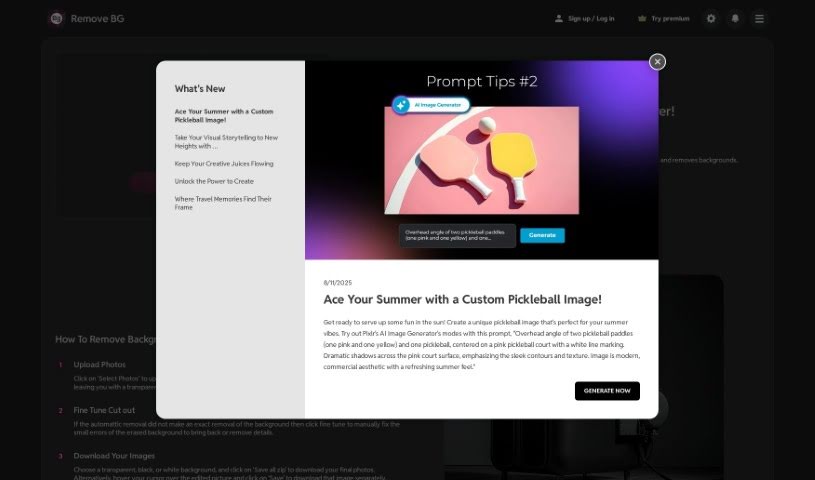
  4. Remove.bg for instantly removing backgrounds from design projects
  5. Leonardo AI for generating dynamic artwork for designers
  6. Photopea for designing stunning graphics and illustrations.
  7. Photoroom for improving photos for creative projects
  8. Pixelcut for designing eye-catching product ads
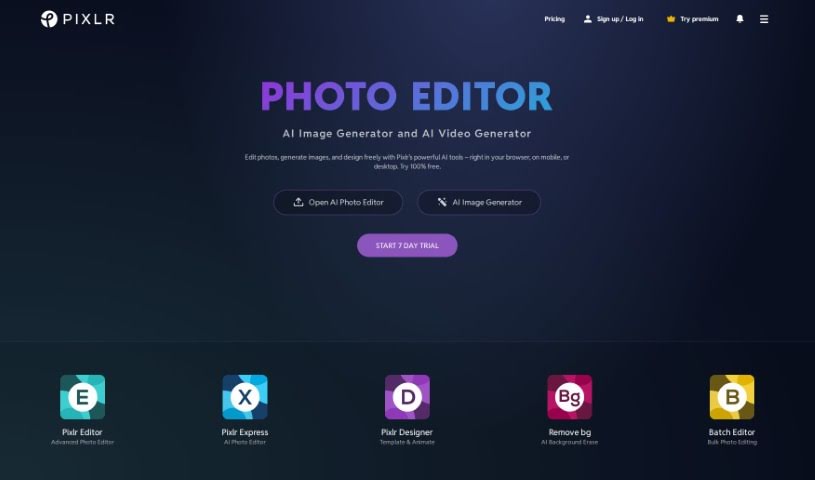
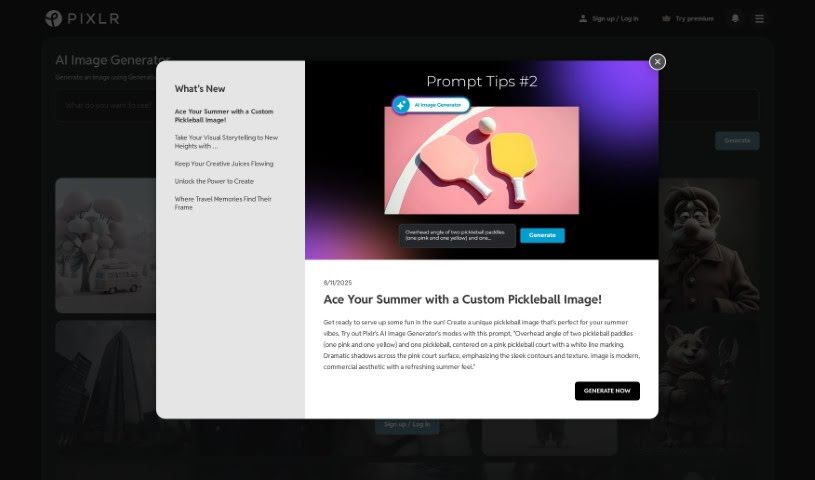
  9. Pixlr for designing great graphics with ease
  10. Midjourney for visual storytelling through art prompts.
  11. AI Face Swap for creating unique memes for social media.
  12. Cutout.pro for creating dynamic backgrounds for art
  13. Remaker for AI-powered image creation for unique designs.
  14. Ideogram for logo design and customization.
  15. Openart for experimenting with unique artistic styles
How do AI creative tools work?

AI creative tools work by using advanced algorithms that learn from all sorts of data. They look at patterns in creative works—like art, music, or writing—which helps them copy styles and create new, original pieces. It’s a bit like how human artists get inspired by different things they see or hear.

At their core, these tools often use neural networks. These are specially built to understand and interpret human creativity. The networks are trained on huge amounts of data, including works from many different styles and formats, so they can learn and adapt to various approaches.

When you give a prompt—like a topic for a story, a theme for a painting, or a music genre—these AI tools use the patterns they’ve learned to generate fitting responses. They essentially guess which elements should go together to make content that feels cohesive and engaging.

What’s really interesting is that AI creative tools don’t just repeat what they’ve learned; they can actually be innovative. By blending styles or drawing from less common influences, they can produce work that surprises and inspires, offering a fresh take even on familiar subjects.

As technology keeps advancing, these creative tools are getting more capable. This means we can have richer interactions, with users and AI working together more smoothly. Often, this leads to amazing artistic creations that combine human ideas with computer power.

If you’re curious about the technical side of these tools, looking into neural networks and creative AI applications can offer more insight into how they bring artistic ideas to life.

Our best AI creative tools at a glance

RankNameBest forPlans and PricingRating
1CanvaSocial media post designN/A4.73 (11 reviews)
2Character AIGBrainstorming story ideas and concepts.N/A4.64 (11 reviews)
3JanitorAICrafting unique story ideas quickly.N/A0.00 (11 reviews)
4Remove.bgInstant background removal for design projectsPaid plans start at $0.2/image.4.82 (11 reviews)
5Leonardo AIDynamic artwork generation for designersPaid plans start at $9/month.4.73 (11 reviews)
6PhotopeaDesign stunning graphics and illustrations.N/A4.67 (12 reviews)
7PhotoroomEnhancing creative project photosPaid plans start at $7.50/month.4.74 (38 reviews)
8PixelcutDesigning eye-catching product adsN/A4.64 (11 reviews)
9PixlrDesigning stunning graphics effortlesslyPaid plans start at $0.99/month.4.73 (11 reviews)
10MidjourneyVisual storytelling through art prompts.N/A4.73 (11 reviews)
11AI Face SwapCrafting unique memes for social media.N/A4.70 (10 reviews)
12Cutout.proDynamic background creation for artistryN/A4.46 (13 reviews)
13RemakerAI-powered image creation for unique designs.N/A4.69 (13 reviews)
14IdeogramLogo design and customization.N/A4.85 (26 reviews)
15OpenartExperiment with unique artistic stylesPaid plans start at $84/year.4.25 (8 reviews)
Screenshot of PetPic

PetPic

Freemium

PetPic is a neat AI tool that lets you create one-of-a-kind pictures of your pets. You just need to upload between 10 and 30 photos of your furry (or scaly, or feathery!) friend. The AI then works its magic, turning those photos into images in all sorts of fun styles. Think astronaut pets, Banksy-style graffiti pets, beach vacation pets, or even Christmas-themed ones! They also offer Cyberpunk, Fantasy, and many other creative looks. The whole process usually takes up to 24 hours, and they're good about privacy – the AI model used for your images is deleted within 60 days after everything's generated. If you're wondering about payments, PetPic.ai uses Stripe, so it's all secure. Once your pet's artwork is ready, you're free to use it wherever you like – pop it on your social media, your website, or anywhere else you can imagine! The platform also makes sure your data is kept private and offers help through FAQs and other contact methods if you need them.

Screenshot of PFPMaker.com

PFPMaker.com

Freemium

PFPMaker.com is a handy online tool that lets you create professional-looking profile pictures for all sorts of places – think LinkedIn, your CV, Instagram, or even just your messaging apps. It's designed to be super easy to use, so you can whip up these profile pics in no time. The platform offers a bunch of templates and tools specifically for different needs, whether you're updating your social media look, creating team photos, designing business cards, sprucing up your CV or resume, or making your email signature pop. With over 510 million profile pictures already made, it's a go-to resource for anyone wanting to make their online presence shine with a great photo.

Screenshot of PFPMaker.com AI Avatar

PFPMaker.com AI Avatar

Freemium

an AI Avatar is your digital twin, brought to life using smart artificial intelligence. These aren't just static images; they're designed to interact with you, whether through typing or talking, much like a real person. The goal is to create a personalized and engaging experience for anyone who interacts with them. You'll find AI avatars popping up in all sorts of places – helping out with customer service, acting as virtual assistants, teaching in educational settings, or even just for fun in entertainment. By using clever machine learning, natural language processing, and other AI tricks, these avatars get better and better at chatting with you over time. Essentially, AI avatars offer a really interactive and dynamic way to connect with technology and get the information or services you need.

Screenshot of Phase

Phase

Freemium

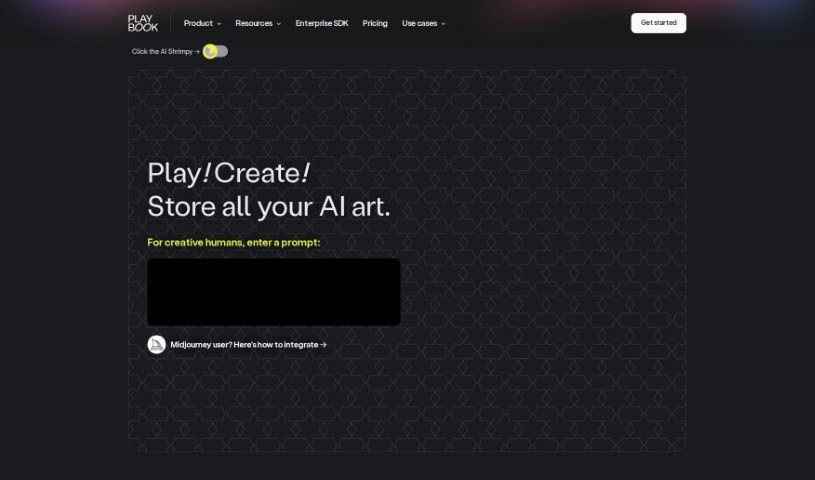
Phase is a really neat tool that uses AI to help you create art. It is a partner that assists you in guiding and collaborating with artificial intelligence. It comes packed with some cool features, like stable diffusion for generating images, image-to-image generation using frames, inpainting to refine specific areas, a handy built-in prompt-helper, and even free drawing so you can directly guide the AI's output. Plus, it makes it super easy to look back at your prompt history. Right now, phase.art works best on desktop computers, but they're actively working on making it mobile-friendly for the future.

Screenshot of Phot Ai

Phot Ai

Freemium

Phot AI is a really advanced tool for editing photos and designing with AI, letting you create, change, and improve images right in your browser. It's packed with features like professional-grade retouching, HDR capabilities, and it's all cloud-based, so you can access it from anywhere. You can even generate passport photos online with it! There's a free version with basic tools, and if you go premium, you get access to more advanced features and priority support. Whether you need to remove backgrounds, get rid of watermarks, boost image quality, create professional product shots, or even make custom avatars, Phot AI has you covered. It's designed to be super user-friendly, whether you're a beginner or a seasoned pro, offering a whole range of tools to make your visuals shine.

Screenshot of Photify AI

Photify AI

Freemium

Photify AI is a really neat app that uses smart AI technology to take one photo you upload and turn it into tons of different, eye-catching looks. With Photify AI, you can easily try out new hairstyles, switch genders, or explore different skin tones, all with a simple tap. Plus, you can try on outfits inspired by popular characters or current fashion trends, and even place yourself in different scenes and places. This AI photo generator lets you create all sorts of looks and experiment with various styles, making it super easy to let your imagination run wild and see a new side of yourself.

Screenshot of Photo AI

Photo AI

Freemium

Photo AI is a really neat platform that lets you create impressive, lifelike photos using AI. You don't need any fancy camera gear at all! Just upload your selfies, and the platform quickly turns them into photorealistic AI characters. You can then easily try out different poses, settings, and actions. Photo AI also has fun themed packs, like AI Yearbook and Naughty Halloween, plus cool features like virtually trying on clothes and hairstyles. There's even a Sketch2Image™ tool for designing unique fashion looks. Basically, Photo AI makes AI photography super accessible and user-friendly, whether you're into fashion or just looking for new ways to create content.

Screenshot of Photo AI Studio

Photo AI Studio

Freemium

Photo AI Studio is a really neat platform that uses advanced AI to turn your selfies into professional-quality photos. It is your personal AI photographer! You can use these polished shots for all sorts of things – social media posts, your LinkedIn profile, or even just to boost your personal brand. What's great is the sheer variety of styles available. Whether you need a look for a dating profile, a sharp professional headshot, something sporty, travel-themed, or even wedding-ready, they've got you covered. Plus, it's super affordable and efficient. You get high-quality images fast, at prices that are hard to beat, and you don't even need a credit card or deal with spam. The photos it creates are incredibly realistic, almost like they were taken during a real photoshoot. And don't worry about your privacy; you own all your uploaded photos and have complete control over your data.

Screenshot of Photo Lab

Photo Lab

Freemium

Photo Lab is a really cool app that uses AI to help you edit your photos. It is a powerful toolkit for turning your everyday pictures into something special, even artistic. It's designed to be super easy to use, so you don't need to be a pro to get great results. One of its most popular features is the AI Cartoon Portrait Maker – you can take a selfie, and in no time, it'll create a professional-looking cartoon version of you. The app is built on smart technology, using machine learning for things like transferring art styles and figuring out where people are in a photo. This lets it do neat tricks like swapping out backgrounds or applying filters that feel like they came straight out of Photoshop. Plus, it has AI segmentation, which means it can get really detailed, letting you color specific parts like your hair, skin, or lips separately. You can also play around with virtual 3D masks, create fun face montages, and even use a Template Creator to design your own templates and share them with others. It really opens up a world of creative possibilities.

Screenshot of Photo Spells

Photo Spells

Freemium

Photo Spells is a professional service that helps you edit your photos. It uses advanced AI technology to make your images look even better, aiming for top-quality results by blending the power of artificial intelligence with real editing expertise. You can easily retouch photos, add cool creative effects, remove things from the background, and bring out more detail. It’s designed to be super user-friendly, quick, and flexible, working well for all sorts of photo styles and what people like.

Screenshot of Photo-To-Anime.com

Photo-To-Anime.com

Freemium

Photo-To-Anime.com is a really neat online tool that lets you turn your regular photos into cool anime-style art. You can also create anime images just by typing in a description! What's great is that all this happens right on your own device. This means your photos never get uploaded to the cloud, keeping your privacy totally secure. It's super easy to use, too – you don't need any special tech knowledge or artistic talent to make awesome anime creations. Plus, it's completely free, and you don't even need to sign up for an account. It’s a fun way to play with AI and bring your photos to life in an animated style.

Screenshot of Photoai.me

Photoai.me

Freemium

Photoai.me is a really neat AI platform. It uses smart artificial intelligence to create unique, personalized AI photos just for you. It is a way to turn your everyday pictures into something truly special, with lots of different style packages for AI editing. It's super easy to update your profile pictures for sites like Tinder, LinkedIn, and Instagram. You just upload your photos, pick the style you like, and download the finished pictures. They take your privacy seriously, keeping your info safe on their servers. For the best results, they suggest uploading at least 20 close-up photos of yourself. Paying for the service is secure, handled by Stripe, and they accept various payment methods like credit cards, debit cards, and other popular online options depending on where you are.

Stay Updated with AI Tools

Get weekly updates on the latest AI tools, trends, and insights delivered to your inbox

Join 25,000+ AI enthusiasts. No spam, unsubscribe anytime.