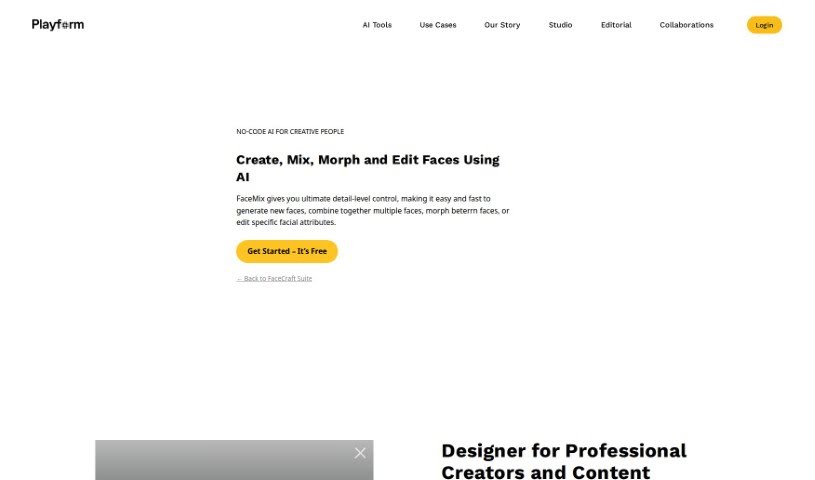
Playform’s FaceMix is a really neat AI tool that lets you create, edit, and blend faces with a lot of control. You can work with all sorts of faces – think illustrated ones, real photos, or even 3D models. It’s pretty cool because you can tweak different facial features like age, makeup, and expressions. Plus, you can even blend up to four images together to make entirely new faces. If you’re into making videos, FaceMix can create face morphing videos, and it’s also handy for 3D modeling work. It’s designed to be super easy to use, completely free, and you can use it as much as you want. Your creations are private by default, but you always have the option to share them with the community if you feel like it.
Face Mix was developed to give people the ability to create face morph videos. You just pick out key moments, and it generates a video that smoothly transitions between those chosen faces. The platform itself is really user-friendly. You can edit over 30 different facial attributes, mix several faces together, and best of all, it’s free and unlimited. Face Mix first came out on July 27, 2021, offering a great tool for both seasoned photographers and anyone new to playing around with face manipulation.
- Creating new faces: You can generate entirely new facial images.
- Mixing multiple faces: Blend several faces together to create unique combinations.
- Editing specific facial attributes: Tweak over 30 different features like age, makeup, and expressions.
- Making face morph videos: Create smooth video transitions between different faces.
- Transforming photos: Turn real face photographs into illustrations.
- 3D modeling: Generate faces specifically for use in 3D modeling projects.
- Detailed control: Enjoy precise, level-by-level control for your edits.
- Versatile input: Works with both illustrated faces and real photographs.
- Illustration conversion: Easily turn real faces into illustrated versions.
- Precise edits: Benefit from detail-level control for accurate face generation.
- Face blending: Mix and combine multiple faces seamlessly.
- Attribute editing: Adjust over 30 distinct facial characteristics.
- Detailed changes: Make intricate modifications to faces.
- Face animation: Support for animating facial features.
- 3D modeling support: Create and export faces for 3D applications.
- Precise generation: Achieve accuracy with detail-level control.
Playform’s FaceMix is a versatile tool that appeals to a wide range of users:
- Professional photographers looking for advanced editing capabilities.
- Casual users who want to experiment with face manipulation in a fun way.
- AI artists exploring new creative frontiers.
- Designers needing to generate or modify facial assets.
- Artists of all kinds interested in digital portraiture.
- Photographers wanting to enhance or transform their images.
Using FaceMix is pretty straightforward. Here’s a simple breakdown:
- Getting Started: First, head over to the FaceMix website. You’ll see a button that says ‘Get Started - It’s Free!’ – just click that to sign up.
- Adding Your Images: You can import up to four images to blend. They are the main points your mix will be based on.
- Tweaking Facial Features: Dive into editing over 30 different facial attributes. You can adjust things like age, makeup, and expressions with really fine-grained control.
- Creating New Faces: FaceMix lets you generate brand new faces, blend multiple ones together, and specifically edit certain facial features.
- Making Morph Videos: Want to see faces transform? You can create face morph videos by picking key frames that will guide the morphing process between your chosen faces.
- Working with Styles: The tool supports both illustrated faces and real photographs, giving you flexibility in the look you’re going for.
- Turning Photos into Art: You can even take real faces and turn them into illustrations.
- Exporting for 3D: If you’re into 3D modeling, FaceMix can help you create faces that you can then export for your projects.
- Your Art, Your Rules: Everything you create with FaceMix belongs to you. By default, your artwork stays private, but you can easily choose to share it with the FaceMix community if you’d like.
- Easy for Everyone: FaceMix is really beginner-friendly. Whether you’re just starting out or you’re a seasoned pro, you’ll find it easy to use. It supports animation, detailed edits, and can produce quite realistic results.
- It’s All Free: You can use FaceMix without any cost or limits. Experiment to your heart’s content with face manipulation without worrying about charges.
By following these steps, you’ll be able to effectively use FaceMix to create, edit, and morph faces with a great deal of control and a lot of creative freedom.