AI Creative Tools

AI Tools for Creative

Discover the best Creative AI tools to enhance your productivity and creativity.

Page 60 of 107 • 1276 total tools
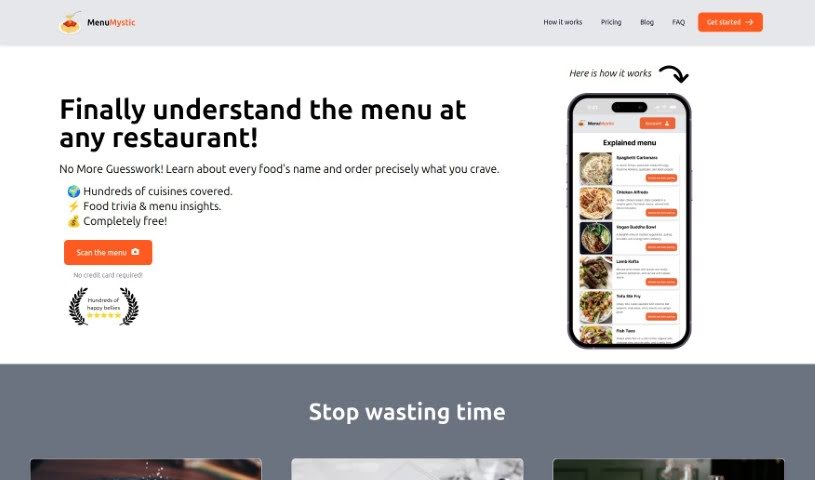
Screenshot of Menu Mystic

Menu Mystic

Freemium

Menu Mystic is an AI tool that acts as a personal culinary guide in your browser — no app download required. It scans restaurant menus and provides clear explanations of each dish, along with food trivia and insights about the menu. It covers a wide variety of cuisines, from Italian to Thai, and also offers wine pairing suggestions and dessert recommendations. You can save favorite dishes to revisit later.

Screenshot of Meshcapade

Meshcapade

Freemium

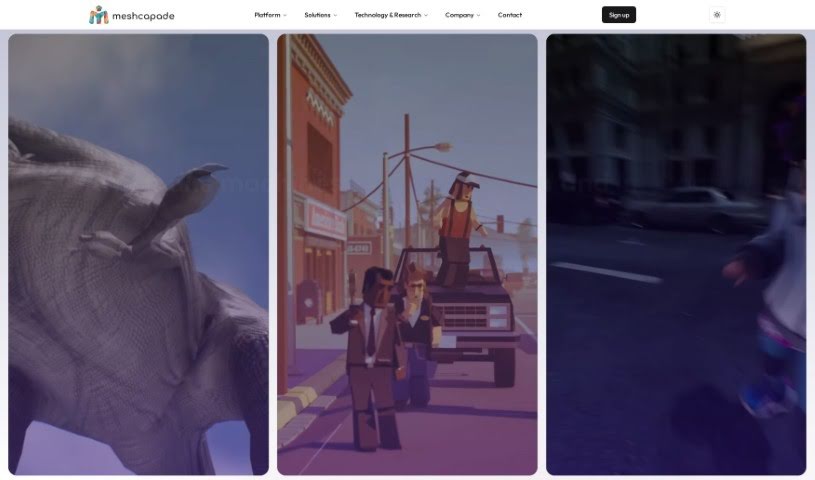
Meshcapade is an AI tool from the Digital Human Company that uses computer vision and machine learning to create lifelike digital human avatars from images, videos, or text. It is available through Meshcapade Me and Meshcapade Studio, providing ready-to-use body models, avatar technology, datasets, and texture packs for converting avatars, rigging them, capturing motion, and recording video.

Screenshot of Meshy

Meshy

Freemium

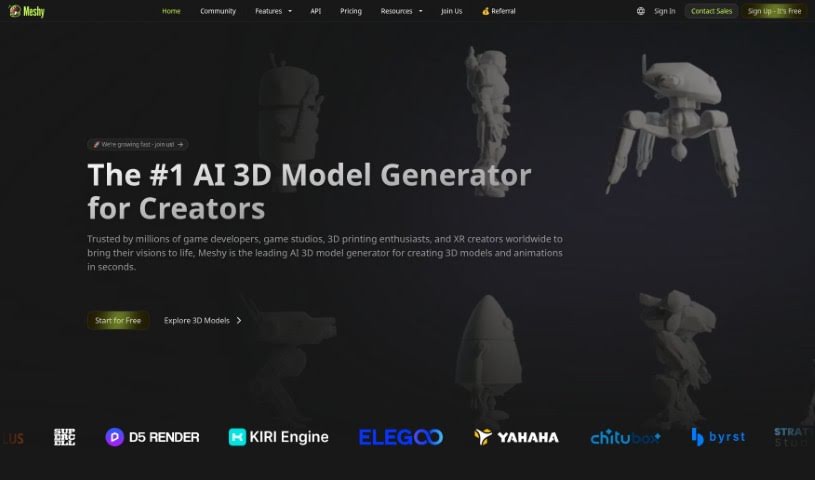
Meshy is a generative AI tool that turns text and images into 3D models quickly, removing the need to wrestle with complex design software like Maya or Blender. Built by a team with expertise in computer graphics and AI, it lets creators of all skill levels generate and texture 3D content in seconds. You can import a model, write a prompt describing the texture you want, and it's applied almost instantly. The interface is designed to be accessible for artists and non-experts alike.

Screenshot of Meta 3D Gen

Meta 3D Gen

Freemium

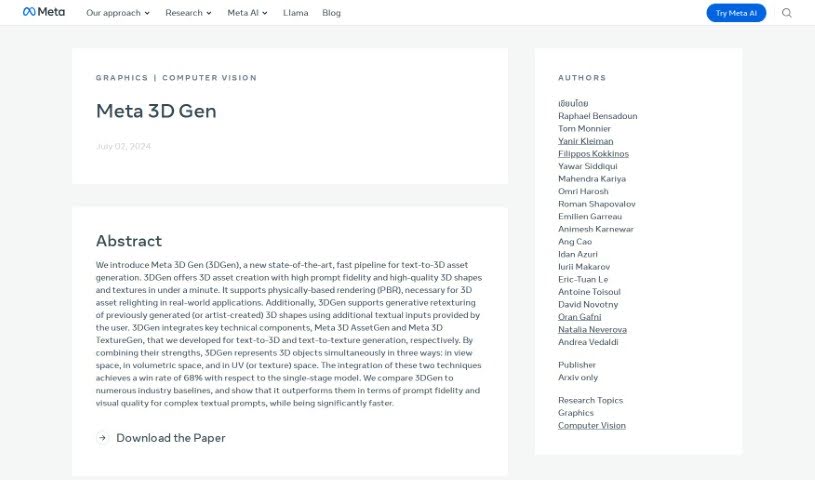
Meta 3D Gen is an AI-powered tool for creating 3D models from text prompts. It uses artificial intelligence and machine learning to build detailed 3D assets, automating much of the modeling process so you can produce high-quality results faster and with greater precision. The interface is approachable, with a solid set of tools for crafting complex 3D designs.

Screenshot of Meta Emu Edit

Meta Emu Edit

Freemium

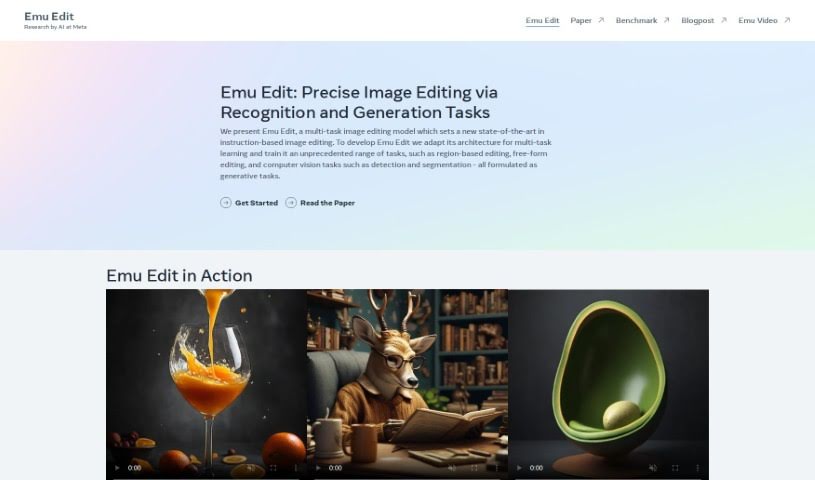
Meta Emu Edit is a research tool from Meta's AI team built for image editing and benchmarking. It applies artificial intelligence to the editing process and is connected to Emu Video, suggesting applications beyond still-image editing. A research paper documenting the model is publicly available.

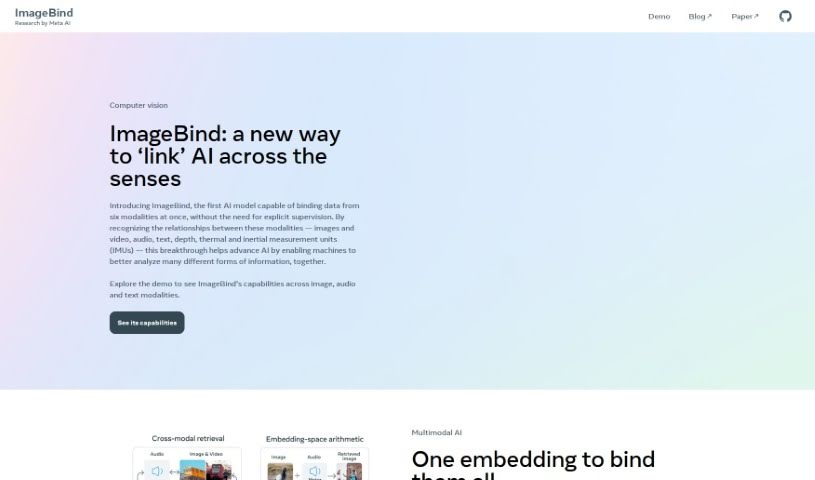
Screenshot of Meta ImageBind

Meta ImageBind

Freemium

Meta ImageBind is a multimodal model developed by Meta AI. It brings different kinds of data together—such as images, audio, and other media—so that multiple data formats can work within a shared framework. Its standout qualities are its ability to handle multiple data types at once, an accessible interface, novel algorithms, and its foundation on Meta AI's research.

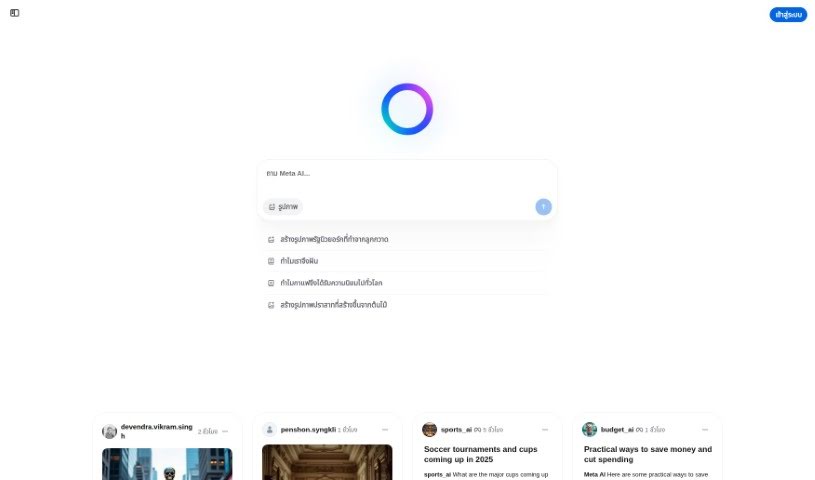
Screenshot of Meta Imagine

Meta Imagine

Freemium

Meta Imagine is a text-to-image tool that generates images from written descriptions. Sample prompts — a comic-style detective in a fedora and trench coat, a hippie robot walking a dog down an empty street, an aquarium filled with sharks and turtles — show the range of what a prompt can produce and offer inspiration for art and storytelling.

Screenshot of Metapix

Metapix

Freemium

Metapix is a photo and video editor built on generative AI. It covers standard edits — blur, cropping, resizing, watercolor effects, and zoom background adjustments — alongside AI-driven features like face swapping and AI-based hair color changes. Creative extras include virtual characters, stickers, and smart filters such as duotone, double exposure, and image upscaling.

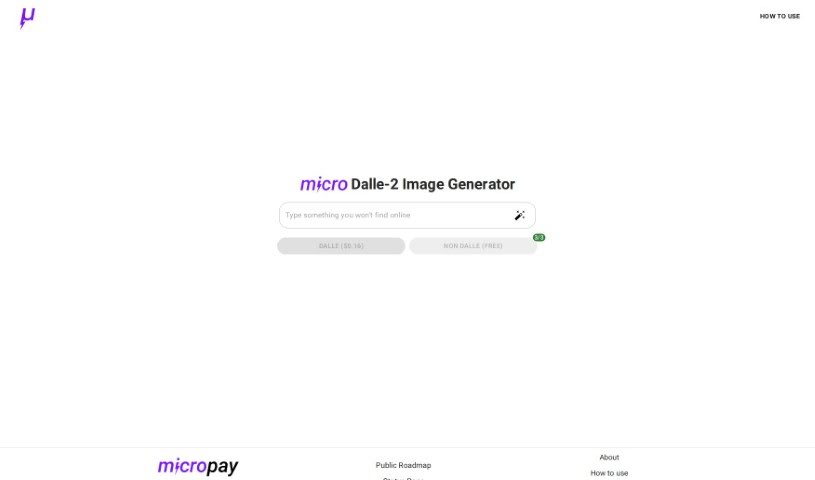
Screenshot of Micropay

Micropay

Freemium

Micropay is a payment solution created by Dillion and Haseab. It was built to pay for OpenAI's Dalle-2 text-to-image generator on a per-use basis. Payments run over the Lightning Network, which keeps usage anonymous and removes the need to prepay for a bundle of credits.

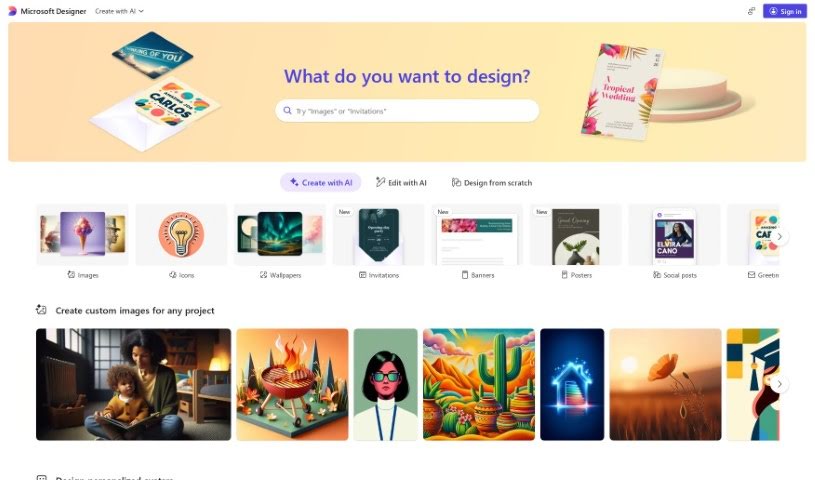
Screenshot of Microsoft Designer

Microsoft Designer

Freemium

Microsoft Designer is a collection of design tools that help you create polished content across Microsoft apps. The suite includes several components:

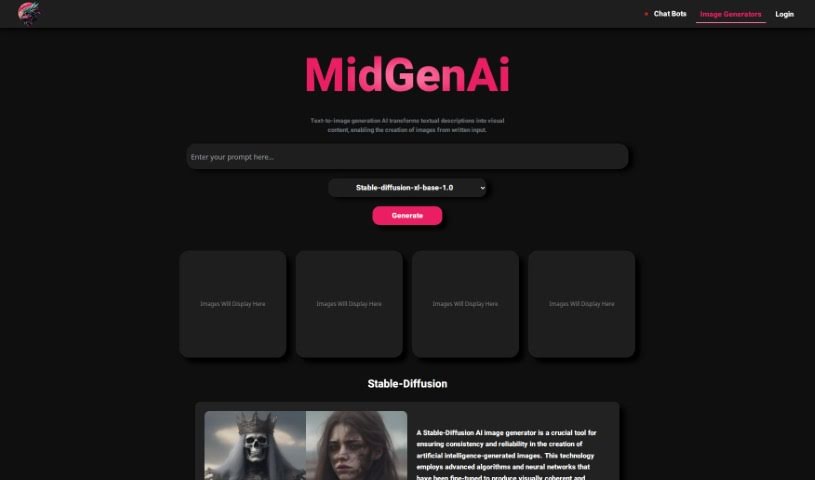
Screenshot of MidGenAi

MidGenAi

Freemium

MidGen AI is a free text-to-image tool that turns written descriptions into images. It offers five trained models, each with a distinct style:

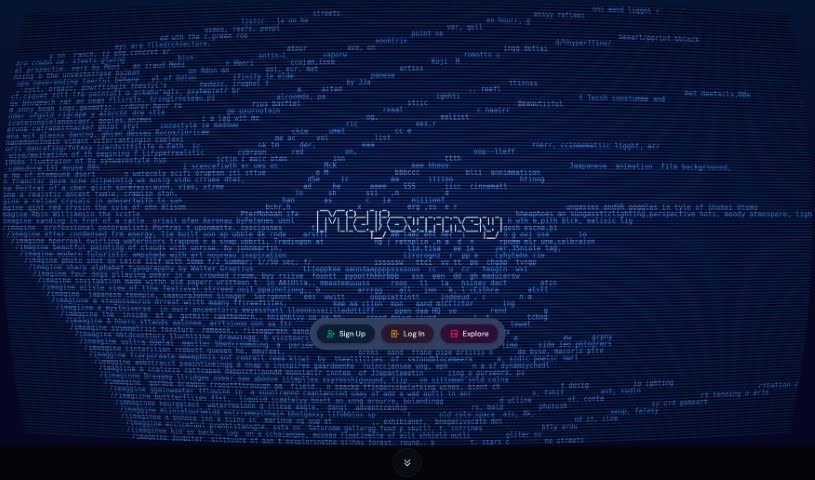
Screenshot of Midjourney

Midjourney

Freemium

Midjourney is a company focused on providing digital and design solutions for businesses, with an emphasis on user experience and strong branding. Its website showcases past projects and the expertise the team brings to creating engaging digital experiences for clients.

About Creative tools

Bringing a creative vision to life takes stamina. Whether you’re working on visual art, video projects, sound design, or written work, the gap between a great idea and a finished piece is usually filled with hours of tedious setup. You spend time masking image layers, cutting out filler words from audio, or wrestling with software settings when you’d rather be making art.

The tools in this category handle repetitive technical tasks so you can keep your focus where it belongs: on creative direction and artistic choice.

Offloading Technical Setup to Focus on Art

Testing visual concepts gets much faster when you can prototype ideas instantly. Instead of spending hours building manual moodboards or sketching rough wireframes by hand, generative tools let you test lighting styles, color palettes, and compositions in seconds. You can explore dozens of creative paths before committing to a full production shoot or detailed illustration.

In video and audio editing, smart software handles the tedious mechanics. Automatically generating precise closed captions, reframing shots for vertical video formats, or isolating vocal tracks from ambient background noise used to take complex plugins and hours of manual editing. Modern creative tools process those heavy tasks in minutes, giving you back time to polish the story itself.

Maintaining visual consistency across large projects gets a major upgrade, too. Managing design elements, color palettes, and character references across a long series or multi-asset campaign often leads to small visual errors. Creative AI tools help enforce visual rules and match styles automatically, keeping your artwork, video sequences, or digital assets aligned from start to finish.

Key Capabilities for Creators:

  • Style and reference matching: Systems that analyze an artistic style or reference image and apply it across new graphic assets.
  • Generative canvas expansion: Tools that expand image borders, fill in background details, or remove unwanted objects cleanly.
  • Text-to-media rendering: Software that converts written prompts into high-resolution images, video clips, or sound textures for fast prototyping.
  • Non-destructive asset editing: Applications that adjust lighting, color tones, and individual layers without destroying original files.
  • Cross-format conversion: Features that automatically reformat visual assets and video projects for desktop, mobile, and print.

Technology can generate pixels and format files, but true artistic judgment, taste, and emotional expression still belong to you. Handing off routine file conversions, background cleanup, and quick concept testing simply gives you the freedom to focus on your craft.

Explore the tools below to upgrade your creative workspace.

The Best AI Creative Tools

  1. Canva: for designing social media posts
  2. Character AI: for brainstorming story ideas and concepts.
  3. Janitor AI: for quickly crafting unique story ideas.
  4. Remove.bg: for instantly removing backgrounds from design projects
  5. Leonardo AI: for generating dynamic artwork for designers
  6. Photopea: for designing stunning graphics and illustrations.
  7. Photoroom: for improving photos for creative projects
  8. Pixelcut: for designing eye-catching product ads
  9. Pixlr: for designing great graphics with ease
  10. Midjourney: for visual storytelling through art prompts.
  11. AI Face Swap: for creating unique memes for social media.
  12. Cutout.pro: for creating dynamic backgrounds for art
  13. Remaker: for AI-powered image creation for unique designs.
  14. Ideogram: for logo design and customization.
  15. Openart: for experimenting with unique artistic styles
New tools, in your inbox.

Weekly picks of the best AI tools we've researched and added — no spam, unsubscribe anytime.

Join 25,000+ AI enthusiasts. No spam, unsubscribe anytime.