AI Creative Tools

AI Tools for Creative

Discover the best Creative AI tools to enhance your productivity and creativity.

Page 56 of 107 • 1276 total tools
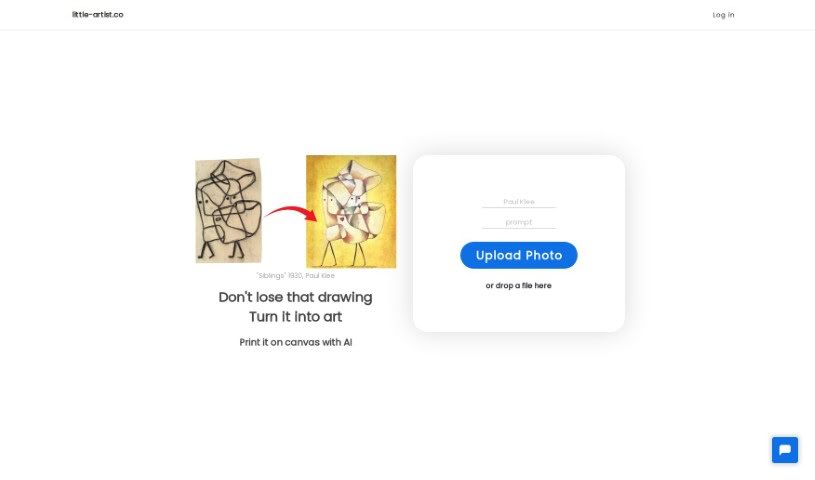
Screenshot of Little Artist

Little Artist

Freemium

Little Artist is an AI platform that transforms children's drawings into professional-looking art while preserving the child's original creativity. Sign in with a Google account, upload a photo or scan of a drawing, and the AI enhances it into a polished piece. Finished artwork can be saved to a digital collection or ordered as a canvas print.

Screenshot of Littlecookai

Littlecookai

Freemium

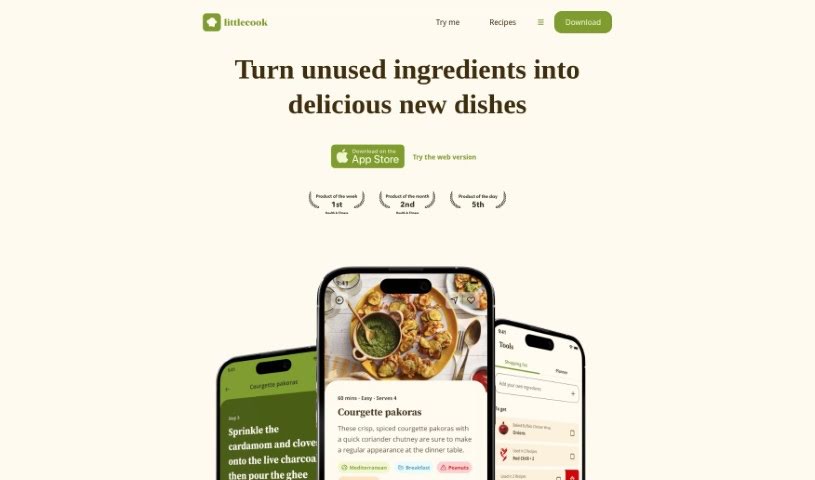
LittlecookAI is an online tool that generates unique recipes from ingredients you choose, adding your name to the recipe title. It's built for entertainment and creativity — the recipes are meant for fun, not for actual cooking or eating. You can browse recipes, save the ones you like, and connect with the LittlecookAI community on social media or through their blog. The tool can also suggest recipes based on ingredients you already have, which helps reduce food waste and simplify meal planning.

Screenshot of Live3D AI Anime Character Generator

Live3D AI Anime Character Generator

Freemium

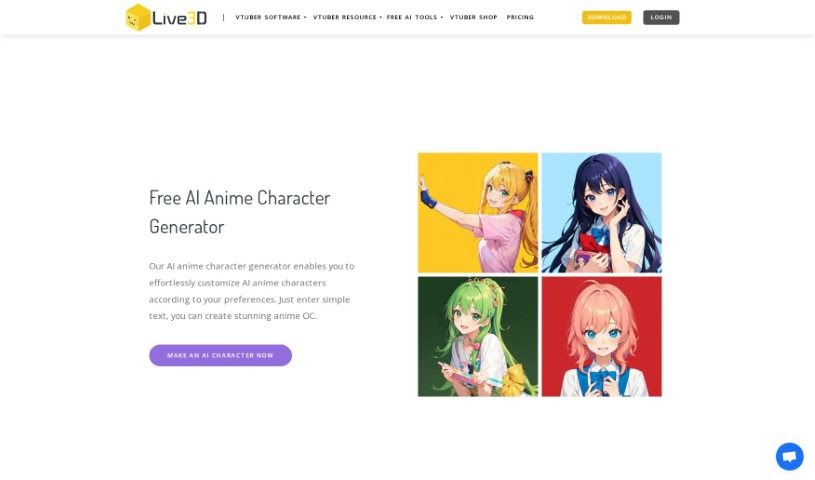
Live3D's AI Anime Character Generator is a free online tool that turns text descriptions or photos into anime characters in about a second. You can describe details like clothing, hairstyle, and overall style, or upload a photo, and the generator transforms it into anime art. The resulting characters work well as profile pictures (PFPs) on social media, for personal branding, in games, or within anime communities. It offers extensive customization options and is designed to be accessible to both beginners and experienced users.

Screenshot of Llmpeople

Llmpeople

Freemium

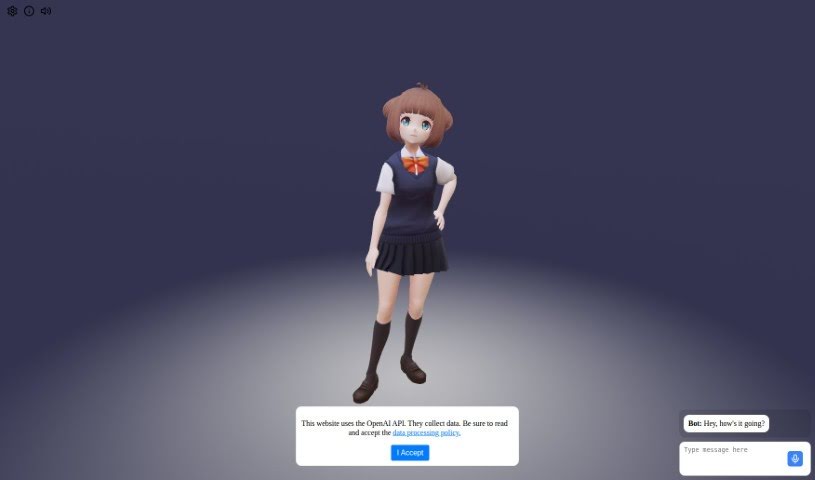
Llmpeople is a web-based platform for interacting with 3D models. It connects to the OpenAI API to make the experience dynamic and interactive. Users can rotate, zoom, and manipulate models to examine their details, textures, and dimensions from every angle. The platform collects data and has a data processing policy in place to comply with privacy regulations. It is designed for both educational purposes and recreational exploration.

Screenshot of Looking Glass Blocks

Looking Glass Blocks

Freemium

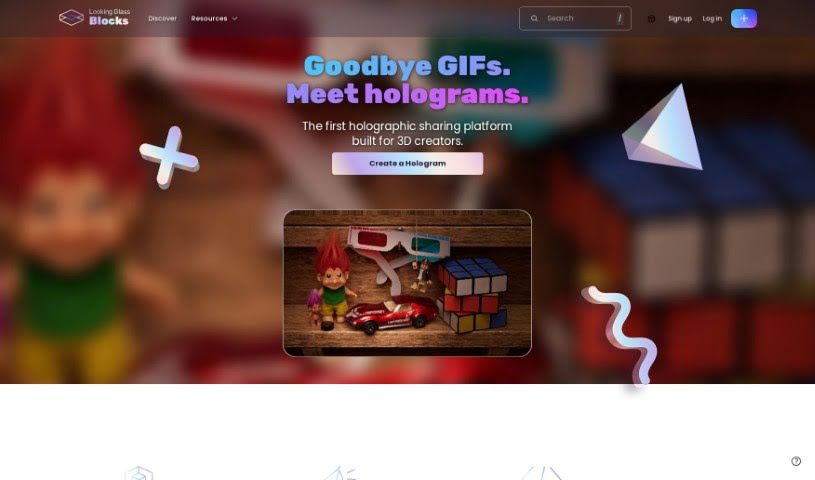
Looking Glass Blocks is a platform that turns 2D images into holograms using an AI conversion tool. It provides a straightforward way to create holographic projections from your pictures, then share or embed them across a range of devices — including Looking Glass displays themselves.

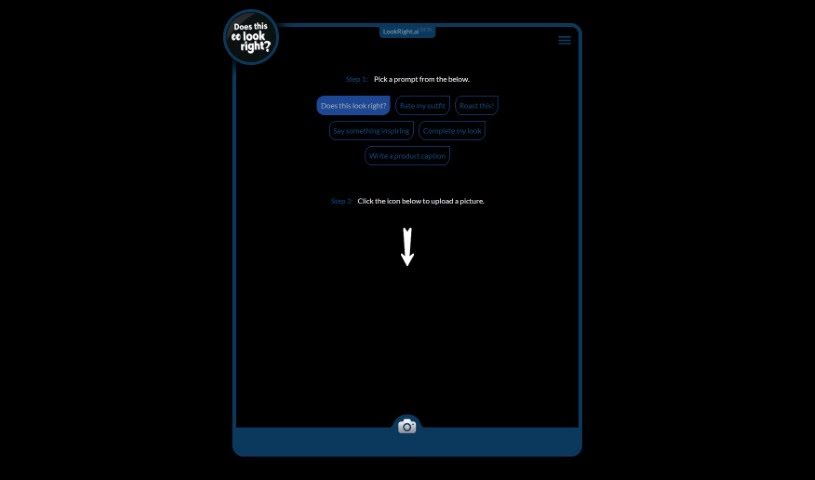
Screenshot of Lookright

Lookright

Freemium

LookRight is an AI tool that gives instant feedback on your images. It works as a second pair of eyes, using computer vision to analyze a picture based on the prompt you choose. Available prompts include "Does this look right?", "Rate my outfit", "Roast this!", "Say something inspiring", "Complete my look", and "Write a product caption." LookRight is built for fashion, design, photography, and social media content, offering criticism, inspiration, or caption ideas. Instead of waiting on other people's opinions, you get fast, objective input on how your visuals look.

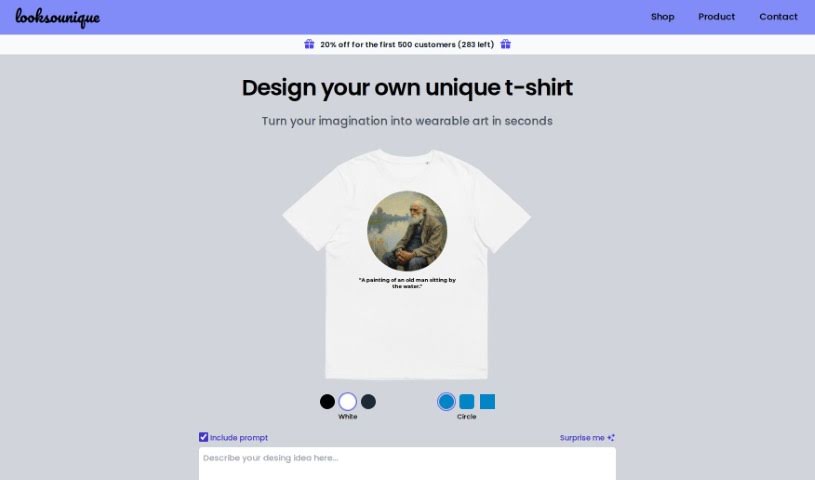
Screenshot of Looksounique

Looksounique

Freemium

Looksounique is an AI tool for designing and shopping for custom t-shirts. You type in a design idea — or hit the "Surprise Me" button for inspiration — and the AI generates unique designs in seconds. You then refine the result by choosing colors and shapes. Once you're satisfied, the Looksounique team prints your design on a comfortable, unisex 100% cotton t-shirt and ships it to your door.

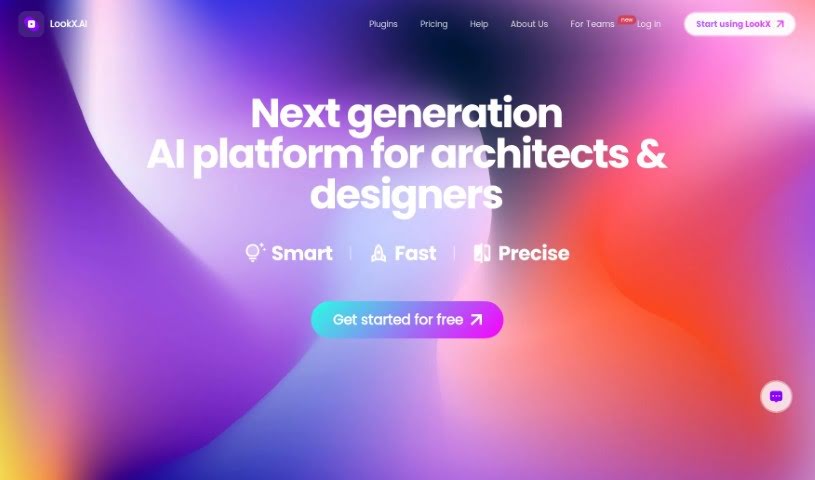
Screenshot of LookX AI

LookX AI

Freemium

LookX is an AI platform built by architects, designers, and tech experts. It offers AI-powered tools for creative fields including graphic design, industrial design, and construction, with the goal of providing AI-driven solutions designed specifically for creative industries.

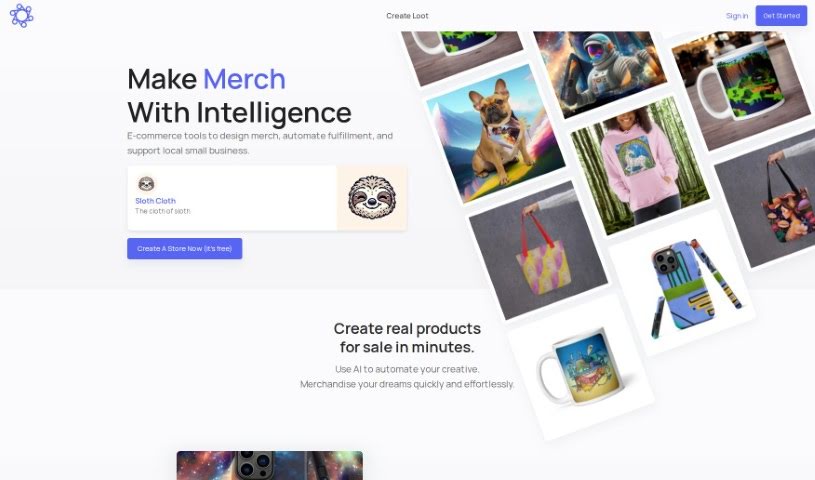
Screenshot of Lootgod

Lootgod

Freemium

Lootgod is a platform for artists that combines a digital gallery and shop in one place. It blends physical and digital art experiences — an approach known as "phygital publishing" — helping artists share and sell their work online and reach a wider audience. It supports many types of art and is designed to be easy to use.

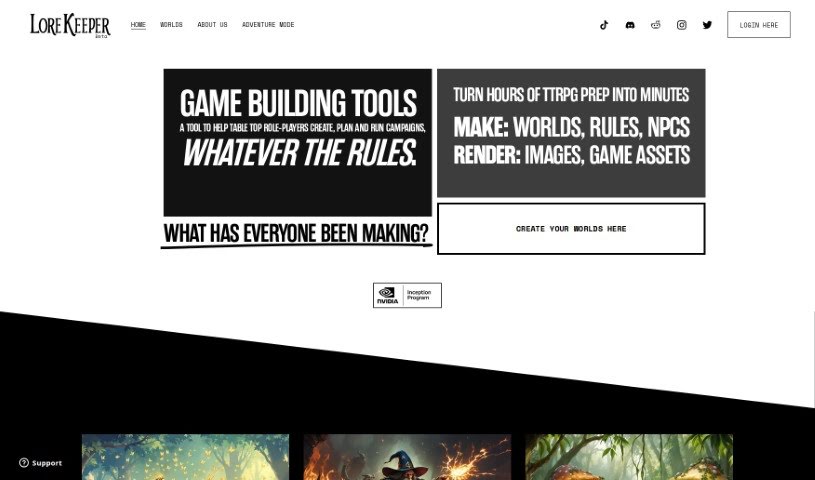
Screenshot of Lorekeeper

Lorekeeper

Freemium

Lorekeeper is a tool for creating, planning, and running tabletop role-playing campaigns. It helps you build worlds, game systems, character backstories, and interactive NPCs, and you can upload your own elements such as gods, monsters, images, and lore. Users report that it generates content quickly and often offers witty, helpful ideas for their campaigns. Its core purpose is to cut down prep work so you can focus on playing.

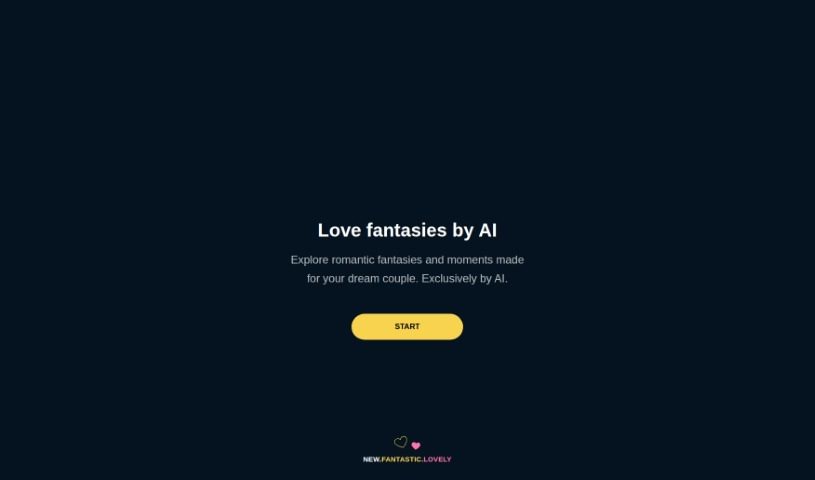
Screenshot of Love fantasies by AI

Love fantasies by AI

Freemium

AI Love Fantasies is a platform that creates personalized romantic stories, designed for your ideal couple using AI. It offers love-filled narratives crafted to spark imagination and evoke feelings of affection and closeness. The idea behind the platform is to provide a digital escape into romance, with each scenario built to feel like a custom love story. Whether you're looking for inspiration for your own relationships or simply want to enjoy romantic fiction, the platform is accessible online at unite.com.

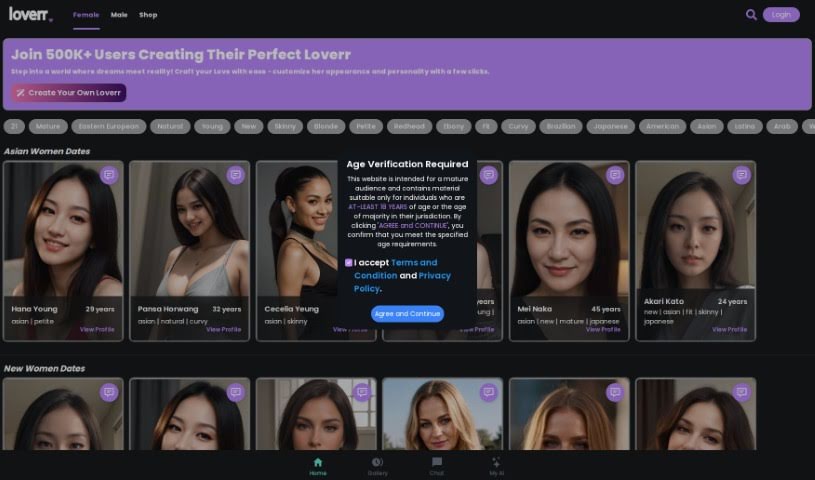
Screenshot of Loverr.ai

Loverr.ai

Freemium

Loverr.ai is an AI companionship platform centered on its AI Chat Girlfriend, designed to offer responsive, human-like interactions. It's aimed at anyone looking for friendship, someone to confide in, or a digital companion to chat with, with a focus on empathetic, personal conversations. The platform is built to be easy to use, so you can start chatting without hassle.

About Creative tools

Bringing a creative vision to life takes stamina. Whether you’re working on visual art, video projects, sound design, or written work, the gap between a great idea and a finished piece is usually filled with hours of tedious setup. You spend time masking image layers, cutting out filler words from audio, or wrestling with software settings when you’d rather be making art.

The tools in this category handle repetitive technical tasks so you can keep your focus where it belongs: on creative direction and artistic choice.

Offloading Technical Setup to Focus on Art

Testing visual concepts gets much faster when you can prototype ideas instantly. Instead of spending hours building manual moodboards or sketching rough wireframes by hand, generative tools let you test lighting styles, color palettes, and compositions in seconds. You can explore dozens of creative paths before committing to a full production shoot or detailed illustration.

In video and audio editing, smart software handles the tedious mechanics. Automatically generating precise closed captions, reframing shots for vertical video formats, or isolating vocal tracks from ambient background noise used to take complex plugins and hours of manual editing. Modern creative tools process those heavy tasks in minutes, giving you back time to polish the story itself.

Maintaining visual consistency across large projects gets a major upgrade, too. Managing design elements, color palettes, and character references across a long series or multi-asset campaign often leads to small visual errors. Creative AI tools help enforce visual rules and match styles automatically, keeping your artwork, video sequences, or digital assets aligned from start to finish.

Key Capabilities for Creators:

  • Style and reference matching: Systems that analyze an artistic style or reference image and apply it across new graphic assets.
  • Generative canvas expansion: Tools that expand image borders, fill in background details, or remove unwanted objects cleanly.
  • Text-to-media rendering: Software that converts written prompts into high-resolution images, video clips, or sound textures for fast prototyping.
  • Non-destructive asset editing: Applications that adjust lighting, color tones, and individual layers without destroying original files.
  • Cross-format conversion: Features that automatically reformat visual assets and video projects for desktop, mobile, and print.

Technology can generate pixels and format files, but true artistic judgment, taste, and emotional expression still belong to you. Handing off routine file conversions, background cleanup, and quick concept testing simply gives you the freedom to focus on your craft.

Explore the tools below to upgrade your creative workspace.

The Best AI Creative Tools

  1. Canva: for designing social media posts
  2. Character AI: for brainstorming story ideas and concepts.
  3. Janitor AI: for quickly crafting unique story ideas.
  4. Remove.bg: for instantly removing backgrounds from design projects
  5. Leonardo AI: for generating dynamic artwork for designers
  6. Photopea: for designing stunning graphics and illustrations.
  7. Photoroom: for improving photos for creative projects
  8. Pixelcut: for designing eye-catching product ads
  9. Pixlr: for designing great graphics with ease
  10. Midjourney: for visual storytelling through art prompts.
  11. AI Face Swap: for creating unique memes for social media.
  12. Cutout.pro: for creating dynamic backgrounds for art
  13. Remaker: for AI-powered image creation for unique designs.
  14. Ideogram: for logo design and customization.
  15. Openart: for experimenting with unique artistic styles
New tools, in your inbox.

Weekly picks of the best AI tools we've researched and added — no spam, unsubscribe anytime.

Join 25,000+ AI enthusiasts. No spam, unsubscribe anytime.