123RF AI Image Generator
Creative Image Generation
Learn more
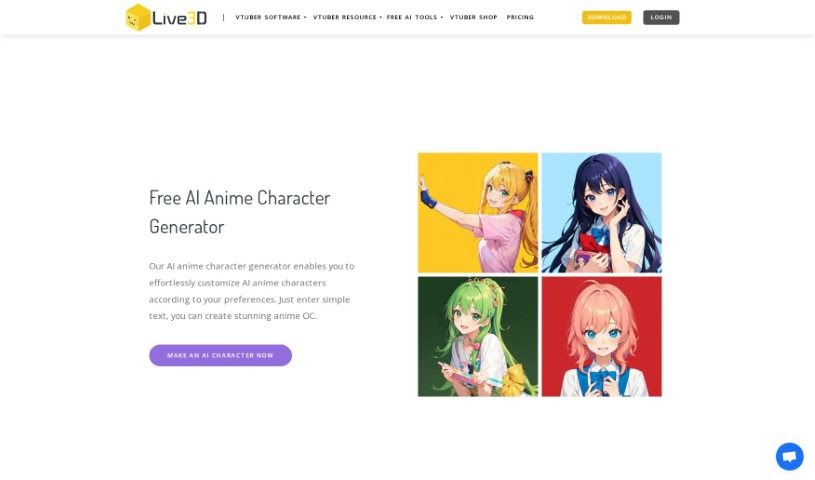
Discover what Live3D's AI Anime Character Generator is and how it turns text descriptions or photos into custom anime characters in seconds.
Live3D’s AI Anime Character Generator is a free online tool that turns text descriptions or photos into anime characters in about a second. You can describe details like clothing, hairstyle, and overall style, or upload a photo, and the generator transforms it into anime art. The resulting characters work well as profile pictures (PFPs) on social media, for personal branding, in games, or within anime communities. It offers extensive customization options and is designed to be accessible to both beginners and experienced users.
The tool is made by Live3D, which offers it completely free of charge. Their goal is to give anime fans a way to bring creative ideas to life — generating personalized anime avatars from text and images without needing any artistic skill.
It suits personal branding, anime vlogging, fan communities, and cosplay profiles.
The generator lets you customize hairstyles, facial expressions, clothing, and accessories, with changes reflected in real time. Results can be used for games, animations, illustrations, and more.
Related
Discover more tools in similar categories
Weekly picks of the best AI tools we've researched and added — no spam, unsubscribe anytime.
Join 25,000+ AI enthusiasts. No spam, unsubscribe anytime.