AI Creative Tools

AI Tools for Creative

Discover the best Creative AI tools to enhance your productivity and creativity.

Page 38 of 107 • 1276 total tools
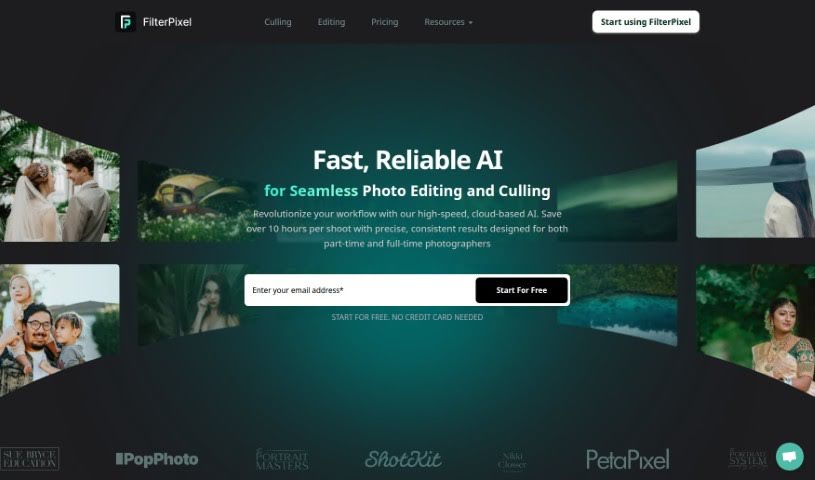
Screenshot of FilterPixel

FilterPixel

Freemium

FilterPixel is an AI-driven tool that helps photographers sort and edit photos faster. It automatically sifts through large batches of images, picks out the best ones, and flags potential problems. It works with common file types like RAW, DNG, and JPG, and runs on both Windows and Mac. Users report that it adapts to different shooting styles, supports custom editing preferences, and speeds up culling and editing, freeing photographers to focus on creative work.

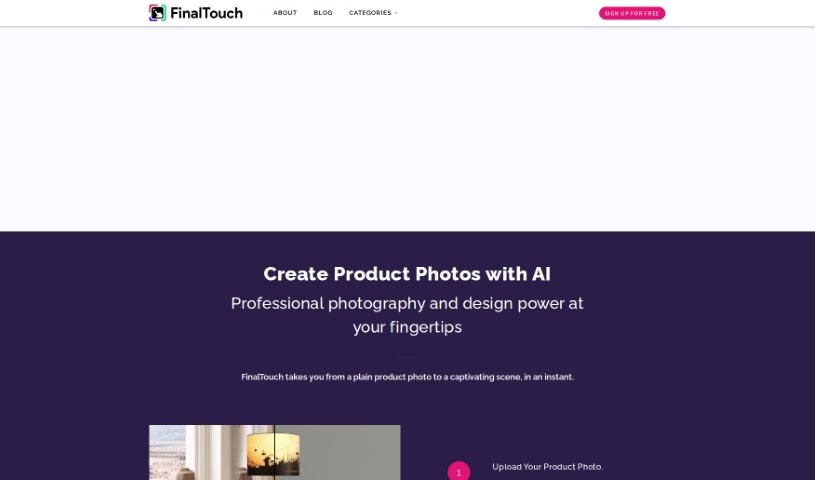
Screenshot of FinalTouch

FinalTouch

Freemium

FinalTouch is an AI-powered tool that helps marketers, brand managers, and e-commerce businesses create professional-looking product scenes without design skills. Upload your product photos, and the tool suggests AI-generated scenes. It also offers advanced editing controls, generates unique copyright-free images, and is currently free during its beta phase while the team collects user feedback.

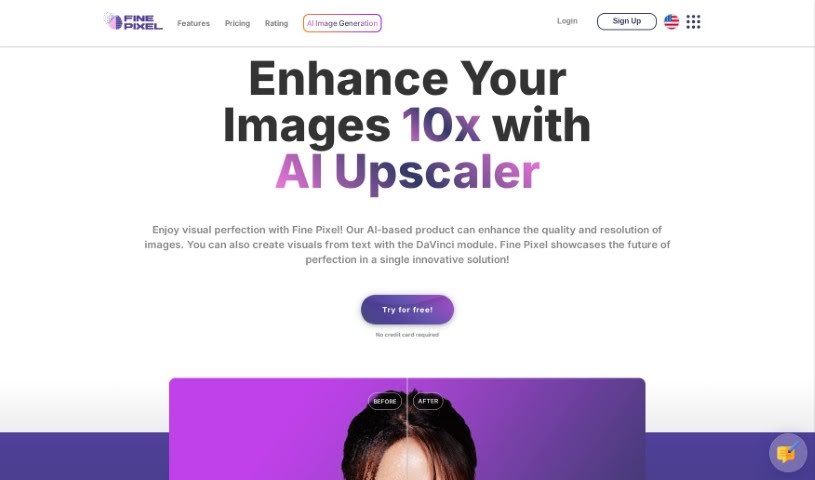
Screenshot of FinePixel

FinePixel

Freemium

FinePixel is an AI-powered tool for improving image quality and resolution. It can upscale images by up to 10x their original size and includes specialized technology for enhancing faces. Users can choose the output format they need.

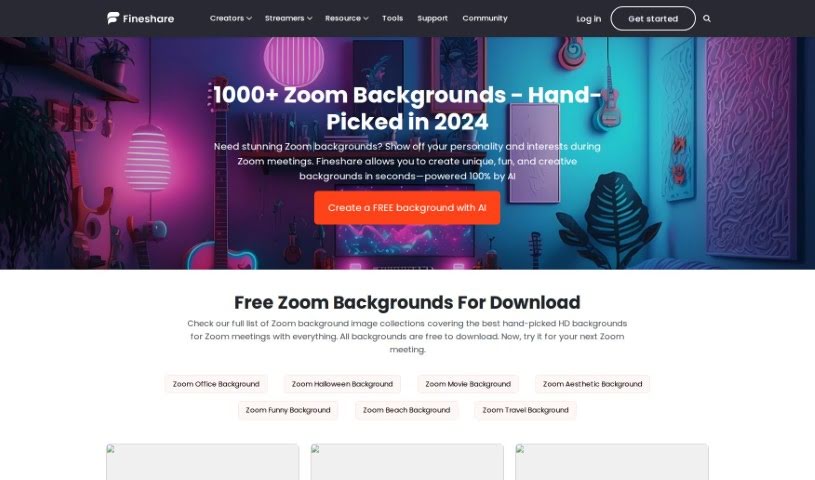
Screenshot of FineShare Zoom Background

FineShare Zoom Background

Freemium

FineShare Zoom Background is a resource from FineShare for digital backgrounds—images or videos—that replace your real surroundings during Zoom calls. Options range from a professional office look to a beach scene, a movie backdrop, or a festive theme like Halloween, letting you personalize your virtual meetings.

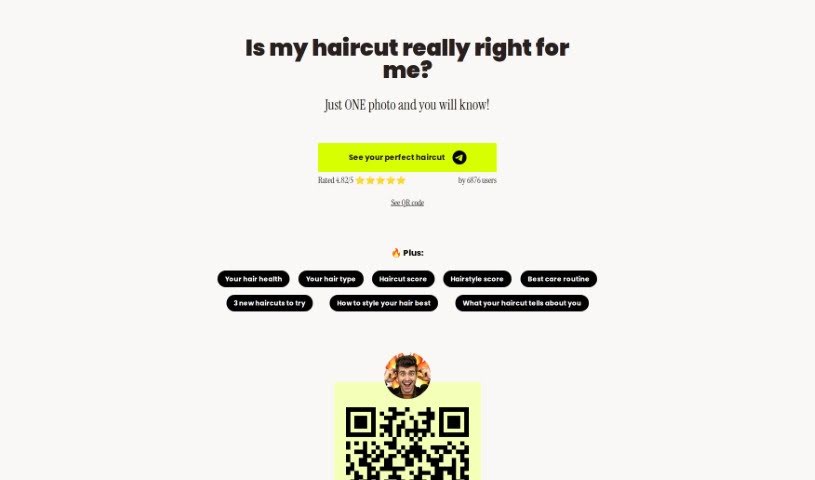
Screenshot of Firehaircut

Firehaircut

Freemium

Firehaircut is a playful, satirical tool that delivers haircut advice through a fictional Hollywood hair expert named Leonardo DiBarbiere. Upload a photo to receive personalized styling advice and haircut suggestions. The site makes clear that all content and interactions are satire — it's designed for fun and inspiration, not serious consultation.

Screenshot of Fireworks.ai

Fireworks.ai

Freemium

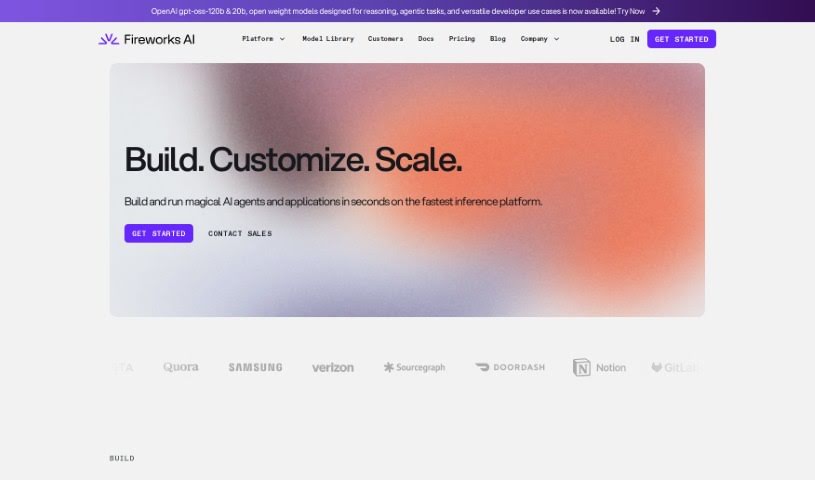
Fireworks.ai is a platform for deploying open-source language and image models for fast, reliable inference. Core features include model fine-tuning, rapid deployment, team support, and SOC 2 Type II and HIPAA compliance. Users frequently note the straightforward setup and the company's focus on data protection.

Screenshot of FixPix

FixPix

Freemium

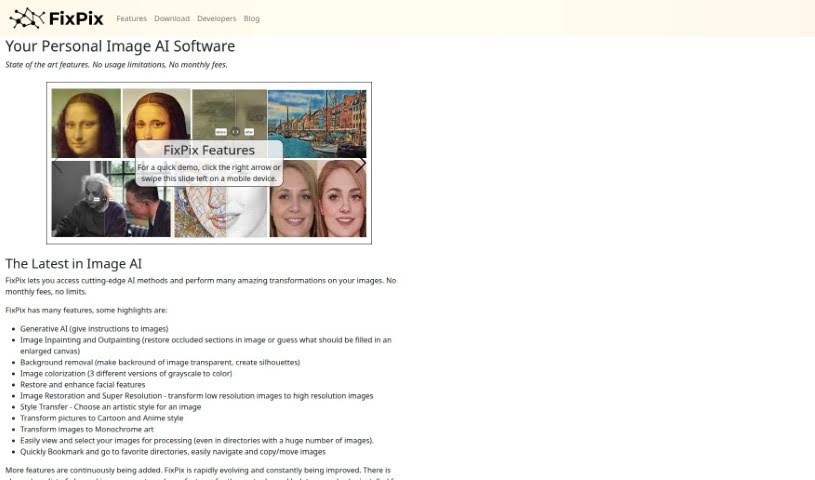
FixPix is an AI-powered image processing application for Windows and macOS. It works as a collection of specialized tools — similar to plugins — that handle tasks such as improving photo quality, applying filters, restoring old pictures, and creating artistic effects.

Screenshot of FixThePhoto.com

FixThePhoto.com

Freemium

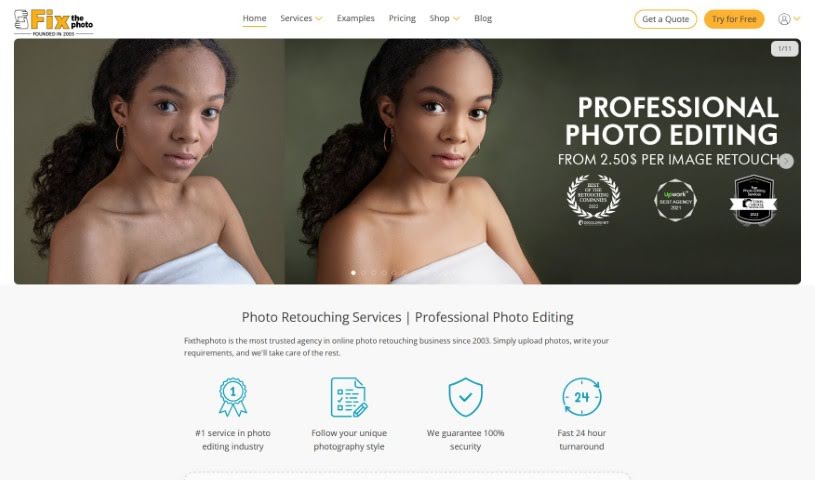
FixThePhoto.com is a professional photo editing service for photographers, businesses, and individuals. Its offerings include detailed photo retouching, photo restoration, general image enhancement, color correction, background editing, and portrait retouching. Work is handled by a team of skilled editors who use advanced editing techniques. You submit photos online and receive the edited versions back quickly.

Screenshot of Flush AI

Flush AI

Freemium

Flush AI is a cloud-based AI Art Studio for generating artwork with artificial intelligence. It's aimed at artists, designers, and creatives of any skill level, offering a full set of art creation tools, convenient cloud access, and a community of digital art innovators. The platform combines advanced algorithms with a user-friendly interface, so you can take an idea from initial concept to finished piece without needing local installations.

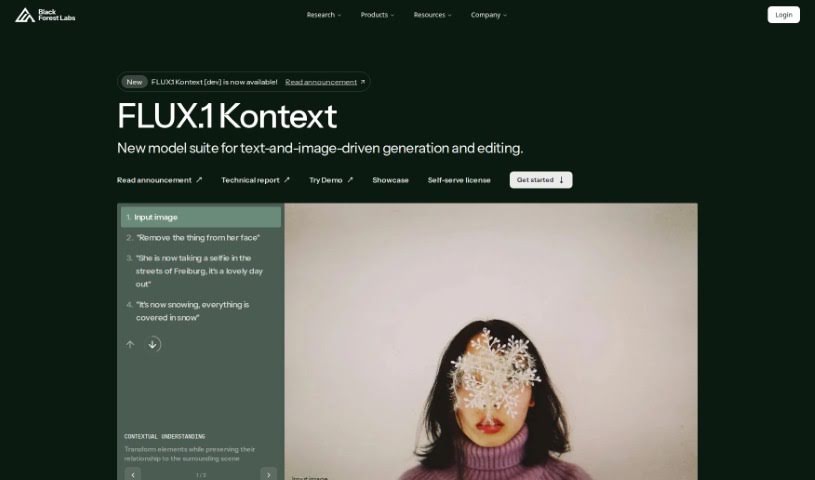
Screenshot of FLUX.1

FLUX.1

Freemium

FLUX.1 is a family of image generation models from Black Forest Labs, available in several variants with different licensing and access options.

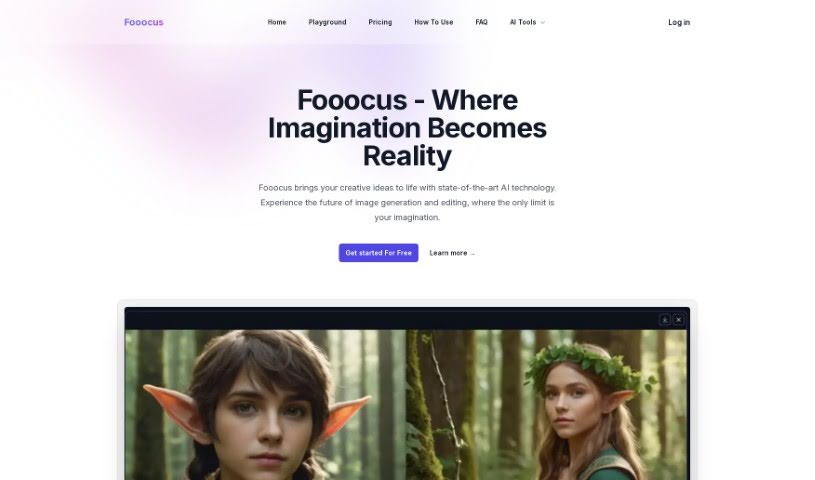
Screenshot of Fooocus

Fooocus

Freemium

Fooocus is an AI tool for generating and editing images from your creative ideas. Its core features include a smart inpainting algorithm for editing and completing images, an image prompt system that keeps output closely matched to your input, support for multiple SDXL models, customizable aspect ratios, and precise face swapping. It runs efficiently across different hardware setups.

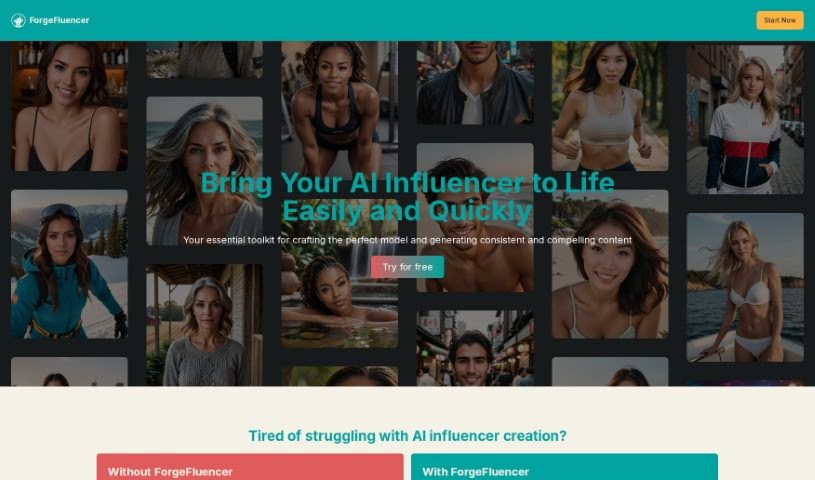
Screenshot of ForgeFluencer

ForgeFluencer

Freemium

ForgeFluencer is a platform for creating and managing AI influencers and anime characters. It provides tools to generate high-definition photo and video content, including a model generator, a name generator, a model manager, various content generators, and a photo shoot catalogue. These features are designed to streamline content creation for social media and monetization. ForgeFluencer offers multiple plans, from a free Discover Plan for trying things out to a comprehensive Creator Plan with advanced features.

About Creative tools

Bringing a creative vision to life takes stamina. Whether you’re working on visual art, video projects, sound design, or written work, the gap between a great idea and a finished piece is usually filled with hours of tedious setup. You spend time masking image layers, cutting out filler words from audio, or wrestling with software settings when you’d rather be making art.

The tools in this category handle repetitive technical tasks so you can keep your focus where it belongs: on creative direction and artistic choice.

Offloading Technical Setup to Focus on Art

Testing visual concepts gets much faster when you can prototype ideas instantly. Instead of spending hours building manual moodboards or sketching rough wireframes by hand, generative tools let you test lighting styles, color palettes, and compositions in seconds. You can explore dozens of creative paths before committing to a full production shoot or detailed illustration.

In video and audio editing, smart software handles the tedious mechanics. Automatically generating precise closed captions, reframing shots for vertical video formats, or isolating vocal tracks from ambient background noise used to take complex plugins and hours of manual editing. Modern creative tools process those heavy tasks in minutes, giving you back time to polish the story itself.

Maintaining visual consistency across large projects gets a major upgrade, too. Managing design elements, color palettes, and character references across a long series or multi-asset campaign often leads to small visual errors. Creative AI tools help enforce visual rules and match styles automatically, keeping your artwork, video sequences, or digital assets aligned from start to finish.

Key Capabilities for Creators:

  • Style and reference matching: Systems that analyze an artistic style or reference image and apply it across new graphic assets.
  • Generative canvas expansion: Tools that expand image borders, fill in background details, or remove unwanted objects cleanly.
  • Text-to-media rendering: Software that converts written prompts into high-resolution images, video clips, or sound textures for fast prototyping.
  • Non-destructive asset editing: Applications that adjust lighting, color tones, and individual layers without destroying original files.
  • Cross-format conversion: Features that automatically reformat visual assets and video projects for desktop, mobile, and print.

Technology can generate pixels and format files, but true artistic judgment, taste, and emotional expression still belong to you. Handing off routine file conversions, background cleanup, and quick concept testing simply gives you the freedom to focus on your craft.

Explore the tools below to upgrade your creative workspace.

The Best AI Creative Tools

  1. Canva: for designing social media posts
  2. Character AI: for brainstorming story ideas and concepts.
  3. Janitor AI: for quickly crafting unique story ideas.
  4. Remove.bg: for instantly removing backgrounds from design projects
  5. Leonardo AI: for generating dynamic artwork for designers
  6. Photopea: for designing stunning graphics and illustrations.
  7. Photoroom: for improving photos for creative projects
  8. Pixelcut: for designing eye-catching product ads
  9. Pixlr: for designing great graphics with ease
  10. Midjourney: for visual storytelling through art prompts.
  11. AI Face Swap: for creating unique memes for social media.
  12. Cutout.pro: for creating dynamic backgrounds for art
  13. Remaker: for AI-powered image creation for unique designs.
  14. Ideogram: for logo design and customization.
  15. Openart: for experimenting with unique artistic styles
New tools, in your inbox.

Weekly picks of the best AI tools we've researched and added — no spam, unsubscribe anytime.

Join 25,000+ AI enthusiasts. No spam, unsubscribe anytime.