Top AI Background Removers

AI Tools for Background Removal

Discover the best Background Removal AI tools to enhance your productivity and creativity.

Page 2 of 5 • 52 total tools
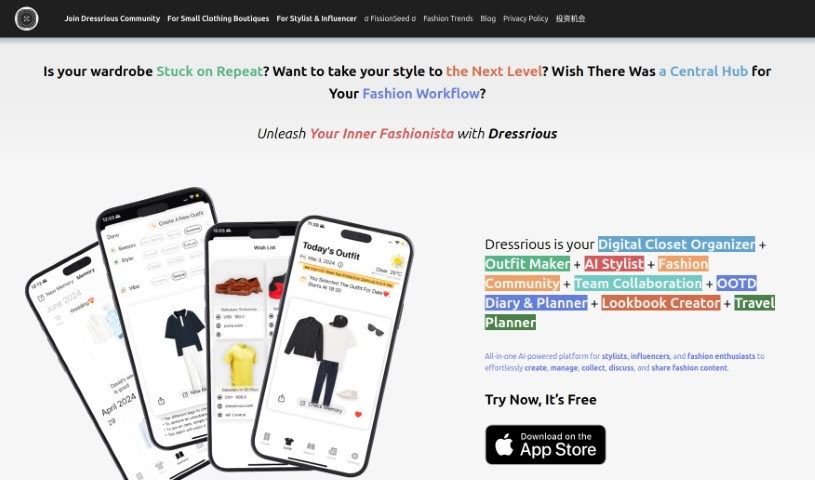
Screenshot of Dressrious

Dressrious

Freemium

Dressrious is an AI-powered fashion app that combines several tools in one: a digital closet organizer, outfit maker, AI stylist, OOTD diary and planner, and lookbook creator. You upload photos of your clothes and shoes, and the app suggests outfits based on the weather, the occasion, the dress code, and color coordination.

Background Removal View Tool →
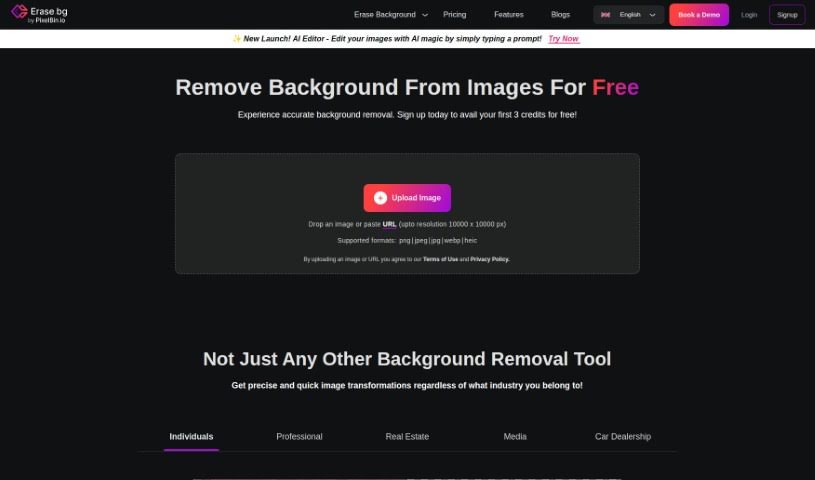
Screenshot of Erase.bg

Erase.bg

Freemium

Erase.bg is a free website that removes backgrounds from images using AI. You upload a picture of a person, animal, or object, and the algorithm identifies the main subject and removes the background while keeping important details intact. Edited images can be downloaded in high resolution, making them suitable for online stores, personal projects, or social media. No credit card or subscription is required.

Background Removal View Tool →
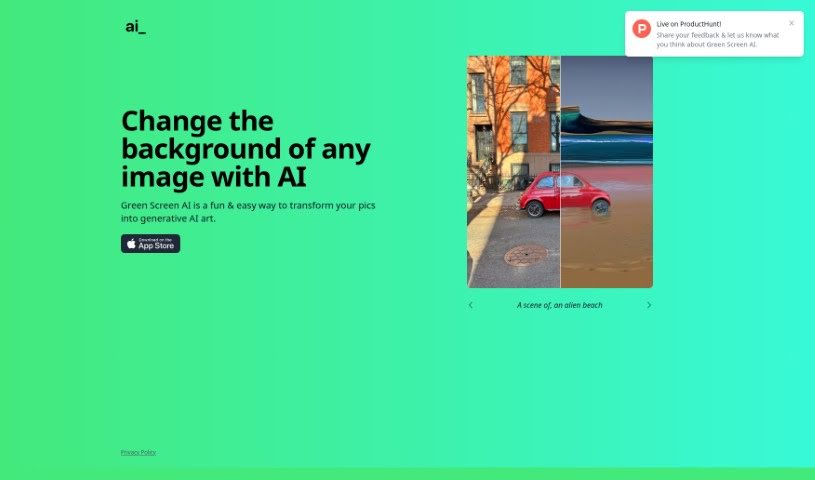
Screenshot of Green Screen Ai

Green Screen Ai

Freemium

Green Screen AI is a tool for turning photos into generative AI art. It removes backgrounds from pictures and replaces them with new scenes, such as tropical beaches or fantasy landscapes. Beyond cutting out the background, it adds realistic shadows and reflections so edited photos look natural. It also offers artistic effects and filters that can be applied at different styles and intensities.

Background Removal View Tool →
Screenshot of Headshot Pro

Headshot Pro

Freemium

Headshot Pro is a service that uses AI to create professional headshots for individuals and remote teams. You upload a variety of your own photos showing different facial expressions and backgrounds, and the AI learns from them to generate realistic headshots of you.

Background Removal View Tool →
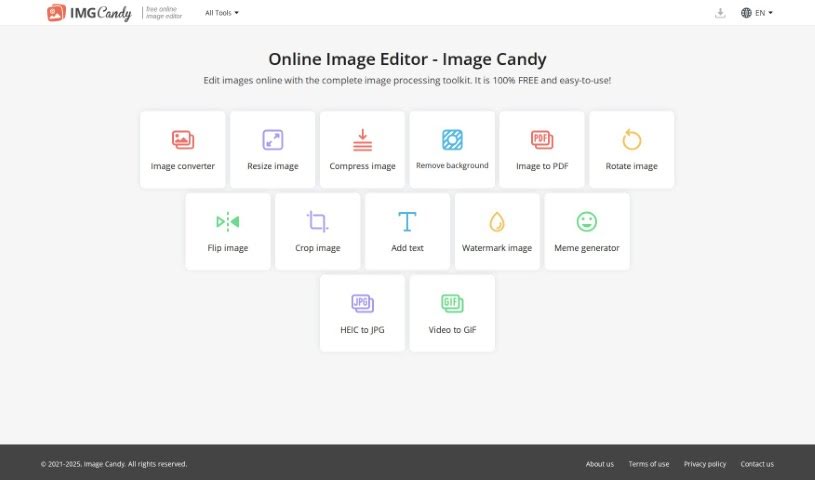
Screenshot of Image Candy

Image Candy

Freemium

Image Candy is a free online image editor that runs entirely in your web browser — no downloads or installations required. It bundles a range of editing tools into one platform, covering common tasks like converting file types, compressing images, resizing, rotating, removing backgrounds, adding text or watermarks, creating memes, converting videos to GIFs, and transforming HEIC files to JPG.

Background Removal View Tool →
Screenshot of Image Cleaner

Image Cleaner

Freemium

Image Cleaner is an AI-powered tool that removes unwanted elements from photos. Upload an image (JPG, PNG, or WebP), highlight the area you want to edit, and the AI removes the unwanted elements. You can preview the result before downloading, and exports carry no watermarks.

Background Removal View Tool →
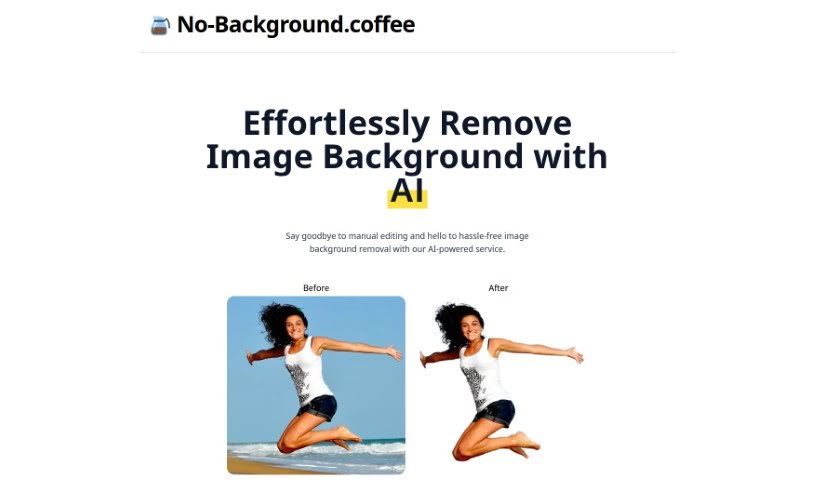
Screenshot of No-Background.coffee

No-Background.coffee

Freemium

No-Background.coffee is an AI service that removes image backgrounds automatically. It uses a deep learning approach based on MODNet to deliver quick, accurate results without any manual editing, saving significant time compared to removing backgrounds by hand.

Background Removal View Tool →
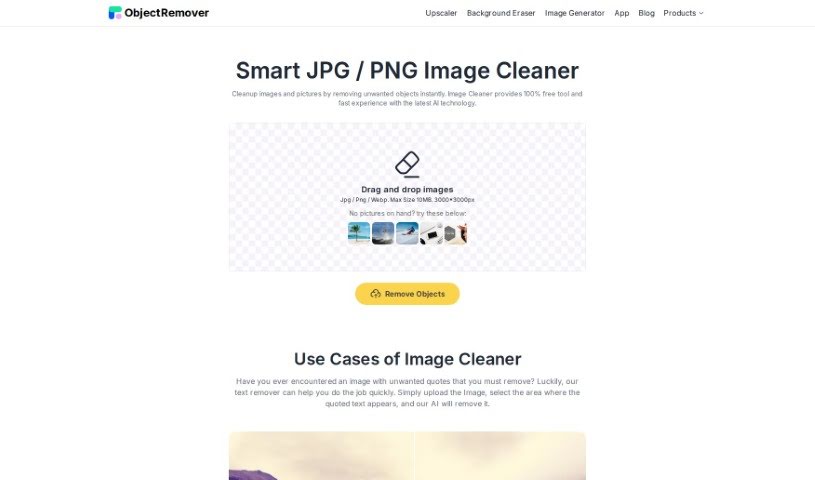
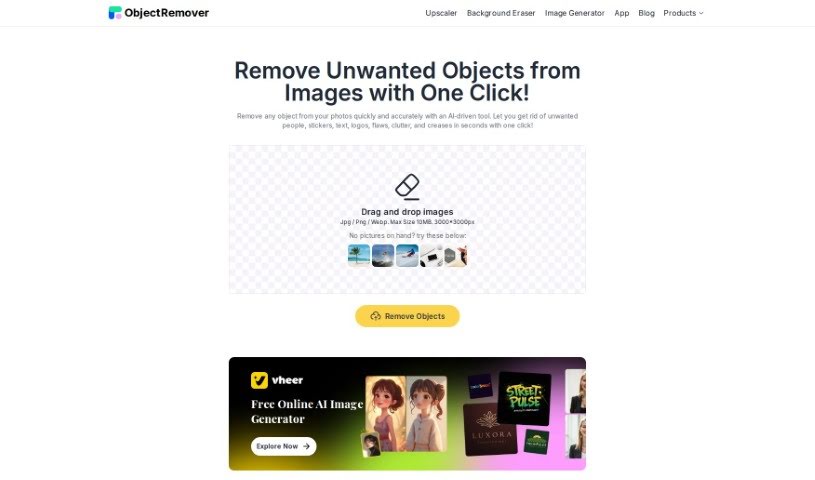
Screenshot of Object Remover

Object Remover

Freemium

Object Remover is a free online AI tool for removing unwanted elements from photos. It includes several specialized tools: a People Remover, Text Remover, Clutter Remover, Skin Defects Remover, and Sticker Emoji Remover. The tool fills in edited areas so smoothly that there is no visible trace of the original objects. You can upload JPG, PNG, or JPEG files from your computer and preview the edited image before downloading it, with no watermarks. It receives positive feedback for its ease of use, speed, and quality of results, particularly for restoring old photos.

Background Removal View Tool →
Screenshot of Onison Corporation

Onison Corporation

Freemium

Onison offers a Whitespace Tool that uses artificial intelligence to automatically replace the background of product photos. You can swap backgrounds for pure white space, specific colors, or transparency, and the tool preserves the original CMYK layers in the process.

Background Removal View Tool →
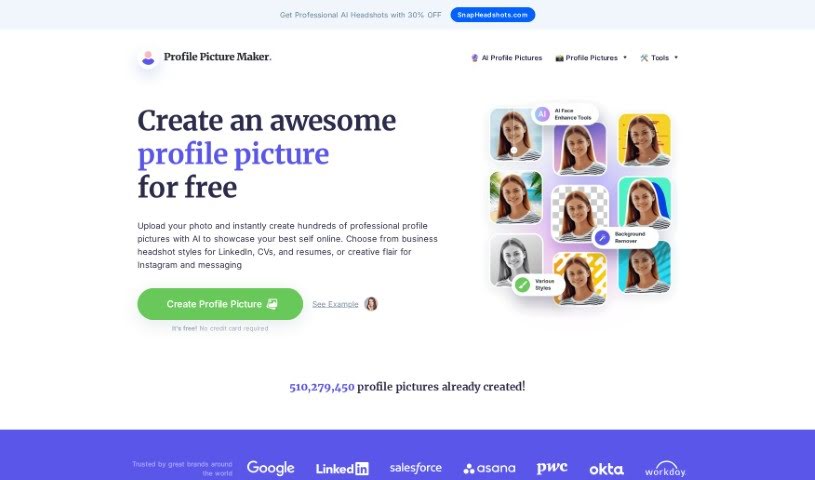
Screenshot of PFPMaker.com

PFPMaker.com

Freemium

PFPMaker.com is an online tool for creating professional-looking profile pictures for LinkedIn, CVs, Instagram, messaging apps, and more. It offers templates and tools tailored to different needs, including social media profiles, team photos, business cards, CVs and resumes, and email signatures. Over 510 million profile pictures have been made with the platform.

Background Removal View Tool →
Screenshot of Photo Spells

Photo Spells

Freemium

Photo Spells is a professional photo editing service that uses AI technology to improve your images. It combines artificial intelligence with editing expertise to deliver high-quality results. You can retouch photos, add creative effects, remove background elements, and enhance detail. The platform is designed to be user-friendly, fast, and flexible across different photo styles.

Background Removal View Tool →
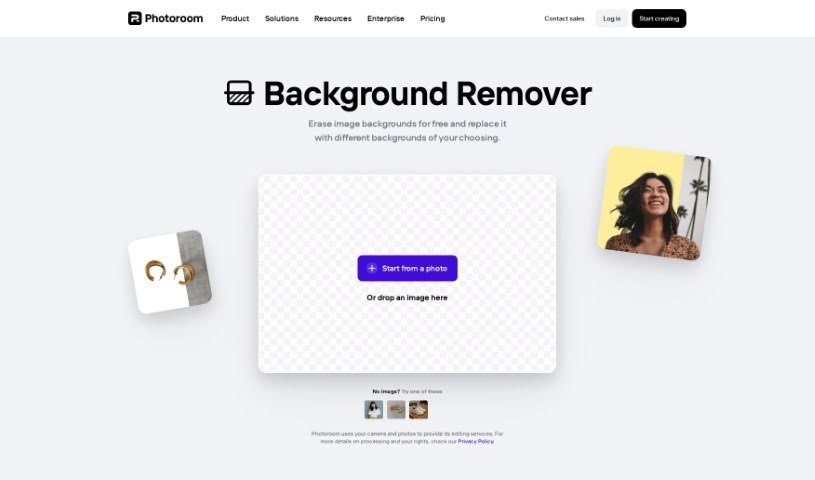
Screenshot of Photoroom AI Background Remover

Photoroom AI Background Remover

Freemium

Photoroom's AI Background Remover is a free tool that uses artificial intelligence to automatically cut out the background from your photos. Upload a picture and the AI handles the removal, making it easy to customize and edit your images. It's useful for anyone working with visuals, whether for social media, marketing materials, or personal projects.

Background Removal View Tool →

About Background Removal tools

Anyone who’s ever tried to edit a photo knows how tedious cutting out a background manually can be. You sit there with a digital pen tool, carefully tracing around every stray hair, chair leg, or leaf pixel by pixel. One wrong click and you’re undoing your last ten moves. It takes forever, and the results don’t always look clean.

AI background removers turn that tedious chore into a simple one-click task. You don’t need to be a professional designer or know how to handle complex photo editing software. These applications analyze your image, figure out what belongs in the foreground, and erase the rest in seconds.

Where One-Click Erasers Save the Most Time

E-commerce store owners feel this pain more than anyone. When you have fifty new items to list on Shopify or Amazon, every single product needs a clean backdrop. Doing that manually across a whole catalog can take days. An automated background eraser processes those product shots in batches, dropping in pure white or transparent backdrops while you grab a cup of coffee.

Professional headshots and profile pictures are another great use case. Maybe you took a great photo of yourself, but the background shows a messy office or a distracting crowd. With a quick upload, you can strip away the clutter and replace it with a subtle studio gradient or solid color that makes your profile look sharp on LinkedIn.

Graphic designers and content creators rely on these platforms to build marketing materials quickly. When you want to drop a product cutout, a person, or a logo onto a new banner ad, you need clean edges without weird color halos. These tools generate transparent PNG files instantly, letting you layer graphics into your designs without awkward borders.

Of course, no software gets every single edge right on the first try. Photos with poor lighting, low contrast, or subject colors that blend directly into the backdrop can still trick the algorithms. That’s why the best platforms offer simple touch-up brushes so you can quickly restore or erase small spots manually.

Useful Capabilities to Look For

  • Hair and fine detail handling: Systems that cleanly separate fine strands of hair, animal fur, or transparent glass without leaving jagged edges.
  • Batch processing: Features that let you upload dozens or hundreds of photos at once to process entire image libraries in one go.
  • Manual touch-up tools: Simple erase and restore brushes for fine-tuning tricky edges or bringing back missed details.
  • High-resolution exports: Applications that let you download full-quality files without compressing your original image size.
  • Instant backdrop replacement: Built-in libraries that let you swap in solid colors, custom brand shades, or realistic background scenes immediately.

Removing backgrounds used to be one of the most frustrating parts of visual design. While tricky photos still benefit from a quick human touch, letting smart software handle the initial cutout frees up your time for actual creative work.

Browse our collection below to find the right background remover for your project.

The Best AI Background Removers

  1. Remove.bg: Great for quickly removing backgrounds for online stores.
  2. Remaker: Effortlessly eliminate unwanted backgrounds.
  3. Photoroom AI Background Remover: Perfect for making product photos look better.
  4. Canva AI Background Remover: Ideal for creating product images for online stores.
  5. Pixelcut AI Background Remover: Helps enhance e-commerce product images.
  6. Removal.ai: Instantly erase backgrounds from your images.
  7. Erase.bg: Also great for enhancing e-commerce product images.
  8. Pixlr AI Background Remover: Useful for creating product images for e-commerce.
  9. PFPMaker.com: Get clean profile pictures with background removal.
  10. Clipping Magic: Easily erase image backgrounds in bulk.
  11. Cutout.Pro Remove Background: Another excellent choice for e-commerce product image enhancement.
  12. Slazzer: Also a top pick for e-commerce product image enhancement.
  13. Background Remover Ai: Removes backgrounds from images and videos.
  14. Retoucher: Makes it easy to edit product images for e-commerce.
  15. Headshot Pro: For seamless adjustments to your headshot backgrounds.
New tools, in your inbox.

Weekly picks of the best AI tools we've researched and added — no spam, unsubscribe anytime.

Join 25,000+ AI enthusiasts. No spam, unsubscribe anytime.