AI Automation Tools: Top Picks & How They Work

AI Tools for Automation

Discover the best Automation AI tools to enhance your productivity and creativity.

Page 14 of 39 • 461 total tools
Screenshot of Galileo AI

Galileo AI

Freemium

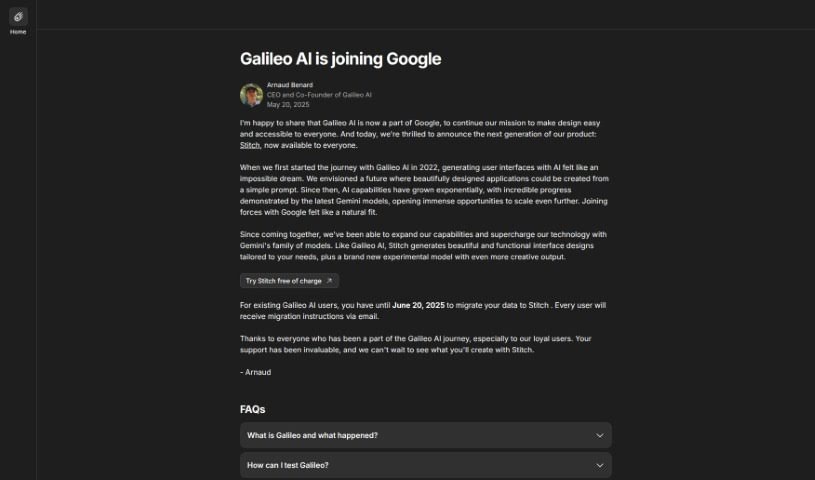
Galileo AI (also known as Galileo Icon) is an all-in-one AI assistant built to boost productivity and creativity. It covers content generation, workflow automation, design assistance, SEO optimization, and data analysis — helping users create content, automate repetitive tasks, produce visuals, improve search visibility, and draw insights from large datasets. Its interface is designed to be easy to use, and it is categorized under Interface Design, UI Design, Artificial Intelligence, Design Tools, and Design Automation.

Automation View Tool →
Screenshot of Gapier

Gapier

Freemium

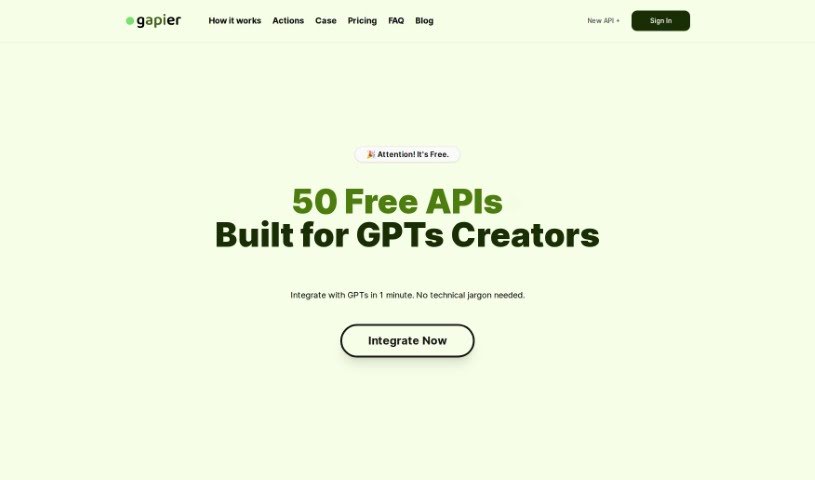
Gapier is a platform built for ChatGPT users. It offers 50 free Action APIs designed to help you create practical GPT apps. If you're building GPTs, Gapier lets you integrate these tools in about 60 seconds — no tech skills needed. It extends GPT-4's capabilities with extra functions beyond what it can do on its own.

Automation View Tool →
Screenshot of Geniea

Geniea

Freemium

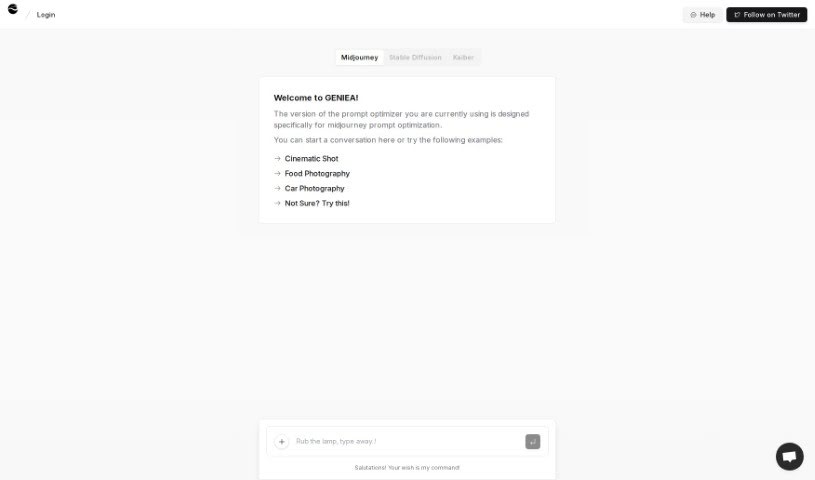
Geniea is an AI-driven web app focused on prompt engineering and optimization, designed primarily to improve Midjourney prompts. It analyzes your prompts and suggests better ways to achieve the results you want.

Automation View Tool →
Screenshot of Gentrace

Gentrace

Freemium

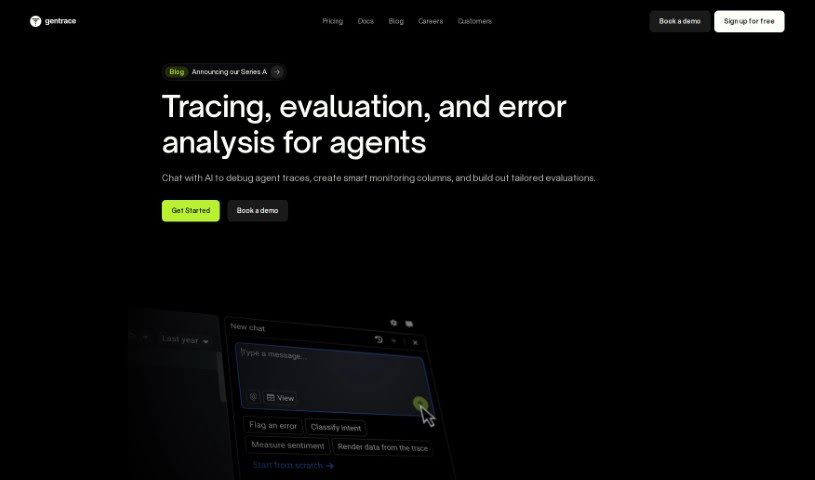
Gentrace is a platform for evaluating and monitoring generative AI models across three dimensions: output quality, speed, and cost. It combines human judgment, AI-based evaluation, and heuristics to automate much of the grading process, reducing the need for manual review.

Automation View Tool →
Screenshot of GetOData

GetOData

Freemium

GetOData is a Chrome extension that uses AI to extract data from websites. You select the data points you want to collect, navigate multi-page sites with pagination support, and export the results as CSV, Excel, or JSON files.

Automation View Tool →
Screenshot of GetZing

GetZing

Freemium

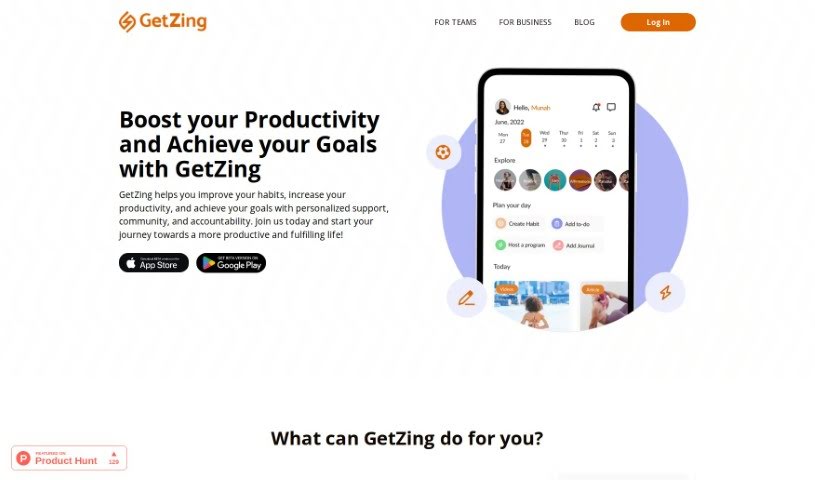
GetZing is a platform designed to help you build better habits, improve productivity, and reach your goals. It combines personalized support, a community, and built-in accountability. Core features include habit tracking, curated challenges and programs, reflection and insight tools, and AI-assisted time management. GetZing lets you set goals and habits, sends reminders, tracks your progress, and syncs with your calendar to help you manage your time. Data is stored securely with encryption.

Automation View Tool →
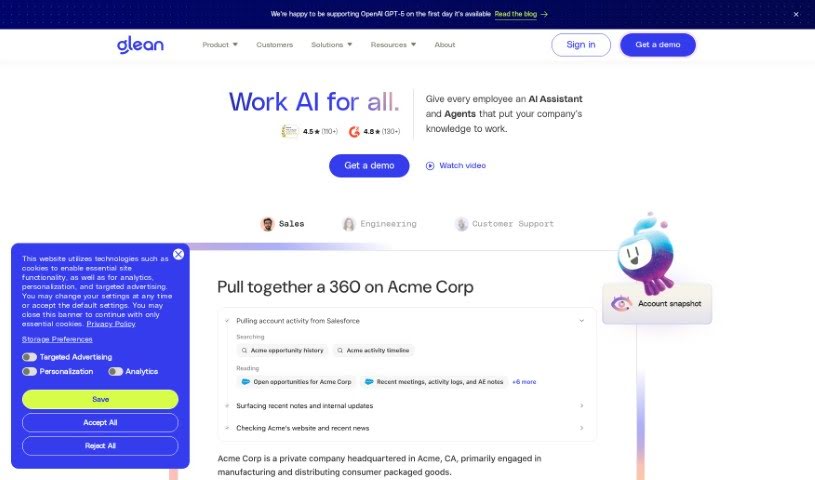
Screenshot of Glean

Glean

Freemium

Glean is a tool for collecting, organizing, and finding information from a wide range of sources — websites, documents, and emails. You can save important details, sort them with tags and folders, and retrieve them easily through search. Features like highlighting, note-taking, and search make it useful for building organized collections of information, whether for personal research or for work.

Automation View Tool →
Screenshot of Gleek

Gleek

Freemium

Gleek is a diagram-making tool designed for developers who prefer working with a keyboard instead of a mouse. It uses a simple text-based syntax to turn your descriptions into visuals, supporting a wide range of diagram types: informal diagrams, flowcharts, class diagrams, sequence diagrams, state diagrams, Gantt charts, user journey maps, entity-relationship diagrams, UML diagrams, and object diagrams.

Automation View Tool →
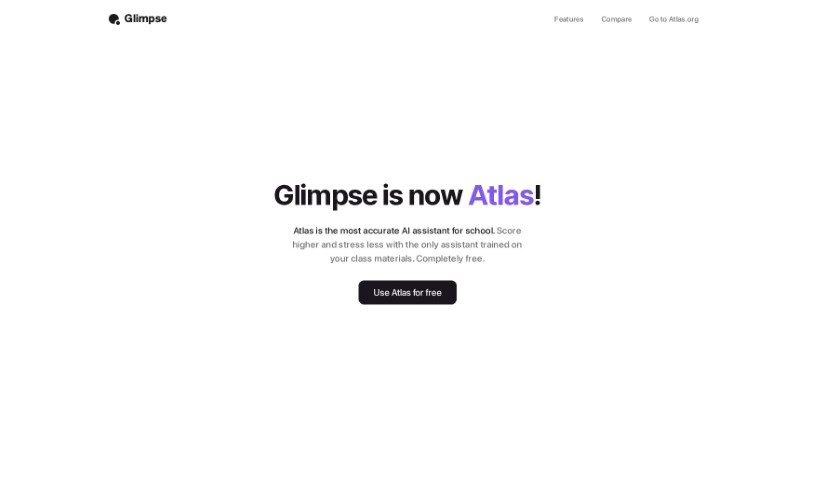
Screenshot of Glimpse

Glimpse

Freemium

Glimpse, also known as "Chat With The Internet," is an AI browser extension designed to make web browsing more efficient. It offers smart search suggestions, personalized recommendations, automatic form filling, and built-in ad blocking. Its standout feature is AI-powered content summarization, which lets you quickly grasp the main points of long articles. It also includes intelligent bookmarking for saving and organizing websites, plus tab management tools to keep your browser tidy.

Automation View Tool →
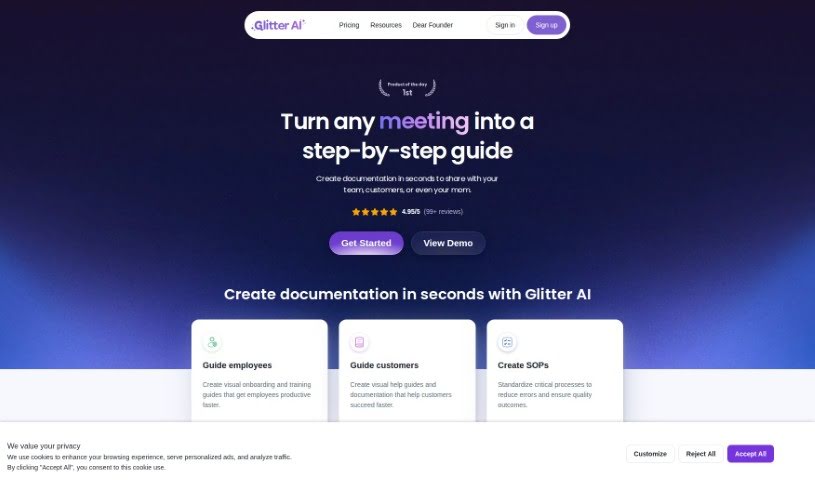
Screenshot of Glitter AI

Glitter AI

Freemium

Glitter AI is a platform that transforms any process into a clear, step-by-step guide. By breaking down complex workflows into simple, manageable steps, it helps teams boost productivity and complete tasks consistently. The goal is to make complicated procedures easier to follow and more accessible to everyone, so anyone can build effective, user-friendly guides.

Automation View Tool →
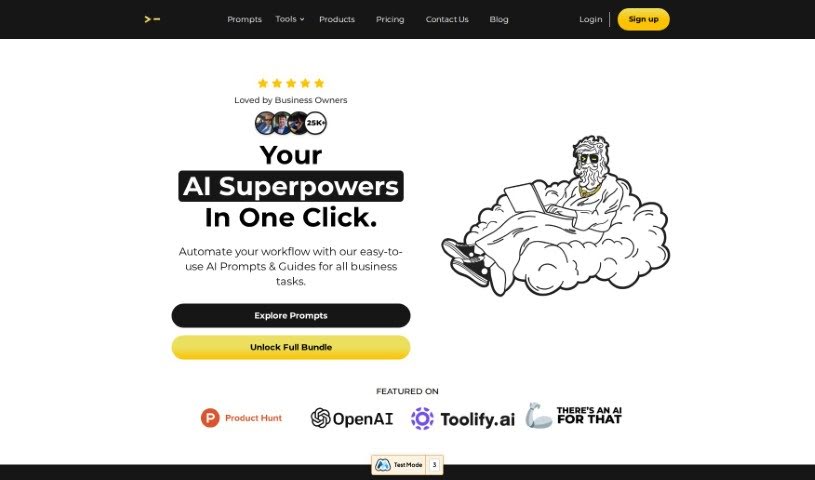
Screenshot of God of Prompt

God of Prompt

Freemium

God of Prompt is a toolkit of ChatGPT prompts designed to make your work more efficient across a range of areas. It serves as a resource for getting better results from ChatGPT by using pre-written, expertly crafted prompts rather than starting from scratch.

Automation View Tool →
Screenshot of GoLess

GoLess

Freemium

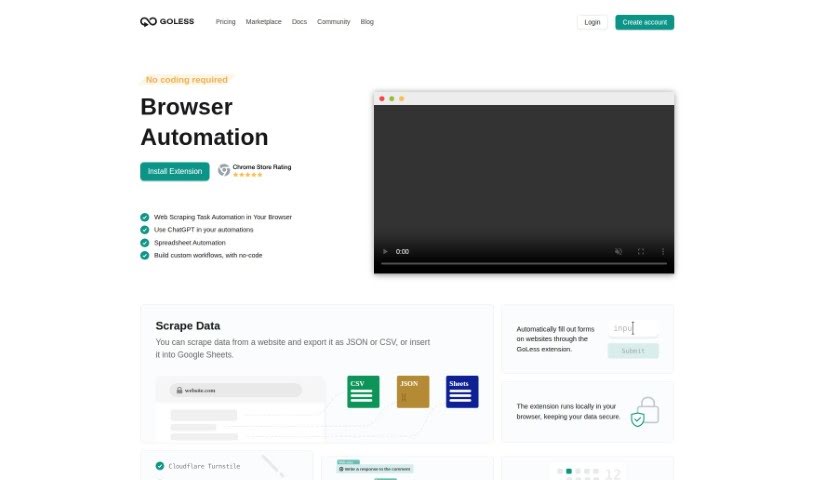
GoLess is a no-code web automation tool that handles repetitive browser tasks. Workflows are built with the GoLess Chrome extension — no coding required.

Automation View Tool →

About Automation tools

We’ve all got daily chores that make us feel like human copy-paste machines. Transferring numbers from a PDF invoice into a spreadsheet, sending repetitive follow-up emails, or copying lead details from a web form into a database can eat up half your workday. It’s boring work, and one tiny distraction means you accidentally paste the wrong phone number into the wrong field.

Smart automation platforms go far beyond traditional software rules that only follow rigid “if this happens, then do that” triggers. Instead, AI tools can read unstructured information, understand what needs to happen next, and execute multi-step tasks across all your favorite applications.

Building Smarter Workflows

Older automation tools required every single step to be perfectly predictable. If an incoming email didn’t match an exact format, the whole system broke down. AI tools change that by understanding context. For instance, if a customer emails your support team with a mixed request about a delayed shipment and a billing question, an AI assistant can read the message, extract the order number, categorize the issue, and open the correct ticket in your help desk automatically.

Data entry and document cleanup get a massive speed boost, too. Instead of spending hours typing details from receipts, contracts, or paper forms into your system, intelligent scanning software extracts names, dates, and line items instantly. It structures messy text, flags unusual errors for your review, and pushes clean information straight into your accounting software.

Connecting different applications is another major time saver. Rather than jumping across ten browser tabs to update project statuses, send team messages, and reschedule calendar invites, you can build smooth pipelines. When a new sales lead books a meeting, the system can automatically create a client record, generate a custom proposal draft, and set a reminder for your sales rep.

Key Features to Look For:

  • Natural language workflow builders: Systems that let you describe an automated sequence in plain English rather than building complex logic chains.
  • Unstructured data extraction: Software capable of reading receipts, PDFs, and casual emails to pull out accurate numbers and details.
  • Multi-app connectivity: Tools that link smoothly with your existing stack, from spreadsheets and email to project boards and CRMs.
  • Conditional decision making: Engines that evaluate incoming information and choose the best next step based on custom rules.
  • Human-in-the-loop checks: Safety features that pause an automated task to request your approval before taking major actions, like sending an external email or processing a payment.

While smart software handles routine mechanics, human oversight and strategy still matter most. Automation takes care of the background work so you can give your full attention to solving real problems and serving your clients.

Check out the selection below to find the right automation setup for your daily routine.

The Best AI Automation Tools

  1. Databricks: Great for automating data pipeline workflows.
  2. Cal.ai: Makes scheduling tasks easy.
  3. UiPath: Automates invoice processing.
  4. Glean: Automates insights with custom AI bots.
  5. Kaiber: Streamlines video editing.
  6. Text Blaze: Helps you breeze through repetitive tasks.
  7. Phantom Buster: Automates LinkedIn outreach campaigns.
  8. God of Prompt: Streamlines repetitive tasks effectively.
  9. MyMind: Automates capturing and organizing notes.
  10. SlidesGPT.com: Automates presentation creation.
  11. Carepatron: Streamlines medical documentation.
  12. HiPDF: Automates splitting PDFs by page ranges.
  13. HARPA AI: Automates email replies and notifications.
  14. Fibery: Streamlines task workflows efficiently.
  15. Addoobot: Hub for robot comparisons, job listings and community events.
New tools, in your inbox.

Weekly picks of the best AI tools we've researched and added — no spam, unsubscribe anytime.

Join 25,000+ AI enthusiasts. No spam, unsubscribe anytime.