AI Tools for Automation

Discover the best Automation AI tools to enhance your productivity and creativity.

Page 15 of 40 • 478 total tools

Automation isn’t just a trendy term anymore; it’s fundamentally changing how we work digitally. As businesses and individuals look for ways to be more efficient, the demand for solid automation tools has exploded. These tools promise to transform our operations, from simplifying workflows to cutting down on repetitive tasks.

Just a few years back, automation felt like something only tech experts could handle. But now, there’s a whole host of easy-to-use AI-powered options available. Not only do these tools save you time, but they can also improve the quality of your work by reducing mistakes that humans sometimes make.

As I looked into the best AI automation tools, I explored many different options that fit various needs and situations. Whether you’re running a small business or just a busy professional, there’s definitely a tool out there to make your life simpler.

The world of automation is always changing, so keeping up is key. Here’s a list I’ve put together of some of the most effective AI automation tools you can find right now. They’ll help you work smarter, not just harder. Let’s dive into these game-changers.

The Best AI Automation Tools

  1. Databricks: Great for automating data pipeline workflows.
  2. Cal.ai: Makes scheduling tasks easy.
  3. UiPath: Automates invoice processing.
  4. Glean: Automates insights with custom AI bots.
  5. Kaiber: Streamlines video editing.
  6. Text Blaze: Helps you breeze through repetitive tasks.
  7. Phantom Buster: Automates LinkedIn outreach campaigns.
  8. God of Prompt: Streamlines repetitive tasks effectively.
  9. MyMind: Automates capturing and organizing notes.
  10. SlidesGPT.com: Automates presentation creation.
  11. Carepatron: Streamlines medical documentation.
  12. HiPDF: Automates splitting PDFs by page ranges.
  13. HARPA AI: Automates email replies and notifications.
  14. Fibery: Streamlines task workflows efficiently.
  15. Tome: Streamlines reporting workflows efficiently.

How Do AI Automation Tools Work?

AI automation tools make tasks easier by essentially copying how humans make decisions, using algorithms and machine learning. At their heart, these tools look at data, learn from patterns they see, and then take action based on specific rules you set. You can set them up to handle repetitive jobs that would normally need someone to do them, which really boosts efficiency and productivity.

The technology behind these tools often involves connecting different kinds of data. They can link up with APIs, databases, and various software platforms to grab information and start workflows. This connection allows information to flow smoothly between systems, cutting down the time you’d spend manually entering data or managing processes.

Machine learning is a big part of making automation better. As these tools work with more data, they fine-tune their algorithms, getting smarter and more adaptable over time. For example, they can improve marketing campaigns, manage inventory, or analyze customer feedback with more and more detailed accuracy.

Developers often use platforms like Zapier or Microsoft Power Automate to build custom automations without needing to write a lot of code. By setting up specific triggers and actions, users can automate tasks across different apps and services. This makes complicated workflows manageable and efficient.

Ultimately, AI automation tools save businesses time and money while also reducing human errors. As they keep developing, their uses are growing, making them essential for companies today that want to stay competitive in this fast-paced world.

Our Top AI Automation Tools at a Glance

RankNameBest ForPlans and PricingRating
1DatabricksAutomating data pipeline workflowsN/A4.82 (11 reviews)
2Cal.aiAutomating scheduling tasks effortlesslyPaid plans start at $15/month.4.33 (6 reviews)
3UiPathInvoice processing automation systemN/A4.00 (18 reviews)
4GleanAutomating insights with tailored AI botsN/A4.33 (12 reviews)
5KaiberStreamlining video editing processesPaid plans start at $5/month.4.62 (13 reviews)
6Text BlazeStreamlining repetitive tasks effortlesslyN/A4.76 (25 reviews)
7PhantomBusterAutomating LinkedIn outreach campaignsN/A3.80 (5 reviews)
8God of PromptStreamlining repetitive tasks effectivelyN/A4.00 (11 reviews)
9MyMindAutomating note capturing and organizationPaid plans start at $6.99/month4.69 (39 reviews)
10SlidesGPT.comAutomating presentation creation tasksN/A4.72 (25 reviews)
11CarepatronStreamlined medical documentation processPaid plans start at $12/Month4.78 (81 reviews)
12HiPDFAutomating PDF splitting by page rangesN/A4.73 (22 reviews)
13HARPA AIAutomating email replies and notificationsPaid plans start at $12/month4.27 (11 reviews)
14FiberyStreamlining task workflows efficientlyN/A4.64 (11 reviews)
15TomeStreamlining reporting workflows efficientlyN/A4.82 (11 reviews)
Screenshot of GetZing

GetZing

Freemium

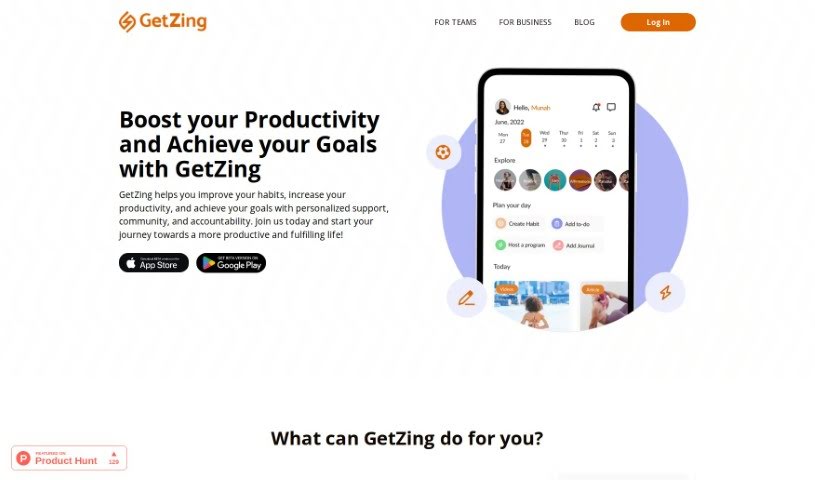
GetZing is a platform built to help you improve your habits, boost your productivity, and reach your goals. It offers personalized support, a strong community, and built-in accountability. You'll find features like habit tracking, carefully chosen challenges and programs, tools for reflection and gaining insights, and ways to improve your productivity by learning new skills. Plus, it connects you with others through social networks for that extra layer of community and accountability. And don't worry about your data; it's stored securely with encryption. Essentially, GetZing lets you set goals and habits, sends you reminders, tracks your progress, and even syncs with your calendar to help you manage your time better, thanks to its AI capabilities. It’s designed to be your all-in-one tool for tracking progress and effectively achieving all sorts of personal goals.

Screenshot of GiveFlag

GiveFlag

Freemium

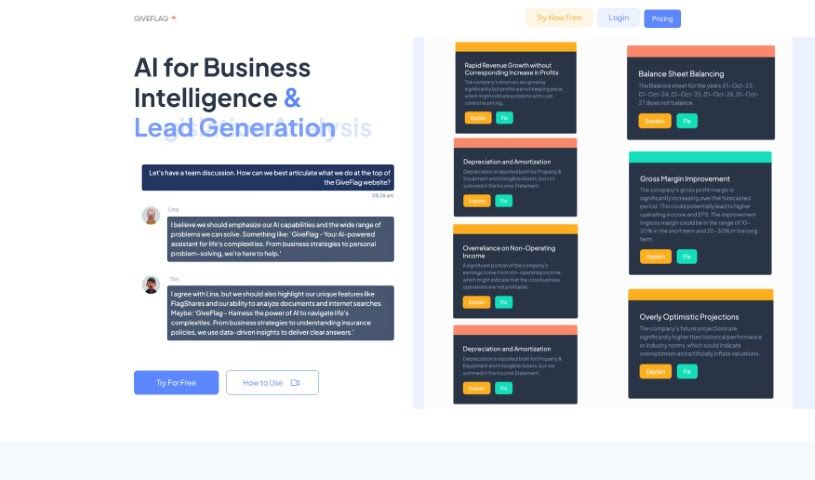
GiveFlag is an AI tool designed to really help you solve problems. It is getting an AI-powered team to work with you. It helps you find new insights, get clearer on things, and figure out complex issues, whether they're for your business or your personal life.

Screenshot of Glean

Glean

Freemium

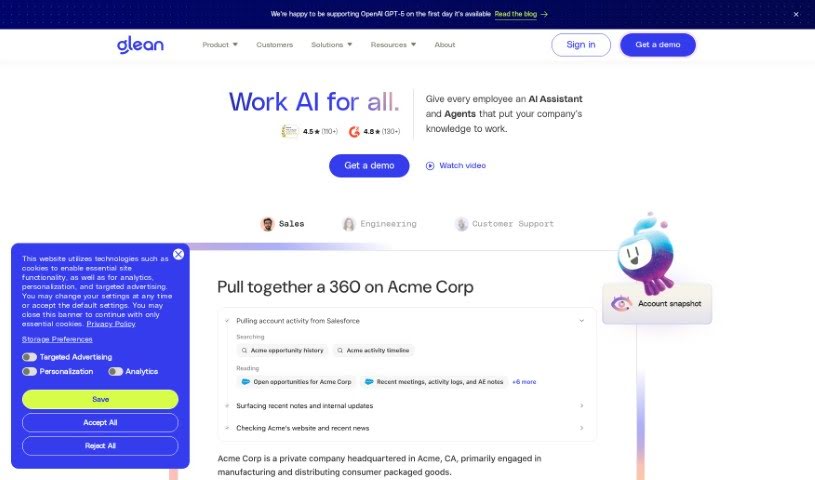
Glean is a really handy and easy-to-use tool that helps you get organized, gather information, and manage it all smoothly. It is your personal assistant for collecting data from all sorts of online places – websites, documents, even emails. You can grab those important bits of info, sort them with tags and folders, and then find them again super easily whenever you need them. Glean makes researching and putting information together much simpler by giving you one central spot to keep all your valuable content organized. Plus, it has features like highlighting, adding your own notes, and a great search function, all designed to boost your productivity and help you build really well-organized collections of information, whether for yourself or for work.

Screenshot of Gleek

Gleek

Freemium

Gleek is a really neat diagram-making tool designed specifically for developers who prefer using their keyboards instead of a mouse. It lets you create all sorts of diagrams – think informal ones, class diagrams, sequence diagrams, state diagrams, Gantt charts, user journey maps, and even entity-relationship diagrams – all without a single click. Gleek uses a simple, intuitive syntax that turns your text descriptions directly into visuals. This makes it super quick to pick up and genuinely easy to use. Plus, it offers some great features like really fast diagramming, keeping track of changes with text descriptions (which is great for version control!), working together live with others, exporting your diagrams in different formats, and even design templates to give you a head start on common diagram types.

Screenshot of Glimpse

Glimpse

Freemium

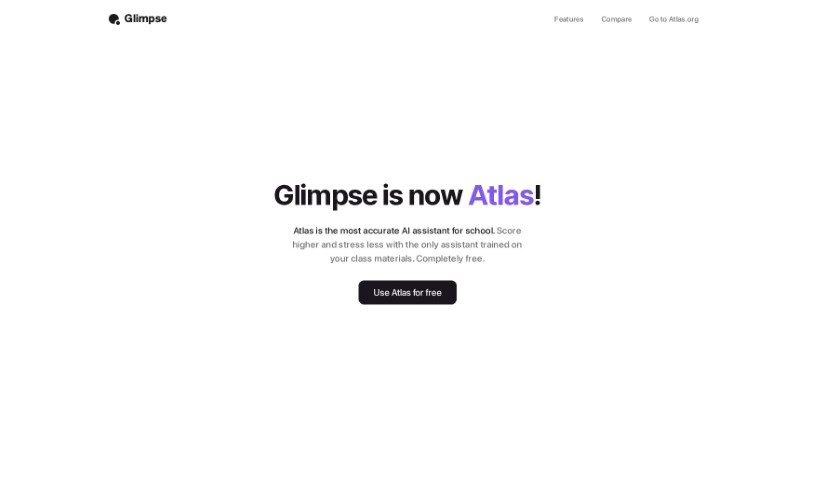
Glimpse, also known as "Chat With The Internet," is an AI browser extension designed to make your web browsing experience smoother and more intelligent. It helps you get more done by offering features like smart search suggestions, personalized recommendations, automatic form filling, and even built-in ad blocking for a cleaner view. One of its standout features is AI-powered content summarization, which lets you quickly understand the main points of long articles without reading every word. Plus, Glimpse makes saving and organizing your favorite websites and articles super easy with its intelligent bookmarking tools, and it helps you keep your browser tidy with efficient tab management.

Screenshot of Glitter AI

Glitter AI

Freemium

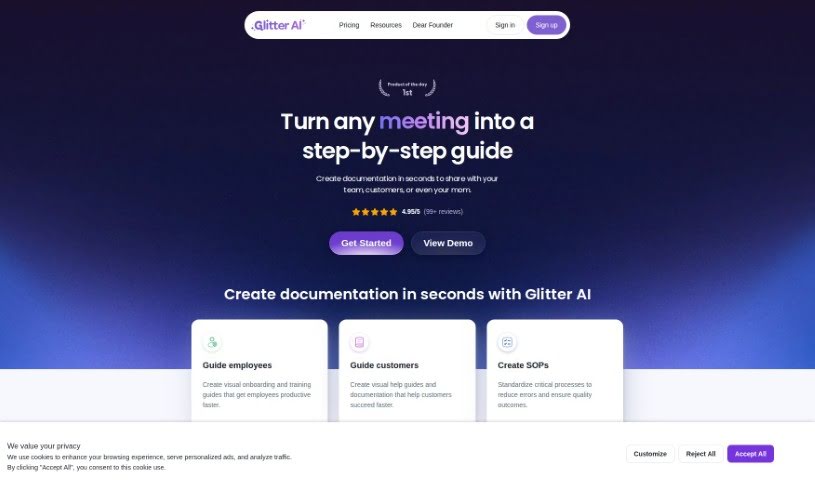
Glitter AI is a really neat platform designed to help you transform any process into a clear, step-by-step guide. It is your go-to solution for creating comprehensive instructions that are super easy to follow, no matter the task. By breaking down complex workflows into simple, manageable steps, Glitter AI helps you boost productivity and make sure things are done consistently. It’s all about making complicated procedures feel much simpler and more accessible to everyone. Essentially, Glitter AI makes it easier to build effective, user-friendly guides that help people get through tasks efficiently.

Screenshot of God of Prompt

God of Prompt

Freemium

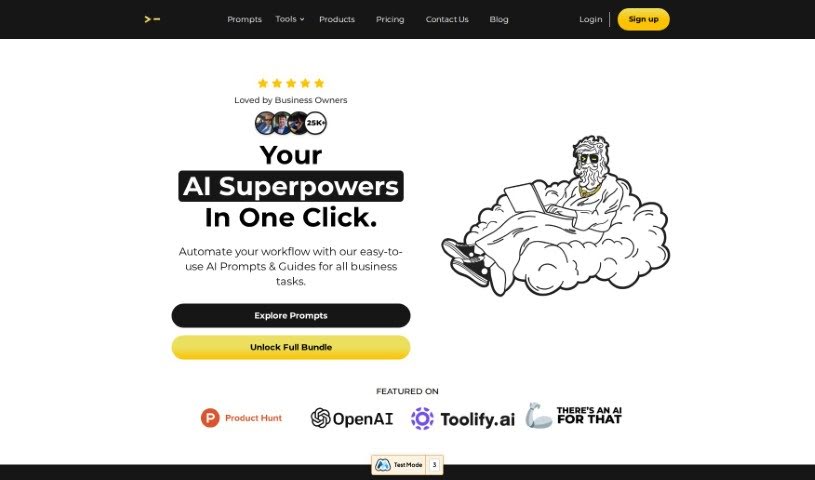
God of Prompt is your ultimate toolkit for ChatGPT prompts. It's designed to make your work much more efficient and help you achieve amazing results in all sorts of areas. Essentially, it's a go-to resource for getting the very best out of ChatGPT. By using these prompts effectively, you can really boost how much you get done and how well you do it, no matter your field.

Screenshot of GoLess

GoLess

Freemium

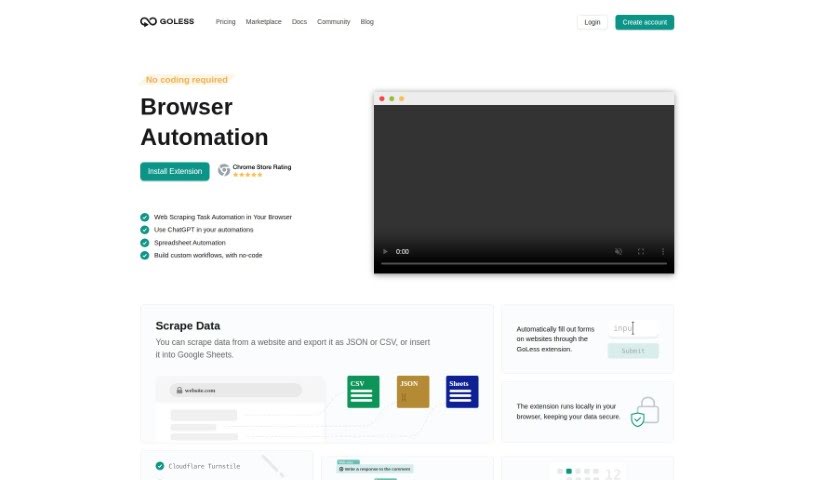
GoLess is a handy web automation tool designed to make your daily tasks simpler and save you precious time. It does this by automating all sorts of browser actions. The best part? You can build these automated workflows yourself, right from the GoLess Chrome extension, without needing to write a single line of code. It is your personal browser assistant!

Screenshot of Goodvision

Goodvision

Freemium

GoodVision is a smart, AI-powered tool built specifically for traffic modellers and surveyors working in smart cities. It really streamlines many parts of traffic projects. Think AI-driven traffic data collection, more accurate traffic modelling, and even real-time traffic control. You can easily gather traffic data for your surveys, let the system automatically calibrate your traffic models, and get detailed traffic event information for your control systems, all in real-time. GoodVision uses AI and big data analytics to offer adaptive traffic control and urban planning solutions. This helps tackle urban traffic jams and all the problems that come with them.

Screenshot of GPT Excel

GPT Excel

Freemium

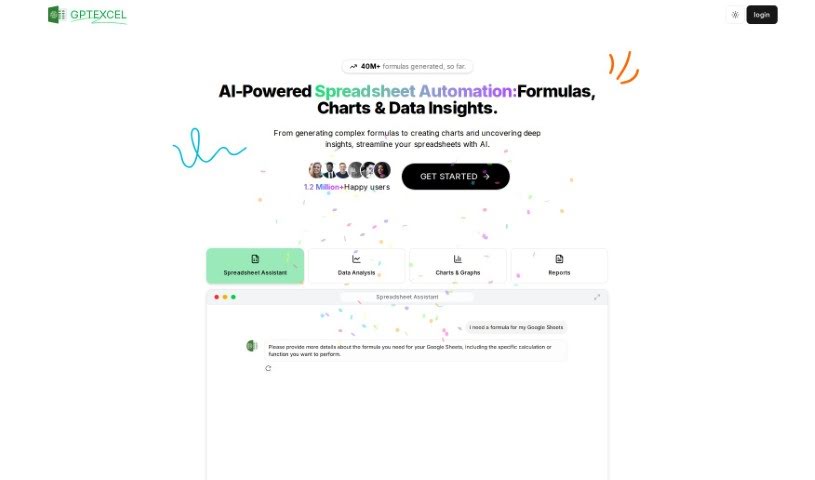
GPT Excel is an AI tool designed to really boost your productivity and make working with spreadsheets, whether in Excel or Google Sheets, much smoother. It's pretty neat because it can generate and even understand complex formulas for you. Plus, it helps you create VBA scripts for Excel, Apps Scripts for Google Workspace, and even SQL queries. It also supports over 50 languages, which is handy for a lot of people. Essentially, it empowers you to automate tasks and simplify data analysis, changing the game for how you work with spreadsheets.

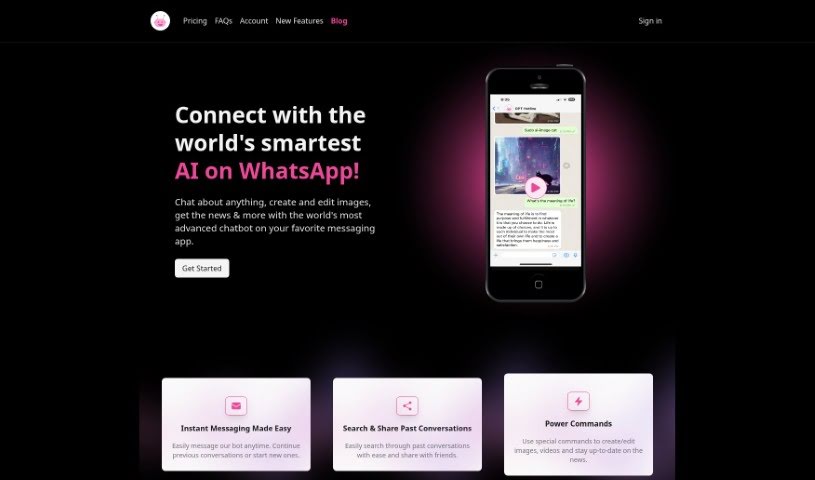
Screenshot of GPT Hotline

GPT Hotline

Freemium

GPT Hotline is a really neat way to chat with AI right through WhatsApp. It's packed with features that make interacting with artificial intelligence super easy. You can send voice messages, and it'll convert them to text using Speech to Text. Need to remember something? It can set reminders for you. Plus, there are handy "power commands" that let you do things like edit images or get the latest news updates. Getting started is straightforward: just sign up for the GPT Pro Plan, register your phone number, and you can start texting the AI assistant right away. Oh, and if you use the code PHSALE, you'll get a 20% discount on your first month of the pro plan. Basically, GPT Hotline aims to give you a smooth, interactive experience when you want to engage with AI on WhatsApp.

Screenshot of Gpt-Tab

Gpt-Tab

Freemium

GPT-Tab is a handy AI tool built to give you fast access to ChatGPT, right from your Mac's menu bar. This means you can chat with the AI without having to open a separate app or go to a website. It's pretty neat because GPT-Tab has a window you can drag anywhere on your screen, making it super easy to position wherever it works best for you. Plus, the tool keeps the ChatGPT window floating right on top of everything else, so it's always visible and ready, even when you're deep into other applications. Basically, GPT-Tab is all about making your ChatGPT experience smoother and helping you get more done by being efficient and flexible with how you use the interface.

Stay Updated with AI Tools

Get weekly updates on the latest AI tools, trends, and insights delivered to your inbox

Join 25,000+ AI enthusiasts. No spam, unsubscribe anytime.