AI Automation Tools: Top Picks & How They Work

AI Tools for Automation

Discover the best Automation AI tools to enhance your productivity and creativity.

Page 13 of 39 • 461 total tools
Screenshot of Fluxai

Fluxai

Freemium

Fluxai is a company specializing in artificial intelligence for hardware design. It develops AI models and tools for analyzing data, making predictions, and automating tasks, aiming to help organizations run more efficiently and improve decision-making across sectors such as healthcare and finance.

Automation View Tool →
Screenshot of Fluxguard

Fluxguard

Freemium

Fluxguard uses AI to detect, filter, and summarize website changes. It helps you monitor web updates for regulatory compliance, defect detection, and competitive insight.

Automation View Tool →
Screenshot of Foqus

Foqus

Freemium

Foqus is a software tool for connecting, analyzing, and improving complex, interconnected systems. It brings different simulation tools together, lets you explore uncertainties, and fine-tune processes. This makes it useful across fields like energy, environmental science, and chemical engineering.

Automation View Tool →
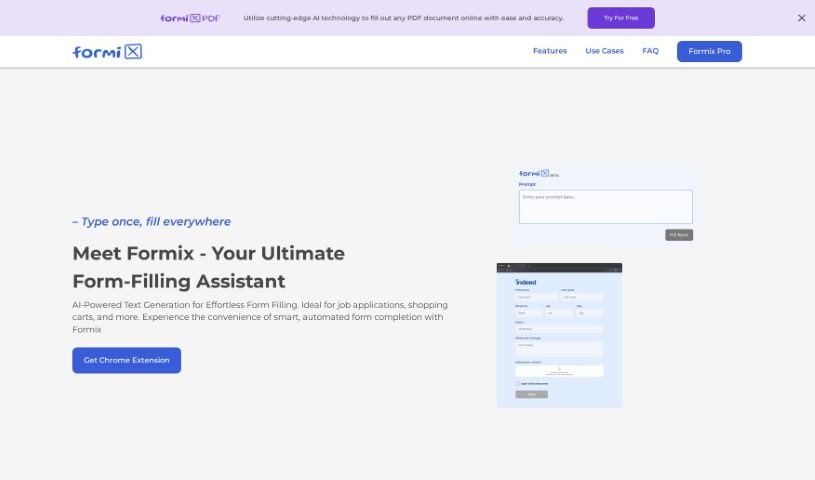
Screenshot of Formix PDF

Formix PDF

Freemium

Formix PDF is an AI-powered online assistant for filling out forms. It predicts and fills in form fields almost instantly, saving time on repetitive tasks like job applications, online checkouts, and classified ad postings. You enter your details once, and the AI populates them across different websites, keeping entries consistent.

Automation View Tool →
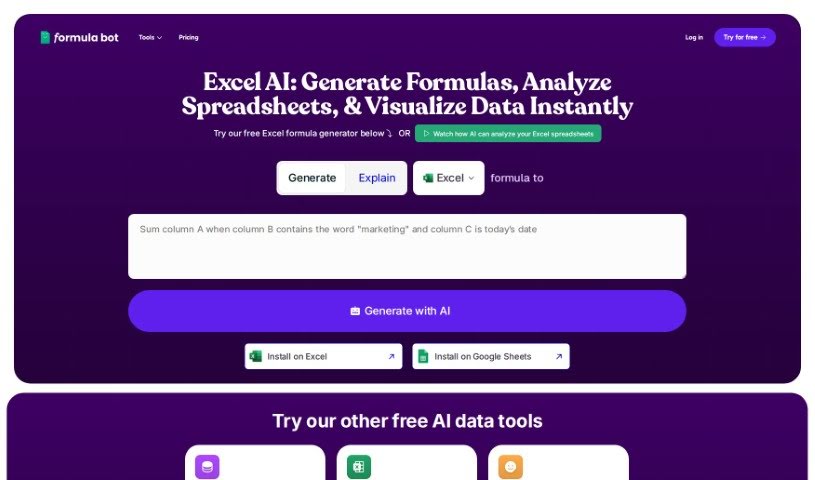
Screenshot of Formula Bot Excel Formula Generator

Formula Bot Excel Formula Generator

Freemium

The Excel Formula Generator is an AI assistant for spreadsheets that automatically creates ready-to-use formulas, reducing guesswork for people who aren't Excel experts.

Automation View Tool →
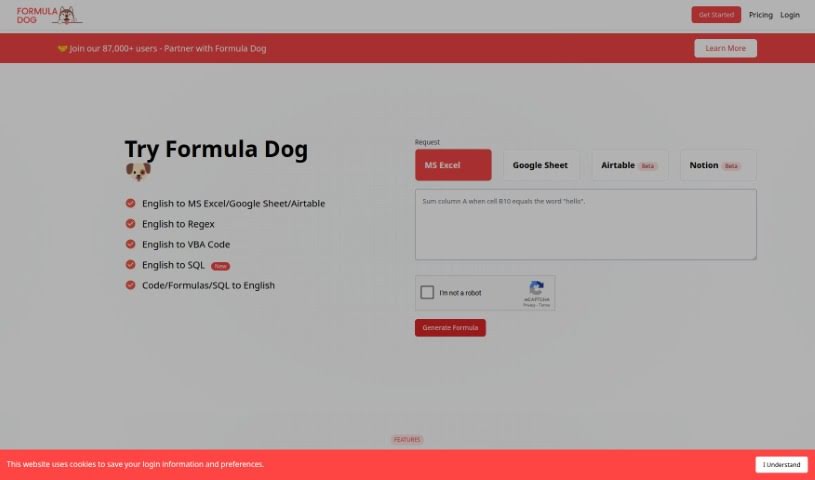
Screenshot of Formula Dog

Formula Dog

Freemium

Formula Dog is an AI-powered tool that simplifies working with Excel. You type out what you want an Excel formula or VBA code to do, and Formula Dog generates it for you quickly and accurately. This automation speeds up data processing, helps simplify complex calculations, and makes it easier to set up automated tasks in your spreadsheets. It's designed to be useful whether you're new to Excel or an experienced user, and you can try it for free.

Automation View Tool →
Screenshot of Formulas HQ

Formulas HQ

Freemium

Formulas HQ is an AI-powered platform for working with spreadsheets, particularly Excel and Google Sheets. It generates complex Excel formulas, breaks down and explains formulas you're struggling with, handles regular expressions, helps automate tasks with VBA and Apps Script, and provides access to Python for deeper data analysis. It's designed to be usable even without coding experience.

Automation View Tool →
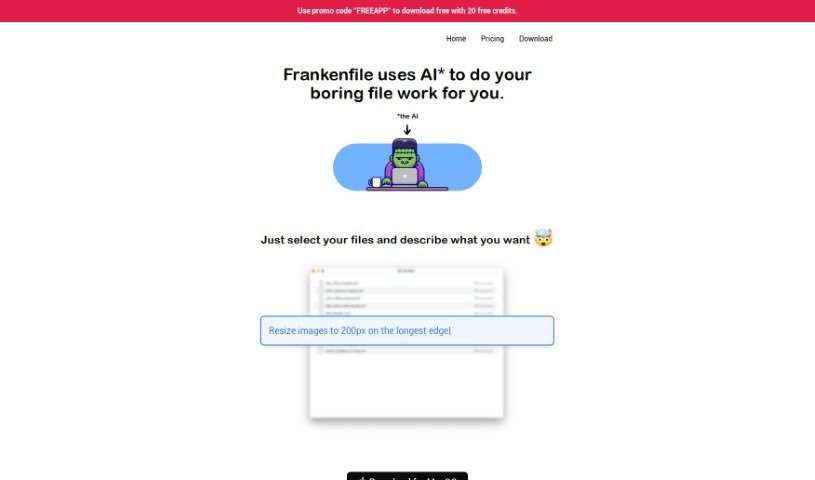
Screenshot of Frankenfile

Frankenfile

Freemium

Frankenfile is an AI-driven file manager that handles file tasks across images, videos, and PDFs using straightforward instructions. You can resize images, convert file formats, add watermarks, clip videos, and extract audio from video files.

Automation View Tool →
Screenshot of Franklyai

Franklyai

Freemium

FranklyAI is a gateway within Microsoft Teams that connects your teams to approved generative AI models, including large language models like ChatGPT. It provides a secure, controlled way to bring AI into your organization, designed to boost staff productivity, enable smart automation, and keep AI privacy intact. Built with corporate security in mind, it gives employees a safe alternative to uncontrolled web browser access. Use cases range from simple chatbots to analyzing complex data and extracting key insights.

Automation View Tool →
Screenshot of Frigate NVR

Frigate NVR

Freemium

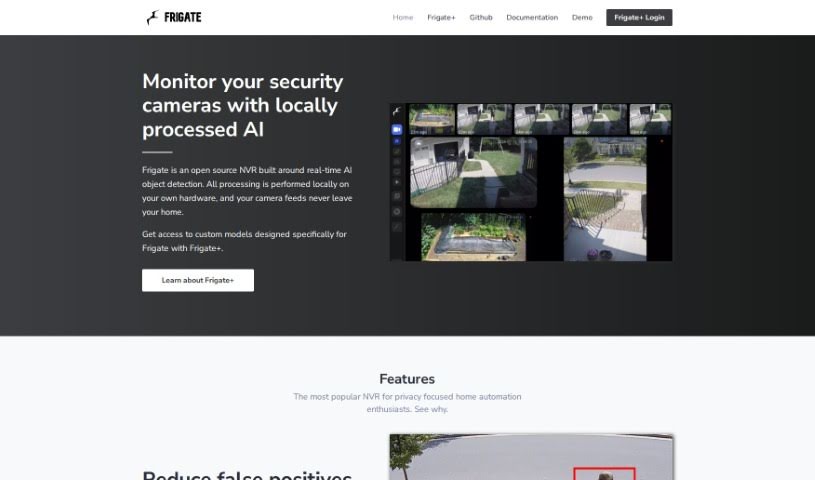
Frigate NVR is an open-source Network Video Recorder with real-time AI object detection. It runs entirely on your own hardware, so camera feeds never leave your home — giving you full control and privacy. Analysis can be offloaded to a Google Coral TPU, which identifies objects such as people or cars and significantly reduces false alarms. You can restrict alerts to specific zones, and Frigate integrates with Home Assistant as well as other automation tools like OpenHab and NodeRed. The result is a locally controlled security camera system with smart object detection and minimal reliance on the cloud.

Automation View Tool →
Screenshot of Fusion App

Fusion App

Freemium

Fusion is a platform for managing well-being, productivity, and overall health. It analyzes your sleep, activity, and behavior data to show how these factors affect your daily life, acting as a virtual "copilot" that offers personalized advice. The app includes prompts to help you notice changes in your behavior, and you can explore research or join "quests" for self-discovery.

Automation View Tool →
Screenshot of Fusion Brain

Fusion Brain

Freemium

Fusion Brain is a platform developed by AIRI that blends AI with accessible interfaces. It uses neural networks to learn user preferences and work patterns, aiming to make technology use more personal and efficient.

Automation View Tool →

About Automation tools

We’ve all got daily chores that make us feel like human copy-paste machines. Transferring numbers from a PDF invoice into a spreadsheet, sending repetitive follow-up emails, or copying lead details from a web form into a database can eat up half your workday. It’s boring work, and one tiny distraction means you accidentally paste the wrong phone number into the wrong field.

Smart automation platforms go far beyond traditional software rules that only follow rigid “if this happens, then do that” triggers. Instead, AI tools can read unstructured information, understand what needs to happen next, and execute multi-step tasks across all your favorite applications.

Building Smarter Workflows

Older automation tools required every single step to be perfectly predictable. If an incoming email didn’t match an exact format, the whole system broke down. AI tools change that by understanding context. For instance, if a customer emails your support team with a mixed request about a delayed shipment and a billing question, an AI assistant can read the message, extract the order number, categorize the issue, and open the correct ticket in your help desk automatically.

Data entry and document cleanup get a massive speed boost, too. Instead of spending hours typing details from receipts, contracts, or paper forms into your system, intelligent scanning software extracts names, dates, and line items instantly. It structures messy text, flags unusual errors for your review, and pushes clean information straight into your accounting software.

Connecting different applications is another major time saver. Rather than jumping across ten browser tabs to update project statuses, send team messages, and reschedule calendar invites, you can build smooth pipelines. When a new sales lead books a meeting, the system can automatically create a client record, generate a custom proposal draft, and set a reminder for your sales rep.

Key Features to Look For:

  • Natural language workflow builders: Systems that let you describe an automated sequence in plain English rather than building complex logic chains.
  • Unstructured data extraction: Software capable of reading receipts, PDFs, and casual emails to pull out accurate numbers and details.
  • Multi-app connectivity: Tools that link smoothly with your existing stack, from spreadsheets and email to project boards and CRMs.
  • Conditional decision making: Engines that evaluate incoming information and choose the best next step based on custom rules.
  • Human-in-the-loop checks: Safety features that pause an automated task to request your approval before taking major actions, like sending an external email or processing a payment.

While smart software handles routine mechanics, human oversight and strategy still matter most. Automation takes care of the background work so you can give your full attention to solving real problems and serving your clients.

Check out the selection below to find the right automation setup for your daily routine.

The Best AI Automation Tools

  1. Databricks: Great for automating data pipeline workflows.
  2. Cal.ai: Makes scheduling tasks easy.
  3. UiPath: Automates invoice processing.
  4. Glean: Automates insights with custom AI bots.
  5. Kaiber: Streamlines video editing.
  6. Text Blaze: Helps you breeze through repetitive tasks.
  7. Phantom Buster: Automates LinkedIn outreach campaigns.
  8. God of Prompt: Streamlines repetitive tasks effectively.
  9. MyMind: Automates capturing and organizing notes.
  10. SlidesGPT.com: Automates presentation creation.
  11. Carepatron: Streamlines medical documentation.
  12. HiPDF: Automates splitting PDFs by page ranges.
  13. HARPA AI: Automates email replies and notifications.
  14. Fibery: Streamlines task workflows efficiently.
  15. Addoobot: Hub for robot comparisons, job listings and community events.

New tools, in your inbox.

Weekly picks of the best AI tools we've researched and added — no spam, unsubscribe anytime.

Join 25,000+ AI enthusiasts. No spam, unsubscribe anytime.