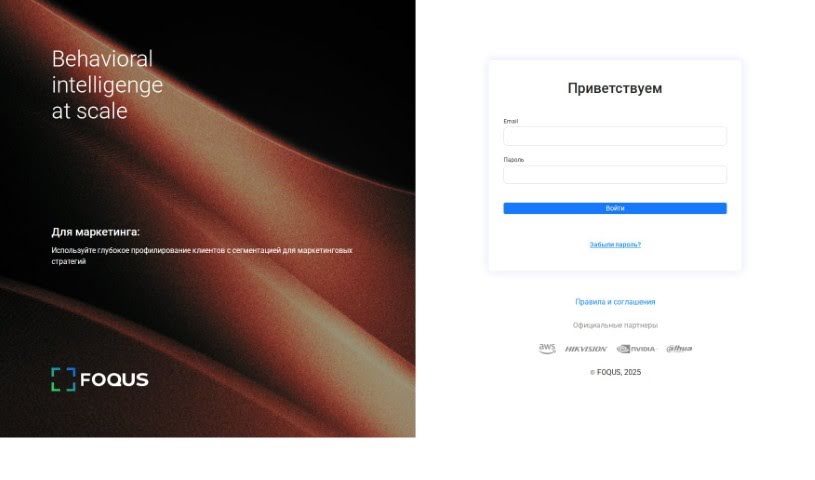
Screenshot of Foqus

Foqus

Discover what Foqus is and how to use it effectively in 2025. We'll explore its features and see how it stacks up against other Data Analytics Tools.

Screenshot

What is Foqus?

Foqus is a smart software tool designed to help you connect, analyze, and improve complex, interconnected systems. It’s really good at bringing different simulation tools together, letting you explore uncertainties, and fine-tuning your processes. Essentially, Foqus makes it much simpler to integrate and analyze these intricate systems, which is a huge help across many fields like energy, environmental science, and chemical engineering.

Who created Foqus?

Foqus was brought to life by a talented entrepreneur named Arash Asli. He started the company with a clear vision: to completely change how teams collaborate to hit their goals efficiently. Fōqus focuses on creating software that helps businesses run smoother and boosts their productivity. Their main goal is to build innovative tools that really empower teams to work together effectively and achieve success in whatever they’re doing.

What is Foqus used for?

Foqus is a versatile tool that can help with a lot of different tasks, including:

  • Figuring out and reducing uncertainties in your data.
  • Finding the best solutions through optimization.
  • Designing and improving processes.
  • Supporting decisions during operations.
  • Analyzing data and using machine learning.
  • Connecting with external models and tools.
  • Performing sensitivity analysis to see what impacts results.
  • Visualizing your results in advanced ways.
  • Automating tasks and linking up with other software.
  • Serving as a tool for education and training.

How to use Foqus?

Getting started with Foqus is pretty straightforward. Just follow these steps:

  1. Installation: First, you’ll need to download and install Foqus onto your computer.
  2. Start a Project: Once Foqus is running, click on “New Project” to kick off a new analysis or optimization.
  3. Define Variables: Here, you’ll input all the variables your analysis needs. This includes things like parameters you’re testing and the decision variables you want to adjust.
  4. Set Objective Functions: Next, you’ll specify what you’re trying to achieve. Are you looking to maximize something, minimize it, or hit a particular target value?
  5. Add Constraints: Don’t forget to add any limitations or rules that your analysis must follow.
  6. Optimization: Now, you can run the optimization process. Foqus will work to find the best possible solution based on everything you’ve set up.
  7. Analyze Results: After the optimization is done, take some time to look over the results. This helps you understand what happened and make informed decisions.
  8. Save and Export: Make sure to save your project so you can come back to it later, and export any results you need.
  9. Sensitivity Analysis: It’s also a good idea to run a sensitivity analysis. This shows you how changes in your variables might affect the final outcomes.
  10. Additional Features: Foqus offers even more capabilities, like uncertainty analysis and reliability analysis, which are great for more in-depth modeling.

By working through these steps, you can really make the most of Foqus for all your optimization and analysis needs.

Related AI Tools

Discover more tools in similar categories that might interest you

Stay Updated with AI Tools

Get weekly updates on the latest AI tools, trends, and insights delivered to your inbox

Join 25,000+ AI enthusiasts. No spam, unsubscribe anytime.