AI Audio Tools

AI Tools for Audio

Discover the best Audio AI tools to enhance your productivity and creativity.

Page 9 of 37 • 442 total tools
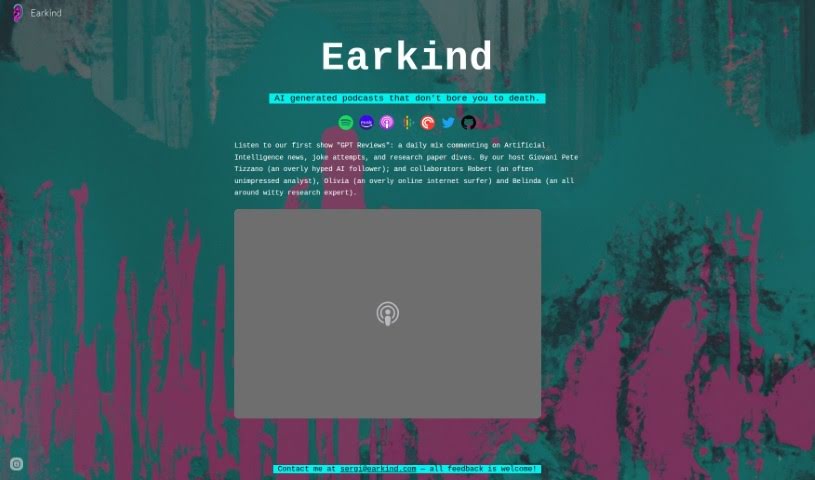
Screenshot of Earkind

Earkind

Freemium

Earkind is an AI tool that produces podcasts about Artificial Intelligence, combining AI news, deep dives into research papers, and humorous content. The goal is to make AI podcasts that are both informative and entertaining. Shows are hosted by Giovani Pete Tizzano, Robert, and Belinda, including the 'GPT Reviews' show, and episodes are available on Spotify, Amazon Music, and Apple Podcasts. Content is tailored for anyone interested in AI, whether a casual enthusiast, researcher, or scholar. It is not yet clear whether the tool is free or subscription-based. Feedback and suggestions can be emailed to the creators at [[email protected]](/cdn-cgi/l/email-protection#4e3d2b3c29270e2b2f3c2527202a602d2123).

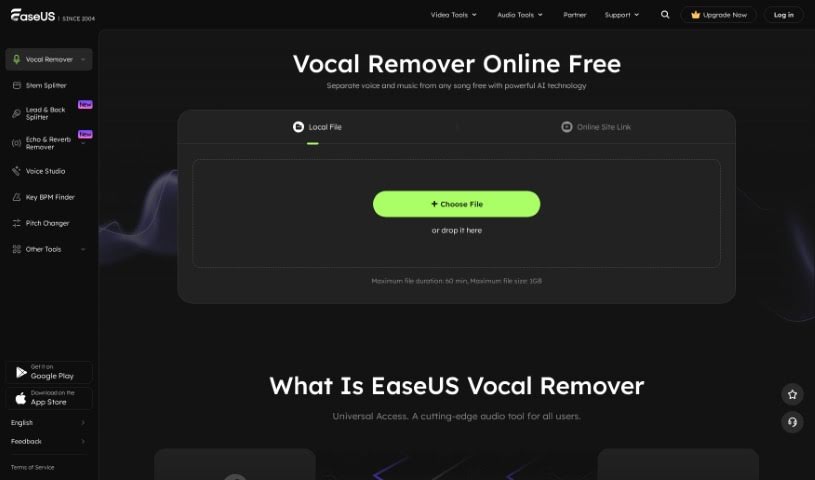
Screenshot of Easeus Vocal Remover

Easeus Vocal Remover

Freemium

EaseUS Vocal Remover is an AI-powered tool that removes vocals from audio and video files. It automatically detects and extracts vocals with no noticeable loss in quality, making it useful for creating karaoke tracks, background music, acapellas, and instrumentals.

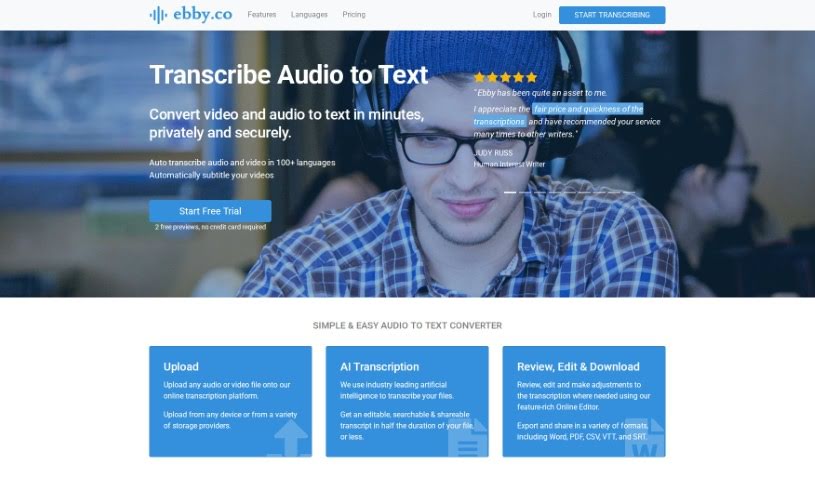
Screenshot of Ebby

Ebby

Freemium

Ebby.co is an AI transcription service that converts audio and video files into text. It supports over 100 languages and can generate automatic captions for videos. Transcripts are edited in an online editor and can be exported in Word, PDF, CSV, VTT, and SRT formats. Sharing and collaboration are built in, with optional editing permissions for other users.

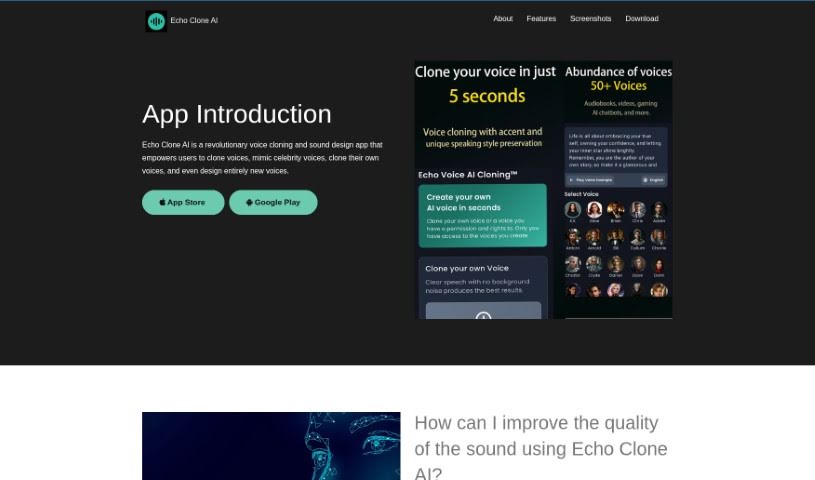
Screenshot of Echo Voice Ai

Echo Voice Ai

Freemium

Echo Voice AI is a voice cloning and sound design tool. It can clone celebrity voices, replicate your own voice from recorded samples, or generate entirely new voices from scratch. Adjustable parameters — pitch, timbre, and speed — let you shape custom voice effects, and the tool supports real-time voice cloning and high-quality voice sample processing. The interface is designed to be accessible for users of all skill levels.

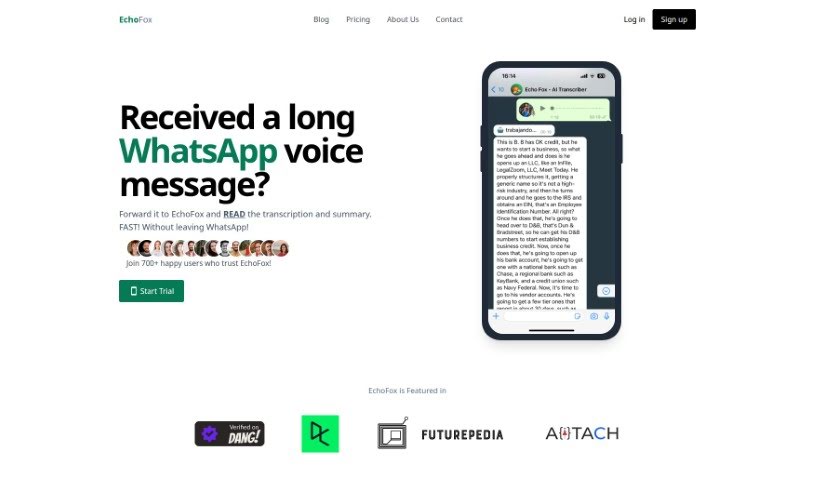
Screenshot of Echofox

Echofox

Freemium

EchoFox is a service that transcribes and summarizes WhatsApp voice messages. You interact with it directly within WhatsApp, like a regular contact, and receive instant transcriptions so you can read messages instead of listening through them repeatedly. Fran, the founder, created EchoFox to solve the common problem of wading through long voice messages.

Screenshot of ElevenLabs

ElevenLabs

Freemium

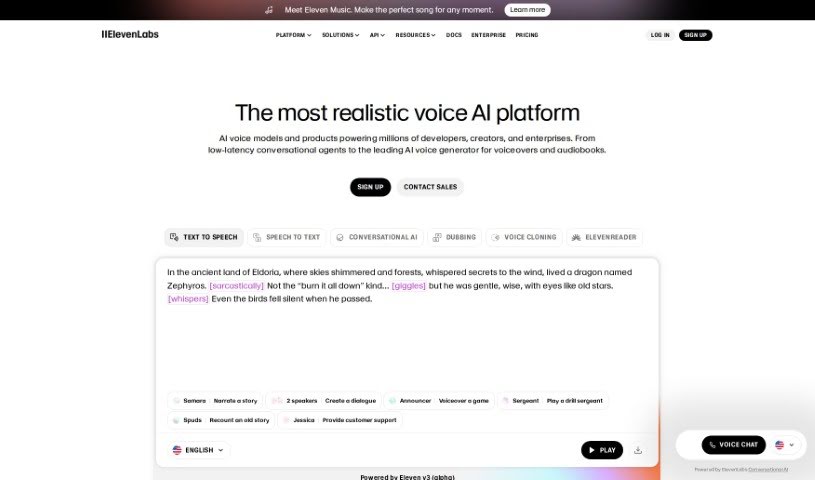
ElevenLabs Dubbing is an AI tool that dubs and translates videos into 28 languages. It works with content on YouTube, TikTok, X.com, and podcasts, producing translated voiceovers that make videos accessible to viewers who speak other languages. It is aimed at global brands, content creators, and businesses that want to reach international audiences.

Screenshot of ElevenLabs Reader

ElevenLabs Reader

Freemium

Reader is an app from ElevenLabs that turns text into speech in multiple languages. It works as an AI-powered narrator, reading books, articles, PDFs, newsletters, and other written content aloud with realistic AI voices. The ElevenReader app is available on Android and iOS, so you can listen to written content on the go.

Screenshot of ElevenLabs Voice Cloning

ElevenLabs Voice Cloning

Freemium

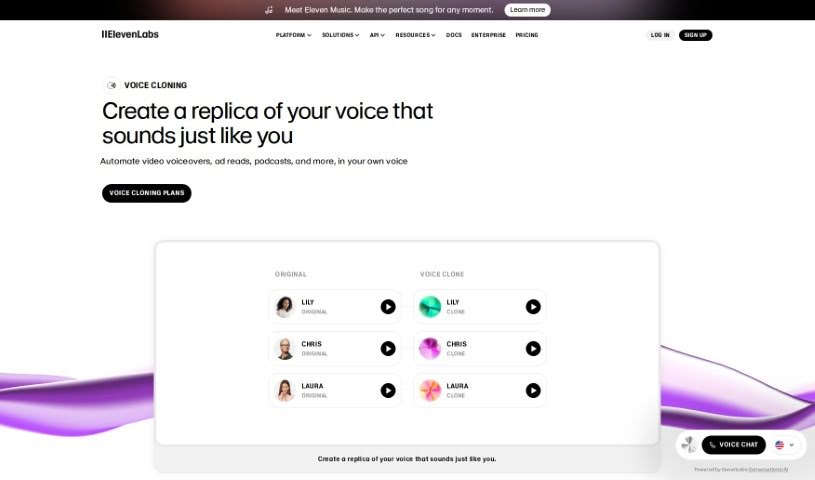
Voice cloning is the process of creating a digital copy of a person's voice. You feed audio samples into a system, which learns to mimic that specific voice. The resulting replica can be used for presentations, podcasts, audiobooks, and video voiceovers.

Screenshot of Elfmessages

Elfmessages

Freemium

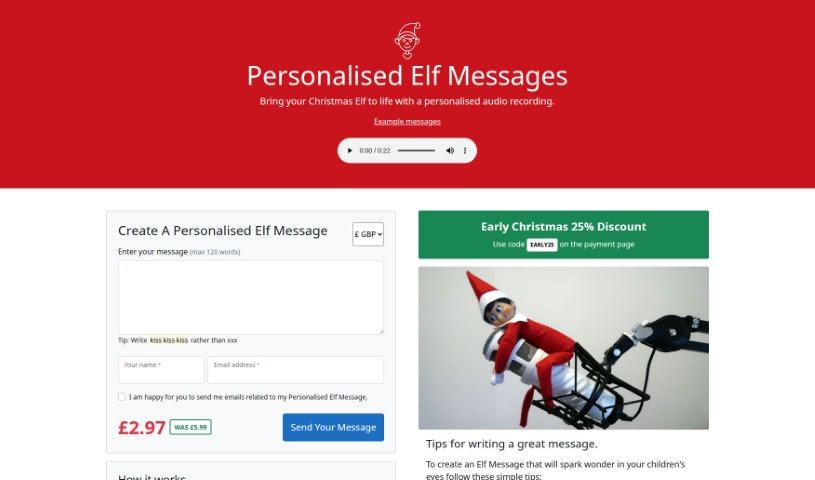
ElfMessages is a tool for creating custom Christmas audio messages recorded by Elves from the North Pole. You enter your message, the recipient's name, and your email on the website, and a recorded message is sent back to you. Messages can include personal details such as family members, recent achievements, or desired Christmas gifts, and you can even weave in family jokes to make them one-of-a-kind.

Screenshot of eMastered

eMastered

Freemium

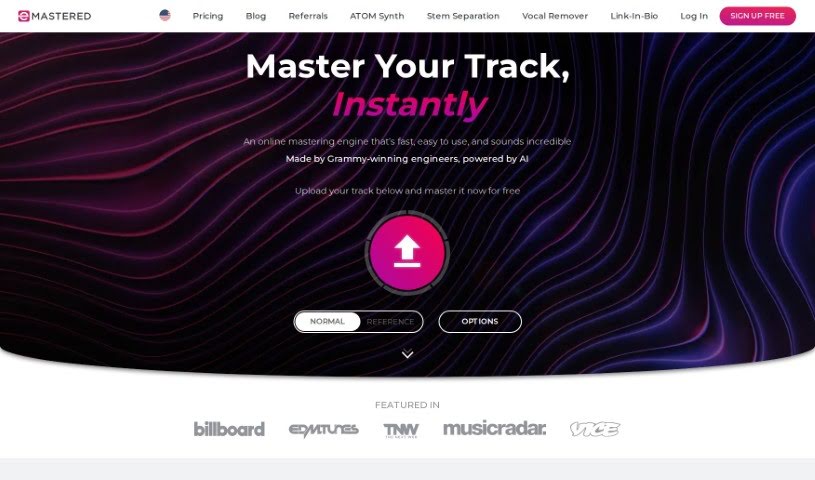
eMastered is an online audio mastering tool developed with input from Grammy-winning engineers and enhanced with AI. It's built for musicians and creators who want a quick, straightforward way to master their tracks. Upload your audio, and the tool applies professional studio techniques — EQ, compression, and saturation — to improve sound quality. You can compare the mastered version side-by-side with your original, preview it, and download the result as WAV or MP3.

Screenshot of Emlo

Emlo

Freemium

Emotion Logic, or Emlo, is an AI tool built for real-time emotion analysis with cognitive computing capabilities. It decodes and measures genuine emotions directly from human voices, independent of language, culture, speaking style, or expressive habits. The analysis is unbiased and unaffected by race, gender, age, or cultural background.

Screenshot of Emvoice

Emvoice

Freemium

Emvoice is a vocal synthesizer plugin for Mac and PC that turns typed lyrics into sung vocals. It runs inside your Digital Audio Workstation (DAW) and supports VST, AU, and AAX formats. It's a one-time purchase with multiple voice options, extended vocal ranges, and an editor where you draw musical phrases as notes and assign a text box to each note for lyrics.

About Audio tools

Recording clean audio can be frustrating. You hit record, start talking, and suddenly a neighbor starts mowing their lawn, your air conditioner kicks into high gear, or you realize you spoke too close to the mic. In the past, fixing those issues meant spending hours in complex editing software manually cutting out background noise or re-recording takes from scratch.

The AI audio tools in this section handle the tedious cleanup work in minutes so your podcasts, video voiceovers, and music projects sound polished without the technical headaches.

Where Audio AI Saves the Most Time

Noise removal is easily one of the most practical uses for this technology. Modern noise reduction tools don’t just apply a harsh filter that makes your voice sound like it’s trapped in a tin can. Instead, they isolate the unique frequency patterns of human speech, separating your voice from background hums, traffic, or room echoes. You can take a conversation recorded on a noisy street corner and make it sound like it was captured inside a quiet studio.

Editing speech has changed completely, too. Older workflows required staring at complex waveforms for hours, hunting down every awkward pause, slip of the tongue, or repeated word. Text-based audio editors transcribe your recording into written text first. Delete a word or sentence from the transcript, and the tool cuts that exact audio segment automatically. You can edit a full podcast episode in minutes just like tweaking a text document.

Voice synthesis and localized dubbing have also taken a massive leap forward. If you need a quick voiceover for a product demo or internal training video, text-to-speech engines generate natural-sounding voices with realistic pauses and subtle tone shifts. Some platforms even let you clone your own voice or translate audio files into new languages while matching the speaker’s original cadence.

For creators who need background tracks, generative music tools build royalty-free sound effects and original background tracks on demand. Specify the mood, tempo, and duration, and the software builds a custom piece that fits your video perfectly without copyright risks.

Key Features to Consider:

  • Background noise isolation: Software that strips out air conditioner hums, wind noise, and room echo without distorting human speech.
  • Text-based editing: Tools that automatically transcribe your files and let you edit audio by editing the written transcript.
  • Voice synthesis and cloning: Applications that convert text to speech or replicate existing voices for quick voiceover work.
  • Automated mastering: Systems that balance volume levels, equalize frequencies, and optimize audio for streaming platforms.
  • Multilingual translation and dubbing: Features that translate spoken words into new languages while preserving the original voice’s tone.

Clear sound is non-negotiable for keeping an audience engaged. Viewers might forgive a slightly grainy video, but harsh audio makes them click away in seconds. While software handles background noise, leveling, and fast edits, your message and creative direction remain the heart of the project.

Take a look through the options below to upgrade your audio workflow.

The Best AI Audio Tools

  1. ElevenLabs: Great for making multilingual video voiceovers if you’re a creator.
  2. Suno: Perfect for creating custom soundscapes to help you relax.
  3. BandLab: Lets you mix and master tracks smoothly.
  4. TurboScribe: Helps improve audio for clearer transcriptions.
  5. Voicemod: Lets you change your voice for creative projects.
  6. Adobe Podcast: Enhances audio with simple, one-click AI tools.
  7. Transkriptor: An automated tool for transcribing lectures.
  8. Speechify: Makes it easy to listen to articles and documents.
  9. NaturalReader: Good for creating voiceovers for your video content.
  10. Riffusion: Offers real-time audio manipulation for creators.
  11. Narakeet: Converts subtitles into synchronized audio.
  12. 008 Agent: Open-source assistant for VoIP calls, with transcription and call summaries.
  13. Lalal.ai: Lets you remove vocals seamlessly for remixes.
  14. Ttsmaker: Effortlessly create voiceovers for videos.
  15. Udio: Craft unique sounds using its audio tools.
New tools, in your inbox.

Weekly picks of the best AI tools we've researched and added — no spam, unsubscribe anytime.

Join 25,000+ AI enthusiasts. No spam, unsubscribe anytime.