Top AI Assistants

AI Tools for AI Assistants

Discover the best AI Assistants AI tools to enhance your productivity and creativity.

Page 32 of 34 • 407 total tools
Screenshot of VERN AI

VERN AI

Freemium

VERN AI recognizes human emotions in text. It analyzes emotional cues in individual words and overall text, scoring each detected emotion from 0 to 100% to indicate its intensity. It identifies five emotions — anger, sadness, fear, love & affection, and humor — to give a clearer picture of the emotional tone in any communication. The team built it to be understandable, adaptable, and as fair as possible.

AI Assistants View Tool →
Screenshot of Viso.ai

Viso.ai

Freemium

Viso.ai is a flexible platform that simplifies computer vision tasks for businesses. It offers features for image recognition, object and people detection, image segmentation, keypoint identification, pose estimation, face recognition, and detailed analysis. The platform is built to be adaptable, scalable, and enterprise-ready, letting teams connect camera feeds directly to deep learning algorithms and choose from a range of pre-trained AI models.

AI Assistants View Tool →
Screenshot of Visus.ai

Visus.ai

Freemium

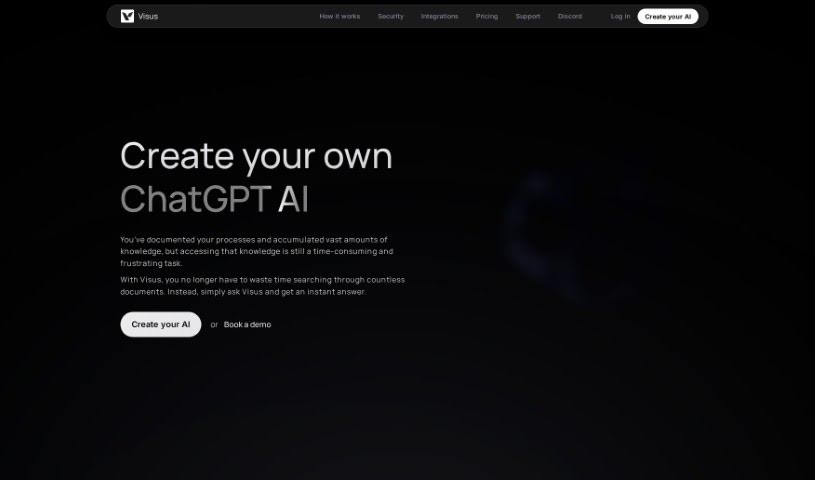
Visus.ai is an AI tool that provides instant, conversational, and verified answers based on the material you've trained it on. It understands questions asked in plain English, stores an unlimited number of your documents, and backs up every answer with a source from your training data. You can adjust the AI's configuration to control accuracy and sensitivity, and your data is protected with AES 256 encryption.

AI Assistants View Tool →
Screenshot of Voicegpt

Voicegpt

Freemium

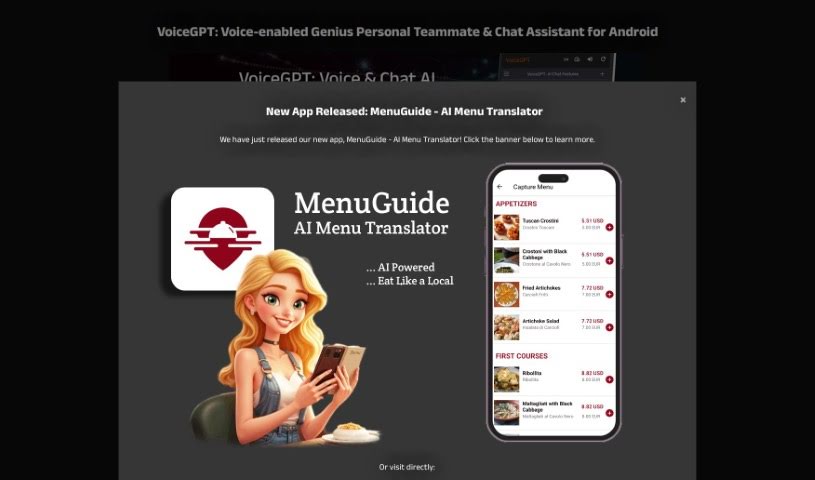
VoiceGPT is an Android app, available on the Google Play Store, that lets you talk to AI models such as ChatGPT. It supports voice input and output in over 67 languages, offers unlimited free messages, and includes hands-free activation via a hotword. OCR reads text from images, and past conversations remain accessible.

AI Assistants View Tool →
Screenshot of VoiceType

VoiceType

Freemium

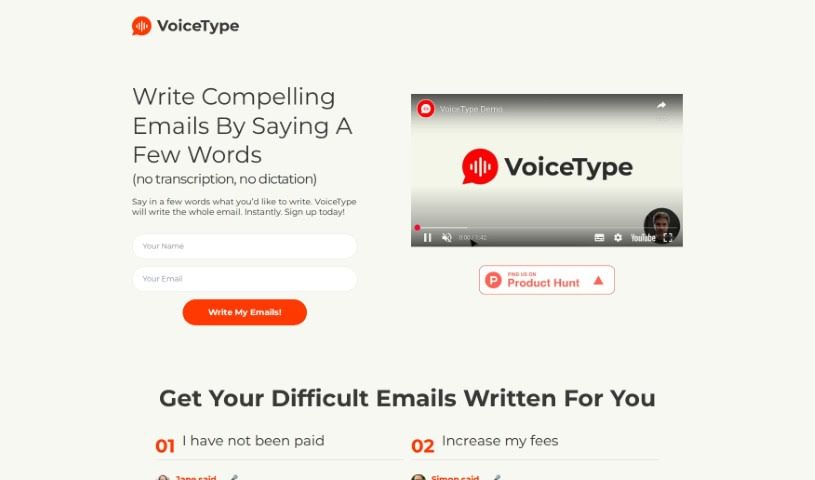
VoiceType is an AI assistant that writes emails from short voice prompts. Instead of typing, you describe what you want to say, and it drafts the full email for you.

AI Assistants View Tool →
Screenshot of Voxreplay

Voxreplay

Freemium

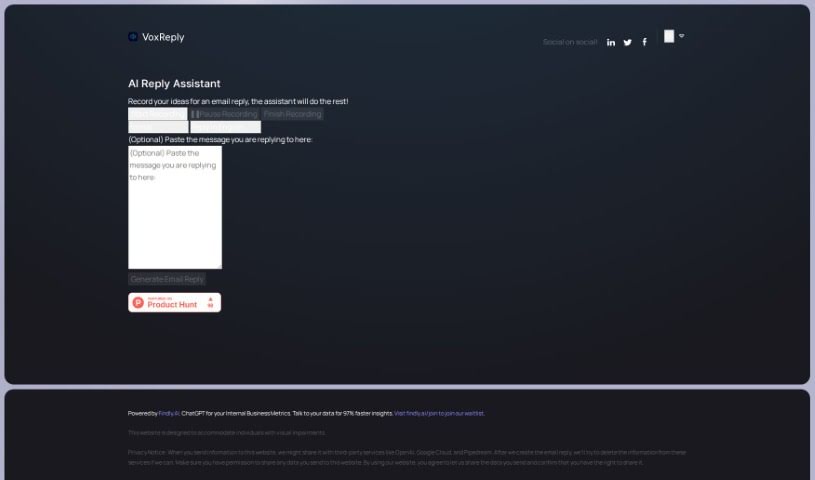
VoxReply is a writing assistant that creates email replies from your voice. Paste the email you need to answer, record your thoughts out loud, and VoxReply turns them into a grammatically correct, contextually appropriate response.

AI Assistants View Tool →
Screenshot of WaifuChat

WaifuChat

Freemium

WaifuChat is a mobile app that uses AI to simulate chatting with an anime girlfriend. Conversations take place through a messaging-style interface, similar to texting a friend. The app is available on both the App Store and Google Play and is developed by Disco Labs LLC. Its goal is to deliver a personalized anime experience that feels like a relationship with a character, offering virtual companionship for anime fans.

AI Assistants View Tool →
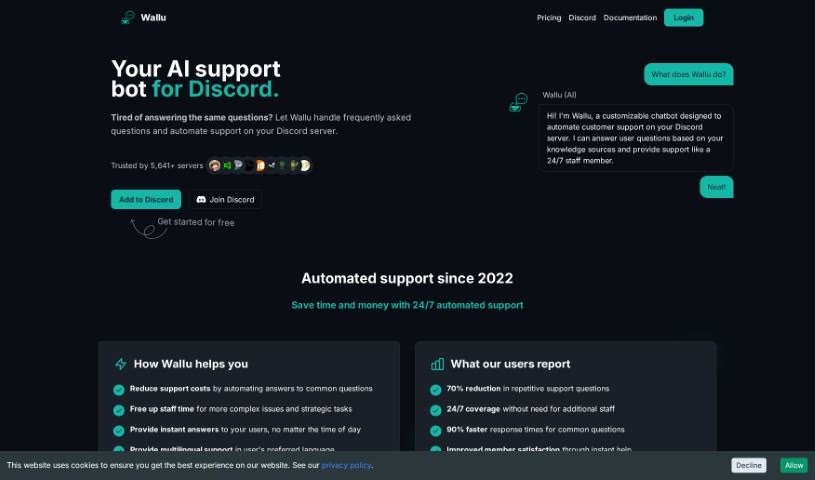
Screenshot of Wallu

Wallu

Freemium

Wallu is a chatbot built for Discord servers that handles customer support automatically. It uses large language models to answer user questions, drawing on sources such as its own knowledge base, documentation, and past conversations. Wallu works in the background without requiring users to learn special commands.

AI Assistants View Tool →
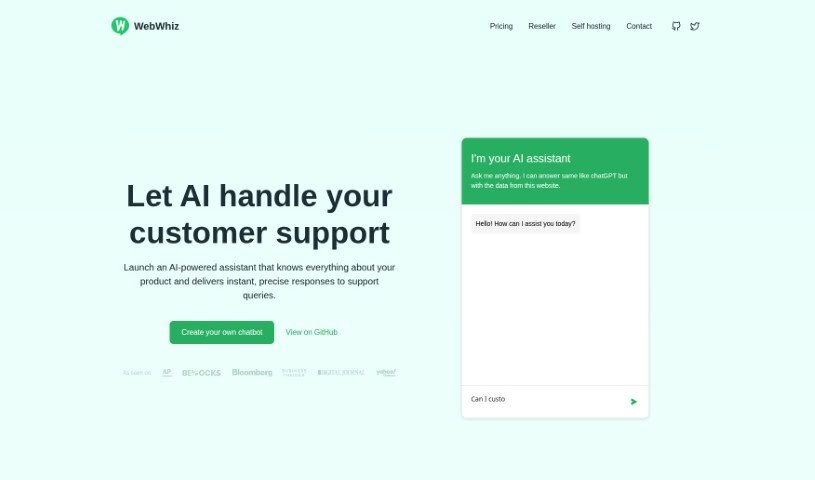
Screenshot of WebWhiz

WebWhiz

Freemium

WebWhiz is an AI assistant that lets you create a chatbot for your website without coding. It is trained on the content of your own site, so it can answer customer questions quickly and accurately. Key features include support for over 100 languages, GDPR compliance, lead generation tools, and a reduction in the number of common questions your support team handles. Pricing plans are available, along with options for self-hosting and customizing the chatbot's appearance.

AI Assistants View Tool →
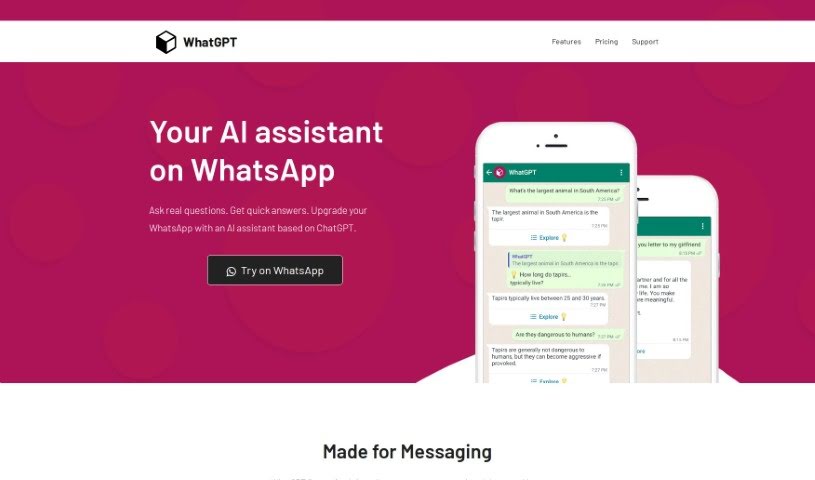
Screenshot of Whatgpt

Whatgpt

Freemium

WhatGPT is an AI assistant built into WhatsApp. It uses ChatGPT to answer questions directly in your chats, delivering quick, accurate replies that make messaging faster and more efficient.

AI Assistants View Tool →
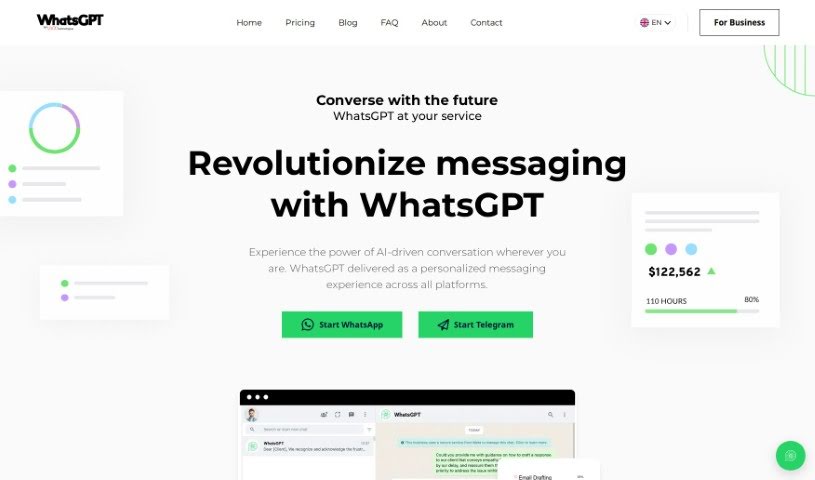
Screenshot of WhatsGPT

WhatsGPT

Freemium

WhatsGPT is a messaging platform powered by AI, developed by UVX Technologies. Its goal is to make AI technology accessible to both individuals and businesses. Users can chat across different platforms in one place, draw on a large base of processed data, and use time-saving features for tasks like answering customer questions or creating reports. A premium subscription adds unlimited access, voice messages, image sharing, and support for multiple chats at once.

AI Assistants View Tool →
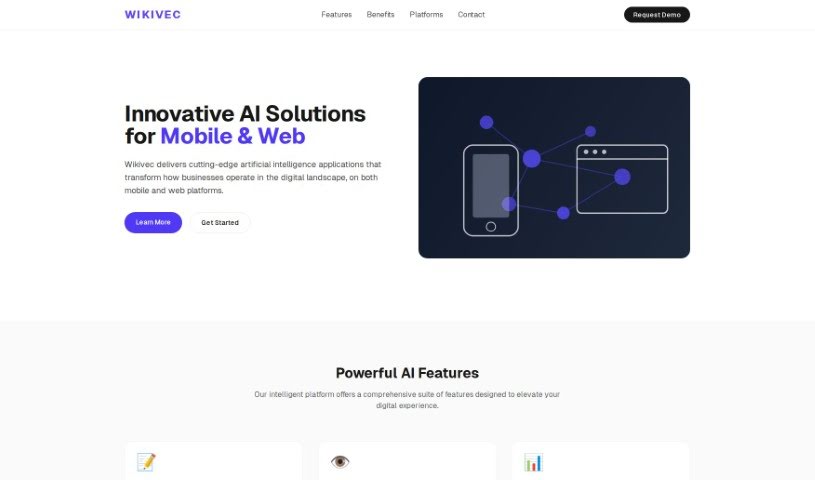
Screenshot of Wikivec

Wikivec

Freemium

Wikivec is a platform for chatting with GPTs across a broad range of subjects. Coverage spans artificial intelligence and computer science, religion, spirituality, history and culture, programming, science and technology, classics and literature, education and learning, health and wellness, business and economics, psychology, self-help, biographies and memoirs, philosophy, ethics, art and design, travel, law, and more — with dedicated sections for kids and young adults, fantasy and science fiction, and mystery and thriller. The goal is to offer insights and resources on these subjects in an easy-to-understand format, whether you want to create something new or simply chat.

AI Assistants View Tool →

About AI Assistants tools

We’ve all had days where the to-do list feels completely overwhelming. Between replying to urgent emails, rescheduling meetings, summarizing notes, and jumping across a dozen open browser tabs, there’s rarely enough energy left for actual deep work. It often feels like you need a full-time assistant just to keep up with daily operational noise.

Modern digital assistants go far beyond basic chatbots that answer trivia questions. These applications handle calendar scheduling, draft email replies, summarize lengthy reports, and keep your projects moving while you stay focused on the bigger picture.

How a Digital Assistant Fits Into Your Routine

The biggest benefit of a digital helper is how much friction it removes from routine tasks. Coordinating a single meeting, for instance, used to take four or five back-and-forth emails just to find an open time slot. Smart scheduling tools connect directly to your calendar, coordinate with other participants, and lock in a time that works for everyone.

Handling information overload is another area where these platforms excel. If you get dropped into a massive email thread or handed a fifty-page PDF, an AI assistant can digest the material in seconds. You get a clear summary of core decisions, outstanding questions, and action items before your morning coffee gets cold.

There’s also a major shift in how these applications work. Older tools only responded when you asked direct questions. Newer assistants act more like proactive teammates. They can flag overdue tasks, prepare draft responses for your review, or update your project management board automatically after a sales call wraps up.

Key Capabilities to Look For:

  • Integration depth: Tools that link directly into your existing inbox, calendar, and task management apps without extra steps.
  • Action capabilities: Systems that complete real tasks like booking events or updating records, rather than just generating plain text.
  • Contextual memory: Software that remembers your preferences, communication style, and past interactions so you don’t have to repeat instructions.
  • Customization options: Features that let you set custom rules, persona voices, and explicit instructions for routine tasks.
  • Privacy controls: Strong security measures that ensure personal communications and internal business data remain strictly confidential.

No software can replace human judgment or genuine empathy. While an assistant handles routine scheduling or drafts a quick project update, you still bring creative direction, build relationships, and make final decisions. The ideal setup is a partnership where software handles background busywork while you maintain full control.

Take a look through the options below to find an assistant that matches your daily routine.

The Best AI Assistants

  1. Monica: Great for easy chats with AI chatbots.
  2. Sider: Perfect for personalized virtual assistant conversations.
  3. Abacus.ai: Offers smart responses for users.
  4. Yeschat: Helps with smart scheduling and reminders.
  5. You.com: Streamlines everyday tasks with AI help.
  6. Merlin AI: Simplifies daily task management.
  7. MaxAI.me: Provides personalized virtual scheduling assistance.
  8. Chatgpt Online: Good for smart scheduling and task management.
  9. Casetext: Streamlines legal document review.
  10. Hume AI: Offers personalized customer support chatbots.
  11. Tavus: Features personalized AI assistant video interactions.
  12. AI Power: WordPress plugin that brings GPT-3.5 and GPT-4 to content, images and chat.
  13. Retell AI: Provides smart voice control for daily tasks.
  14. Runway Research: Enhances AI assistant training data.
  15. Alexa Translations: Legal-focused translation, interpretation and localization services.

New tools, in your inbox.

Weekly picks of the best AI tools we've researched and added — no spam, unsubscribe anytime.

Join 25,000+ AI enthusiasts. No spam, unsubscribe anytime.