04-X
Text Generation Chatbots
Learn more
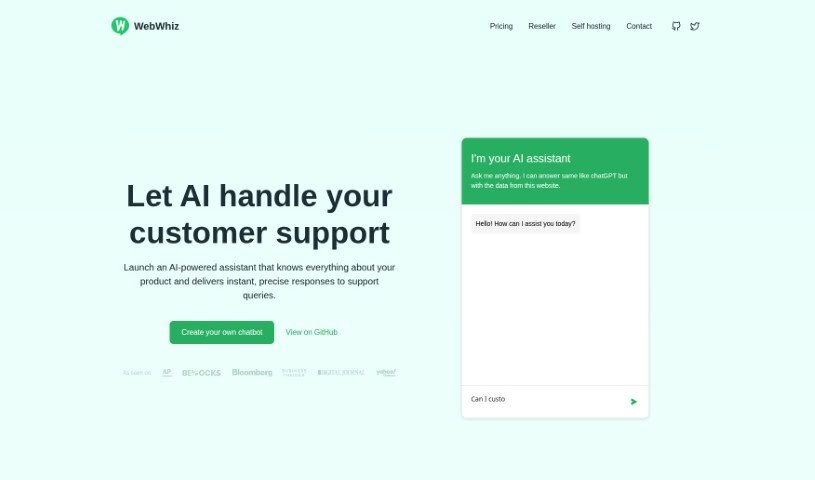
Discover what WebWhiz is and how it trains a support chatbot on your website content, with multilingual answers, lead generation, and GDPR compliance.
WebWhiz is an AI assistant that lets you create a chatbot for your website without coding. It is trained on the content of your own site, so it can answer customer questions quickly and accurately. Key features include support for over 100 languages, GDPR compliance, lead generation tools, and a reduction in the number of common questions your support team handles. Pricing plans are available, along with options for self-hosting and customizing the chatbot’s appearance.
WebWhiz was developed by Jimmy George, whose company provides the AI-powered assistant so businesses can add ChatGPT capabilities to their websites. Pricing starts with the Base plan at $19 per month and goes up to the Enterprise plan at $349 per month, with an extra fee to remove WebWhiz branding. The project is open source, with code available on GitHub, so you can inspect or contribute to it.
WebWhiz offers instant, accurate answers in over 100 languages, is GDPR compliant, supports lead generation, and reduces support requests. Plans from Base to Enterprise differ in features such as message limits and dedicated project pages, and you’ll be notified if you exceed your limits. The chatbot uses tokens to measure the text data it processes. You can use your own API key and train the chatbot with custom data by pasting it in. There is no limit on how much context the chatbot can handle, though plans may limit how many pages it can crawl. WebWhiz is available as an open-source project or as a cloud-based service that includes hosting and support.
Related
Discover more tools in similar categories
Weekly picks of the best AI tools we've researched and added — no spam, unsubscribe anytime.
Join 25,000+ AI enthusiasts. No spam, unsubscribe anytime.