AI Tools for AI Assistants

Discover the best AI Assistants AI tools to enhance your productivity and creativity.

Page 31 of 37 • 433 total tools

We’re living in an exciting time for digital assistants, with AI technology advancing fast to change how we handle our daily tasks. These virtual helpers have come a long way from simple voice recognition; they’re now sophisticated AI companions that can schedule appointments, answer questions, and even hold conversations.

With so many options out there, picking the right AI assistant for your needs can feel a bit overwhelming. You’ve got everything from voice-activated devices to powerful mobile apps – there really is something for everyone.

I spent some time checking out the most notable AI assistants available right now. I tested their features, how easy they are to use, and what makes them unique, all to help you sort through this busy market. Whether you need help getting organized or just want someone to chat with, you’ll find a good fit here.

So, let’s jump into the world of AI assistants and see which ones really stand out in this constantly changing digital space.

The best AI Assistants

  1. Monica: Great for easy chats with AI chatbots.
  2. Sider: Perfect for personalized virtual assistant conversations.
  3. Abacus.ai: Offers smart responses for users.
  4. Yeschat: Helps with smart scheduling and reminders.
  5. You.com: Streamlines everyday tasks with AI help.
  6. Merlin AI: Simplifies daily task management.
  7. MaxAI.me: Provides personalized virtual scheduling assistance.
  8. Chatgpt Online: Good for smart scheduling and task management.
  9. Casetext: Streamlines legal document review.
  10. Hume AI: Offers personalized customer support chatbots.
  11. Tavus: Features personalized AI assistant video interactions.
  12. Chatgpt For Google: Delivers quick answers through voice search.
  13. Retell AI: Provides smart voice control for daily tasks.
  14. Runway Research: Enhances AI assistant training data.
  15. Dola AI: Streamlines group event scheduling.

How do AI assistants work?

AI assistants work using a mix of natural language processing (NLP) and machine learning. These technologies are designed to understand and respond to what you say or type. Basically, they’re programmed to figure out your commands, questions, and what you’re trying to do, so they can give you the right information or get tasks done.

These assistants really depend on pre-trained models. These models look at huge amounts of data – text, audio, even images – to spot patterns and figure out the best way to respond. This training helps them grasp context and the subtle meanings in language, making interactions smoother.

When you give a command, the assistant breaks it down. It then uses different algorithms to decide the best response or action based on what you asked for.

Plus, many AI assistants use voice recognition. This means they can turn your spoken words into text. It makes using them feel more natural, as you can just talk instead of typing out your requests.

Behind the scenes, AI assistants get better over time through ongoing learning. As you use them, they collect data and learn from your interactions, tweaking their algorithms to give more accurate answers and understand your preferences better.

AI assistants also often connect with other services and apps, which makes them even more useful. This connection lets them do things like schedule appointments, send messages, or control smart home devices, making them handy tools for everyday life.

If you’re curious to learn more about how these technologies develop, check out the latest advancements in AI and machine learning. They keep changing how we interact with technology and each other, proving to be really helpful allies for our daily tasks and decisions.

Our best AI assistants at a glance

RankNameBest forPlans and PricingRating
1MonicaEasy chats with AI chatbotsN/A4.27 (11 reviews)
2SiderPersonalized virtual assistant chatsPaid plans start at $8.3/month.4.75 (12 reviews)
3Abacus.aiSmart response generation for usersN/A4.24 (21 reviews)
4YeschatSmart scheduling and remindersN/A4.18 (11 reviews)
5You.comStreamlining everyday tasks with AI helpN/A4.71 (17 reviews)
6Merlin AIStreamlining daily task managementPaid plans start at $19/month.4.33 (12 reviews)
7MaxAI.mePersonalized virtual scheduling help.N/A4.68 (19 reviews)
8Chatgpt OnlineSmart scheduling and task managementN/A4.30 (10 reviews)
9CasetextStreamline legal document review processes.Paid plans start at $250/month.4.79 (24 reviews)
10Hume AIPersonalized customer support chatbotsN/A4.78 (23 reviews)
11TavusPersonalized AI assistant video interactionsPaid plans start at $39/mo.4.81 (26 reviews)
12Chatgpt For GoogleQuick answers via voice searchN/A4.20 (5 reviews)
13Retell AISmart voice control for daily tasksN/A4.33 (9 reviews)
14Runway ResearchEnhancing AI assistant training data.N/A4.76 (21 reviews)
15Dola AIStreamlined group event schedulingN/A4.50 (6 reviews)
Screenshot of Solvemigo

Solvemigo

Freemium

Solvemigo is a handy AI tool that works right within the Telegram messaging app. It brings together several powerful AI chatbots, including ChatGPT, Whisper, and Dall-E, to give you personalized advice and insights on all sorts of topics. You can even send voice messages in over 60 languages, and Solvemigo will generate HD photos and artworks for you, all while responding super fast. If you're interested in a subscription, it's $9.99 a month or $99.99 a year. This gets you things like 750,000 words from ChatGPT, 2 hours of audio transcription with Whisper, and 25 images from Dall-E. Solvemigo also really cares about your privacy; they delete old messages and remove uploaded files right away to keep your information safe.

Text Generation View Tool →
Screenshot of Sonia: AI Therapy

Sonia: AI Therapy

Freemium

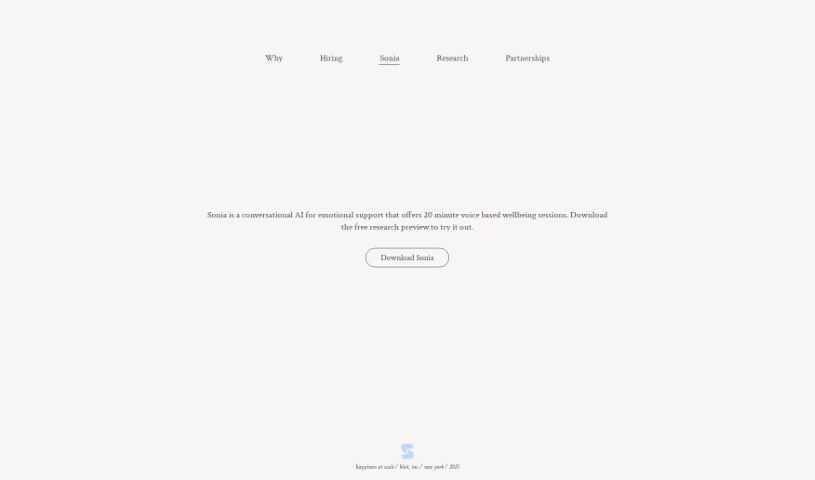
Sonia: AI Therapy is an innovative platform that uses artificial intelligence to provide cognitive behavioral therapy (CBT) through both voice and text conversations. Its main goal is to make therapy much more accessible and affordable. It is a way to get mental health support without the usual hurdles of distance or high costs. You can use it anytime, anywhere, and it offers immediate sessions while keeping everything private and confidential. While it's not explicitly stated as free, Sonia aims to be significantly cheaper than traditional therapy, making mental health care more inclusive. It also helps reduce the stigma often associated with seeking therapy by offering a private, non-judgmental space.

Text Generation View Tool →
Screenshot of Soula Care

Soula Care

Freemium

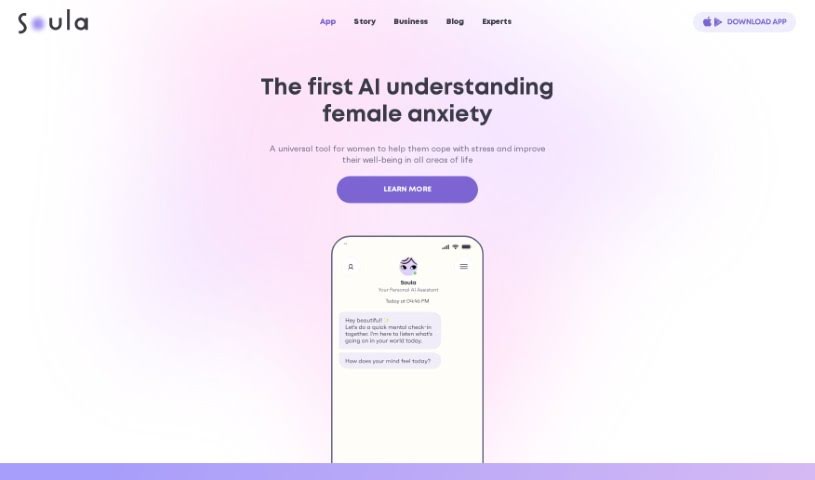
Soula Care is designed to be your personal guide for education and emotional support during parenthood. It is a virtual assistant that taps into the combined wisdom of leading birth and parenting experts worldwide. It's powered by really smart AI technology, which means it can answer your questions, offer emotional support, and guide you through every step of your parenthood journey – from pregnancy, through birth, and even after. It's there for you 24/7, whenever you need it.

Text Generation View Tool →
Screenshot of Story321 Free Google Gemini

Story321 Free Google Gemini

Freemium

Story321 Free Google Gemini is a user-friendly, free AI chatbot that supports many languages, including English, Spanish, German, Italian, Japanese, Korean, and Portuguese. It offers AI agents and characters, making conversations engaging and dynamic. You can expect high-quality AI chat interactions, as it's built to appeal to a broad audience. The developers focused on creating an excellent tool, aiming for it to be a top global choice for smooth communication and interaction.

Text Generation View Tool →
Screenshot of Straico

Straico

Freemium

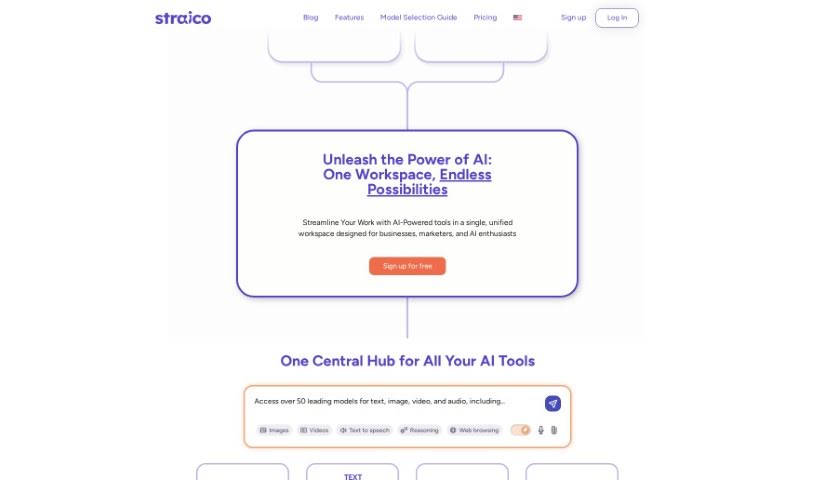
Straico is an AI platform designed to boost your creativity and productivity. It offers generative AI models for both content and image creation, all wrapped up in a user-friendly interface. It is a creative partner that gives you access to powerful AI chat assistants like GPT3.5 Turbo and GPT4, perfect for writing and streamlining your creative tasks. You're not limited to what's already there, either – you can create and save your own custom prompts for a truly personalized experience. Plus, Straico throws in an AI image creator, tools to analyze PDF documents, voice command integration, a way to query YouTube content, and a neat folder system to keep everything organized. They offer different subscription plans, and people seem to really like its prompt generator and how easy it is to use.

Text Generation View Tool →
Screenshot of SunDevs

SunDevs

Freemium

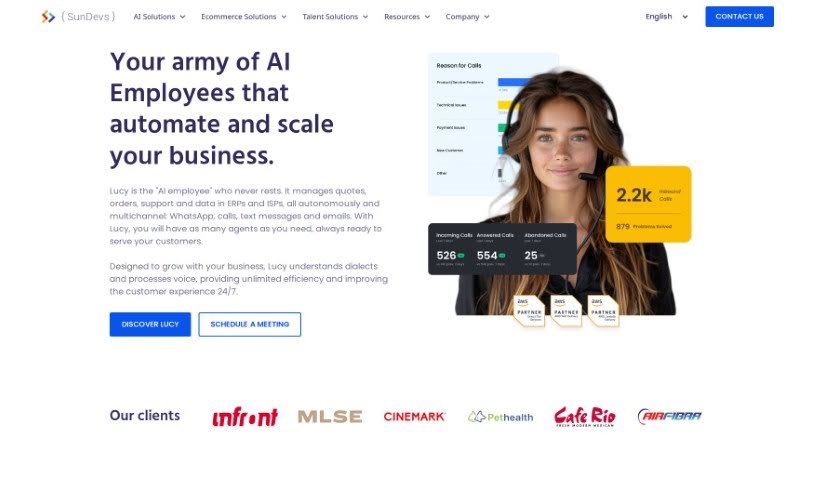
SunDevs is the company behind Lucy AI, a smart chatbot built specifically for cinemas. It is a virtual assistant that works through popular messaging apps like WhatsApp and Telegram. Its main job is to help cinema-goers book tickets, answer their questions, and handle sales inquiries. The goal here is to make the whole cinema experience better for customers by offering them personalized help, quick answers anytime, and support around the clock. It can even handle payments right in the chat, have natural conversations, and figure out different security levels for users. Plus, it can manage customer support by answering frequently asked questions or creating tickets for human agents when needed. It’s available 24/7, making it super convenient. What's really neat is how it boosts customer engagement, allows for purchases directly within the chat, and helps cinemas save money by cutting down on labor costs. SunDevs itself is a tech company that focuses on creating solutions like AI applications and providing talent services, always aiming for top-notch operations and deep industry knowledge.

Text Generation View Tool →
Screenshot of Synvision AI

Synvision AI

Freemium

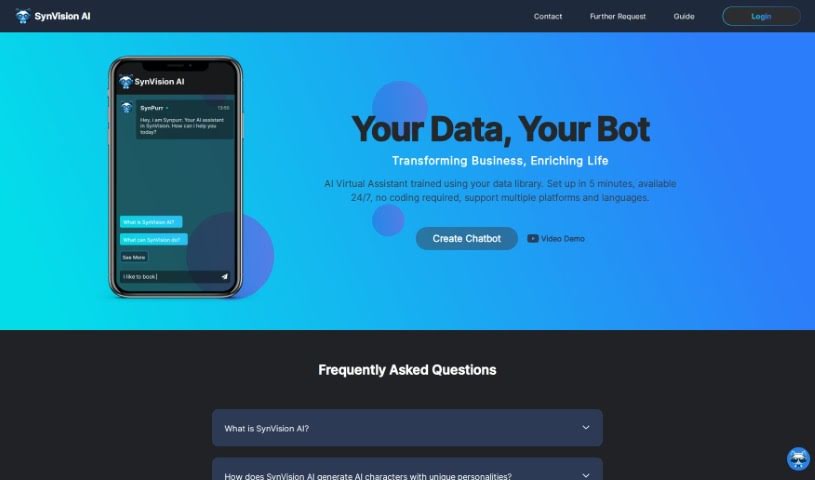
SynVision AI is an AI virtual assistant that you can set up in just 5 minutes, and guess what? No coding is needed! It's trained using your own data library, which makes it a really personalized solution for businesses. This virtual assistant works around the clock, 24/7, and it supports multiple platforms and languages. You get features like seamless multi-platform integration, support for various languages, strong data security, and ways to really boost how you interact with customers. While it’s super user-friendly and requires no coding, it's worth noting there might be some limitations. For instance, it doesn't explicitly mention data encryption, and advanced customization options or detailed guides on how it all works might be limited.

Text Generation View Tool →
Screenshot of Talk To AI

Talk To AI

Freemium

Talk To AI is a really neat Artificial Intelligence tool that essentially brings together the power of ChatGPT with the convenience of Siri. What this means is you can chat with GPT using just your voice, right on your iPhone or Mac, thanks to Siri. The whole idea is to make using GPT much quicker and simpler. By using voice commands, it really boosts accessibility and makes the whole experience feel more natural and user-friendly. You can imagine using Talk To AI in all sorts of places – think healthcare, finance, or customer service. It opens the door to creating chatbots that you can talk to just like you'd talk to Siri, letting them handle questions, give advice, or just offer support in a really conversational way.

Text Generation View Tool →
Screenshot of Tavus

Tavus

Freemium

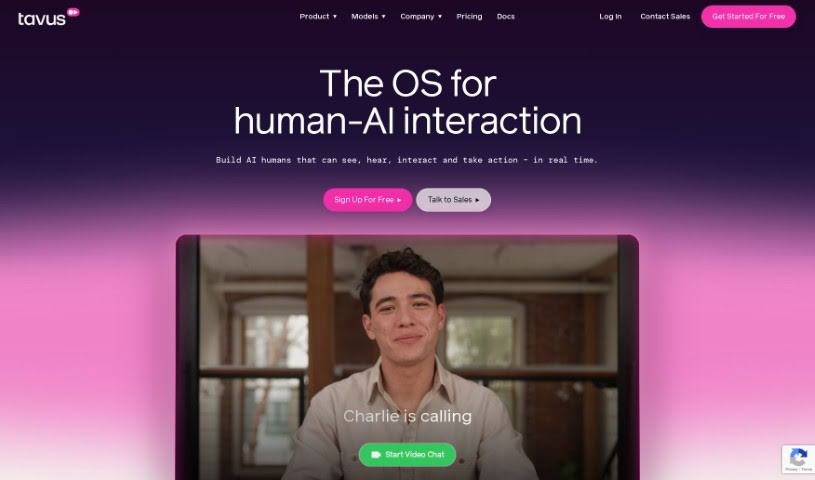
Tavus is a forward-thinking generative AI video company based right in San Francisco. Their main goal? To make online experiences much better by putting real human faces and voices into digital interactions, and doing it at a large scale. They're really good at creating what they call 'digital twins' – think of them as AI versions of people – using advanced video generation and even real-time video conversations. They achieve this with powerful, cutting-edge AI models and APIs. Lots of different industries are finding Tavus's technology super useful, including video production, marketing, sales, education, healthcare, and even folks in the creator economy. The company has also earned support from well-known investors like Sequoia, Scale VC, and Y Combinator.

Text Generation View Tool →
Screenshot of Text Generator

Text Generator

Freemium

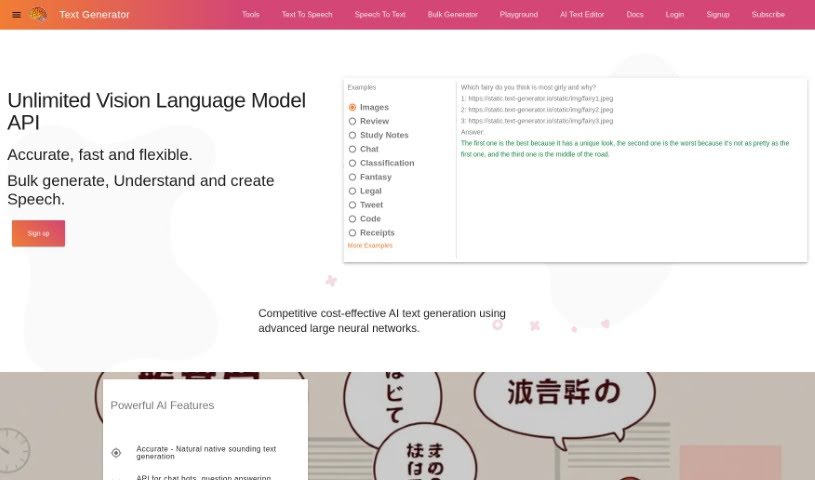
Text Generator is a small startup, founded by Lee Penkman. Their main goal is to offer text generation and AI systems that are really accurate, dependable, and affordable. They're using the latest in machine learning and AI research, running it all on Google Cloud hardware. You'll find them based in Thames Coromandel, New Zealand. This service lets you understand links, images, and even speech, then use that to create high-quality text, speech, and code in pretty much any language you can think of.

Text Generation View Tool →
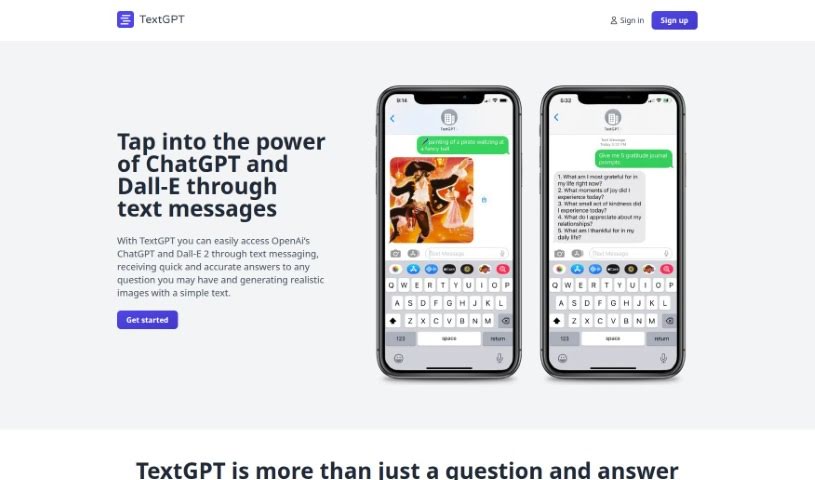
Screenshot of Text GPT

Text GPT

Freemium

Text GPT is essentially an AI text generator, built by OpenAI. It is a smart assistant that can create text that sounds remarkably human, all based on what you give it. It works by using a massive neural network, which is like a complex brain that's learned from tons of text data. This training allows it to pick up on patterns, understand context, and then generate text that makes sense and stays on topic, no matter what you're talking about. People use Text GPT for all sorts of things, like finishing sentences, answering questions, or even summarizing long articles. It's become really popular because the text it produces is so good, it often feels like a person wrote it.

Text Generation View Tool →
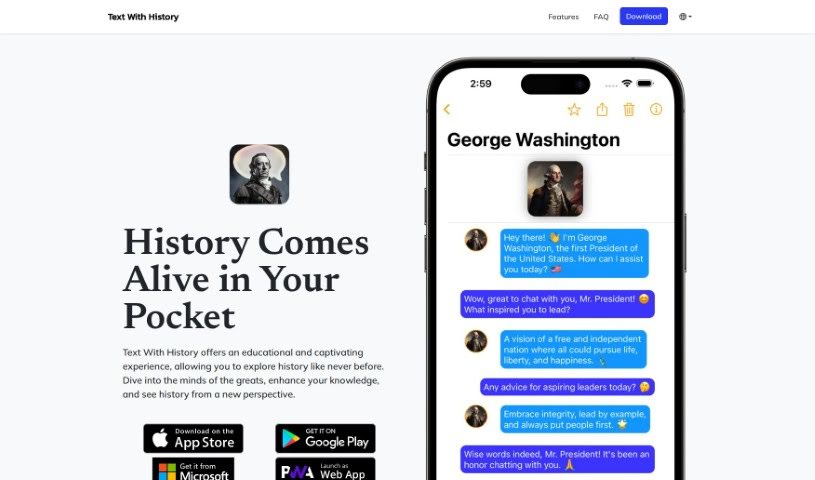
Screenshot of Text With History

Text With History

Freemium

Text With History is a really neat AI chatbot app. It's designed so you can have fascinating chats with historical figures from all sorts of different times. The goal here is to really bring history to life, offering an experience that's both educational and super engaging. You can talk to famous politicians, brilliant scientists, talented artists, and important world leaders, all thanks to advanced AI technology. Plus, it supports over 100 languages, so you can chat in your own language and explore history from ancient times right up to today. They're always adding new figures and features to make things even better. They do suggest, though, that you double-check the AI's answers against what's publicly available in historical records and writings – just to be sure. It's free to download and use, but if you subscribe to premium, you get access to all the figures and can message without limits. It's a truly unique and fun way to learn about and understand historical events.

Text Generation View Tool →

Stay Updated with AI Tools

Get weekly updates on the latest AI tools, trends, and insights delivered to your inbox

Join 25,000+ AI enthusiasts. No spam, unsubscribe anytime.