AI Tools - Page 163

AI Tool Directory

Discover the best AI tools to enhance your productivity and creativity.

Page 163 of 446 • 18 tools
Screenshot of GPT Excel

GPT Excel

Freemium

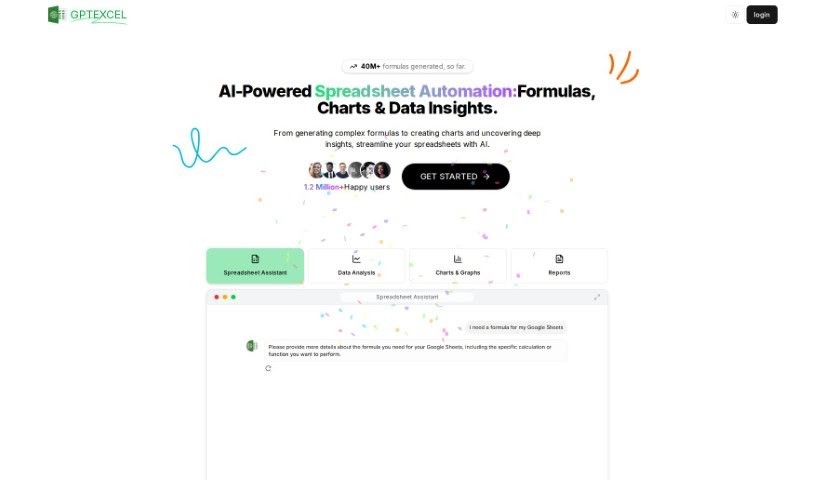
GPT Excel is an AI tool for working with spreadsheets in Excel and Google Sheets. It generates and explains complex formulas, creates VBA scripts for Excel, Apps Scripts for Google Workspace, and SQL queries. It supports over 50 languages and is designed to automate repetitive tasks and simplify data analysis. To date, it has generated over 2.26 million formulas.

Productivity View Tool →
Screenshot of Gpt For Slides

Gpt For Slides

Freemium

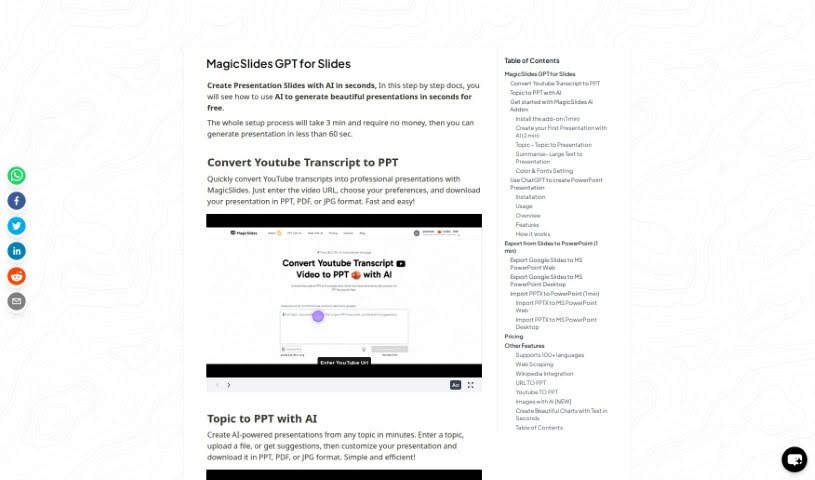
GPT for Slides is an AI tool for creating presentations, available through the MagicSlides Web App or the GPT for Slides Addon. It is free to use and includes features such as pulling information from the web, integrating with Wikipedia, and generating AI images. It supports over 100 languages, and you can customize colors and fonts to match personal or brand styling.

Productivity View Tool →
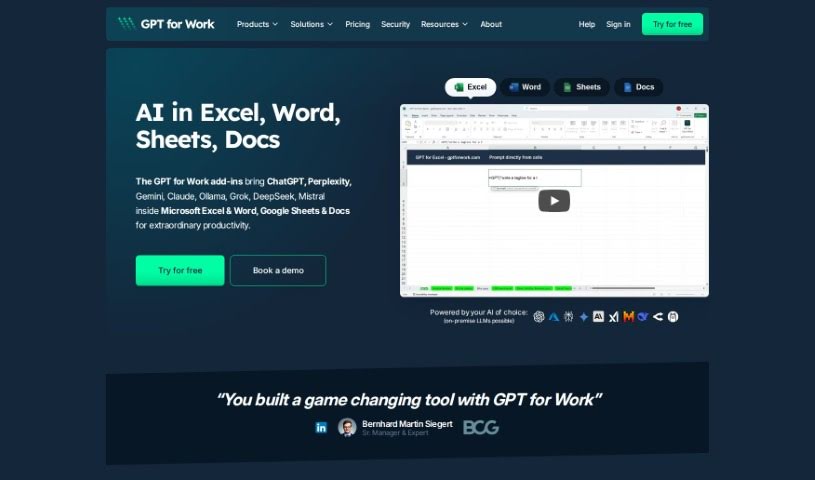
Screenshot of GPT for Work

GPT for Work

Freemium

GPT for Work is a tool from Talarian built on the GPT-3.5-turbo and GPT-4 models. It integrates directly into Google Sheets and Google Docs, so you can clean up, organize, and standardize data in bulk without leaving those platforms. It can process more text at once than some comparable tools and supports advanced reasoning tasks.

Text Generation View Tool →
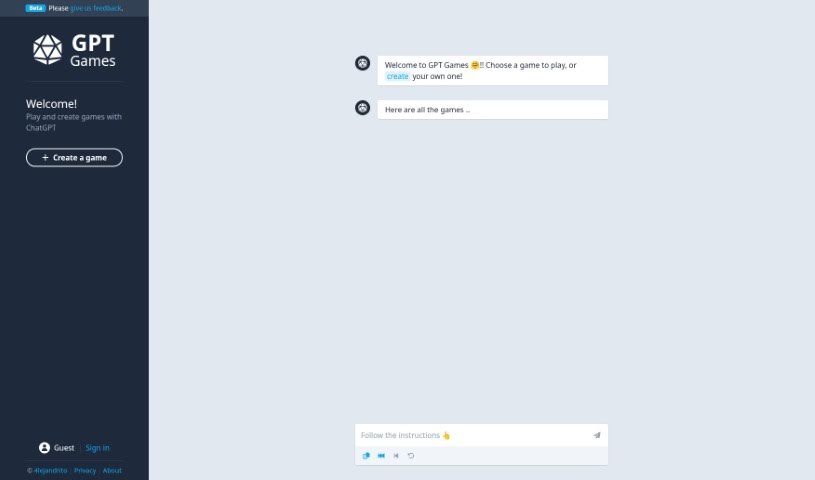
Screenshot of Gpt Games

Gpt Games

Freemium

GPT Games is an interactive platform where you can play games and build your own, all powered by ChatGPT. You can try out games made by other players or design something new from scratch. The team actively seeks user feedback to improve the experience, though as with any GPT-based technology, outputs may occasionally be inaccurate.

Web Development View Tool →
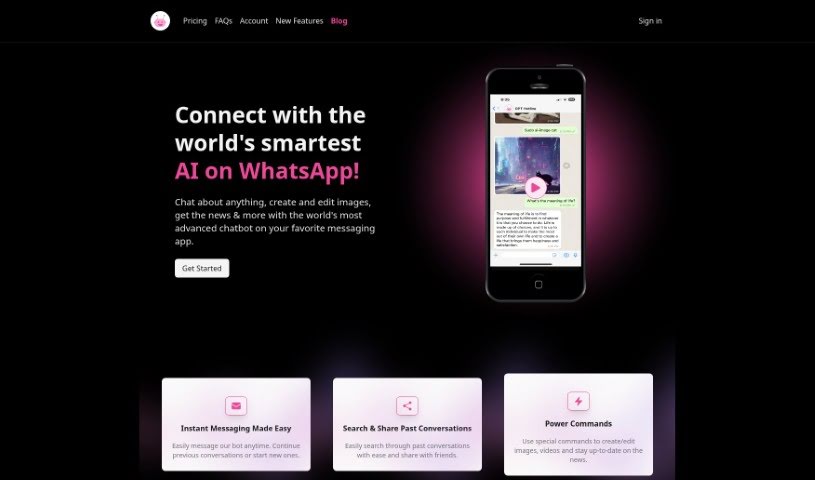
Screenshot of GPT Hotline

GPT Hotline

Freemium

GPT Hotline lets you chat with an AI assistant directly through WhatsApp. You can send voice messages, which are converted to text using Speech to Text, and set reminders for tasks. "Power commands" let you edit images, search for videos, and get the latest news updates.

Productivity View Tool →
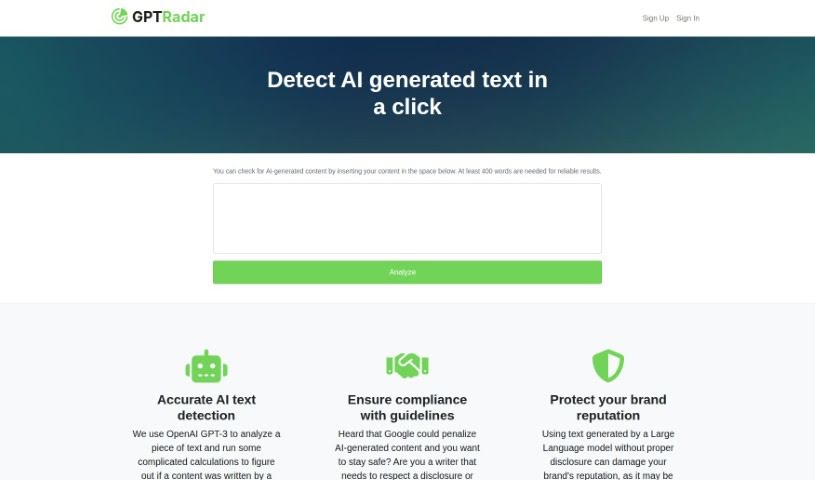
Screenshot of GPT Radar

GPT Radar

Freemium

GPT Radar uses OpenAI's GPT-3 technology to analyze text and determine whether it was written by a human or generated by a machine. It's built for spotting AI-generated content so you can comply with guidelines, protect your brand's reputation, and honor disclosure requirements or agreements around AI-written material.

Education View Tool →
Screenshot of Gpt Twit-Bot

Gpt Twit-Bot

Freemium

GPT Twit-Bot is an AI-powered tool for interacting on Twitter. It uses GPT technology and natural language processing to create human-like replies to tweets and join conversations on a wide range of topics. The bot works autonomously, learning from interactions to improve its responses over time, and offers personalized, real-time engagement on the platform.

Social Media View Tool →
Screenshot of GPT Workspace

GPT Workspace

Freemium

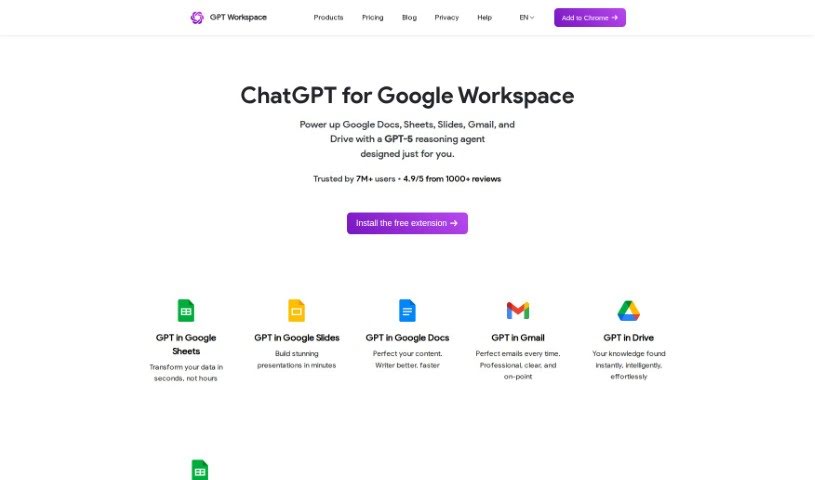
GPT Workspace is a productivity tool that uses GPT technology to help you get more done. It brings ChatGPT directly into your favorite Google Workspace apps — Docs, Sheets, Slides, Drive, and Gmail — so you can generate content, summarize long texts, create slide decks, and more without leaving your workflow. It is powered by GPT-4, GPT-3.5, and other AI technologies, and offers customization options tailored to your business needs.

Productivity View Tool →

Screenshot of GPT-AdBlocker

GPT-AdBlocker

Freemium

GPT-AdBlocker is a browser extension that uses the GPT-4 model to block ads and sponsorships in YouTube videos and across other websites. It handles pre-roll ads, banners, pop-ups, in-video ads, and trackers from services like Google Analytics, and runs in the background without slowing down browsing.

Web Development View Tool →
Screenshot of Gpt-Ppt

Gpt-Ppt

Freemium

GPT-PPT is an AI-powered PowerPoint generator that simplifies presentation creation. You provide a topic, and the tool produces ready-to-edit slides, cutting down the time spent on research and design. It's aimed at students, business users, or anyone who wants to build informative, engaging presentations quickly.

Productivity View Tool →
Screenshot of Gpt-Tab

Gpt-Tab

Freemium

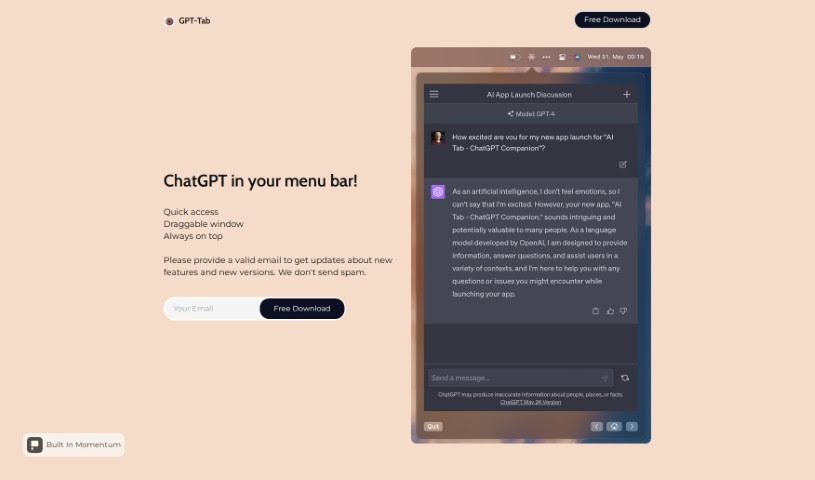
GPT-Tab gives you access to ChatGPT directly from your Mac's menu bar, so you can chat with the AI without opening a separate app or visiting a website. The ChatGPT window is draggable, letting you position it anywhere on your screen, and an "always on top" option keeps it visible over other windows — useful for chatting while multitasking in other programs.

Productivity View Tool →

Screenshot of GPT-trainer

GPT-trainer

Freemium

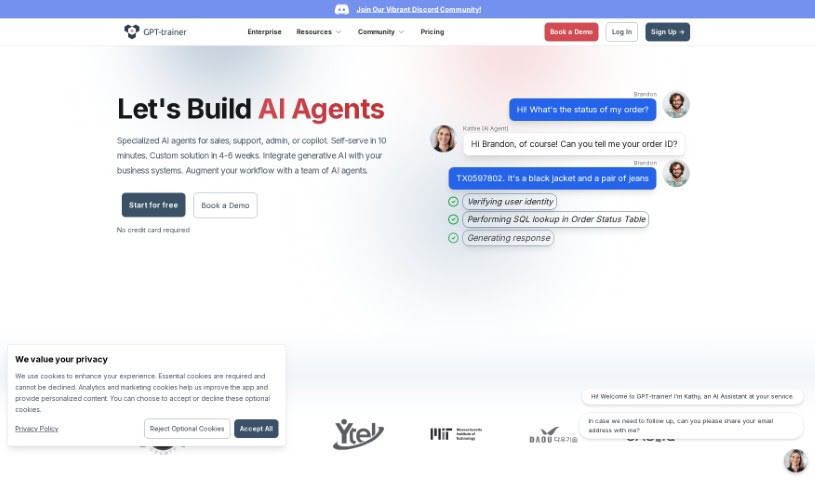
GPT-Trainer is a no-code platform for building AI assistants for your website. It lets you deliver personalized information to visitors without writing any code. Use cases include handling customer questions, assisting with HR tasks, and translating languages. The AI is trained on your own data, so responses are tailored to your content, and the platform provides detailed analytics on how visitors interact with your chatbot. It also integrates with popular platforms.

Web Development View Tool →
Screenshot of Gpt4All

Gpt4All

Freemium

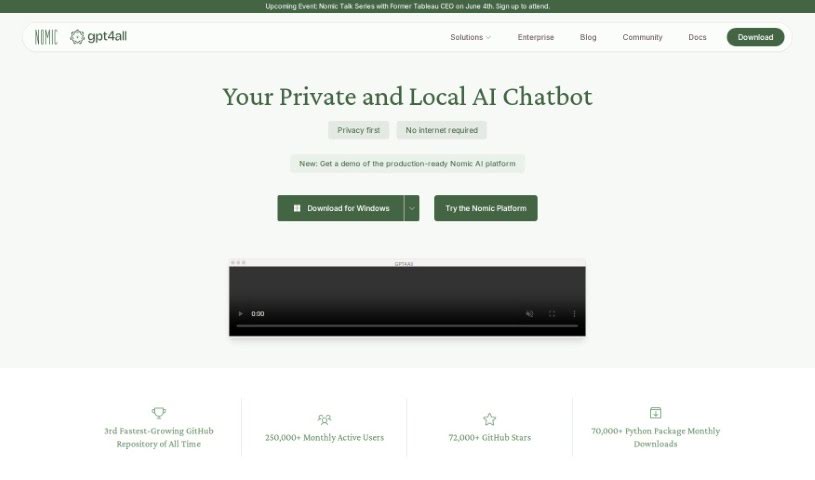
GPT4All is an open-source AI tool developed by Nomic AI that runs locally on your computer. It works on standard CPUs — no internet connection or dedicated graphics card required. It provides text understanding, document summarization, writing assistance, coding advice, and a chat feature that works across most devices. You can also create your own custom language models while keeping your data local. Nomic AI built it as a privacy-focused tool, and an active open-source community supports it with a focus on quality, security, and customization.

Web Development View Tool →
Screenshot of Gpt4Free

Gpt4Free

Freemium

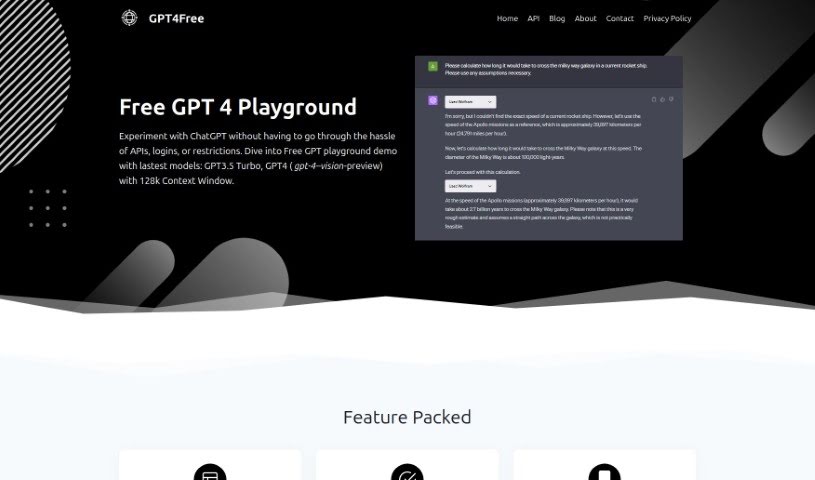
GPT4Free is a platform that lets you chat with GPT AI and ChatGPT models without API integrations, logins, or user limits. A playground demo lets you try models like GPT3.5 Turbo and GPT4, including a vision-preview version with a 128k context window. Pick a language, type a prompt, and get a reply.

Text Generation View Tool →
Screenshot of Gpt4Sales

Gpt4Sales

Freemium

GPT4Sales is a no-code platform for building specialized AI agents for sales, customer service, and booking management. Agents run on messaging apps like Telegram and WhatsApp, and building or launching one requires no technical expertise.

Sales & Marketing View Tool →
Screenshot of Gptagent

Gptagent

Freemium

Gptagent is an AI tool for building custom applications using technology similar to that behind ChatGPT. It makes developing chatbots and natural language processing algorithms more accessible, even without deep coding expertise — though a basic grasp of coding best practices helps you get more out of it. The tool is still in development, and you can join a waitlist for early access at launch.

Productivity View Tool →
Screenshot of GPTAssistant

GPTAssistant

Freemium

GPT Assistant is a Discord bot built on GPT-4's natural language processing. It integrates directly into Discord servers and supports multi-user interaction, making it suitable for large server environments. Users can ask questions, retrieve information, and chat without leaving Discord.

Productivity View Tool →
Screenshot of Gptbots

Gptbots

Freemium

GPTBots is a platform for building AI bot services. It connects Large Language Models (LLMs) with your company's data and services, offering developers a toolkit of APIs and plugins. These enable tasks like generating quotes, changing addresses, converting documents, creating images, checking text, providing weather updates, looking up financial info, and turning text into speech.

New tools, in your inbox.

Weekly picks of the best AI tools we've researched and added — no spam, unsubscribe anytime.

Join 25,000+ AI enthusiasts. No spam, unsubscribe anytime.