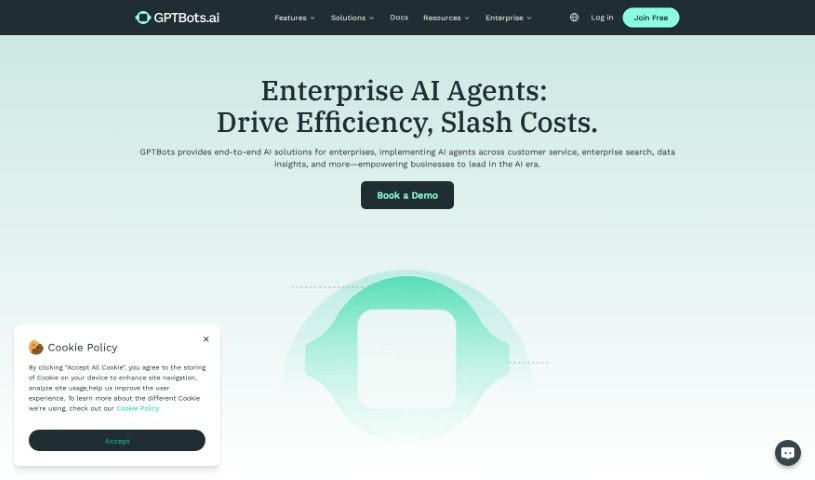
Screenshot of Gptbots

Gptbots

Discover GPTBots in 2025! Learn what this powerful AI platform is, how to use its features for customer service and more, and how it stacks up against other tools.

Screenshot

What is GPTBots?

GPTBots is a platform designed to help you build AI bot services efficiently. It connects Large Language Models (LLMs) with your company’s data and services. It is a toolkit for developers, offering various APIs and plugins. These tools let you do all sorts of things, like generating quotes, changing addresses, converting documents, creating images, checking text for mistakes, giving you weather updates, looking up financial info, turning text into speech, and so much more. Plus, GPTBots has an Open Bots Market where you can find and share AI bots. You can also upload your own knowledge bases in different formats securely. The platform makes it easy to activate open-source LLMs and provides free public plugins, or you can create your own. You can even add AI bot capabilities to your existing products and applications using simple APIs and SDKs from GPTBots.

Who created GPTBots?

The founder of GPTBots isn’t specifically named in the information I have. What I can tell you is that GPTBots is a powerful AI platform built for business applications. It’s designed to efficiently connect Large Language Models (LLMs) with enterprise capabilities, making it easier to build AI bot services.

What is GPTBots used for?

GPTBots is incredibly versatile and can be used for a wide range of business tasks:

  • Customer Support: Handling inquiries and assisting customers.
  • Data Analysis: Processing and understanding information.
  • Leads Generation: Identifying and capturing potential customers.
  • SEO AI Writer: Creating content optimized for search engines.
  • Craft Blog Posts: Generating engaging blog content.
  • Resolve Customer Support Inquiries: Directly addressing and solving customer issues.
  • Access Best-Practice AI Bot Templates: Quickly start with pre-built, effective bot designs.
  • Train and Personalize AI Bots: Tailor bots to your specific needs and data.
  • Generate Quotes: Automate the creation of price estimates.
  • Convert PDF Files to Other Formats: Easily change document types.

Who is GPTBots for?

This platform is a great fit for several roles within a company:

  • Customer Service Manager
  • Operations Manager
  • IT Manager
  • Nutrition Consultant
  • Real Estate Agent

How to use GPTBots?

Getting started with GPTBots is straightforward. Here’s a breakdown of the steps:

  1. Sign Up and Get Free Credits:

    • First, create an account on the GPTBots website.
    • When you sign up, you’ll receive 100 free credits every month. No credit card is needed to get these.
  2. Explore Features and Templates:

    • You can build AI bots using a visual builder, so you don’t need to know how to code.
    • Explore various features like those for customer support, lead generation, SEO writing, and data analysis.
    • You can also use best-practice AI bot templates with just a single click to get started quickly.
  3. Customize Your AI Knowledge Base:

    • The platform supports many different data formats, and you can improve accuracy by using the RAG recall and rerank mechanism.
    • You can also boost vector matching efficiency by choosing different embedding models.
  4. Utilize Controllable AI Models:

    • You have the ability to customize the outcomes by using a manual design process.
    • To ensure accuracy, you can integrate the AI with your existing tools and enterprise data.
  5. Integrate with Popular Tools:

    • Connect your AI bots easily with platforms you already use, such as Google Drive, Notion, and Microsoft Word.
    • You can also send your AI bot’s outputs to various platforms and integrate with apps like Discord, WhatsApp, Slack, and Zapier.
  6. Subscription and Payment:

    • You can buy subscription plans using different payment methods.
    • You’ll find your payment records and can download receipts from your personal center.
  7. Upgrade or Modify Your Subscription:

    • It’s easy to change or cancel your subscription plans whenever you need to, right from the Settings menu.
    • If you want to upgrade, just pick the services you want and pay the difference.
  8. Access Detailed Records:

    • You can check exactly how your credits are being used on the Consumption page, which is located under Organization Information in the Settings.
  9. Develop with AI Models and APIs:

    • You get access to a wide variety of APIs and plugins for tasks like generating quotes, converting files, creating images, and much more.
    • Use the platform to efficiently build AI bot services by connecting LLMs with your enterprise capabilities.

By following these steps, you can really make the most of GPTBots. You’ll be able to create AI-driven business applications, improve how you support customers, generate more leads, and automate a lot of different workflows.

Related AI Tools

Discover more tools in similar categories that might interest you

Stay Updated with AI Tools

Get weekly updates on the latest AI tools, trends, and insights delivered to your inbox

Join 25,000+ AI enthusiasts. No spam, unsubscribe anytime.