AI Web Development Tools

AI Tools for Web Development

Discover the best Web Development AI tools to enhance your productivity and creativity.

Page 22 of 55 • 655 total tools
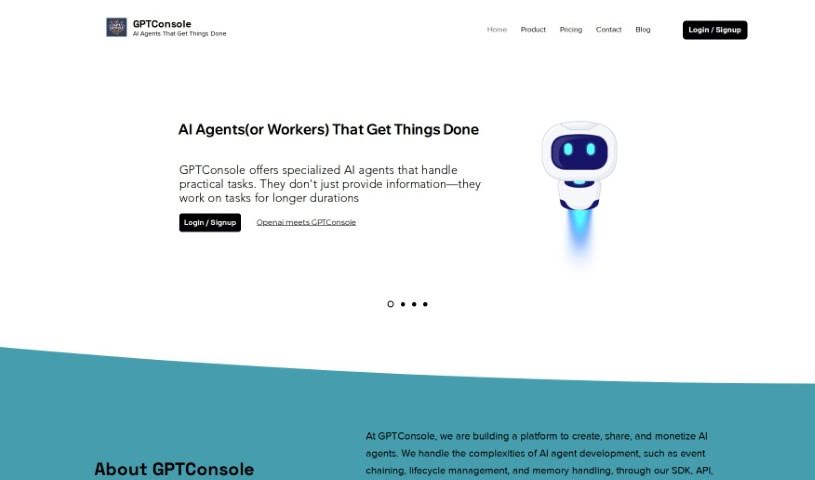
Screenshot of GPTConsole

GPTConsole

Freemium

GPTConsole is a platform that helps developers create web and mobile applications more efficiently. It offers an NPM package that automates web tasks using prompts, such as filling out forms, interacting with webpages, and extracting data. The package installs locally, making it accessible to developers at any skill level.

Web Development View Tool →
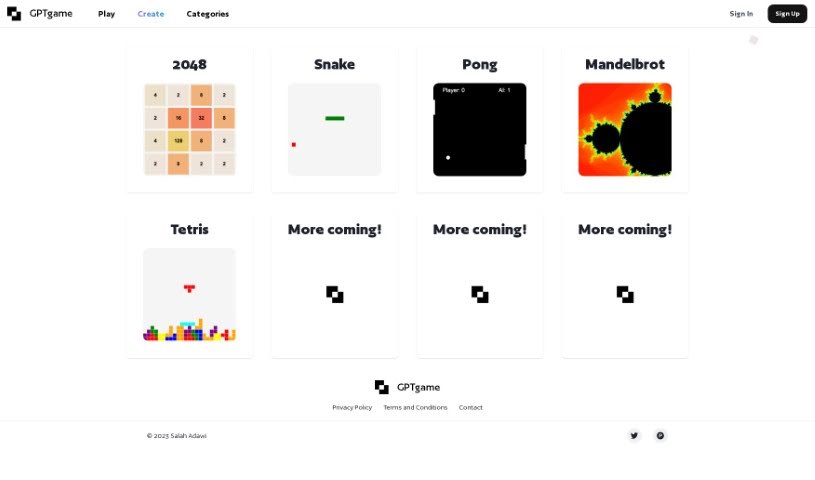
Screenshot of GPTGame

GPTGame

Freemium

GPTGame is a platform that lets you create custom games instantly, with no coding required. It uses the GPT-35 algorithm to generate small JavaScript games from simple text descriptions. You can tweak the games, share what you make, or start from a template and add your own spin. GPTGame makes it easy to prototype ideas quickly, gives you access to the full game code, and lets you play your creations right away.

Web Development View Tool →
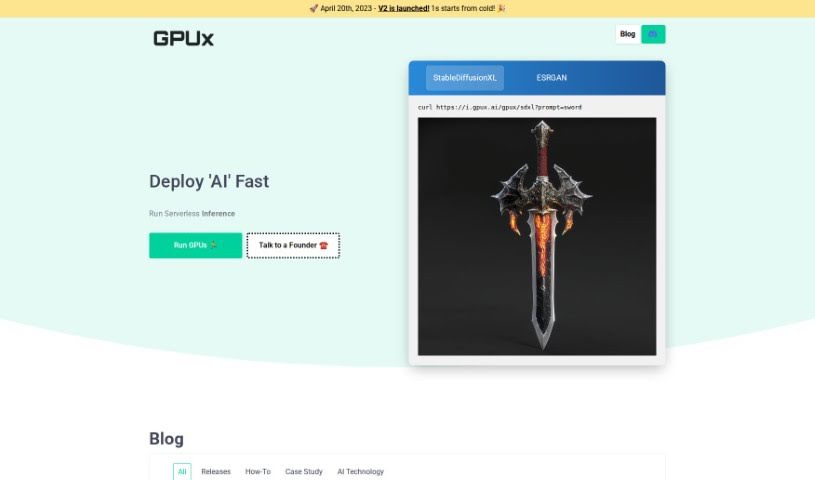
Screenshot of GPUX AI

GPUX AI

Freemium

GPUX AI is a system built to improve GPU performance. It monitors real-time data and user interaction, then adjusts GPU settings on the fly to match the workload. By continuously learning and adapting, it aims to deliver faster processing and better resource utilization for both gaming and heavy computational jobs.

Web Development View Tool →
Screenshot of Gradient Insight

Gradient Insight

Freemium

Gradient Insight (also known as LogoBrainstorm AI) generates logo ideas from a brand description you provide. It produces vector illustrations, offers customization options, and is priced affordably, making it a practical option for startups. Limitations: the generated logos don't include text, and the tool is online-only. It offers free features, and existing discount codes remain valid. It suits small businesses that want professional logos without hiring a graphic designer.

Web Development View Tool →
Screenshot of GradientJ

GradientJ

Freemium

GradientJ is an AI toolkit for building and managing Natural Language Processing (NLP) applications, particularly those built on Large Language Models (LLMs) like GPT-4. It covers the full lifecycle: developing and integrating LLMs, fine-tuning, testing performance, deploying, and managing applications over time.

Web Development View Tool →
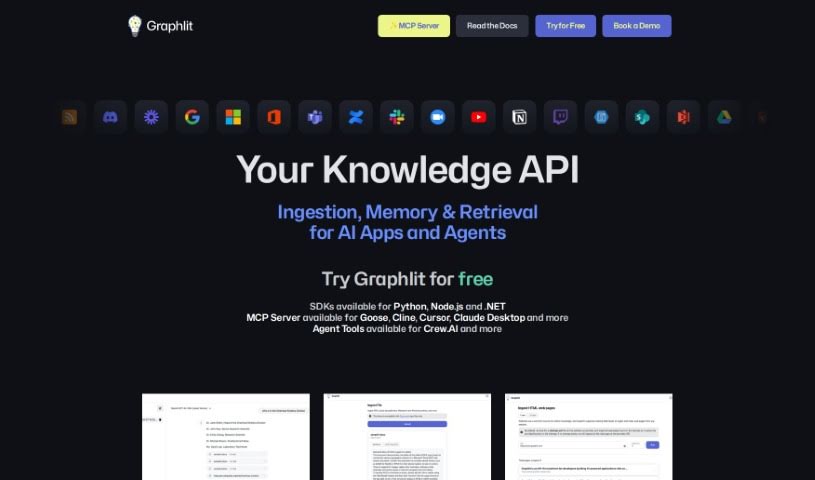
Screenshot of Graphlit

Graphlit

Freemium

Graphlit is an API-first platform for developers building AI-powered applications that work with unstructured data. It provides cloud infrastructure and automates backend data workflows: ingestion, knowledge extraction, semantic search, and integration with other systems via webhooks.

Web Development View Tool →
Screenshot of Greptile

Greptile

Freemium

Greptile helps developers get up to speed on codebases they're not familiar with. You ask questions about the code, and it returns direct answers, making it easier to understand what different parts of a codebase do and how they fit together.

Web Development View Tool →
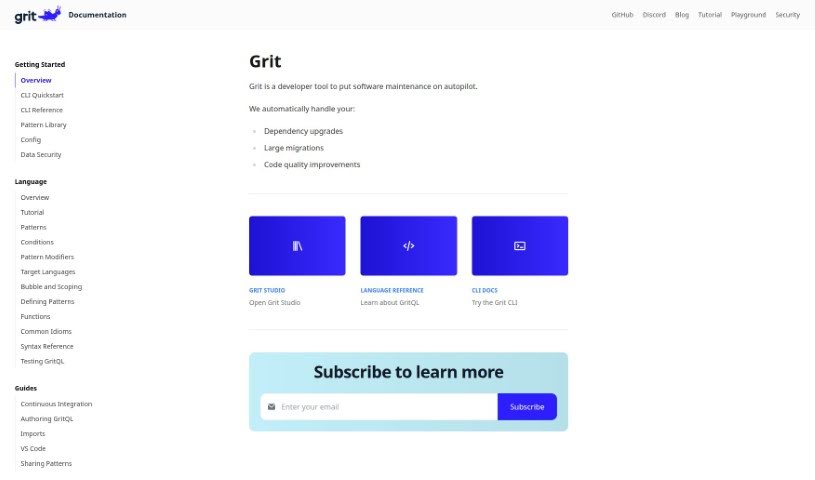
Screenshot of Grit.io

Grit.io

Freemium

Grit.io is an AI tool that automates fixing technical debt in code. It combines static analysis with machine learning to generate pull requests that clean up code and migrate it to newer frameworks. Common migration tasks include converting JavaScript to TypeScript, transforming class components into functional components, upgrading JavaScript to arrow functions, and migrating AngularJS projects to Angular. According to the company, Grit.io can complete these migrations up to 10 times faster than doing them manually.

Web Development View Tool →
Screenshot of H2Ogpt

H2Ogpt

Freemium

H2Ogpt is a text generation tool built around GPT models, available at [gpt.h2o.ai](https://gpt.h2o.ai/). It lets users work with large language models to produce responses, summaries, and completions based on text input.

Web Development View Tool →
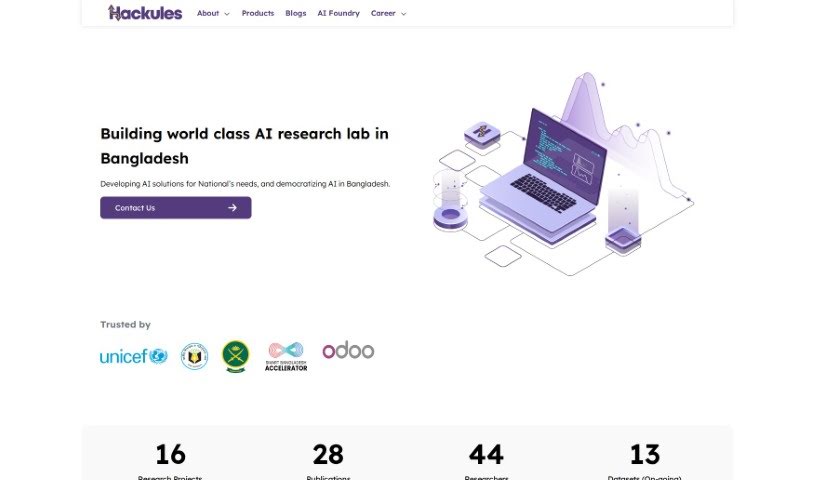
Screenshot of Hackules

Hackules

Freemium

Hackules is a company working across web applications, AI-powered development tools, and business software. It has won awards, partnered with universities, and is expanding globally through partnerships and new offices, including partnerships with Odoo Middle East and Research Station.

Web Development View Tool →
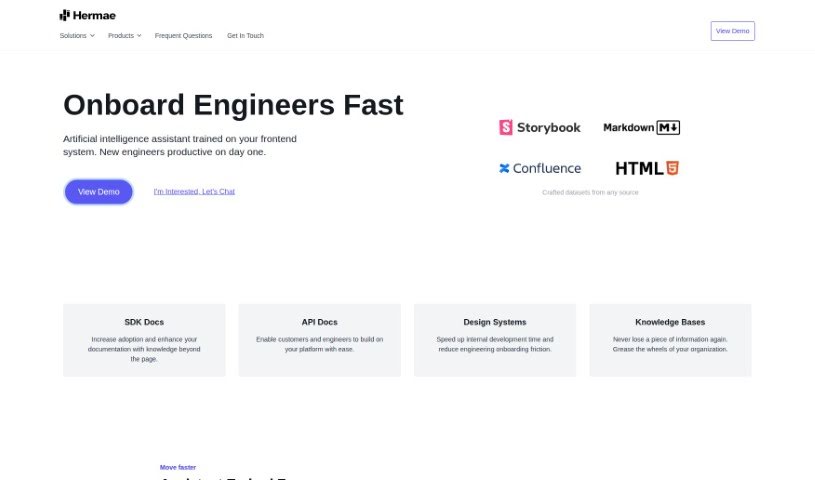
Screenshot of Hermae Ai

Hermae Ai

Freemium

Hermae AI is an AI assistant built for businesses, designed to make design systems run more smoothly. It speeds up development, helps new engineers get up to speed, and synthesizes large volumes of documentation. It provides immediate feedback, generates code, and supports adoption of front-end systems — all while embedding directly into your existing documentation sites.

Web Development View Tool →
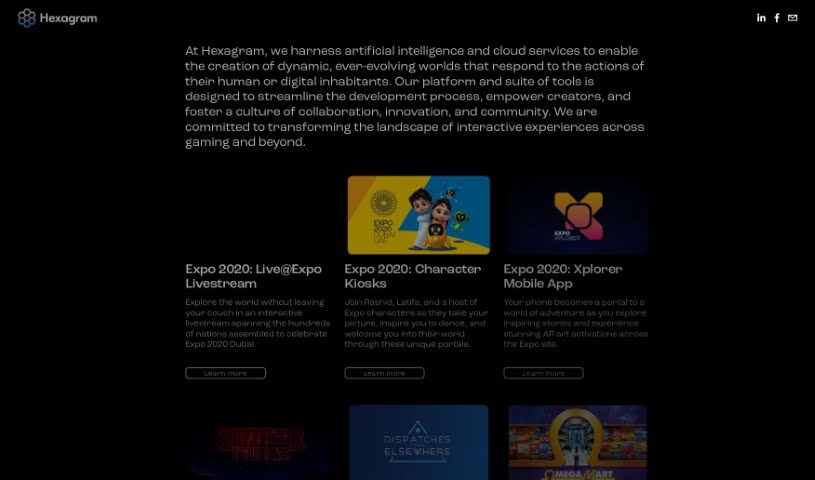
Screenshot of Hexagram

Hexagram

Freemium

Hexagram is a platform developed by TRU Darknet Inc. It uses artificial intelligence and cloud services to build worlds that can change and grow based on how people or digital systems interact with them. The platform's stated goals are to streamline development, empower creators, and encourage collaboration, innovation, and community building within the interactive experiences industry, especially in gaming and related fields.

Web Development View Tool →

About Web Development tools

Struggling with cryptic error messages, writing repetitive boilerplate code, or debugging complex API integrations can slow down even the most experienced developers. Whether you’re building full-stack web applications, maintaining backend databases, or configuring deployment pipelines, turning technical requirements into functional code takes significant time. It’s easy to spend hours hunting down missing syntax or setting up project configurations before writing core logic.

Built for web developers and software engineers, these tools act as intelligent coding partners. They autocomplete functions, speed up routine boilerplate creation, and catch subtle bugs before you commit your code.

Inline Completion, Error Debugging, and Test Generation

Generating routine code structures and API endpoints used to require typing out repetitive boilerplate line by line. Smart coding assistants analyze your project context and comments to suggest full function blocks, database schemas, and API handlers in real time. Instead of searching documentation for basic syntax or setup code, you get inline code completion right in your editor to keep you in flow.

Debugging complex logic and fixing broken build pipelines becomes far less frustrating, as well. Tracking down memory leaks, asynchronous execution issues, or obscure framework errors can burn hours of development time. Modern developer tools analyze stack traces and source code to identify root causes, suggest precise bug fixes, and explain complicated error messages in plain language.

Maintaining legacy codebases and writing comprehensive test suites also gets much simpler. Creating unit tests and writing inline documentation often gets pushed aside when project deadlines are tight. AI development platforms scan your code to auto-generate unit tests, create clear README files, and help refactor outdated code to modern standards without breaking existing application features.

Useful Capabilities for Developers:

  • Real-time inline code completion: Systems that suggest accurate code snippets, functions, and line completions inside your code editor as you type.
  • Automated bug detection and debugging: Features that analyze error logs and source files to pinpoint bugs and offer quick-fix solutions.
  • Test suite generation: Tools that automatically write comprehensive unit, integration, and end-to-end tests based on your codebase.
  • Code refactoring and modernization: Settings that clean up legacy code, convert syntax between programming languages, and apply best practices.
  • Documentation generation: Capabilities that automatically create clear inline comments, function docstrings, and project documentation from source code.

Building high-performing, secure web applications will always depend on your logical reasoning, system design, and software architecture skills. Software cannot replace critical thinking or design scalable system architectures for you. But letting smart tools handle routine boilerplate, test generation, and bug hunting gives you back the focus needed to solve tough engineering challenges.

Explore the web development tools below to upgrade your stack.

The Best AI Web Development Tools

  1. Lovable: Great for making frontend design work smoother.
  2. Cursor: Helps with real-time code collaboration.
  3. Replit AI: Generates code snippets for web apps.
  4. Supabase: For teams to manage databases together.
  5. v0 by Vercel: Quickly creates UI kits for web projects.
  6. Replicate AI: Automates code generation for web apps.
  7. Carrd: Perfect for a single-page site to promote an event.
  8. AI Dungeon: Lets you create interactive web stories with code.
  9. Ollama: For quickly building early versions of web interfaces.
  10. Jimdo: Makes building and managing websites easy.
  11. Code Sandbox: Simplifies CSS preprocessor workflows.
  12. Tilda: Lets you create websites easily without coding.
  13. Bubble: A drag-and-drop tool for building web applications.
  14. Weights & Biases: Streamlines integrating ML models into web apps.
  15. Warp Terminal: Helps deploy web apps quickly.
New tools, in your inbox.

Weekly picks of the best AI tools we've researched and added — no spam, unsubscribe anytime.

Join 25,000+ AI enthusiasts. No spam, unsubscribe anytime.