AI Web Development Tools

AI Tools for Web Development

Discover the best Web Development AI tools to enhance your productivity and creativity.

Page 20 of 55 • 655 total tools
Screenshot of Ghostbuster.app

Ghostbuster.app

Freemium

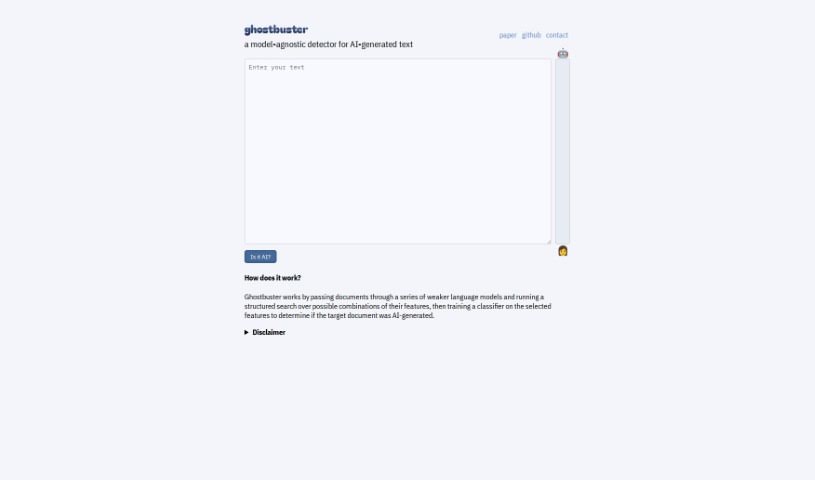
Ghostbuster.app is accessible via an API endpoint at `https://ghostbuster-api-gm7xhurxnq-uw.a.run.app/`, which suggests it is a web service or application hosted on Google Cloud Platform. Public details about the tool are limited, so its full purpose and feature set are not entirely clear. Based on the available information, the service appears to analyze uploaded files and return results, possibly identifying issues ("ghosts") within them.

Web Development View Tool →
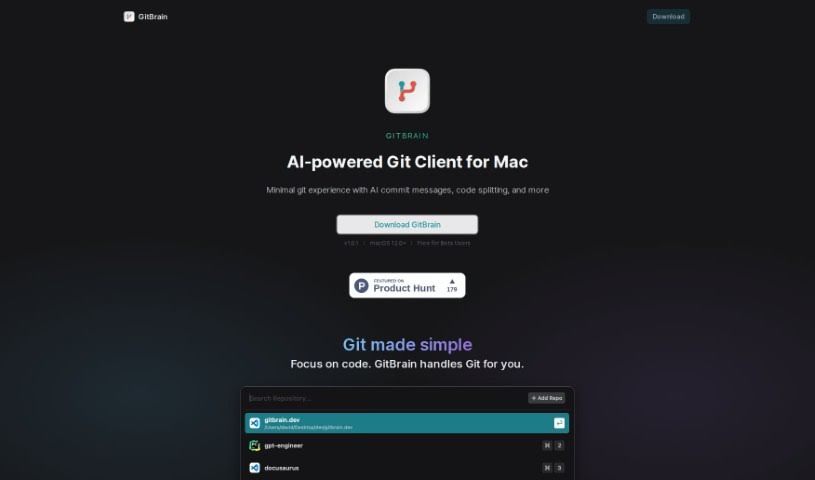
Screenshot of GitBrain

GitBrain

Freemium

GitBrain is a native Mac Git client that uses AI to simplify Git management. Its standout capability is splitting code changes into multiple AI-generated commits, along with automatic summaries of what you've changed.

Web Development View Tool →
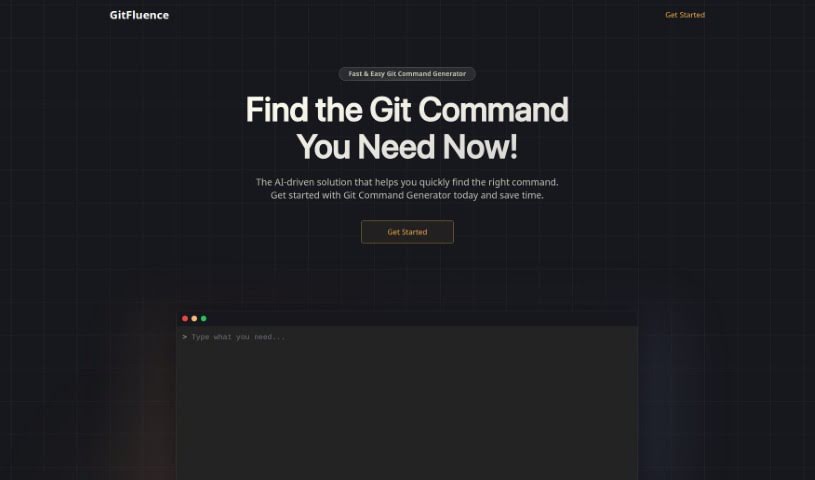
Screenshot of GitFluence

GitFluence

Freemium

GitFluence is an AI-powered assistant for Git, the widely used version control system. Its standout feature, the Git Command Generator, suggests the exact commands you need based on a plain-language description of what you want to do — no more digging through documentation or scrolling through forums like Stack Overflow. Beyond command generation, GitFluence offers real-time collaboration tools, code review, and integrations with popular development platforms and tools. The system also learns from how you use it, improving its suggestions and overall experience over time. It's designed to boost productivity whether you work solo or on a team.

Web Development View Tool →
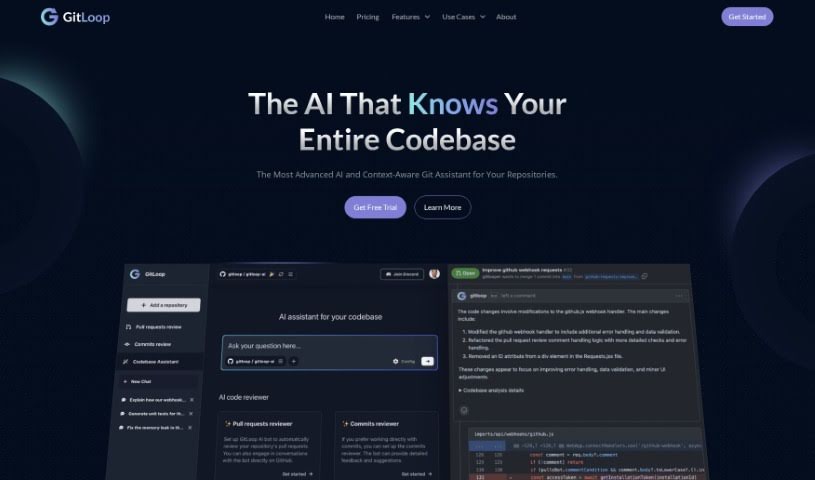
Screenshot of Gitloop

Gitloop

Freemium

GitLoop is a suite of AI-enhanced tools from Aivot LLC designed to make working with Git repositories easier. It provides insights into your codebase, helps manage features, assists with pull requests and commits, and can generate or improve code, with the aim of improving code quality and making development more efficient.

Web Development View Tool →
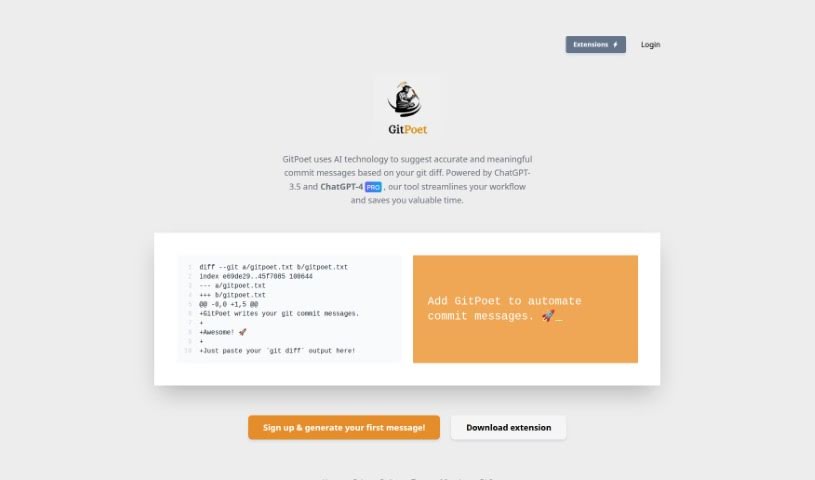
Screenshot of GitPoet

GitPoet

Freemium

GitPoet is an AI coding assistant for Git. It reads your code changes (`git diff`) and suggests commit messages that are accurate and meaningful. The goal is to make development smoother, save time, and improve the quality of your commit logs. Clear, concise commit messages matter for tracking progress, easing collaboration, and maintaining your codebase effectively.

Web Development View Tool →
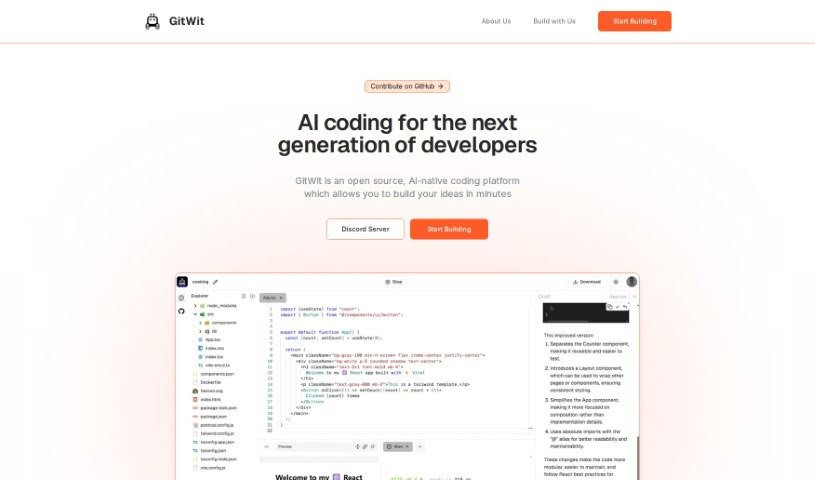
Screenshot of Gitwit

Gitwit

Freemium

GitWit is a platform for creating React web applications quickly with AI assistance. It supports developers of any experience level and can speed up app development by up to 3x. It works with popular technologies including React, Tailwind CSS, and Node.js, and has been used by over a thousand projects. Questions can be directed to the team through their support channel.

Web Development View Tool →
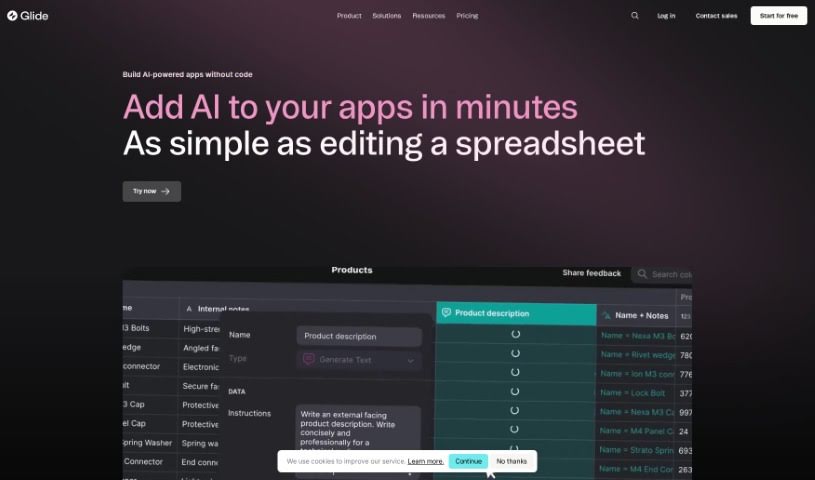
Screenshot of Glide Apps

Glide Apps

Freemium

Glide Apps is a platform for building and launching custom AI-powered apps for your business. It provides AI tools you can plug into apps and workflows, letting you create, design, and ship custom apps with AI features in minutes.

Web Development View Tool →
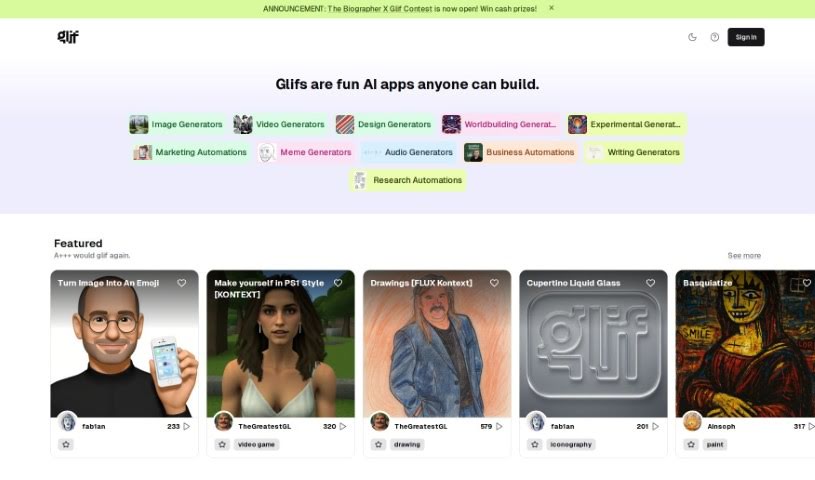
Screenshot of Glif

Glif

Freemium

Glif is a platform built to help teams collaborate and communicate more smoothly. It brings tasks, files, and conversations together in one central place, with features for assigning tasks, storing files, messaging teammates, and receiving real-time updates so everyone stays on the same page. The goal is to simplify workflows and improve productivity by combining project management and team collaboration in a single tool.

Web Development View Tool →
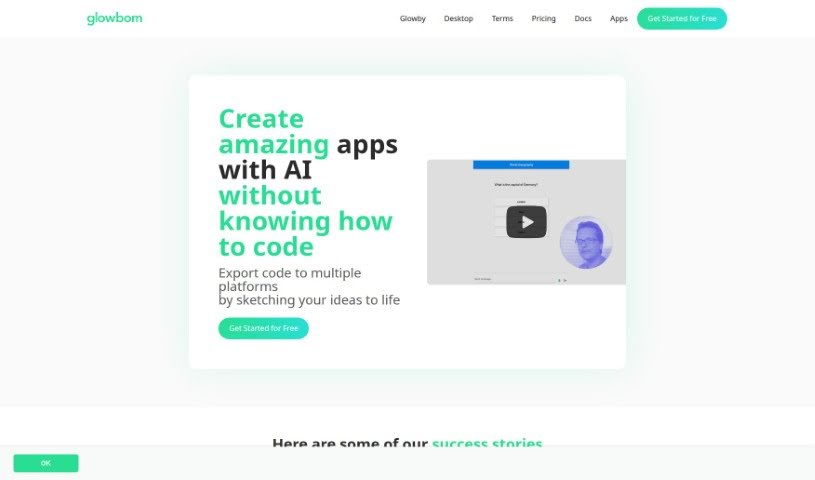
Screenshot of Glowbom

Glowbom

Freemium

Glowbom is a no-code platform for building apps and games that run across multiple platforms without writing code. It supports a wide range of targets, including Flutter, iOS, Android, web apps, native Android, Kotlin, Jetpack Compose, React, TypeScript with Redux, and watchOS, plus game development for Android and the Web using Unity.

Web Development View Tool →
Screenshot of Goastvs

Goastvs

Freemium

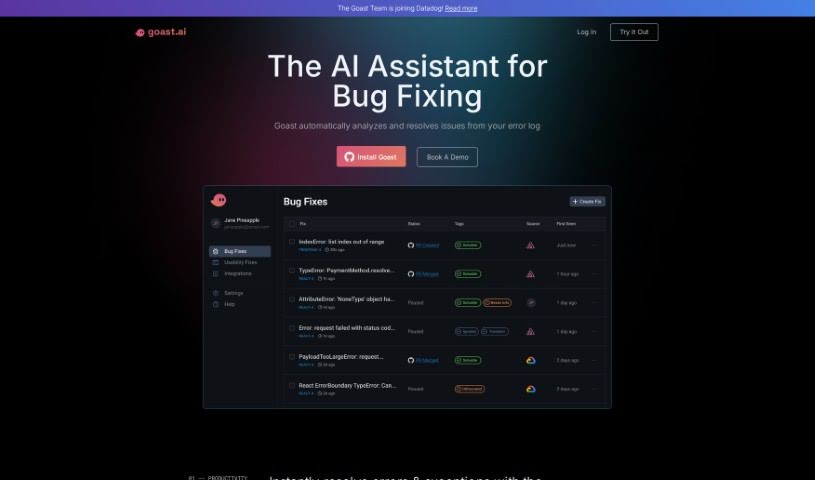
Goastvs is a coding productivity tool that automates many development tasks. It offers instant error fixes, AI-generated pull requests, and a deep understanding of your entire project. It can suggest code, find and fix bugs, resolve merge conflicts, and integrate external code. Goastvs works with popular frameworks and languages including React, Flutter, TypeScript, Go, JavaScript, and Python. Users report coding faster and reducing manual work with the tool. Note that Goastvs is still in Beta, so it has some limitations—particularly with certain languages and framework dependencies. It requires tokens to use and may not always grasp complex requirements. Despite these caveats, its goal is to streamline the coding process and improve efficiency for development teams. It also handles backend infrastructure configuration and supports all major coding frameworks. You can watch the AI fix a real product in real-time, and it helps categorize incidents using AI. It connects to your error monitoring platform and can send fixes automatically as pull requests to your repositories. You can also refine pull requests based on feedback and sort issues by impact and severity. It even offers proactive fixes for issues you haven't noticed yet. Access is available from wherever you work, and you can simply ask Goast to fix specific issues. It's a broad toolkit for reducing repetitive coding work and speeding up development cycles. For teams shipping quickly, that combination of automation and context awareness is the core value proposition. It aims to cut down the time between discovering a bug and shipping the fix. The tool is designed to fit into existing workflows rather than replace them. Overall, Goastvs positions itself as an AI pair that handles the busywork so developers can focus on harder problems. Its Beta status is worth keeping in mind when evaluating it for critical production workflows, but the feature set is already substantial for teams willing to try it. As with any early-stage tool, testing it on lower-risk projects first is a sensible approach before rolling it out more widely across your engineering organization. That way you can evaluate its accuracy and fit on your own codebase before committing to it as part of your standard workflow. It's a practical way to de-risk adoption while still capturing the productivity gains the tool promises. Teams that rely heavily on observability tooling will likely find the integrations especially useful since Goast can pull context directly from those platforms. This makes root-cause analysis faster and reduces the back-and-forth typically needed to reproduce and diagnose errors. For teams without such tooling, the value may be lower since the AI has less context to work from. Evaluating your existing stack is therefore a good first step before adopting Goastvs. If your team already uses Sentry, Datadog, or BugSnag, the integration path is straightforward and the onboarding effort is minimal. If not, you may still benefit from the core bug-fixing and PR-generation features, though the experience will be less automated. Either way, the tool is worth a trial for teams looking to reduce time spent on debugging and routine fixes. Its pricing is token-based, so costs scale with usage. This makes it easy to start small and expand as you see value. Check the website for current pricing details. The founders have positioned the product around speed: faster time-to-resolution and more accurate fixes are the stated goals. Early adopters seem to agree that it delivers on that promise for common error classes. More complex, architectural bugs remain a challenge for any automated tool, and Goastvs is no exception. Setting realistic expectations will lead to a better experience with the product. Use it for the routine work and keep humans in the loop for the hard problems. That hybrid approach is where the tool shines today. As the product matures out of Beta, its capabilities are likely to expand, but even now it offers meaningful time savings for everyday debugging tasks. For engineering teams under pressure to ship, that alone can justify giving it a try. Its compatibility with major languages and frameworks means most teams can adopt it without changing their stack. That low-friction adoption path is a practical advantage worth noting. Combined with its automation features, Goastvs is a solid option for teams looking to boost coding productivity with AI assistance. Its focus on real-world workflows—error triage, PR generation, and observability integration—sets it apart from more generic coding assistants. For teams already invested in those workflows, it's a natural fit worth evaluating. As always, test it against your own codebase to see how well it handles your specific error patterns and frameworks before making it a standard part of your toolchain. That hands-on evaluation will tell you more than any review can. Start with a small project, measure the time saved on bug fixes, and decide from there whether it earns a place in your team's workflow. That measured approach is the best way to assess any AI developer tool, including this one. Its Beta status means features and pricing may change, so keep an eye on updates from the team as the product evolves. Staying informed will help you get the most value from the tool over time. Overall, Goastvs is a promising option for teams seeking AI-powered bug-fixing help. Its combination of automation, integrations, and broad language support makes it a practical choice for many development teams today. Give it a try and see how it fits into your workflow. You may find it saves meaningful time on routine fixes. That's the core promise, and for many teams, it delivers. Evaluate it on your own terms and decide if it's right for your team. The tool is available now, and getting started is straightforward. Visit the website to learn more and sign up. Good luck with your evaluation, and happy coding. We hope this overview helps you decide whether Goastvs belongs in your toolkit. Thanks for reading, and best of luck with your projects. Goastvs may be exactly the productivity boost your team has been looking for. Only you can decide, but now you have the facts to make an informed choice. That's the goal of this overview. We hope it helped. If you have questions, the Goastvs team is reachable through their website. They're responsive and happy to help new users get started. That's a good sign for any early-stage tool. Reach out and see for yourself. The team's responsiveness is a positive signal for a Beta product. Don't hesitate to contact them with questions about your specific use case. They can tell you whether Goastvs is a good fit before you invest time in setup. That kind of direct support is valuable when adopting new developer tooling. Take advantage of it. It costs nothing to ask, and it could save you significant setup time. A quick conversation with the team is often the fastest way to evaluate fit. Do that first, then run a trial on a real project. That two-step approach is the most efficient path to a decision. Good luck.

Web Development View Tool →
Screenshot of Goodspeed Studio

Goodspeed Studio

Freemium

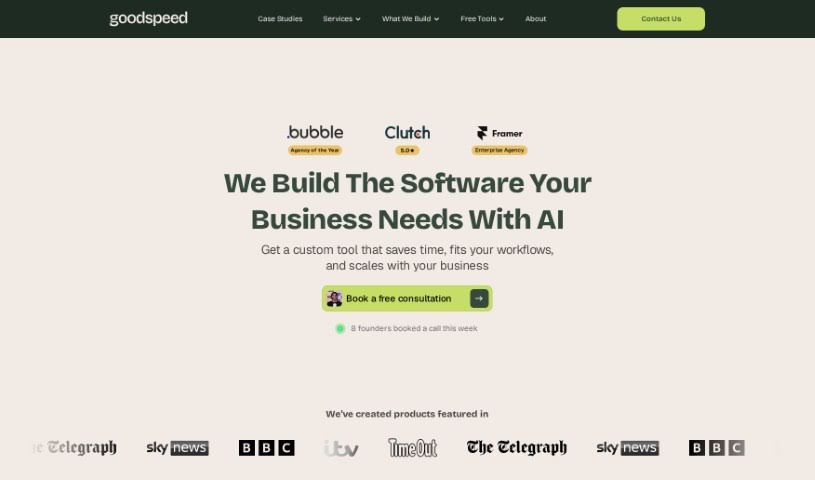
Goodspeed Studio guides you through a structured process designed to bring your product ideas to life. It breaks product development into four key stages:

Web Development View Tool →
Screenshot of Gooey.ai

Gooey.ai

Freemium

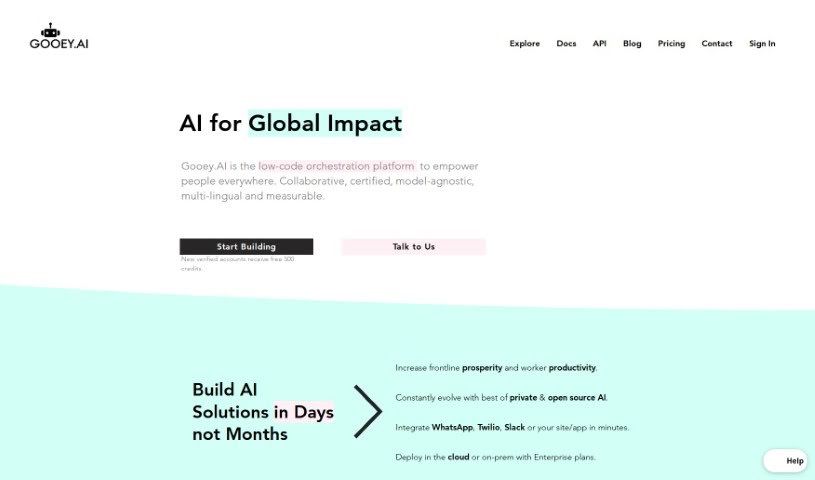
Gooey.ai is a platform for running Generative AI. It provides access to both private and open AI models through a central hub where you can explore, test, and select models from different providers. The platform offers a straightforward interface, simple billing, workflow discovery, customization options, and security measures to protect sensitive data.

Web Development View Tool →

About Web Development tools

Struggling with cryptic error messages, writing repetitive boilerplate code, or debugging complex API integrations can slow down even the most experienced developers. Whether you’re building full-stack web applications, maintaining backend databases, or configuring deployment pipelines, turning technical requirements into functional code takes significant time. It’s easy to spend hours hunting down missing syntax or setting up project configurations before writing core logic.

Built for web developers and software engineers, these tools act as intelligent coding partners. They autocomplete functions, speed up routine boilerplate creation, and catch subtle bugs before you commit your code.

Inline Completion, Error Debugging, and Test Generation

Generating routine code structures and API endpoints used to require typing out repetitive boilerplate line by line. Smart coding assistants analyze your project context and comments to suggest full function blocks, database schemas, and API handlers in real time. Instead of searching documentation for basic syntax or setup code, you get inline code completion right in your editor to keep you in flow.

Debugging complex logic and fixing broken build pipelines becomes far less frustrating, as well. Tracking down memory leaks, asynchronous execution issues, or obscure framework errors can burn hours of development time. Modern developer tools analyze stack traces and source code to identify root causes, suggest precise bug fixes, and explain complicated error messages in plain language.

Maintaining legacy codebases and writing comprehensive test suites also gets much simpler. Creating unit tests and writing inline documentation often gets pushed aside when project deadlines are tight. AI development platforms scan your code to auto-generate unit tests, create clear README files, and help refactor outdated code to modern standards without breaking existing application features.

Useful Capabilities for Developers:

  • Real-time inline code completion: Systems that suggest accurate code snippets, functions, and line completions inside your code editor as you type.
  • Automated bug detection and debugging: Features that analyze error logs and source files to pinpoint bugs and offer quick-fix solutions.
  • Test suite generation: Tools that automatically write comprehensive unit, integration, and end-to-end tests based on your codebase.
  • Code refactoring and modernization: Settings that clean up legacy code, convert syntax between programming languages, and apply best practices.
  • Documentation generation: Capabilities that automatically create clear inline comments, function docstrings, and project documentation from source code.

Building high-performing, secure web applications will always depend on your logical reasoning, system design, and software architecture skills. Software cannot replace critical thinking or design scalable system architectures for you. But letting smart tools handle routine boilerplate, test generation, and bug hunting gives you back the focus needed to solve tough engineering challenges.

Explore the web development tools below to upgrade your stack.

The Best AI Web Development Tools

  1. Lovable: Great for making frontend design work smoother.
  2. Cursor: Helps with real-time code collaboration.
  3. Replit AI: Generates code snippets for web apps.
  4. Supabase: For teams to manage databases together.
  5. v0 by Vercel: Quickly creates UI kits for web projects.
  6. Replicate AI: Automates code generation for web apps.
  7. Carrd: Perfect for a single-page site to promote an event.
  8. AI Dungeon: Lets you create interactive web stories with code.
  9. Ollama: For quickly building early versions of web interfaces.
  10. Jimdo: Makes building and managing websites easy.
  11. Code Sandbox: Simplifies CSS preprocessor workflows.
  12. Tilda: Lets you create websites easily without coding.
  13. Bubble: A drag-and-drop tool for building web applications.
  14. Weights & Biases: Streamlines integrating ML models into web apps.
  15. Warp Terminal: Helps deploy web apps quickly.
New tools, in your inbox.

Weekly picks of the best AI tools we've researched and added — no spam, unsubscribe anytime.

Join 25,000+ AI enthusiasts. No spam, unsubscribe anytime.