AI Web Development Tools

AI Tools for Web Development

Discover the best Web Development AI tools to enhance your productivity and creativity.

Page 17 of 55 • 655 total tools
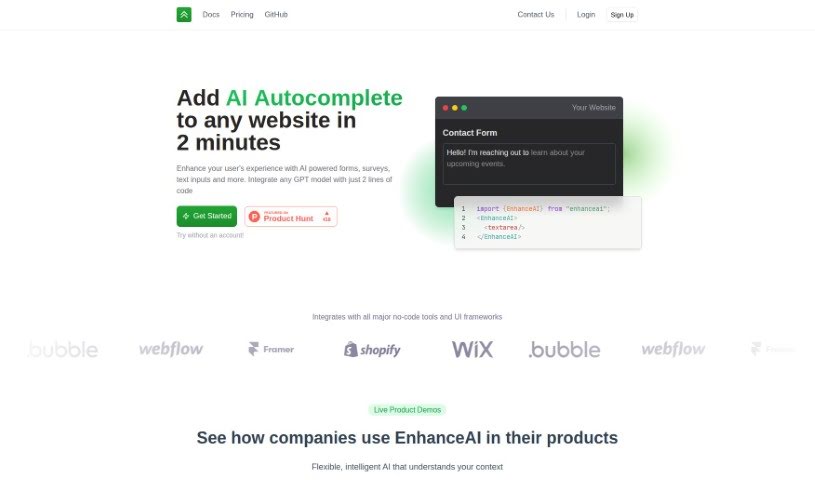
Screenshot of EnhanceAI

EnhanceAI

Freemium

EnhanceAI adds AI-powered autocomplete to your website's forms, surveys, and text input fields. Built on GPT technology, it offers smart suggestions that help users fill things out faster, improving data entry and the overall visitor experience. Setup takes about two minutes, making it a practical fit for online stores, service platforms, or any site where users interact with text.

Web Development View Tool →
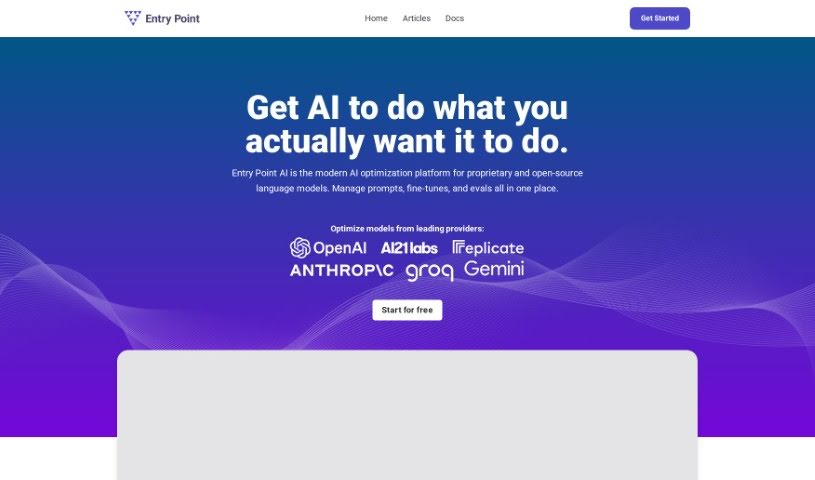
Screenshot of Entry Point AI

Entry Point AI

Freemium

Entry Point AI is a no-code platform for training, managing, and testing custom large language models (LLMs). You can upload data, adjust training settings, and evaluate model performance through a straightforward interface. It supports fine-tuning models from major providers like OpenAI, along with prompt engineering and retrieval-augmented generation (RAG).

Web Development View Tool →
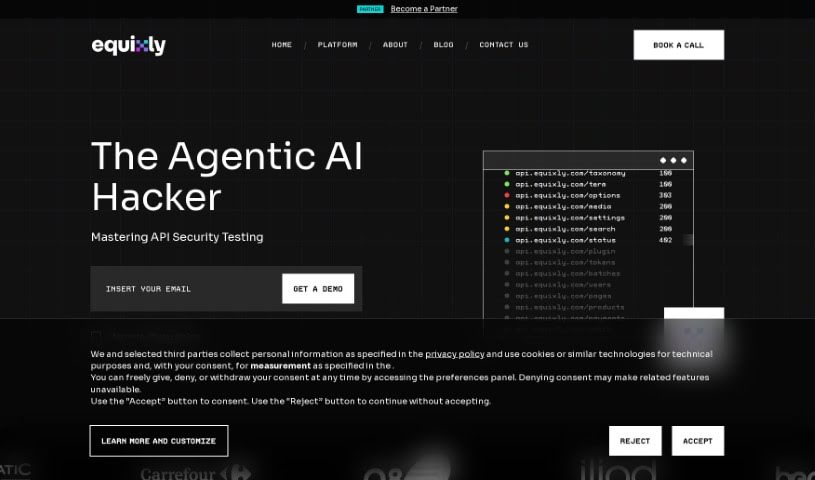
Screenshot of Equixly

Equixly

Freemium

Equixly is an API security tool that detects vulnerabilities in live APIs as they occur, using AI-driven testing that works like continuous penetration testing. It tests against the OWASP Top 10 API risks, examining how APIs handle requests and responses to identify both technical flaws and logic errors.

Web Development View Tool →
Screenshot of Escape Securegpt

Escape Securegpt

Freemium

SecureGPT is a security tool built to check how safe OpenAI's ChatGPT Plugins are. Its main tool, Escape, scans plugin manifests and runs a range of security tests to find and fix potential weak spots. SecureGPT also offers API security services, helping users find and resolve bugs in their APIs before they go live. The goal is to give developers a free way to make their ChatGPT plugins more secure.

Web Development View Tool →
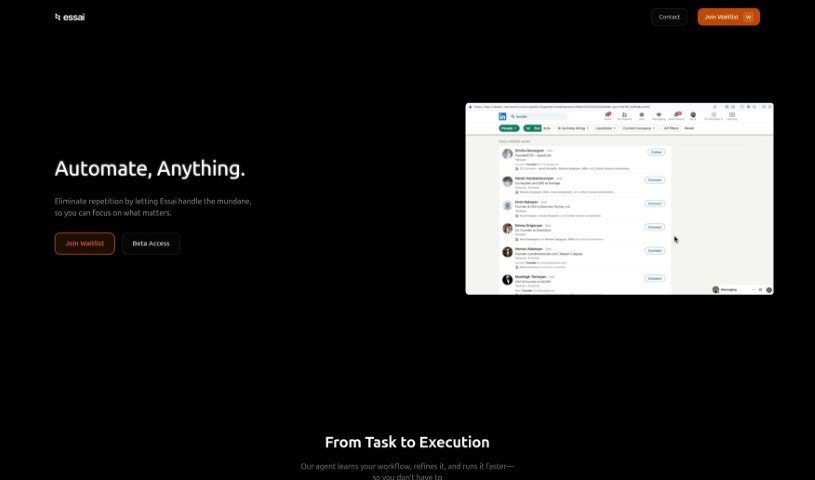
Screenshot of Ess AI

Ess AI

Freemium

Ess AI (also known as Essai) is a no-code platform that builds websites from a simple description. You describe what you want your site to look like or contain, and Essai generates multiple design options. From there, you refine the result through a conversational interface — making changes by chatting with the builder instead of editing code.

Web Development View Tool →
Screenshot of ETHIACK

ETHIACK

Freemium

ETHIACK is a security platform built to protect technology and people from cyber threats through Ethical Hacking. It combines machine and human hacking methods to deliver in-depth security assessments and continuous monitoring for real-time vulnerability detection.

Web Development View Tool →
Screenshot of Evolv AI

Evolv AI

Freemium

Evolv AI is a platform that improves customer experiences through AI-powered testing and personalization. It uses AI and machine learning to analyze data and provide actionable recommendations for tweaking digital touchpoints in real time. Businesses can discover, personalize, and deliver better user journeys that continuously adjust based on how people actually use their site or app.

Web Development View Tool →
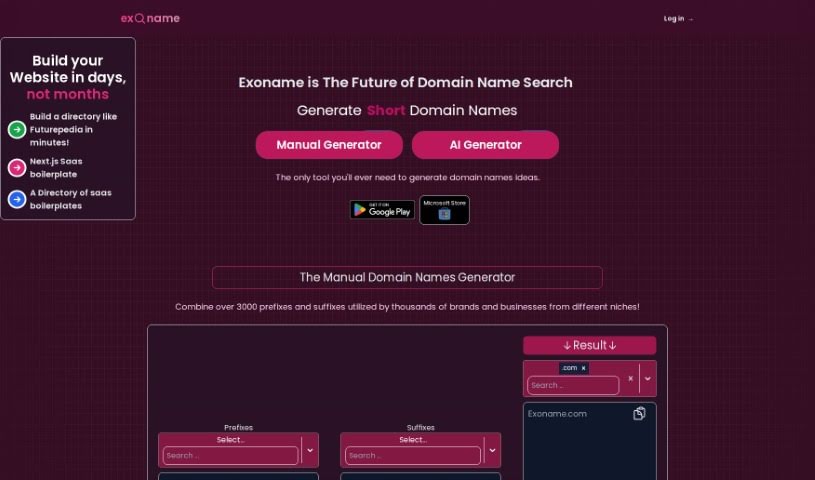
Screenshot of Exoname

Exoname

Freemium

Exoname is a user-friendly website that uses AI to generate unique, creative domain name ideas tailored to your needs. It checks domain availability instantly and takes your industry, keywords, and desired brand image into account. Beyond suggesting names, it offers tips on optimizing domain names for search engines (SEO). The tool is designed to be easy to use regardless of technical skill, helping you find and secure the right domain name for any project.

Web Development View Tool →
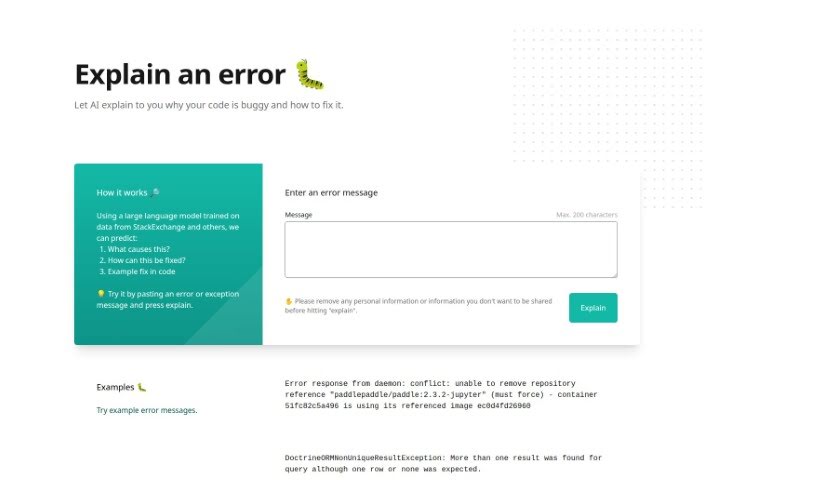
Screenshot of Explain By Whybug

Explain By Whybug

Freemium

Explain by Whybug is a web-based tool that helps developers understand and fix coding errors. It uses a large language model trained on data from sources like StackExchange to explain why a specific error is happening, suggest fixes, and provide example solutions as code snippets.

Web Development View Tool →
Screenshot of Falcon LLM

Falcon LLM

Freemium

Falcon LLM is a suite of generative AI language models developed by Abu Dhabi's Technology Innovation Institute (TII). The lineup includes Falcon 180B, 40B, 7.5B, and 1.3B, with Falcon 180B as the flagship: a 180-billion-parameter model trained on 3.5 trillion tokens.

Web Development View Tool →
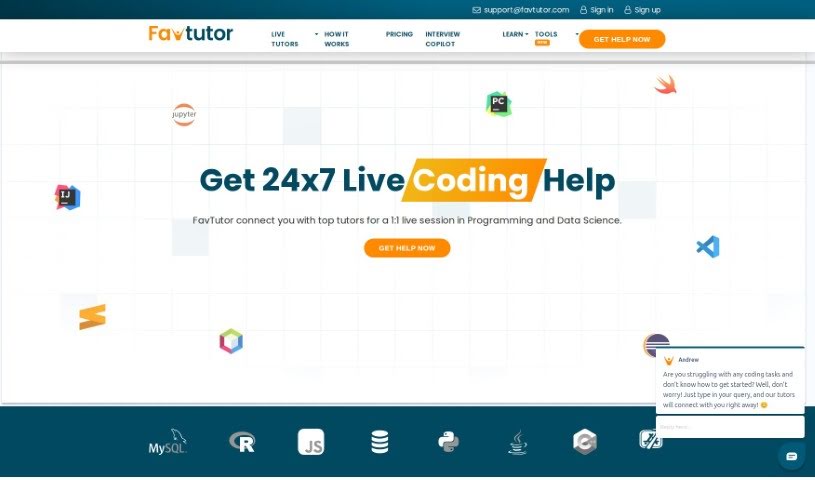
Screenshot of FavTutor

FavTutor

Freemium

FavTutor is an online service that connects students with expert tutors across a wide range of Computer Science subjects, including Java, Python, C, C++, SQL, Data Science, Machine Learning, and Statistics. It combines personalized one-on-one help with AI-powered tools designed to simplify learning for students at any skill level.

Web Development View Tool →
Screenshot of Feedspace

Feedspace

Freemium

Feedspace's UI Auditor AI Tool helps improve user satisfaction by optimizing app and website designs with automated edits. Upload a screenshot of your app's UI or share a direct URL, and the tool provides guidance on improving the user experience. The goal is to boost design quality, leading to smoother user interactions and happier users.

Web Development View Tool →

About Web Development tools

Struggling with cryptic error messages, writing repetitive boilerplate code, or debugging complex API integrations can slow down even the most experienced developers. Whether you’re building full-stack web applications, maintaining backend databases, or configuring deployment pipelines, turning technical requirements into functional code takes significant time. It’s easy to spend hours hunting down missing syntax or setting up project configurations before writing core logic.

Built for web developers and software engineers, these tools act as intelligent coding partners. They autocomplete functions, speed up routine boilerplate creation, and catch subtle bugs before you commit your code.

Inline Completion, Error Debugging, and Test Generation

Generating routine code structures and API endpoints used to require typing out repetitive boilerplate line by line. Smart coding assistants analyze your project context and comments to suggest full function blocks, database schemas, and API handlers in real time. Instead of searching documentation for basic syntax or setup code, you get inline code completion right in your editor to keep you in flow.

Debugging complex logic and fixing broken build pipelines becomes far less frustrating, as well. Tracking down memory leaks, asynchronous execution issues, or obscure framework errors can burn hours of development time. Modern developer tools analyze stack traces and source code to identify root causes, suggest precise bug fixes, and explain complicated error messages in plain language.

Maintaining legacy codebases and writing comprehensive test suites also gets much simpler. Creating unit tests and writing inline documentation often gets pushed aside when project deadlines are tight. AI development platforms scan your code to auto-generate unit tests, create clear README files, and help refactor outdated code to modern standards without breaking existing application features.

Useful Capabilities for Developers:

  • Real-time inline code completion: Systems that suggest accurate code snippets, functions, and line completions inside your code editor as you type.
  • Automated bug detection and debugging: Features that analyze error logs and source files to pinpoint bugs and offer quick-fix solutions.
  • Test suite generation: Tools that automatically write comprehensive unit, integration, and end-to-end tests based on your codebase.
  • Code refactoring and modernization: Settings that clean up legacy code, convert syntax between programming languages, and apply best practices.
  • Documentation generation: Capabilities that automatically create clear inline comments, function docstrings, and project documentation from source code.

Building high-performing, secure web applications will always depend on your logical reasoning, system design, and software architecture skills. Software cannot replace critical thinking or design scalable system architectures for you. But letting smart tools handle routine boilerplate, test generation, and bug hunting gives you back the focus needed to solve tough engineering challenges.

Explore the web development tools below to upgrade your stack.

The Best AI Web Development Tools

  1. Lovable: Great for making frontend design work smoother.
  2. Cursor: Helps with real-time code collaboration.
  3. Replit AI: Generates code snippets for web apps.
  4. Supabase: For teams to manage databases together.
  5. v0 by Vercel: Quickly creates UI kits for web projects.
  6. Replicate AI: Automates code generation for web apps.
  7. Carrd: Perfect for a single-page site to promote an event.
  8. AI Dungeon: Lets you create interactive web stories with code.
  9. Ollama: For quickly building early versions of web interfaces.
  10. Jimdo: Makes building and managing websites easy.
  11. Code Sandbox: Simplifies CSS preprocessor workflows.
  12. Tilda: Lets you create websites easily without coding.
  13. Bubble: A drag-and-drop tool for building web applications.
  14. Weights & Biases: Streamlines integrating ML models into web apps.
  15. Warp Terminal: Helps deploy web apps quickly.
New tools, in your inbox.

Weekly picks of the best AI tools we've researched and added — no spam, unsubscribe anytime.

Join 25,000+ AI enthusiasts. No spam, unsubscribe anytime.