10Web
Web Development Website Builders
Learn more
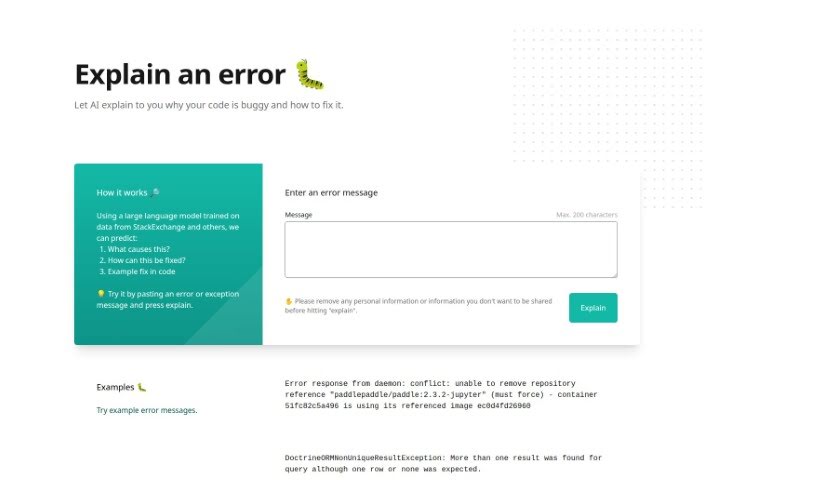
Discover Explain By Whybug, a web-based tool that uses a large language model trained on StackExchange data to explain code errors and suggest fixes.
Explain by Whybug is a web-based tool that helps developers understand and fix coding errors. It uses a large language model trained on data from sources like StackExchange to explain why a specific error is happening, suggest fixes, and provide example solutions as code snippets.
To use it, paste an error or exception message into the tool and it generates an explanation. Before submitting, it’s recommended to remove any personal information from the error message to protect your privacy. The site includes example error messages so new users can see how the tool interprets them.
Explain By Whybug was created by a group of developers who wanted to build a web tool to help other developers understand and fix coding errors more effectively. The underlying language model was trained on a wide variety of data sources, including StackExchange, to predict error causes and suggest fixes.
It’s a straightforward option for developers looking to debug code more efficiently by pasting an error message and getting an AI-generated explanation in return.
Related
Discover more tools in similar categories
Weekly picks of the best AI tools we've researched and added — no spam, unsubscribe anytime.
Join 25,000+ AI enthusiasts. No spam, unsubscribe anytime.