AI Web Design Tools Explained: Top Tools & How They Work

AI Tools for Web Design

Discover the best Web Design AI tools to enhance your productivity and creativity.

Page 3 of 6 • 67 total tools
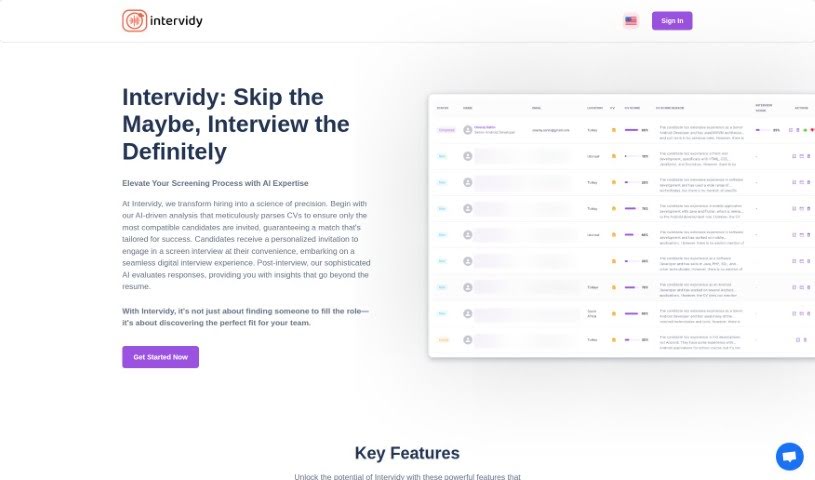
Screenshot of Intervidy

Intervidy

Freemium

Intervidy is a platform designed to deliver a smooth, readable online experience. Its content is carefully curated and presented with smooth fonts and grayscale adjustments to keep text easy to read on any device. Bold text highlights the most important information, while a clean, distraction-free background keeps the focus on content.

Web Design View Tool →
Screenshot of Kleap

Kleap

Freemium

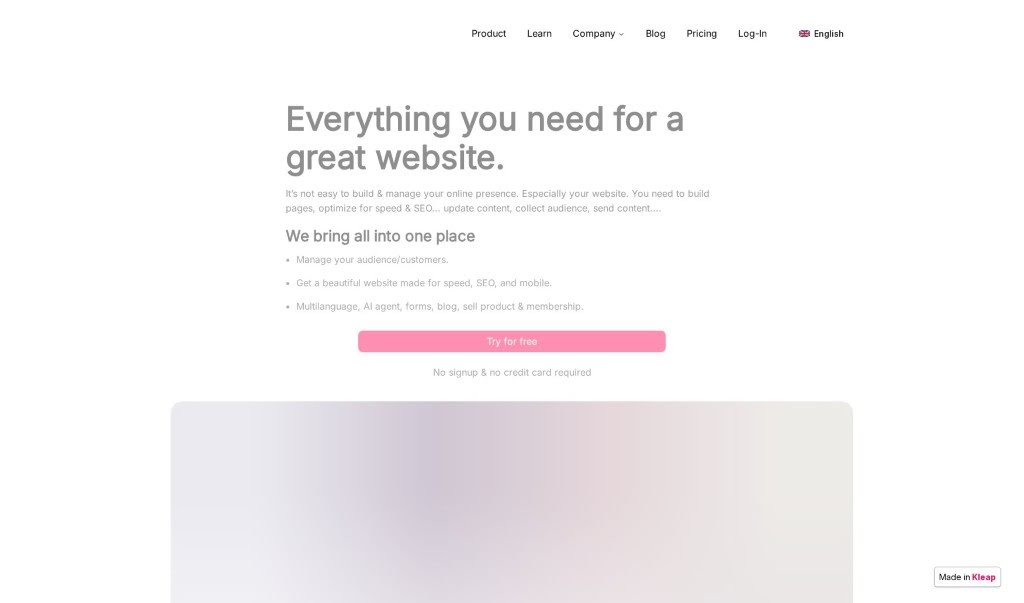
Kleap is an all-in-one website building and management platform for people who want to create websites quickly without coding experience. Rather than juggling separate tools for hosting, WordPress, and Mailchimp, it combines building and managing your online presence in a single package.

Web Design View Tool →
Screenshot of Krecicki

Krecicki

Freemium

Krecicki is a website maintenance company based in Las Vegas with 11 years of experience. It offers two main service paths: minor updates (such as text changes, image swaps, and contact info updates) for a flat fee of $75 per request, and larger work — redesigning page layouts, adding new pages, or integrating forms and galleries — starting at $200. The company also builds new websites from scratch, handling design, system updates, backups, and security monitoring, with packages starting at $225 per month (including $40 worth of minor updates).

Web Design View Tool →
Screenshot of Lampbuilder

Lampbuilder

Freemium

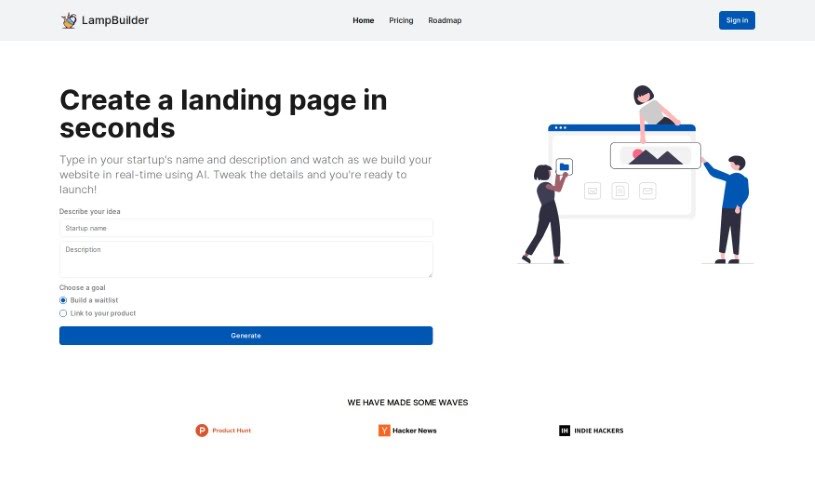
LampBuilder is an AI-powered tool for creating landing pages for new startups. Type in your startup's name and a short description, and the tool generates a professional-looking website in real time — no coding or design skills required.

Web Design View Tool →
Screenshot of Langui

Langui

Freemium

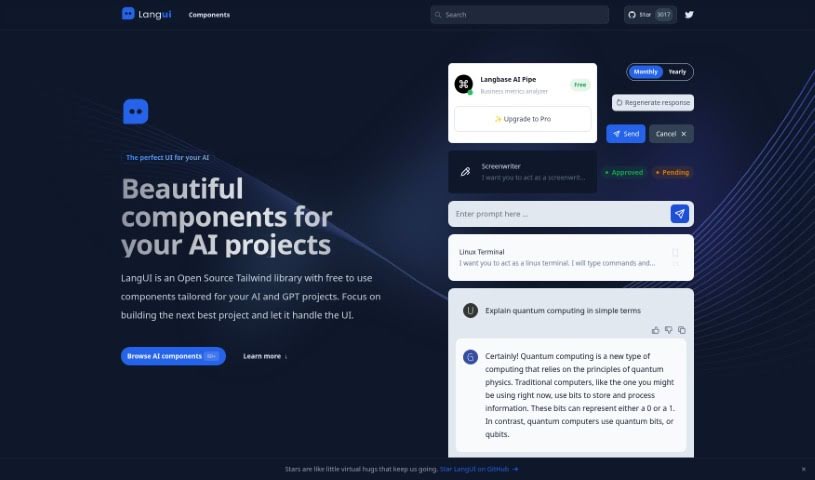
LangUI is an open-source Tailwind library offering free components designed for AI and GPT projects. Its components are responsive, reusable, and work in both dark and light modes, so you can focus on your project's core features rather than UI design. Customization is simple thanks to a two-color palette (slate and blue), and everything looks good on any screen size.

Web Design View Tool →
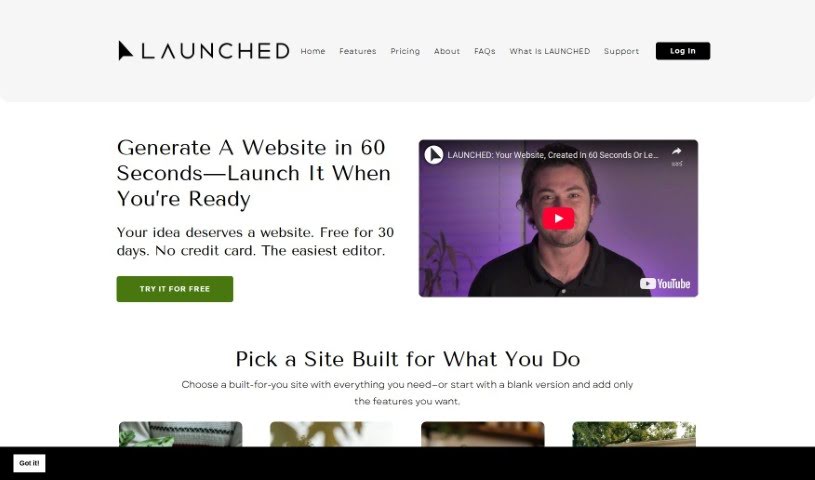
Screenshot of Launched

Launched

Freemium

Launched is an AI-powered website builder from LaUNCHED that generates professional, custom websites in minutes — a fully-equipped site can be ready in under a minute. Designs can be adjusted without technical skills, and if the first result isn't right, you can regenerate a new one.

Web Design View Tool →
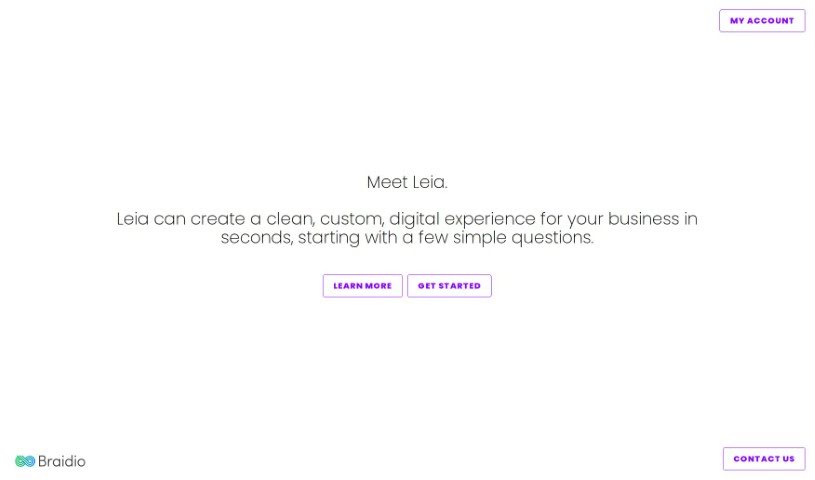
Screenshot of Leia

Leia

Freemium

Leia is an AI assistant that handles the entire website-building process — design, coding, and publishing — to help businesses create custom digital experiences. It uses a ChatGPT-based AI algorithm to generate a fully customized website in as little as 30 seconds, and no technical skill is required. The Leia Growth Club adds perks such as site updates and tools to help your business expand.

Web Design View Tool →
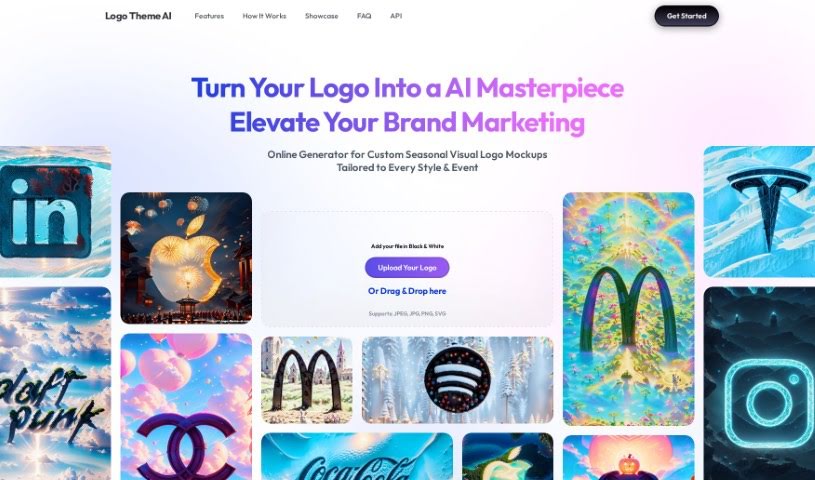
Screenshot of Logo Theme AI

Logo Theme AI

Freemium

Logo Theme AI is a platform that uses artificial intelligence to adapt and customize logos for different themes, events, and occasions. It requires no design skills to produce professional-looking results, includes over 200 templates, and can generate custom visual logo mockups for celebrations such as New Year's Day, Valentine's Day, and Halloween. The team behind it focuses on using AI to simplify logo adaptation and customization, helping businesses update their logos for different moments while keeping branding consistent across formats.

Web Design View Tool →
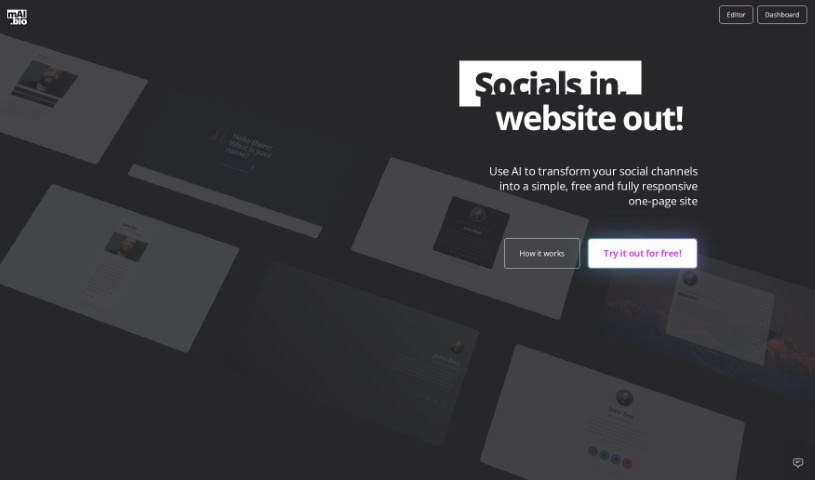
Screenshot of Mai.bio

Mai.bio

Freemium

Mai.bio turns your social media channels into a single, easy-to-manage website. Enter your usernames for the social networks you use, choose a pre-designed theme optimized for search engines (SEO), and the AI generates your site's text based on your social profile information. You can edit that generated text at any time, even after the site is live.

Web Design View Tool →
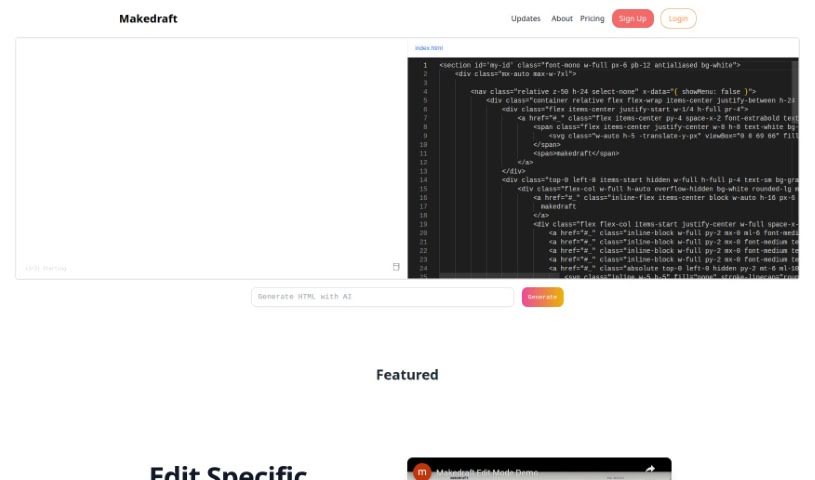
Screenshot of Makedraft

Makedraft

Freemium

Makedraft is an AI tool that generates frontend code from plain instructions. You describe what you want, and it produces HTML templates styled with Tailwind CSS. To use the generated code, include the Tailwind CSS library by adding a script tag to the `<head>` section of your page.

Web Design View Tool →
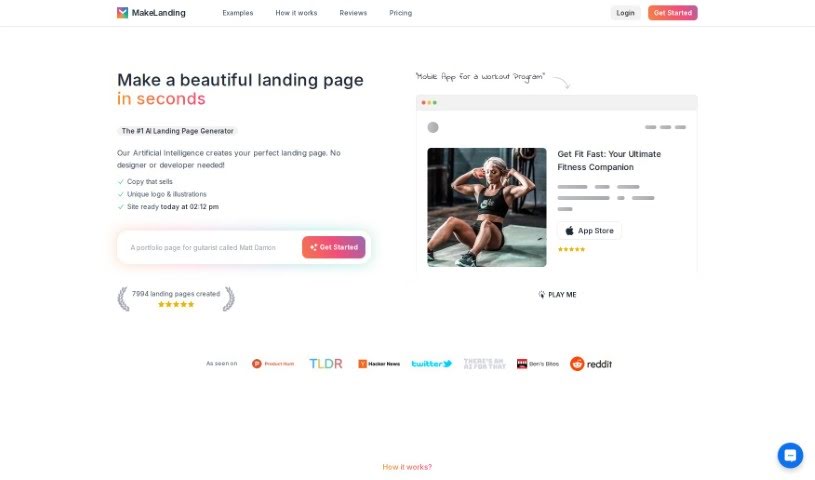
Screenshot of Makelanding

Makelanding

Freemium

Makelanding is an AI-powered platform for creating landing pages. It generates pages with copy, unique logos, and custom illustrations in seconds. The AI draws on millions of successful headlines to produce copy in many languages, and offers a range of art styles, color themes, and stock photos. You can tweak buttons, images, and text to fit your business needs.

Web Design View Tool →
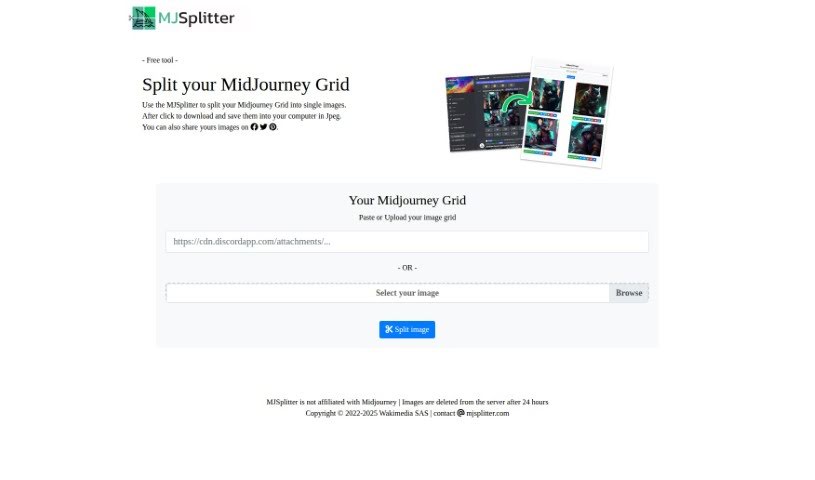
Screenshot of Midjourney Grid Splitter

Midjourney Grid Splitter

Freemium

Midjourney Grid Splitter splits Midjourney grid images into individual images. It also handles responsive grid layout design, offering pre-made templates and customization of element size, spacing, alignment, column count, and column width. It simplifies grid design for web designers and developers.

Web Design View Tool →

About Web Design tools

Staring at a blank canvas, tweaking CSS line by line, or struggling to turn client briefs into responsive page layouts can drag down any web project. Whether you’re building landing pages for local businesses, creating custom e-commerce storefronts, or refreshing a portfolio, web design requires balancing visual aesthetics with technical performance. It’s easy to waste hours fixing mobile layout breaks and wrestling with placeholder assets before a site ever goes live.

These specialized web assistants help designers and agency teams generate initial layouts, clean up code, and speed up site building without replacing human creative direction or user experience strategy.

Prompt-to-Layout, Responsive Code, and In-Canvas Assets

Moving from a rough concept to a functional layout used to take days of manual wireframing and prototyping. Smart design assistants build responsive site structures, color palettes, and hero sections from brief text prompts or wireframe sketches in seconds. Instead of building every page element from scratch, you get a clean working foundation ready to customize, re-style, and refine.

Writing clean HTML, CSS, and JavaScript for complex layouts can be tedious, especially when making sites look great across mobile and desktop devices. Modern AI design tools convert visual mockups into clean front-end code automatically. They help generate responsive stylesheets, adjust grid layouts across breakpoints, and clean up messy code without requiring manual tweaks for every screen size.

Populating mockups with placeholder text and relevant imagery often slows down client approvals and project handoffs. Intelligent web tools generate context-aware site copy, optimize images for fast loading speeds, and suggest SEO metadata directly inside your design canvas. You can present fully realized, production-ready website prototypes to clients in a fraction of the usual time.

Key Features to Consider:

  • Prompt-to-website generation: Systems that transform written descriptions or rough sketches into complete, responsive layout templates.
  • Clean front-end code export: Tools that convert visual screen designs directly into production-ready HTML, CSS, React, or Tailwind code.
  • Automatic responsive adjustments: Settings that reconfigure desktop layouts for mobile and tablet screens without breaking visual structure.
  • In-canvas content drafting: Features that generate context-aware page copy, placeholder imagery, and SEO meta tags inside your layout editor.
  • CMS and design software syncing: Connectors that export generated wireframes and components seamlessly into platforms like Webflow, Figma, or WordPress.

Building outstanding websites will always depend on your strategic thinking, visual taste, and deep understanding of user behavior. Software cannot replace human empathy or client collaboration. But handing off initial wireframing, code generation, and asset preparation gives you back the mental energy needed to craft memorable web experiences.

Take a look through the web design tools below to elevate your site builds.

The Best AI Web Design Tools

  1. v0 by Vercel: for creating dynamic UI for websites
  2. Carrd: for making simple one-page websites
  3. Tilda: for creating stunning websites without coding.
  4. Builder.io: for visual content creation for websites.
  5. Relume: for quickly creating wireframes for websites.
  6. Wegic AI: for smart layout suggestions for websites
  7. Anima App: for streamlining design-to-code with Figma.
  8. Webwave Ai: for crafting stunning website layouts effortlessly.
  9. Webstudio: for streamlining web design processes
  10. Shuffle: for rapidly designing responsive landing pages.
  11. Fronty: for converting Figma designs to responsive websites.
  12. Hiding Elephant: for seamless wireframe creation for websites.
  13. Get Site AI: for professional design for microsites.
  14. PageGPT: for instantly creating unique web landing pages.
  15. Elegant Themes: for creating stunning WordPress websites.
New tools, in your inbox.

Weekly picks of the best AI tools we've researched and added — no spam, unsubscribe anytime.

Join 25,000+ AI enthusiasts. No spam, unsubscribe anytime.