Building a website used to mean wrestling with complicated code and tedious tools. These days, AI has really changed things, making web design much more accessible and efficient. You don’t need a design degree or programming background anymore to create stunning websites—AI-powered tools can handle a lot of the hard work for you.
These AI web design tools do more than just offer simple templates. Many now suggest responsive designs, adjust layouts automatically, and help create personalized user experiences. This saves you time and helps your website stand out in today’s crowded digital world.
After testing a bunch of AI web design tools, I’ve put together a list of the best ones out there. Each tool has unique features for different needs, whether you’re just starting or you’re a pro looking to speed up your workflow.
If you’re ready to boost your web design projects with smart AI solutions, you’ve come to the right place. Let’s check out the top AI web design tools that can help bring your ideas to life.
- v0 by Vercel for creating dynamic UI for websites
- Carrd for making simple one-page websites
- Tilda for creating stunning websites without coding.
- Builder.io for visual content creation for websites.
- Relume for quickly creating wireframes for websites.
- Wegic AI for smart layout suggestions for websites
- Anima App for streamlining design-to-code with Figma.
- Webwave Ai for crafting stunning website layouts effortlessly.
- Webstudio for streamlining web design processes
- Shuffle for rapidly designing responsive landing pages.
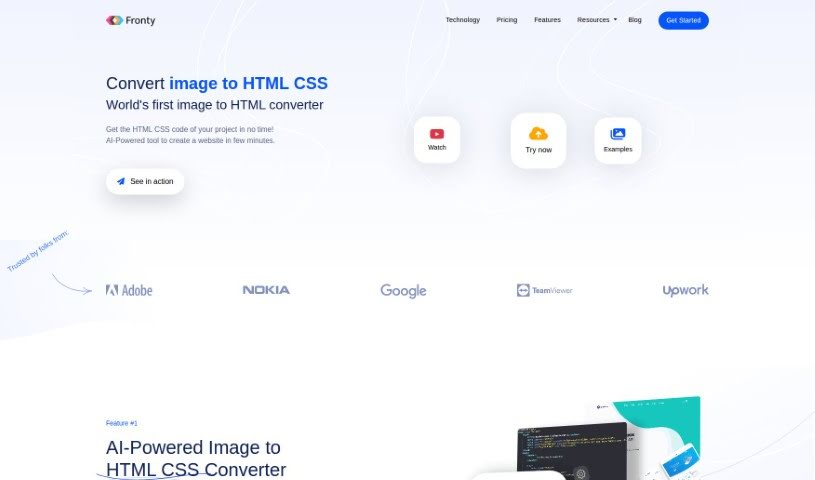
- Fronty for converting Figma designs to responsive websites.
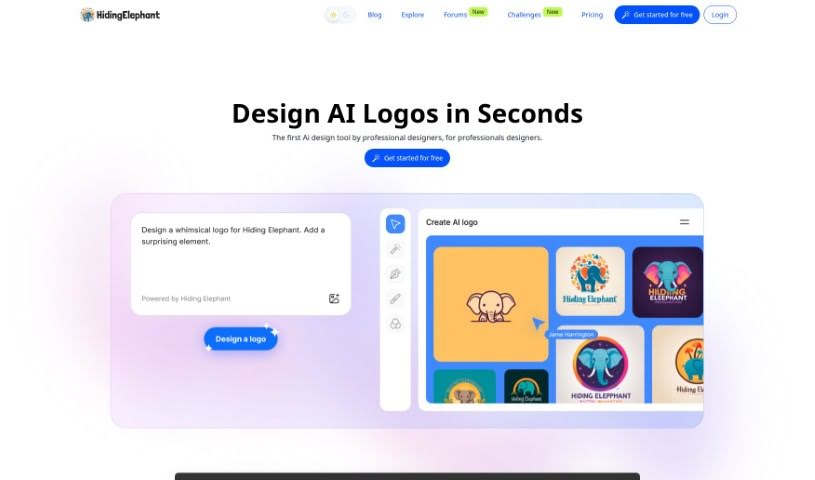
- Hiding Elephant for seamless wireframe creation for websites.
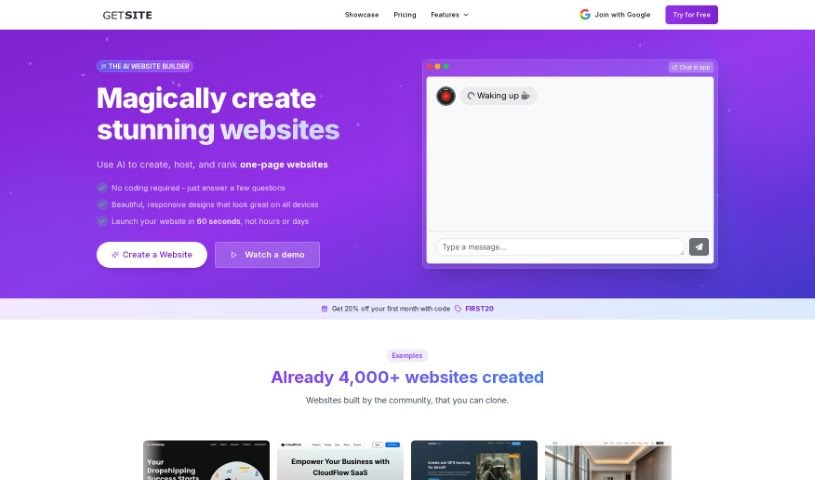
- Get Site AI for professional design for microsites.
- PageGPT for instantly creating unique web landing pages.
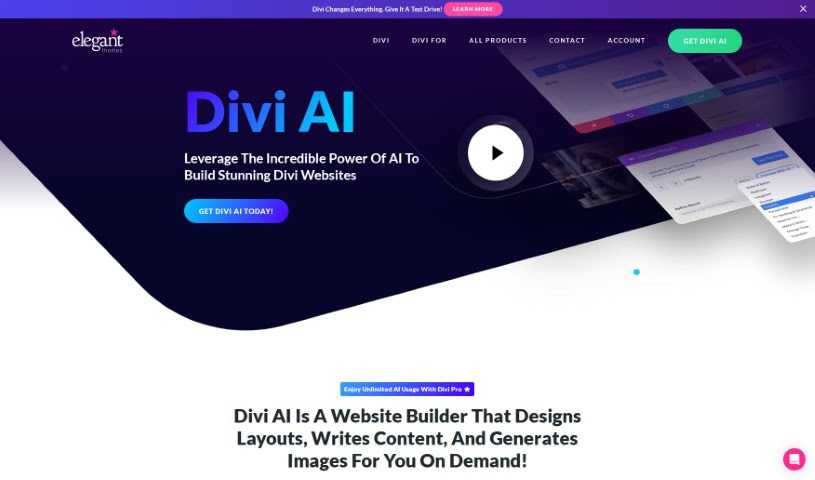
- Elegant Themes for creating stunning WordPress websites.
AI web design tools use advanced algorithms to automate parts of the design process. Basically, these tools use machine learning models that look at tons of existing web designs. They find patterns, layouts, and styles that people tend to like. By putting all this data together, they can suggest templates, color schemes, and layout ideas that fit what you need.
When you tell the system your preferences or what you need, the AI generates design options based on past data and current trends. This includes picking good font styles, where to place images, and what interactive elements to use. The AI understands how users behave and can guess which designs will grab visitors’ attention effectively.
Lots of these tools have easy-to-use interfaces, letting people without design experience create appealing websites. The AI helps in real-time, offering suggestions and making adjustments that improve the user experience. This cuts out the often frustrating back-and-forth of traditional web design.
Some platforms also build in responsive design principles. This means the websites they create look great on all devices, from desktops to smartphones. This ability comes from data showing how different layouts perform on various screen sizes, making the design process even smoother.
For those who want to learn more about web design, these AI tools often include helpful resources like tutorials and style guides. This way, you don’t just get a template; you’re encouraged to learn and understand design basics, which empowers you to make smart choices for your projects.
So, AI web design tools offer a mix of automation and customization that works for many people. They speed up the design process while keeping quality and aesthetics high.
| Rank | Name | Best for | Plans and Pricing | Rating |
|---|
| 1 | v0 by Vercel | Dynamic UI creation for websites | N/A | 4.73 (11 reviews) |
| 2 | Carrd | Simple one-page website creation | Paid plans start at $19/year. | 4.72 (29 reviews) |
| 3 | Tilda | Create stunning websites without coding. | N/A | 4.75 (20 reviews) |
| 4 | Builder.io | Visual content creation for websites. | Paid plans start at $24/month. | 4.73 (11 reviews) |
| 5 | Relume | Quickly create wireframes for websites. | Paid plans start at $18/month. | 4.76 (42 reviews) |
| 6 | Wegic AI | Smart layout suggestions for websites | N/A | 4.73 (11 reviews) |
| 7 | Anima App | Streamline design-to-code with Figma. | N/A | 4.71 (17 reviews) |
| 8 | Webwave Ai | Craft stunning website layouts effortlessly. | N/A | 4.81 (47 reviews) |
| 9 | Webstudio | Streamline web design processes | Paid plans start at $20/month. | 4.76 (25 reviews) |
| 10 | Shuffle | Rapidly design responsive landing pages. | Paid plans start at $249/once. | 4.73 (26 reviews) |
| 11 | Fronty | Convert Figma designs to responsive websites. | N/A | 4.82 (11 reviews) |
| 12 | Hiding Elephant | Seamless wireframe creation for websites. | N/A | 4.73 (11 reviews) |
| 13 | Get Site AI | Professional design for microsites. | N/A | 4.74 (54 reviews) |
| 14 | PageGPT | Instantly create unique web landing pages. | N/A | 4.77 (13 reviews) |
| 15 | Elegant Themes | Creating stunning WordPress websites. | Paid plans start at $193/year. | 4.18 (11 reviews) |