S
Supportbuddy
FreemiumSupportbuddy is a platform for creating short, narrated videos with a simple four-step process:
Video Generation
View Tool →
Discover the best Video Generation AI tools to enhance your productivity and creativity.
Supportbuddy is a platform for creating short, narrated videos with a simple four-step process:
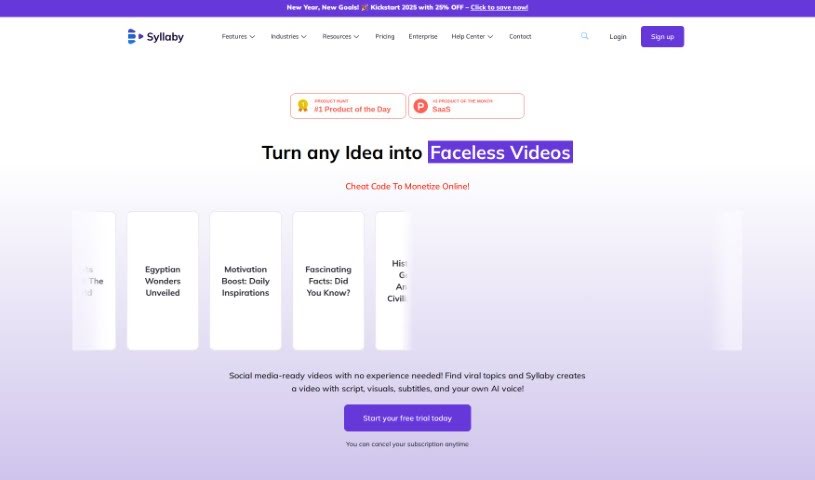
Syllaby is a social media video marketing tool. It helps you find viral topics, write scripts with AI, and publish videos through a streamlined workflow. It also offers AI-powered Digital Twin Avatars for brand storytelling, covering ideation, scheduling, scriptwriting, and avatar-based video creation.

Sync.labs provides tools that help creators repurpose existing content and reach audiences worldwide. At its core, it offers a development playground — a space to experiment and build applications — making it easier to enhance existing apps and integrate synchronization into creative workflows. Content creators, podcasters, and YouTubers can use it to get more value from material they've already produced.
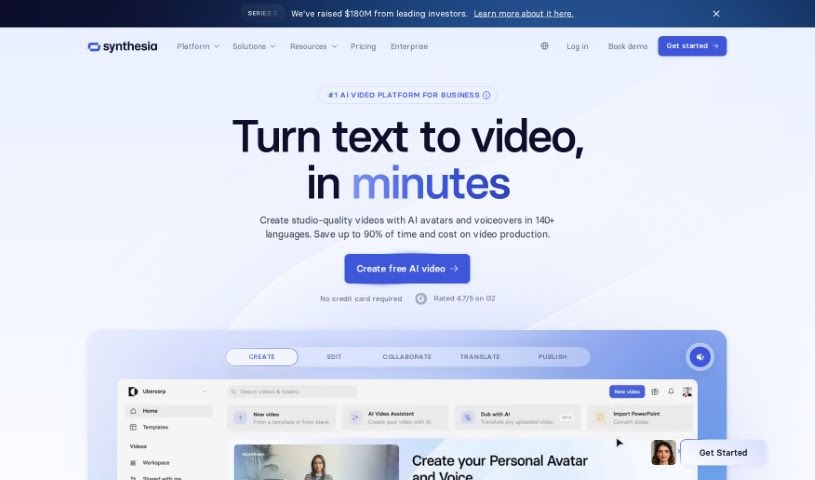
Synthesia is an AI video generation platform that lets you type a script, choose an AI presenter, and produce professional-looking videos without cameras, microphones, or studios. The platform emphasizes responsible use of deepfake technology, positioning its tools for positive applications such as educational content, engaging presentations, and customer communication.
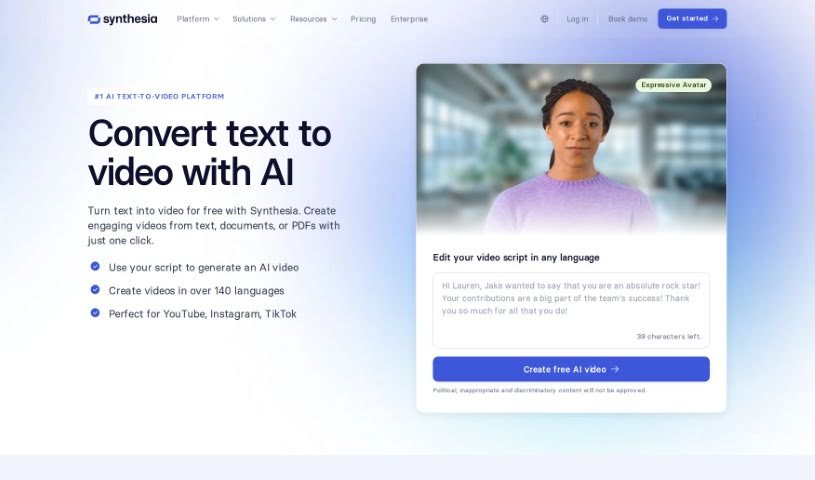
Text to Video is a way to turn written words into video. The technology uses text-to-speech to convert written text into spoken audio, then matches that audio with relevant visuals to create video presentations. Typical features include different voice options, background music, and animation effects.
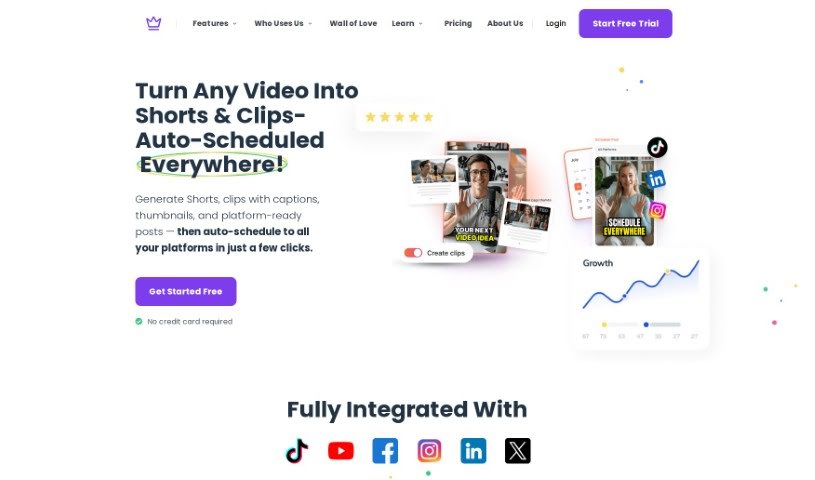
Taja AI is a platform for managing the entire YouTube video workflow, from preparation to publication. It helps write titles and descriptions optimized for YouTube's algorithm, creates thumbnails, and turns longer videos into short, shareable clips. According to the tool, it can save users up to 90% of their time.

Taleblocks is a web-based platform that turns written text into shareable videos. It provides AI-generated voices in multiple languages, automatic captions, and a library of stock photos and videos to match your message. Everything runs through a simple web interface, so no technical skills are required. Content creators and businesses can use it to repurpose written content into short videos for social media and video platforms.
Tella.tv offers an AI YouTube Description Generator that creates custom video descriptions tailored to your content. It saves time and helps you write descriptions that grab attention. The tool is built with YouTube SEO in mind, letting you use the full 5000 characters allowed. You can specify which keywords to include, add emojis, and choose a tone that matches your brand. For anyone who makes videos, it simplifies writing descriptions and frees up time for creating content.

TensorPix is an online AI tool for enhancing videos and images. It upscales videos to 4K, improves overall footage quality, and enhances images using AI filters — all from a web browser, with no installation required. Users often highlight its processing speed, ease of use, and usefulness for freelancers who need to upscale videos, enhance images, or improve web graphics.
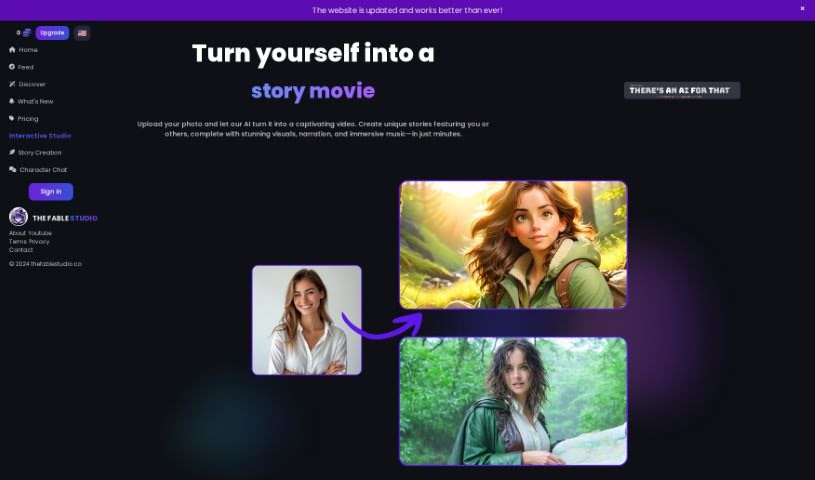
THE FABLE STUDIO is an AI platform for creating animated videos and interacting with them. It turns written ideas into animated videos, with customization for visuals, voices, and video effects. A chat feature lets you talk with the characters in real time. It suits writers, teachers, film enthusiasts, or anyone with a story to share.
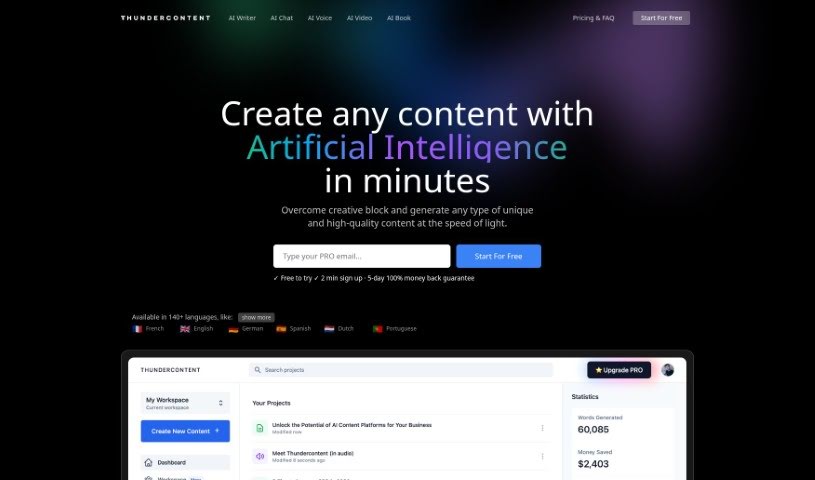
Thundercontent is an AI-powered video editor that automates much of the editing process. Its algorithms analyze raw footage and make editing choices automatically, reducing the time spent on manual edits. Users can turn text into branded videos in minutes, and the platform is designed to work for both beginners and experienced editors. Over 25,000 companies, from small businesses to large corporations, use Thundercontent.
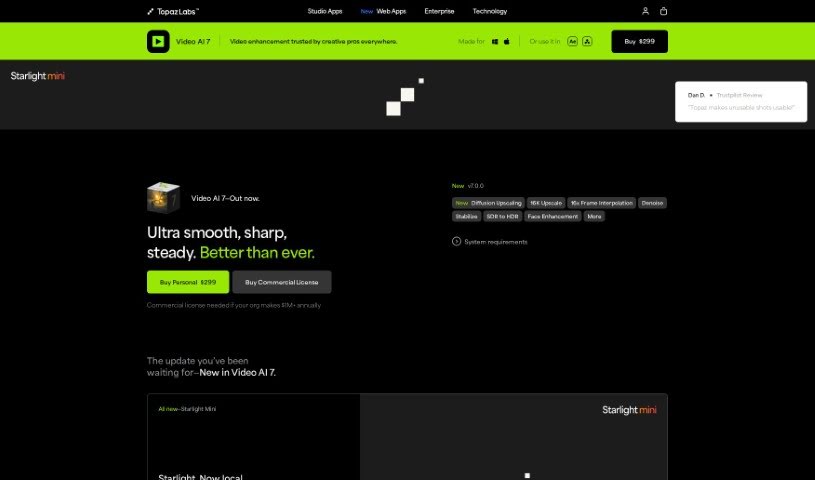
Topaz Labs Video AI is a video enhancement tool that upscales footage to 4K, 8K, or 16K resolution while preserving visual detail. It fixes artifacts common to older upscaling methods with a single click. The software includes specialized models such as Aion AI for extreme slow-motion effects and Chronos AI for smooth frame rate conversions up to 120fps. It runs directly on your Mac or PC, either as a standalone application or as a plugin.
Setting up physical camera rigs, arranging scene lighting, hiring actors, and waiting for long video renders can make video production an expensive, time-consuming effort. Whether you need custom visual clips for a marketing campaign, animated scenes for a digital story, or background b-roll for a presentation, turning abstract ideas into moving images takes serious work. It’s easy to stall creative projects when traditional video shoots require big budgets and full production crews.
These generative video platforms act as capable creative partners. They convert written prompts and reference images into fluid video scenes, helping you test visual directions faster and produce high-quality video content without a full crew.
Creating custom video scenes without a physical camera crew used to be nearly impossible for small teams. Generative video tools take descriptive text prompts, script outlines, or static images and turn them into realistic motion clips, digital animations, and cinematic sequences in seconds. Instead of starting with a blank project timeline or searching through generic stock libraries, you get custom video drafts ready to edit, polish, and include in your final export.
Maintaining visual consistency across multiple shots and scenes gets much easier, as well. Early generative video tools often suffered from sudden visual shifts between clips, making long-form content feel disjointed. Advanced video platforms allow you to lock in character appearances, lighting conditions, and art styles across sequential generations, helping you build coherent multi-shot stories or product showcases that keep a unified visual identity.
Prototyping visual ideas and producing custom b-roll also becomes far more practical. Developing storyboards or testing different aesthetic styles for a commercial project used to take extensive pre-production work. AI video platforms let you quickly generate dozens of concept clips, experiment with dynamic camera angles, and build interactive visual previews before spending time on full-scale edits.
Practical Features to Look For:
- Text-to-video rendering: Systems that convert written prompts and script outlines into realistic video clips and animated scenes.
- Image-to-video animation: Tools that take static photos, artwork, or product shots and add realistic camera motion and subject movement.
- Style and camera movement controls: Settings that let you specify camera angles, movement speed, lighting styles, and visual aesthetics.
- Character and visual consistency: Features that preserve key subject traits, facial features, and clothing across multiple generated clips.
- Multi-format aspect ratio exports: Options for generating footage sized specifically for widescreen displays, square social posts, or vertical mobile feeds.
Creating high-impact video content will always depend on your imagination, emotional intuition, and director’s eye. Software can’t replace original human vision or an understanding of what moves an audience, but handing off initial scene rendering and rapid video drafting gives you back the time needed to shape a great story.
Take a look through the video generation tools below to turn your written ideas into dynamic video clips.
Weekly picks of the best AI tools we've researched and added — no spam, unsubscribe anytime.
Join 25,000+ AI enthusiasts. No spam, unsubscribe anytime.