AI Video Creation Tools: Features, Editing, and Automation

AI Tools for Video Creation

Discover the best Video Creation AI tools to enhance your productivity and creativity.

Page 8 of 11 • 127 total tools
Screenshot of Roll AI

Roll AI

Freemium

Roll AI is an AI video production platform that lets you create high-quality videos using just your smartphone. It simplifies video production by letting you record professional-quality remote video calls, apply special effects, make quick edits, and publish content at a fraction of what traditional studios charge. The platform supports podcasts, webinars, virtual conferences, remote interviews, and customer testimonials, and aims to deliver broadcast-level video quality.

Video Creation View Tool →
Screenshot of Rotor Videos

Rotor Videos

Freemium

Rotor Videos is a tool built for musicians who want to create professional-looking music videos, promo clips, Spotify Canvas videos, and lyric videos without any video editing experience. Its AI-powered editing engine listens to your music and analyzes the video clips you choose, then automatically assembles a video that fits your track.

Video Creation View Tool →
Screenshot of RuneContent

RuneContent

Freemium

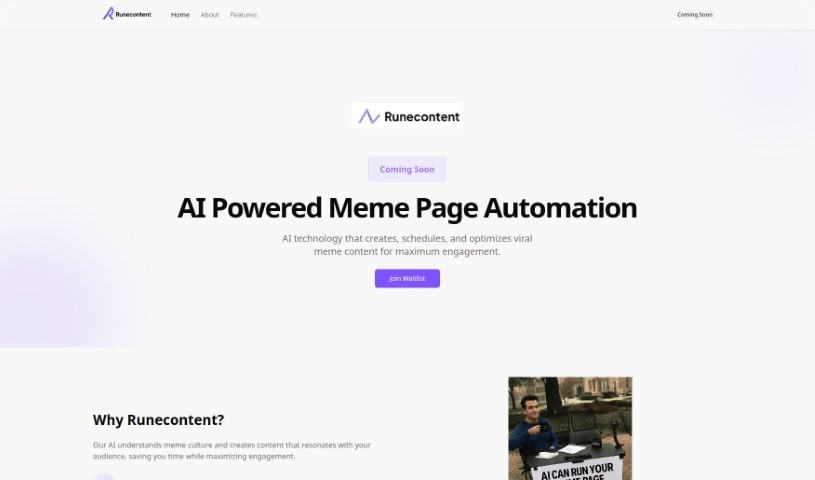
RuneContent is a platform for building comprehensive online courses quickly. It generates videos, slides, and scripts on a wide range of topics, making it easy to create courses for platforms like Udemy, Teachable, and Skillshare. Topics can range from Digital Marketing and the Future of Jobs to sleep improvement and Storytelling.

Video Creation View Tool →
Screenshot of Runway

Runway

Freemium

Runway is an applied AI research company focused on boosting creativity in art, entertainment, and storytelling. It builds AI systems that can understand and work with different types of media, with the goal of making AI's creative capabilities accessible to everyone, regardless of background, so storytellers can bring their visions to life.

Video Creation View Tool →
Screenshot of Screen Story

Screen Story

Freemium

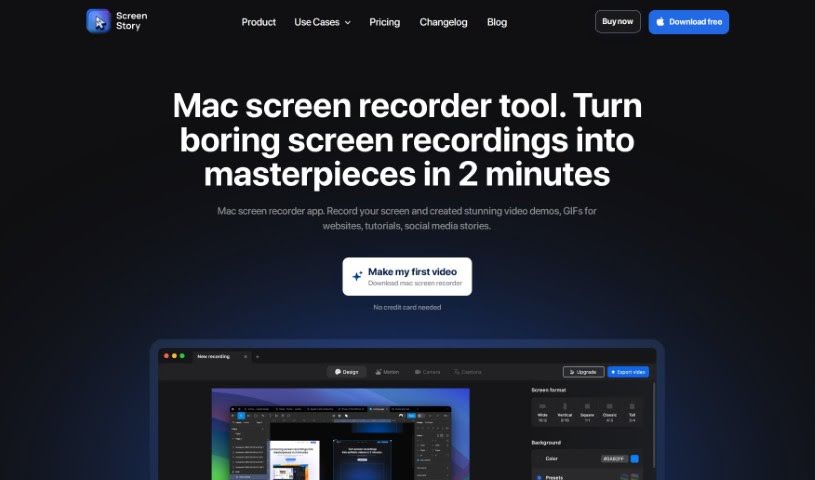
Screen Story is a screen recording tool for Mac that produces polished video demos, GIFs, and social media stories without requiring video editing experience. It automatically zooms in on your actions and smooths cursor movements, so raw recordings come out looking finished.

Video Creation View Tool →
Screenshot of Shotstack Workflows

Shotstack Workflows

Freemium

Shotstack Workflows is a platform for automating media creation. It combines generative AI with third-party media sources and provides a visual, no-code environment for designing and running media tasks, backed by APIs that cover different parts of the media automation process. It serves industries including real estate, automotive, sports, travel, entertainment, education, and health.

Video Creation View Tool →
Screenshot of Sieve

Sieve

Freemium

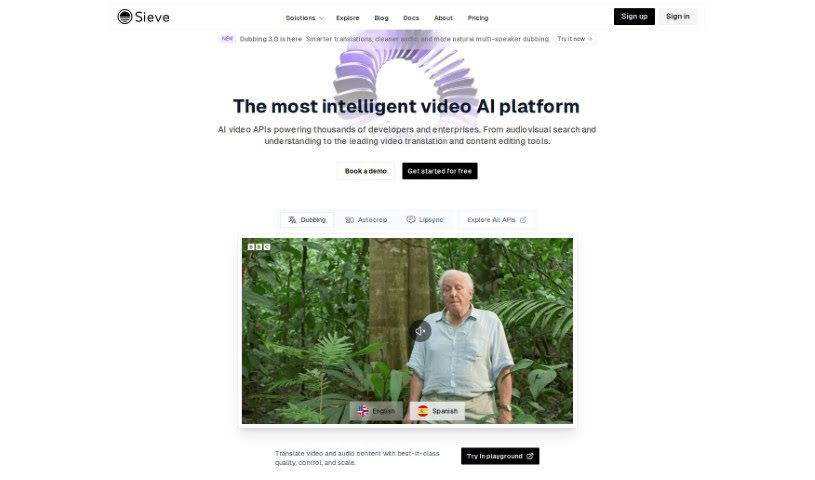
Sieve is an AI platform built for cloud operations, with a focus on audio and video enhancement. It gives developers, designers, and product managers the tools to build their own AI applications while keeping full control and ownership. The platform ships with pre-built models and applications, plus a collaborative space where teams can experiment. Its infrastructure scales automatically to handle increased traffic without manual configuration.

Video Creation View Tool →
Screenshot of SkyReels

SkyReels

Freemium

SkyReels is an AI comic creation tool from SkyWork AI PTE. LTD. It offers two modes: Story Mode, where you type in your story or upload a file and the AI turns your words into comic panels, and Freestyle Mode, a DIY space for building comics on your own. The tool can also extract characters from your story to create comic profiles.

Video Creation View Tool →
Screenshot of Sora Videos

Sora Videos

Freemium

Sora Videos is a platform focused on video services and content. It offers a range of video-related features and products aimed at creating high-quality video content. For the most current details, check the platform directly at [soravideos.media](https://soravideos.media/).

Video Creation View Tool →
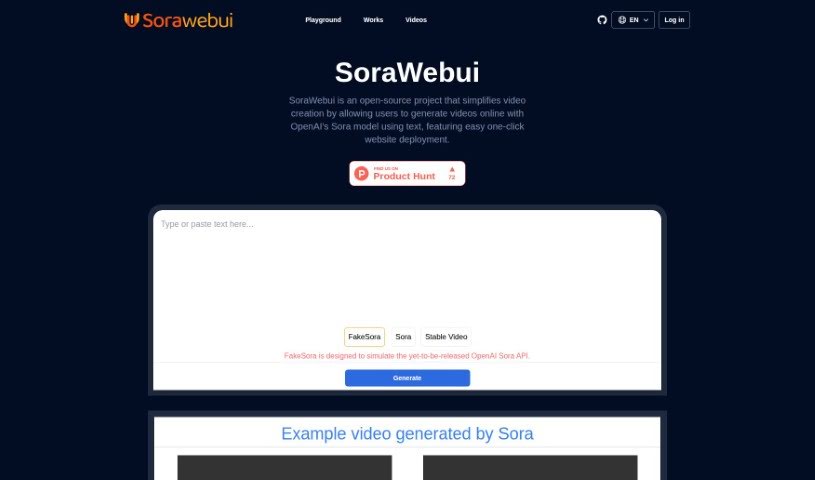
Screenshot of Sorawebui

Sorawebui

Freemium

SoraWebui is an open-source web platform that generates videos from text using OpenAI's Sora model. Enter a text description and the tool produces video scenes with characters, detailed settings, and motion. Its prompt-based approach is similar to DALL-E's, and the Sora model was developed at OpenAI under CEO Sam Altman. The platform supports one-click website deployment and a customizable interface that adapts to different site styles.

Video Creation View Tool →
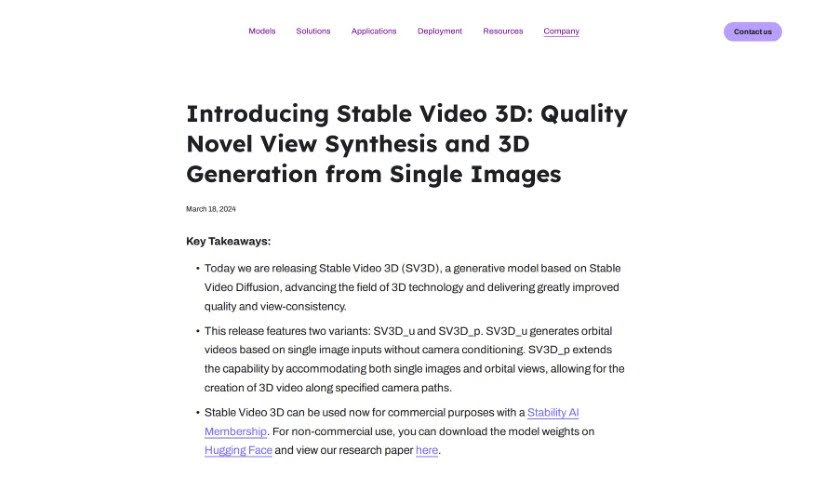
Screenshot of Stability AI Stable Video 3D

Stability AI Stable Video 3D

Freemium

Stability AI Stable Video 3D is a generative model that produces high-quality videos showing an object or scene from multiple viewpoints. It outperforms related models such as Stable Zero123 and Zero123-XL.

Video Creation View Tool →
Screenshot of Storyboard Hero

Storyboard Hero

Freemium

StoryboardHero is an AI-powered platform built to help video agencies speed up pre-production. It reduces the time and cost of getting concepts, scripts, and storyboards ready. You can generate concepts and scripts, organize them into a storyboard, and create AI images for each scene. If the AI images aren't quite right, you can request hand-drawn images from the team's storyboard sketch artists. Finished storyboards can be exported as branded PDFs.

Video Creation View Tool →

About Video Creation tools

Setting up camera gear, editing timeline clips, fixing audio sync, and assembling footage can quickly eat up your entire week. Whether you’re creating promotional videos for a business, producing YouTube tutorials, or building social clips, video production takes significant time and technical effort. It’s easy to spend hours trimming clips, adjusting colors, and rendering files when you’d rather focus on new creative ideas.

These specialized creative assistants streamline raw footage editing, automate scene transitions, and help you generate polished video content faster without replacing directors or video editors.

Speeding Up Rough Cuts, Visual Tweaks, and Multi-Format Exports

Assembling rough cuts from hours of unedited footage used to take days of tedious trimming. Smart video creation tools analyze raw recordings, highlight key moments, and assemble initial timeline edits in seconds. Instead of scrubbing through endless video tracks to find the right take, you get a clean rough cut ready to polish and re-sequence.

Improving video quality and applying visual effects gets much simpler, too. Upgrading low-resolution clips, removing unwanted background objects, or balancing color profiles normally requires advanced editing skills and expensive software. AI-powered video editors fix lighting issues, isolate subjects, and clean up background noise with a few clicks, giving your footage a professional look without hours of frame-by-frame work.

Scaling your video content for different platforms and audiences also becomes far more efficient. Turning a long horizontal video into multiple vertical clips for different channels often means starting from scratch. Video creation assistants automatically reframe subjects for square or vertical feeds, generate matching subtitles, and translate spoken audio into multiple languages, keeping your content pipeline active without extra shoot days.

Key Capabilities to Look For:

  • Automated scene cutting and assembly: Systems that analyze raw footage to identify key moments, remove silences, and generate rough timeline cuts automatically.
  • Smart subject and background removal: Features that let you isolate subjects, swap background elements, or remove unwanted objects without manual rotoscoping.
  • Audio cleanup and balancing: Tools that isolate spoken dialogue, cancel out background noise, and match audio levels across different clips.
  • Auto-reframing and multi-format export: Controls that adjust video aspect ratios for vertical, square, or widescreen formats while keeping the main subject centered.
  • Subtitle and translation integration: Features for generating accurate closed captions, styled subtitles, and translated voiceovers in multiple languages.

Creating compelling video content will always depend on your creative vision, emotional intuition, and knack for storytelling. Software can’t replace genuine human emotion or the spark of an original idea, but letting smart tools handle repetitive clip trimming, audio balancing, and multi-platform formatting gives you back the time needed to bring your vision to life.

Check out the video creation tools below to find the right assistant for your projects.

The Best AI Video Creation Tools

  1. Runway: Great for dynamic scene transition effects.
  2. HeyGen: Makes studio-quality video creation effortless.
  3. Vidnoz AI: For quickly generating AI video content.
  4. Digen AI: Automates video editing and production.
  5. Synthesia: Streamlines creating internal training videos.
  6. Magic Hour: Easily creates engaging promotional videos.
  7. Animaker: Helps you create eye-catching social media videos.
  8. AKOOL: Perfect for personalized holiday video messages.
  9. Live3D: Converts AI art into animated videos.
  10. HitPaw: Enhances videos with watermark-free editing.
  11. Clipchamp: Ideal for social media video editing.
  12. Captions: Streamlines editing for stunning videos.
  13. D-ID: Effortlessly produces marketing videos.
  14. DreamFace: Animates faces for engaging videos.
  15. DeepBrain AI: Quickly turns articles into engaging videos.
New tools, in your inbox.

Weekly picks of the best AI tools we've researched and added — no spam, unsubscribe anytime.

Join 25,000+ AI enthusiasts. No spam, unsubscribe anytime.