AI Video Creation Tools: Features, Editing, and Automation

AI Tools for Video Creation

Discover the best Video Creation AI tools to enhance your productivity and creativity.

Page 3 of 11 • 127 total tools
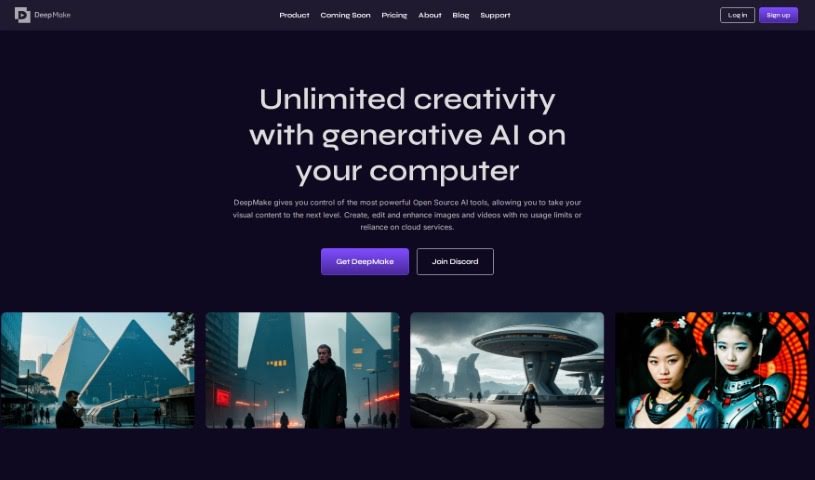
Screenshot of DeepMake

DeepMake

Freemium

DeepMake is an AI-powered content creation tool for video effects (VFX), built on open-source AI technology. Its core features include stable diffusion video generation, smart layer segmentation, face swapping, video upscaling, and integrations with Adobe After Effects and Nuke. Users can generate stock video from text prompts, apply instant effects, and segment layers for editing.

Video Creation View Tool →
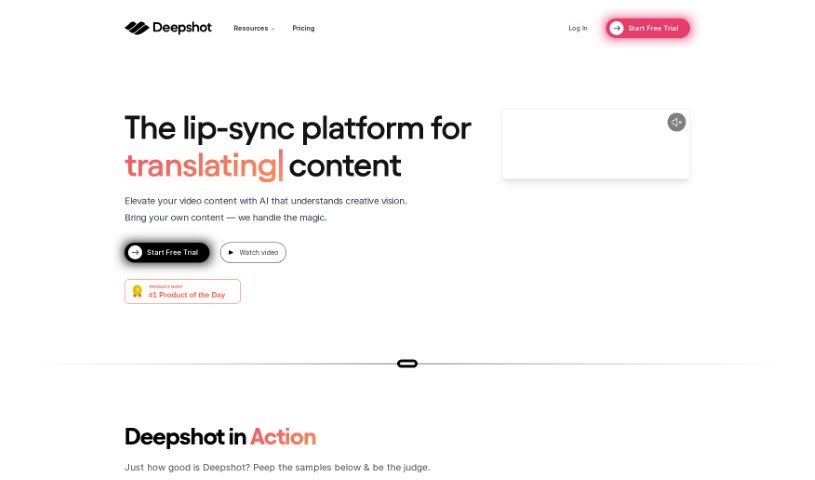
Screenshot of Deepshot

Deepshot

Freemium

Deepshot is software that generates and replaces dialogue in videos, letting you redo scenes without filming them again. It offers fully customizable dialogue generation and replacement, along with user profiles and shot editing tools for producing professional-looking videos. It runs on the web and supports content translation, making it easier to reach international audiences.

Video Creation View Tool →
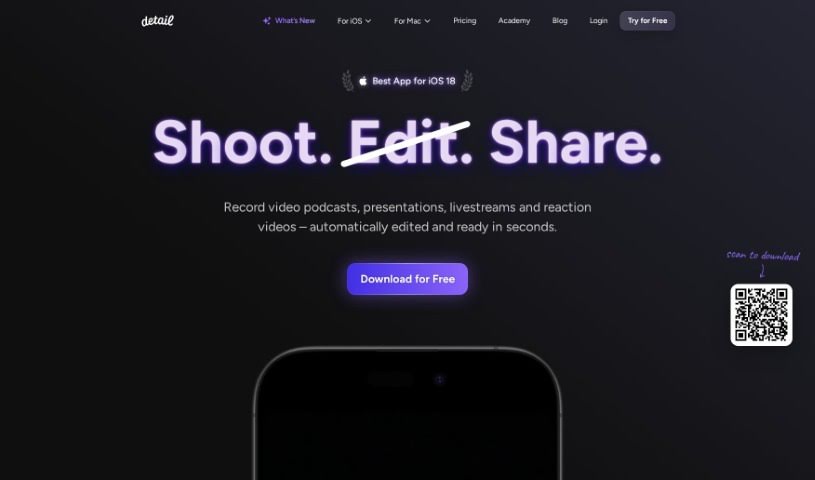
Screenshot of Detail.co

Detail.co

Freemium

Detail is a camera app built for storytellers that streamlines recording and editing video. It supports dual-camera recording, remote collaboration, creative captions, customizable backgrounds, live green screen editing, and automated caption generation. The app is available for iOS and macOS through the App Store.

Video Creation View Tool →
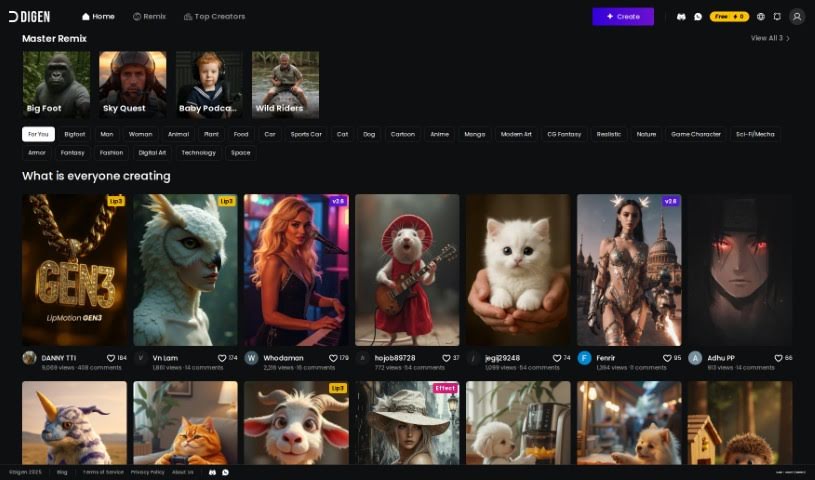
Screenshot of Digen AI

Digen AI

Freemium

Digen AI is a free generative AI tool for creating videos. It offers customizable avatars and personalized scripts, with features designed specifically for video creation. The interface is user-friendly, so it's accessible regardless of your video editing experience, and it can help speed up your video production process while adding a personal touch to your projects.

Video Creation View Tool →
Screenshot of Dollars MoCap

Dollars MoCap

Freemium

Dollars MoCap is a motion capture technology suite from SunnyView Technology Co. Ltd. It includes several products covering different capture needs:

Video Creation View Tool →
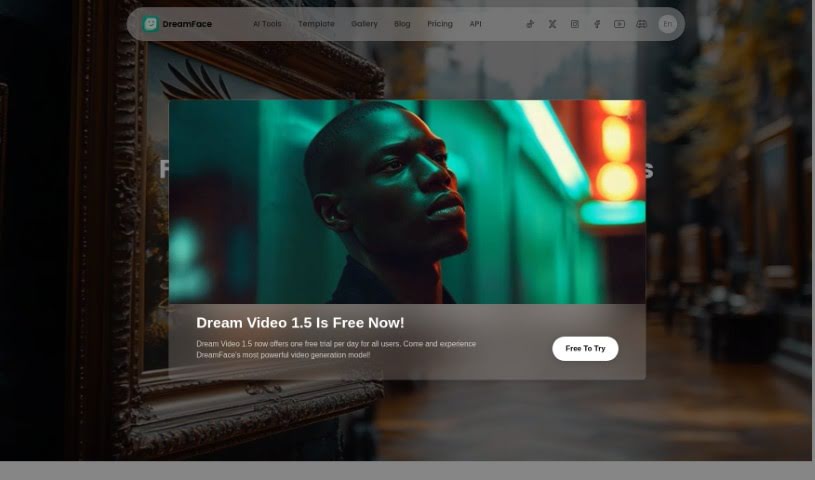
Screenshot of DreamFace

DreamFace

Freemium

DreamFace is an AI-powered creative studio for producing high-quality videos and animating photos. It uses AI avatars and voices to generate custom videos for social media posts, presentations, or educational content in just a few clicks.

Video Creation View Tool →
Screenshot of DreamShorts

DreamShorts

Freemium

DreamShorts is an AI toolkit for creating video and audio content. It combines a script generator for brainstorming ideas, tools that produce original video matched to your style or brand, and an AI narrator that reads scripts in a natural voice. It also handles automatic captioning, generates copyright-free content, and includes built-in social media integrations. WhatsApp and Telegram bots let you create videos and scripts on the go.

Video Creation View Tool →
Screenshot of Easyspeak

Easyspeak

Freemium

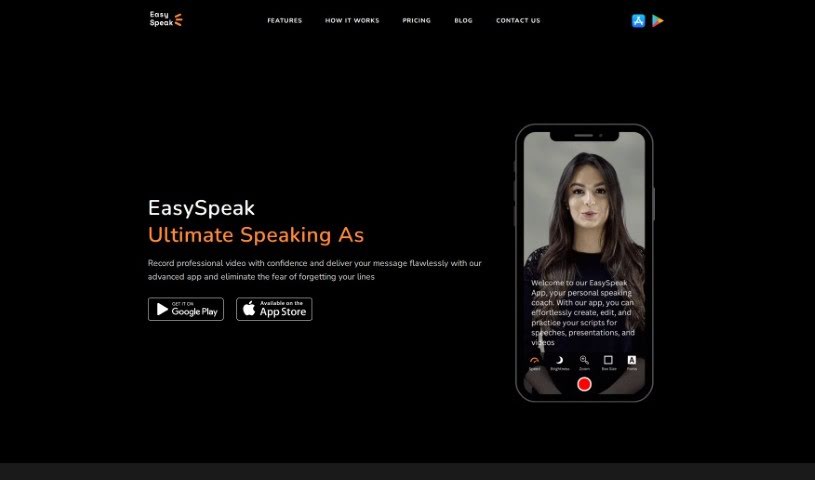
EasySpeak is a video creation tool for crafting presentations that hold viewers' attention. It combines AI-powered scriptwriting with teleprompter-style delivery features, so you can either write your own script or let the AI generate one when you're facing a blank page.

Video Creation View Tool →
Screenshot of EASYSUB

EASYSUB

Freemium

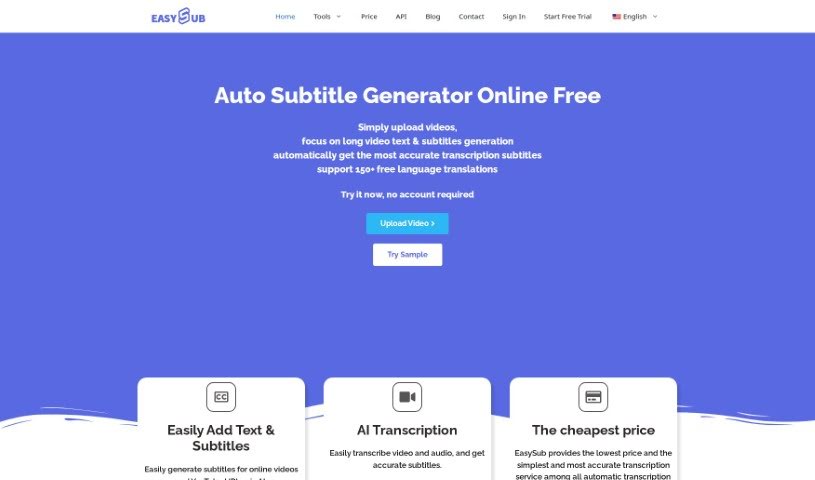
EasySub is an online AI subtitle generator built for transcribing, translating, and exporting subtitles for long videos. Upload your video, select the original language, and choose the target language — the AI handles the rest. It claims over 95% accuracy for automatic subtitles, supports translation into more than 150 languages, and imposes no limits on video length. The platform is easy to navigate, making it a practical choice for creators working with longer content.

Video Creation View Tool →
Screenshot of Eggnog AI

Eggnog AI

Freemium

Eggnog AI is a platform for making AI videos with characters that stay consistent throughout. You can design unique faces and outfits for your characters, then place them into different scenes to build your video's story. You can start using it for free.

Video Creation View Tool →
Screenshot of Elai

Elai

Freemium

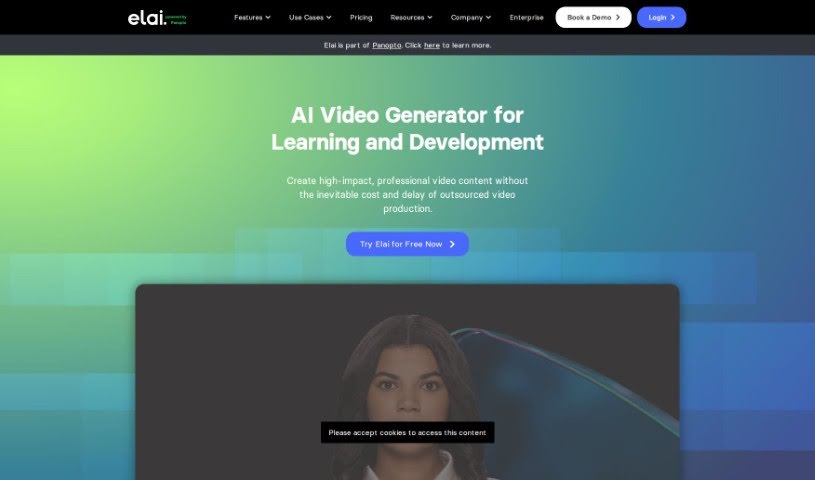
Elai is an AI-powered text-to-video platform. It transforms written scripts into video presentations that are displayed and voiced by AI avatars, so users can produce professional video content without cameras, actors, or studio equipment.

Video Creation View Tool →
Screenshot of Face Animator

Face Animator

Freemium

Face Animator is an AI-powered service from Discopixel that creates humorous, personalized videos from photos you upload. You provide a picture of a person along with a few details or fun facts about them, and the AI generates a custom music video featuring that person. The tool is designed for entertainment — the output is meant to be funny and shareable.

Video Creation View Tool →

About Video Creation tools

Setting up camera gear, editing timeline clips, fixing audio sync, and assembling footage can quickly eat up your entire week. Whether you’re creating promotional videos for a business, producing YouTube tutorials, or building social clips, video production takes significant time and technical effort. It’s easy to spend hours trimming clips, adjusting colors, and rendering files when you’d rather focus on new creative ideas.

These specialized creative assistants streamline raw footage editing, automate scene transitions, and help you generate polished video content faster without replacing directors or video editors.

Speeding Up Rough Cuts, Visual Tweaks, and Multi-Format Exports

Assembling rough cuts from hours of unedited footage used to take days of tedious trimming. Smart video creation tools analyze raw recordings, highlight key moments, and assemble initial timeline edits in seconds. Instead of scrubbing through endless video tracks to find the right take, you get a clean rough cut ready to polish and re-sequence.

Improving video quality and applying visual effects gets much simpler, too. Upgrading low-resolution clips, removing unwanted background objects, or balancing color profiles normally requires advanced editing skills and expensive software. AI-powered video editors fix lighting issues, isolate subjects, and clean up background noise with a few clicks, giving your footage a professional look without hours of frame-by-frame work.

Scaling your video content for different platforms and audiences also becomes far more efficient. Turning a long horizontal video into multiple vertical clips for different channels often means starting from scratch. Video creation assistants automatically reframe subjects for square or vertical feeds, generate matching subtitles, and translate spoken audio into multiple languages, keeping your content pipeline active without extra shoot days.

Key Capabilities to Look For:

  • Automated scene cutting and assembly: Systems that analyze raw footage to identify key moments, remove silences, and generate rough timeline cuts automatically.
  • Smart subject and background removal: Features that let you isolate subjects, swap background elements, or remove unwanted objects without manual rotoscoping.
  • Audio cleanup and balancing: Tools that isolate spoken dialogue, cancel out background noise, and match audio levels across different clips.
  • Auto-reframing and multi-format export: Controls that adjust video aspect ratios for vertical, square, or widescreen formats while keeping the main subject centered.
  • Subtitle and translation integration: Features for generating accurate closed captions, styled subtitles, and translated voiceovers in multiple languages.

Creating compelling video content will always depend on your creative vision, emotional intuition, and knack for storytelling. Software can’t replace genuine human emotion or the spark of an original idea, but letting smart tools handle repetitive clip trimming, audio balancing, and multi-platform formatting gives you back the time needed to bring your vision to life.

Check out the video creation tools below to find the right assistant for your projects.

The Best AI Video Creation Tools

  1. Runway: Great for dynamic scene transition effects.
  2. HeyGen: Makes studio-quality video creation effortless.
  3. Vidnoz AI: For quickly generating AI video content.
  4. Digen AI: Automates video editing and production.
  5. Synthesia: Streamlines creating internal training videos.
  6. Magic Hour: Easily creates engaging promotional videos.
  7. Animaker: Helps you create eye-catching social media videos.
  8. AKOOL: Perfect for personalized holiday video messages.
  9. Live3D: Converts AI art into animated videos.
  10. HitPaw: Enhances videos with watermark-free editing.
  11. Clipchamp: Ideal for social media video editing.
  12. Captions: Streamlines editing for stunning videos.
  13. D-ID: Effortlessly produces marketing videos.
  14. DreamFace: Animates faces for engaging videos.
  15. DeepBrain AI: Quickly turns articles into engaging videos.
New tools, in your inbox.

Weekly picks of the best AI tools we've researched and added — no spam, unsubscribe anytime.

Join 25,000+ AI enthusiasts. No spam, unsubscribe anytime.