Top AI Translators: Tools for Accurate Language Translation

AI Tools for Translators

Discover the best Translators AI tools to enhance your productivity and creativity.

Page 4 of 6 • 66 total tools
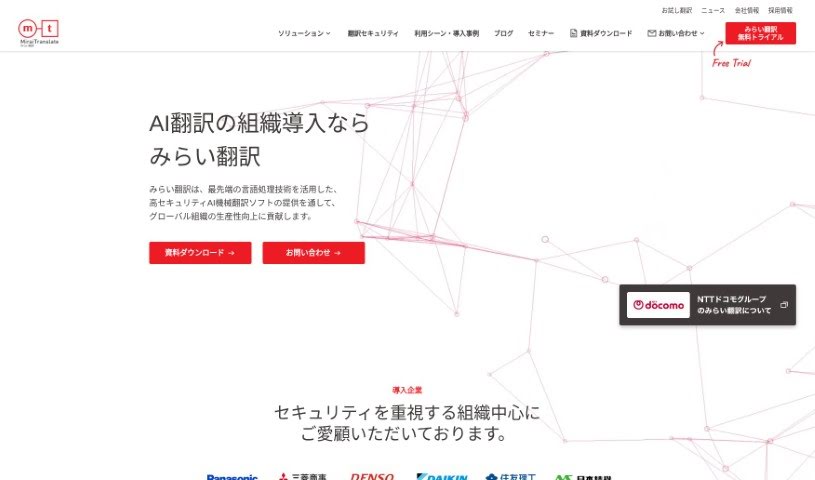
Screenshot of MirAI Translate

MirAI Translate

Freemium

Mirai Translate is a cloud-based AI translation service for businesses that need to communicate across languages. It delivers translations as accurate as a professional scoring 960 on the TOEIC test and holds ISO 27017 certification for security. It supports multiple languages, uses neural machine translation technology, and works with language processing experts from NICT and NTT. The service is designed to streamline translation tasks, keep information confidential, and improve productivity with accurate, secure automated translations. It is especially useful for translating sensitive documents, quickly understanding long contracts, or adding speech translation to your own services.

Translators View Tool →
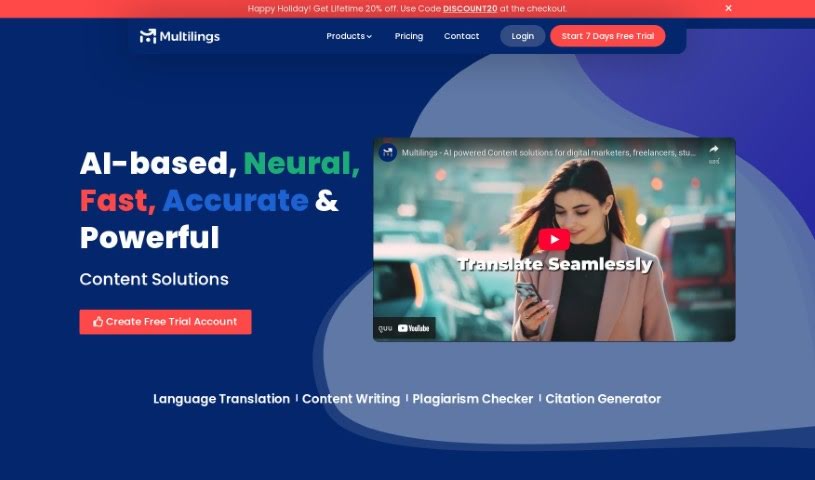
Screenshot of Multilings

Multilings

Freemium

Multilings is an AI-powered service for language tasks. It covers text translation, content writing, plagiarism checking, and translation of spoken words, using AI and machine learning to produce natural-sounding output. It is built for a wide audience: marketers, writers, students, researchers, and anyone who needs accurate, efficient language tools.

Translators View Tool →
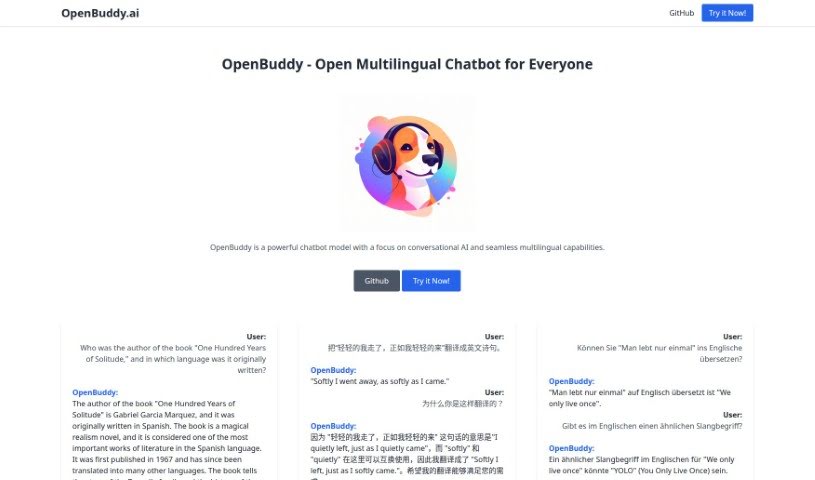
Screenshot of Openbuddy

Openbuddy

Freemium

Openbuddy is a chatbot model focused on conversational AI and multilingual support. It can chat in English, Chinese, and several other languages, and it is built on the Falcon model from TII and Facebook's LLaMA model, which helps it handle complex conversations. The project is open-source, and its development team continues to add languages, fine-tune the model for better responses, and develop multimodal features beyond text.

Translators View Tool →
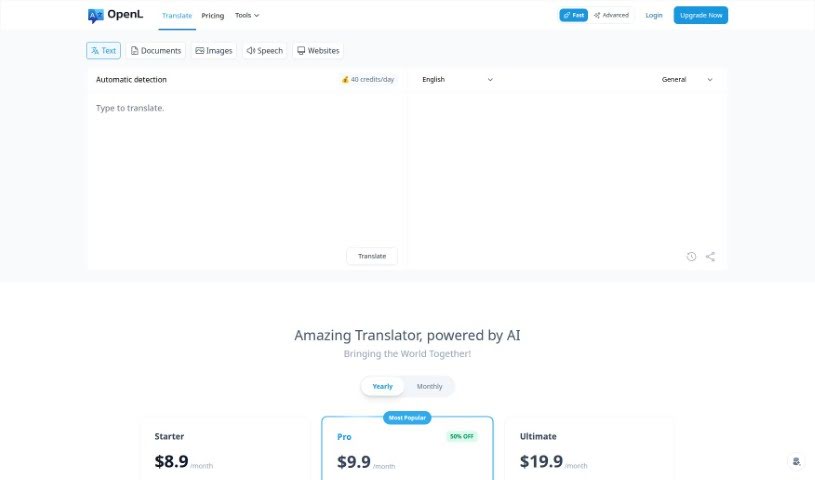
Screenshot of OpenL

OpenL

Freemium

OpenL Translate is an AI-powered translation tool that supports more than 100 languages, from widely spoken ones like English, Spanish, and French to less common dialects. It uses AI technology to capture nuance and cultural context, aiming for native-level accuracy. Beyond translation, OpenL includes a Grammar Fix tool to improve writing and a Learn function to support language study.

Translators View Tool →
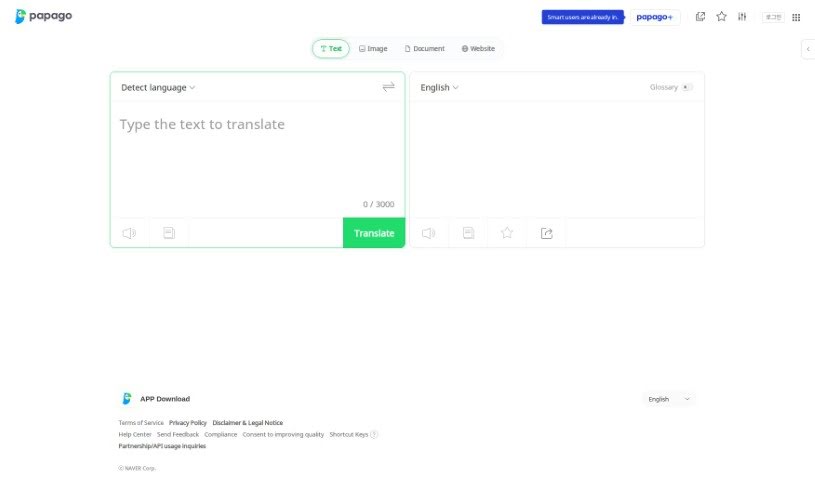
Screenshot of Papago

Papago

Freemium

Papago is a translation tool built for individuals and businesses. It uses language processing technology to deliver accurate translations across a range of languages. Whether for personal, academic, or work purposes, Papago offers a straightforward way to translate text through an interface simple enough for anyone to use, regardless of technical skill.

Translators View Tool →
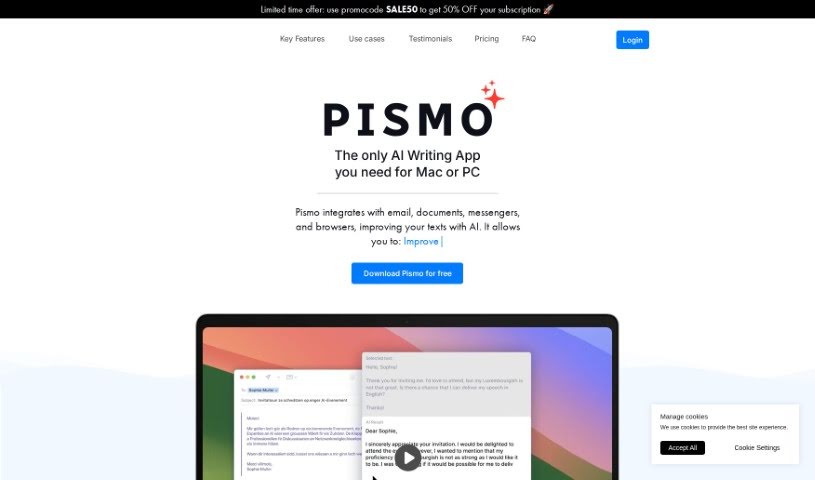
Screenshot of Pismo

Pismo

Freemium

Pismo is a writing assistant for macOS that works across virtually any app on your Mac. It proofreads your writing, adjusts text length, tweaks tone and style, and translates into many languages. Use it for everyday messages, work emails, blog posts, marketing materials, and academic papers.

Translators View Tool →
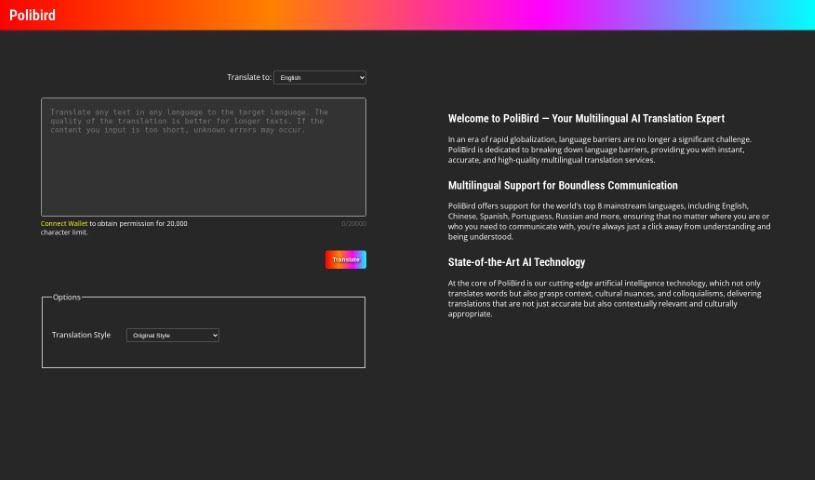
Screenshot of Polibird

Polibird

Freemium

Polibird is a platform that connects AI with the Web3 world. It brings blockchain technology into smart contracts, decentralized apps, and related projects. To get started, you link your crypto wallet and explore the platform's offerings. Polibird provides AI Chat, AI Translate, and an AI Creativity feature that is coming soon.

Translators View Tool →
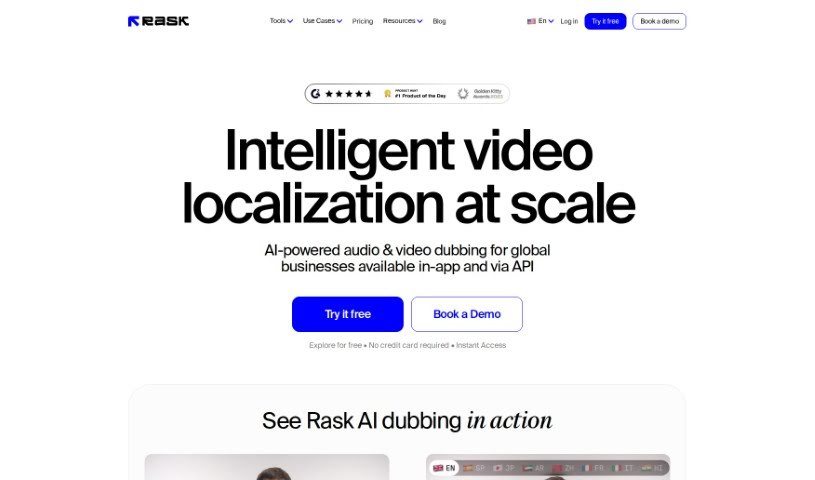
Screenshot of Rask AI

Rask AI

Freemium

Rask AI is a platform for AI-powered video dubbing and translation, supporting over 130 languages. Its core features include Text-to-Voice, Voice Cloning, and Multispeaker Identification, with Lipsync, Subtitles, and SRT file support listed as coming soon. The goal is to make video content accessible to audiences worldwide without the cost of human translators, while keeping localized content engaging and genuine.

Translators View Tool →
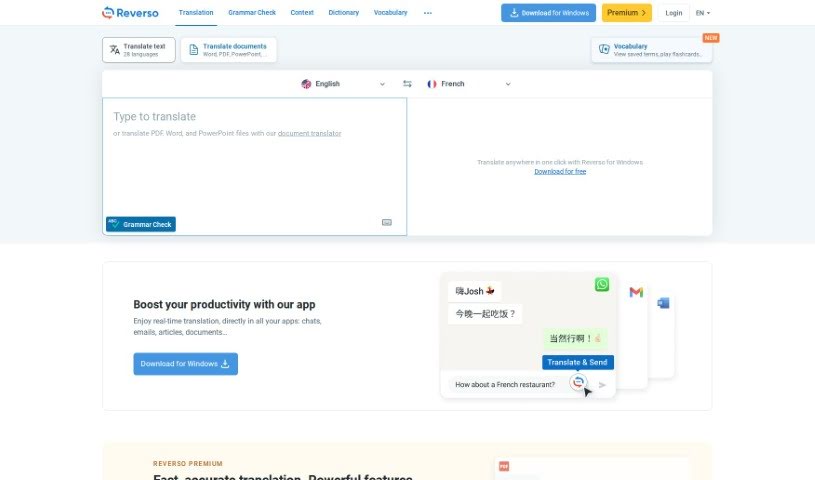
Screenshot of Reverso Text Translation

Reverso Text Translation

Freemium

Reverso Text Translation is a platform used by millions of people, from individuals to large organizations, to communicate more clearly and accurately across languages. It offers a range of tools: text translation, document translation, translations with context, grammar checking, synonym lookup, and verb conjugation. Free apps are available for Mac, Windows, iPhone, iPad, and Android, along with browser extensions for Chrome and Firefox. Reverso also offers premium services and a dedicated tool for businesses that need efficient, precise communication in many languages.

Translators View Tool →
Screenshot of Robo Translator

Robo Translator

Freemium

Robo Translator is a machine translation service built on OpenAI models and Azure Cognitive Services. Its goal is to simplify machine translation and make content accessible to a global audience. It translates audio, video, and text documents, and also handles software localization for mobile and web apps across many languages.

Translators View Tool →
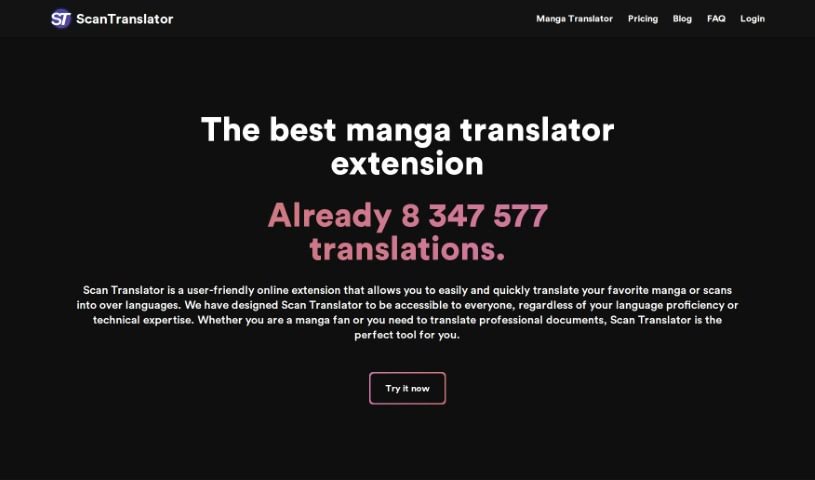
Screenshot of Scan Translator

Scan Translator

Freemium

Scan Translator is a browser extension for translating raw manga and scanned documents. It uses artificial intelligence to translate scans and images in over 50 languages, handling vertically aligned text and a variety of image types across many document formats and layouts.

Translators View Tool →
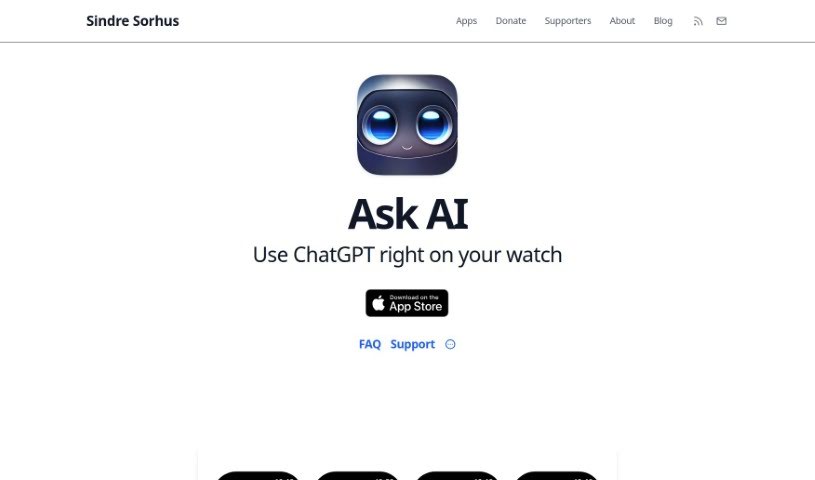
Screenshot of Sindre Sorhus

Sindre Sorhus

Freemium

Ask AI is a ChatGPT-powered assistant for Apple Watch, created by developer Sindre Sorhus, who is known for his contributions to open-source projects. It delivers instant answers, explanations, language translations, recommendations, math help, and writing tips — all from your wrist.

Translators View Tool →

About Translators tools

Translating dense technical manuals, legal contracts, or marketing copy across multiple languages under tight deadlines can feel like a high-wire act. Finding the exact regional term, maintaining brand voice, and converting formatting line by line takes intense concentration. It’s easy to spend hours updating terminology databases or correcting awkward machine translation errors instead of focusing on nuanced linguistic work.

Designed for translators, interpreters, and localization teams, these tools act as specialized language assistants. They generate fast initial drafts, manage translation memory glossaries, and keep formatting intact across complex files without replacing human cultural intuition or linguistic expertise.

Baseline Drafts, Translation Memory, and Layout Preservation

Generating accurate baseline translations for long documents or website content used to take days of manual typing. Modern AI translation platforms analyze context, technical jargon, and target audience tone to deliver fluid initial drafts in seconds. Instead of starting with an empty page for every project, translators get a reliable draft to review, refine, and polish.

Keeping specialized terms, product names, and brand messaging consistent across thousands of words becomes much easier. Smart localization assistants integrate translation memories and glossaries directly into your workflow, automatically applying approved terms and flagging discrepancies before publication so every project stays aligned with client guidelines.

Converting documents like PDFs, presentations, or software files into another language often scrambles visual layouts and table structures. Specialized AI translation tools maintain native file formatting, fonts, and image positions while substituting text. They also allow translators to adjust formality levels, regional dialects, and idioms so the final output sounds natural to local readers.

Key Capabilities to Consider:

  • Neural translation and multi-engine orchestration: Systems that analyze source context across multiple translation models to deliver high-accuracy drafts.
  • Translation memory and glossary integration: Features that automatically enforce client-specific terminology, brand voice, and approved phrase libraries.
  • Document layout preservation: Tools that translate complex file types like DOCX, PDF, and PPTX while keeping tables, fonts, and formatting intact.
  • Formality and register adjustments: Controls that let you modify text tone, regional dialects, and politeness levels for specific target audiences.
  • Quality estimation and post-editing support: Analytics that highlight uncertain phrasing, potential grammar errors, and terms that need human review.

Accurate, culturally resonant translation will always depend on human expertise, cultural empathy, and deep linguistic knowledge. Software can’t fully grasp subtle humor or complex legal nuances on its own. But handing off routine draft translation, term consistency checks, and layout preservation gives you back the time needed to deliver exceptional localized content.

Explore the translation tools below to streamline your localization workflow.

The Best AI Translators

  1. Google Translate: Great for translating client documents online.
  2. DeepL Translate: Helps streamline professional translation projects.
  3. Papago: An efficient tool for better translations.
  4. Reverso Text Translation: Offers contextual translations for accuracy.
  5. OpenL: Makes document translation for clients easy.
  6. Lingvanex: Provides efficient, secure text translation tools.
  7. Immersive Translate: Streamlines bilingual document translation.
  8. Smartcat: Offers access to a linguist marketplace for translators.
  9. Rask AI: Automates the translation of audio content.
  10. Machinetranslation: Streamlines translation workflows efficiently.
  11. Lokalise: Improves collaboration for seamless translations.
  12. Scan Translator: Effortless document translation for professionals.
  13. Camb: Streamlines multilingual document reviews.
  14. Vidby: Offers real-time translation for video content.
  15. Doctranslate: Efficient document translation for clients.
New tools, in your inbox.

Weekly picks of the best AI tools we've researched and added — no spam, unsubscribe anytime.

Join 25,000+ AI enthusiasts. No spam, unsubscribe anytime.