Renting studio time, hiring voice talent, and spending hours recording or editing audio can quickly slow down your production schedule. Whether you need a crisp video voiceover, an audio version of a blog post for better accessibility, or natural narration for e-learning modules, turning scripts into quality audio takes time and money. Re-recording flubbed lines, fixing background noise, or waiting days for finished files drains momentum fast.
These text-to-speech platforms act as reliable studio assistants. They turn written text into natural-sounding voiceovers, speed up post-production, and make audio creation accessible without replacing human storytellers.
Lifelike Narration, Localization, and Text-Based Edits
Transforming written copy into lifelike narration used to require high-end microphones and soundproof rooms. Modern text-to-speech tools analyze punctuation, sentence structure, and context to deliver speech with realistic pacing, emphasis, and tone. Instead of listening to robotic monotones, you get fluid audio that sounds like a real person reading your script, making it ideal for podcasts, explainer videos, or training materials.
Expanding your content across global audiences gets much simpler, too. Recording the same script in multiple languages or regional accents normally requires hiring native speakers from around the world. AI voice platforms translate and narrate your text in dozens of languages while keeping a consistent voice identity, letting you reach international listeners without overspending your budget.
Updating existing audio content also becomes far less painful. When a product name, price, or script detail changes, traditional audio projects require re-booking talent and re-recording entire lines. With text-based audio editing, you simply update the words in your written draft, and the software generates fresh, seamless audio that matches the surrounding track.
Key Capabilities to Look For:
- Realistic voice synthesis: Systems that generate lifelike speech with natural inflection, appropriate pauses, and customizable emotional tone.
- Voice cloning and customization: Features that let you create custom digital voices or reproduce specific voice characteristics from short sample recordings.
- Multi-language and dialect support: Tools that translate and render spoken text across dozens of languages with authentic regional accents.
- Text-based audio editing: Controls that let you modify spoken audio tracks simply by editing the text transcript.
- Commercial licensing and export options: Platforms offering high-resolution audio files with clear commercial rights for web, broadcast, or internal use.
Creating powerful audio content will always rely on clear scriptwriting, thoughtful direction, and compelling storytelling. Software can’t replace genuine human warmth or artistic performance, but handling routine voice generation and quick edits keeps your production running smoothly.
Take a look through the text-to-speech tools below to find the right assistant for your narration workflow.
The Best AI Text To Speech Tools
- ElevenLabs: Great for voiceovers for e-learning content.
- Speechify: Perfect for reading audiobooks seamlessly.
- NaturalReader: Helps enhance learning with spoken content.
- Narakeet: Use it to generate lifelike voiceovers for videos.
- 1Minai: Combines text-to-speech, transcription and image generation in one platform.
- Ttsmaker: Good for narrating e-learning content.
- tts MP3.com: Useful for voiceovers for multimedia projects.
- Top Mediai: Offers natural voice narration for videos.
- Murf.ai: Excellent for interactive e-learning narration.
- Fake You: Converts text to lifelike speech.
- Voicemaker: Provides dynamic voiceovers for educational apps.
- TTS Reader: Reads ebooks aloud for convenience.
- Speechgen.io: Enhances presentations with audio narration.
- Resemble AI: Offers real-time narration for audiobooks.
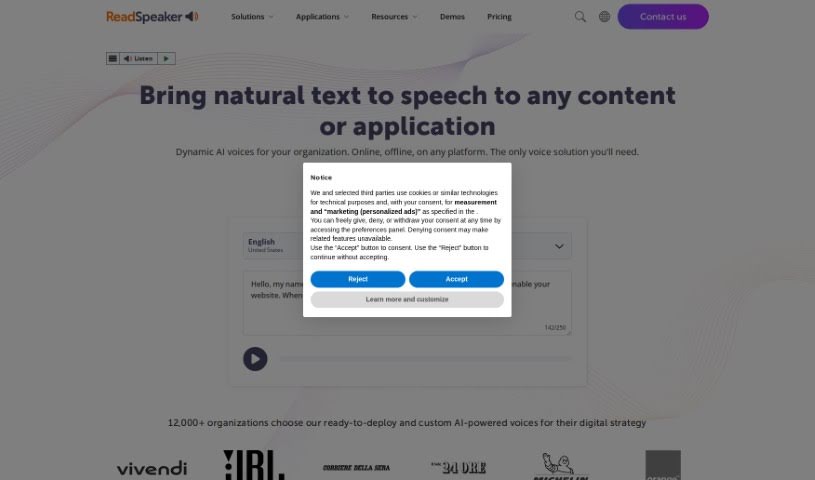
- ReadSpeaker: Provides accessible reading for diverse audiences.