Top AI Testing Tools

AI Tools for Testing

Discover the best Testing AI tools to enhance your productivity and creativity.

Page 5 of 6 • 72 total tools
Screenshot of QuarkIQL

QuarkIQL

Freemium

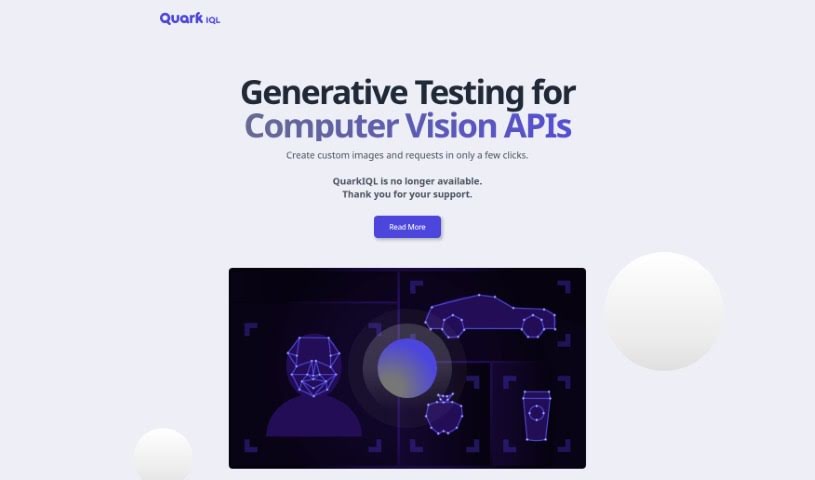
QuarkIQL was a tool designed to simplify testing Computer Vision APIs. It let users create custom test images using image diffusion models, generating images from text descriptions. The tool supported different types of API requests, such as GET and POST, and kept a history of all queries so users could run multiple experiments without losing their work.

Screenshot of Rawuser

Rawuser

Freemium

Rawuser is an AI-powered personalization tool that dynamically improves user interactions and website performance. It creates personalized content tailored to each visitor, so every person who lands on your site gets an experience suited to them. You can also use it to test and fine-tune your products, and to keep improving the user experience over time — which can increase engagement, retention, and satisfaction.

Screenshot of Ray Run

Ray Run

Freemium

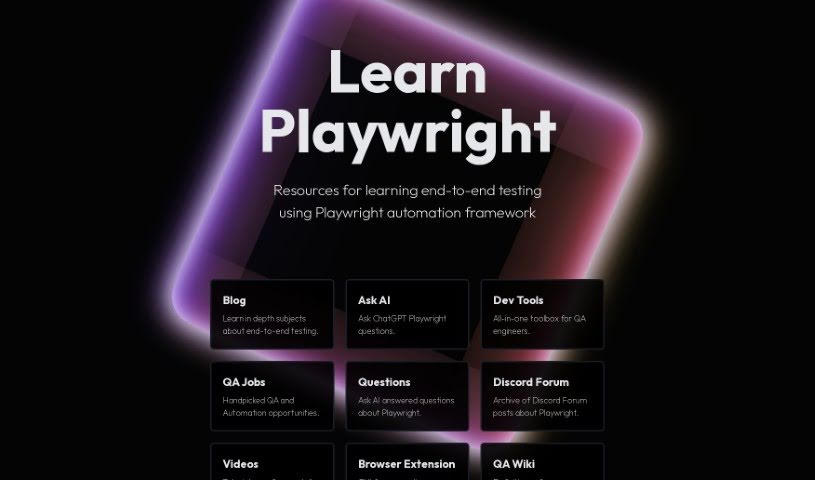
Ray Run is a community hub for QA engineers, created and maintained by Luc Gagan, a senior software QA engineer specializing in TypeScript and Playwright, with experience in large-scale browser automation and test orchestration. The platform is where Luc experiments with various technologies and shares them freely with the community, offering practical value to anyone learning Playwright or other browser automation frameworks.

Screenshot of Reapi

Reapi

Freemium

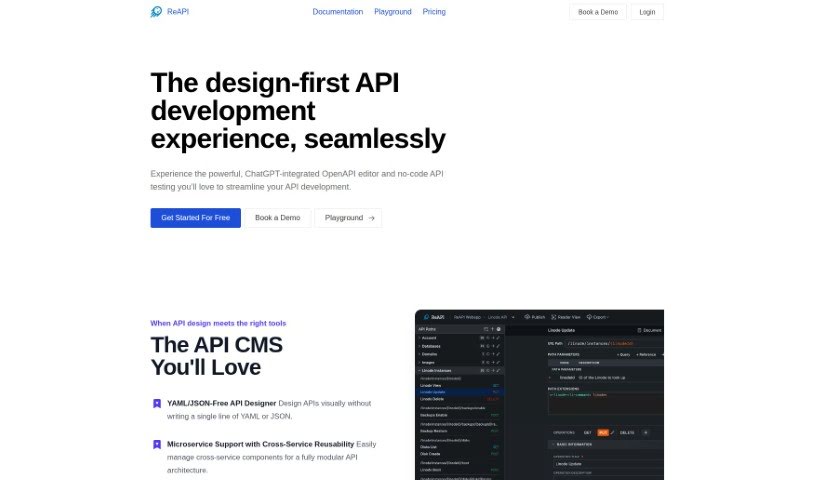
ReAPI is a tool for API development, documentation, and testing that uses AI to speed up the API creation process. A visual editor reduces the complexity of working with YAML, and ChatGPT integration automates tasks and keeps documentation consistent. Specific founder and company details are not publicly available.

Screenshot of Reflect

Reflect

Freemium

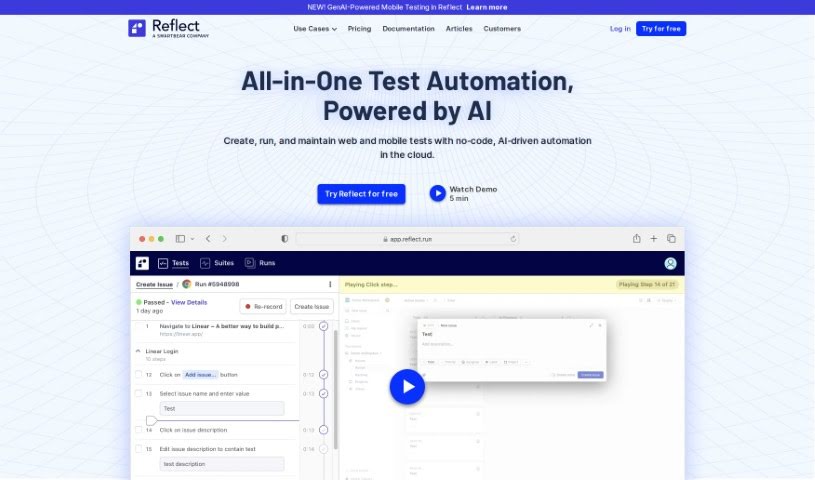
Reflect is an automated testing platform for end-to-end web testing. It offers a no-code way to automate tests, so teams can create them without writing code. Reflect uses Generative AI to understand and interact with web elements based on simple text instructions, cutting development time and reducing test maintenance effort. The platform also includes visual and API testing across different browsers, and it makes it easy to turn manual tests into automated ones.

Screenshot of Regexer

Regexer

Freemium

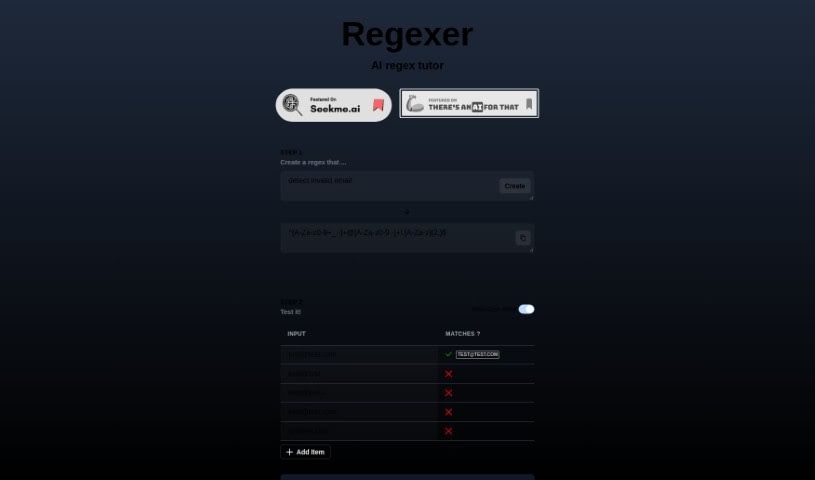
Regexer is an AI tutor for creating and testing regular expressions (regex). You build patterns in a built-in code editor and get instant feedback on whether your regex is valid and what it matches. Matched substrings and replacement results appear right in the console, so you can tweak and experiment freely. Regexer uses a simplified syntax for regex operations, and chat-based tutor support is available if you get stuck.

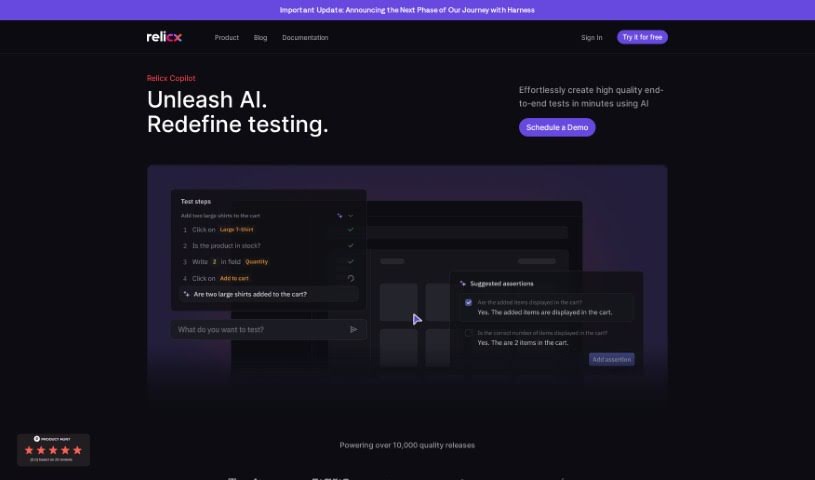
Screenshot of Relicx AI

Relicx AI

Freemium

Relicx AI is a software testing tool that uses generative AI to write tests based on plain-language descriptions of what you want them to do. Its Test Copilot provides AI prompts to help write test cases and assertions using simple text. The tool also offers self-healing capabilities, so tests automatically adjust when the user interface or workflow changes, along with visual regression testing and detailed session replays for troubleshooting. By focusing on intent-driven testing, Relicx aims to speed up software development and improve the customer experience.

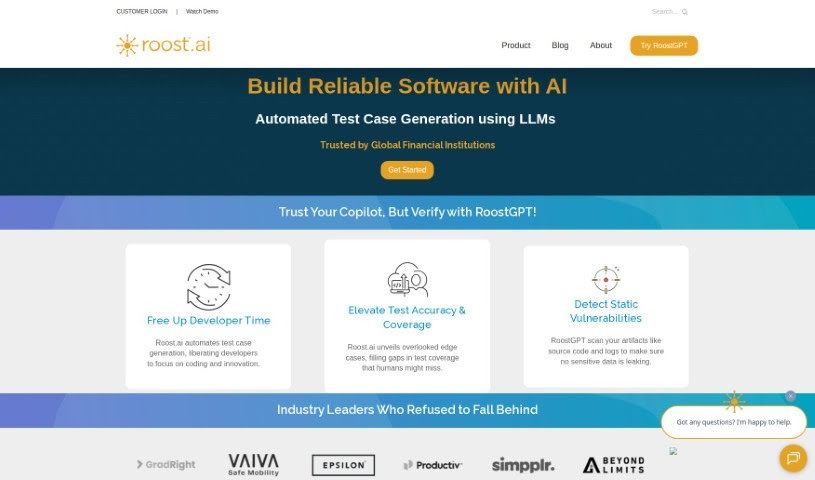
Screenshot of Roost AI

Roost AI

Freemium

Roost AI is a developer productivity tool that uses Generative AI to create test cases and automate testing in complex software environments. It reads your software's context to turn user stories into test cases, generate tests automatically, automate contract testing, and speed up acceptance testing with preview URLs. It also spins up temporary test environments on demand and integrates with cloud services and DevOps tools to improve software quality.

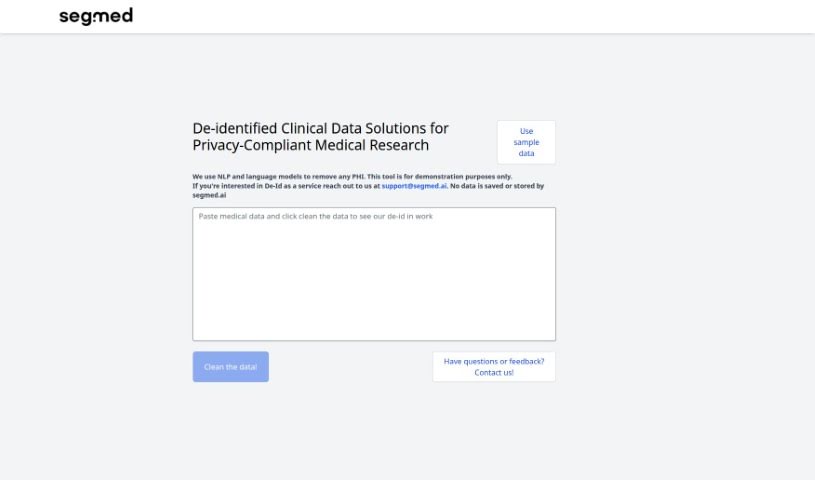
Screenshot of Segmed

Segmed

Freemium

Segmed offers a web-based demonstration tool called the De-Id Playground. It showcases Segmed's de-identification service, which uses language models to remove personally identifiable information from sample data. You can input your own sample data to see how well the de-identification performs, and a "clean the data" feature lets you sanitize it further.

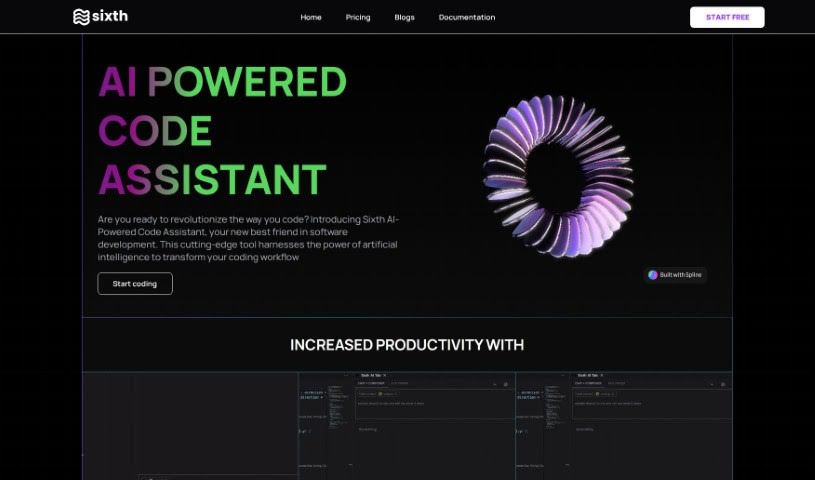
Screenshot of Sixth

Sixth

Freemium

Sixth is a developer security platform focused on strengthening cybersecurity, with a particular emphasis on financial systems. It is a code and API security tool built to be developer-friendly, using AI-powered, real-time Static Application Security Testing (SAST) to provide instant feedback as you code and catch vulnerabilities early in the development process.

Screenshot of Testdriver

Testdriver

Freemium

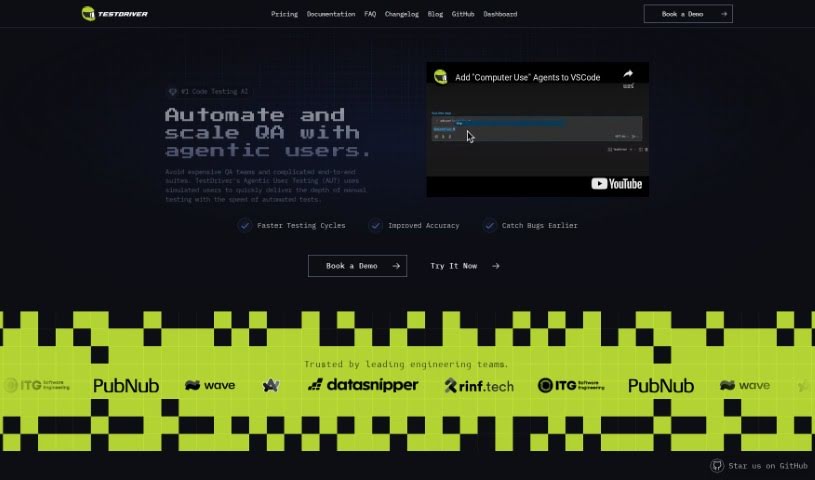
Testdriver is an AI assistant for software engineers that helps you build tests that are easy to maintain. You write tests in plain, natural language from your command line — no selectors required. Testdriver interacts with your application like a human QA tester, then generates YML test files with optimized instructions for repeating those tests.

Screenshot of Teste.ai

Teste.ai

Freemium

Teste.ai is a platform that uses artificial intelligence to support software testing. It provides tools for creating test cases, scenarios, step-by-step guides, and test strategies more quickly. An AI assistant generates test data and test plans, helping testers improve coverage of requirements and reduce the time spent writing and specifying tests.

About Testing tools

Tracking down elusive bugs, writing endless test scripts, and fixing broken test suites every time code changes can make software testing feel like constant firefighting. Whether you’re running manual regression checks, writing unit tests for a new feature, or managing complex integration pipelines, keeping up with fast release cycles takes serious time. It’s easy to waste hours updating flaky test scripts instead of focusing on overall software quality.

These specialized testing assistants handle routine script creation, repair broken test paths, and catch hidden edge cases before your users do—without replacing human QA engineers or writing code on autopilot.

Test Case Generation, Self-Healing Scripts, and Coverage Gaps

Drafting comprehensive test cases from user stories or technical specs often takes hours of manual work. Smart testing assistants scan requirements, user flows, or code changes to generate clear test scenarios and unit test boilerplate in seconds. Instead of starting with a blank file for every sprint, you get a solid framework covering both standard user paths and unexpected edge cases.

Maintaining automated UI and end-to-end test suites gets much easier, as well. Minor interface updates often break traditional automation scripts, leaving QA teams with a mountain of test failures to inspect. AI-driven testing tools monitor application changes and automatically update element selectors when layout positions or button labels shift. These self-healing scripts drastically reduce maintenance overhead, keeping your build pipelines green and reliable.

Creating realistic test data and analyzing code coverage also becomes far less painful. Specialized tools generate privacy-compliant synthetic datasets that mimic real user traffic without exposing sensitive customer data. They can also analyze test runs to pinpoint untested code paths, security vulnerabilities, or performance bottlenecks that need extra attention.

Key Capabilities to Look For:

  • Automated script generation: Systems that turn natural language prompts, user stories, or code files into executable unit and end-to-end test scripts.
  • Self-healing test execution: Settings that automatically adjust broken element selectors and test steps when interface layouts change.
  • Synthetic data generation: Tools that create realistic, privacy-safe datasets for testing edge cases and complex user flows.
  • Visual regression scanning: Features that compare UI screenshots across multiple browsers and devices to flag subtle layout glitches.
  • Coverage and gap analysis: Analytics tools that highlight untested code paths, risky changes, and missing scenario coverage.

Building reliable software will always depend on human problem-solving, critical thinking, and a deep understanding of user expectations. Software can’t evaluate real user experience or understand complex business logic for you. But handing off repetitive script writing, data generation, and test suite maintenance gives you back the time needed to deliver high-quality applications.

Take a look through the QA tools below to streamline your testing process.

The Best AI Testing Tools

  1. LangChain: for validating LLM responses automatically
  2. Jam: for automatic bug tracking and reporting
  3. Google Search Labs: for evaluating new search features
  4. Testsigma: for automating web app regression testing
  5. Gooey.ai: for simplifying testing with AI-driven analytics
  6. VWO: for A/B testing to optimize websites
  7. Applitools: for visual regression testing on web apps
  8. Testim: for AI-driven web testing automation
  9. Eden AI: for testing voice commands in applications
  10. Layer AI: for helping teams quickly test concepts
  11. Promptfoo: for generating test cases automatically
  12. Keploy: for automating API test case generation
  13. Mabl: for automating UI tests for faster releases
  14. ACCELQ: for smooth API and web test automation
  15. AgentOps: for testing and optimizing agent performance
New tools, in your inbox.

Weekly picks of the best AI tools we've researched and added — no spam, unsubscribe anytime.

Join 25,000+ AI enthusiasts. No spam, unsubscribe anytime.