10Web
Web Development Website Builders
Learn more
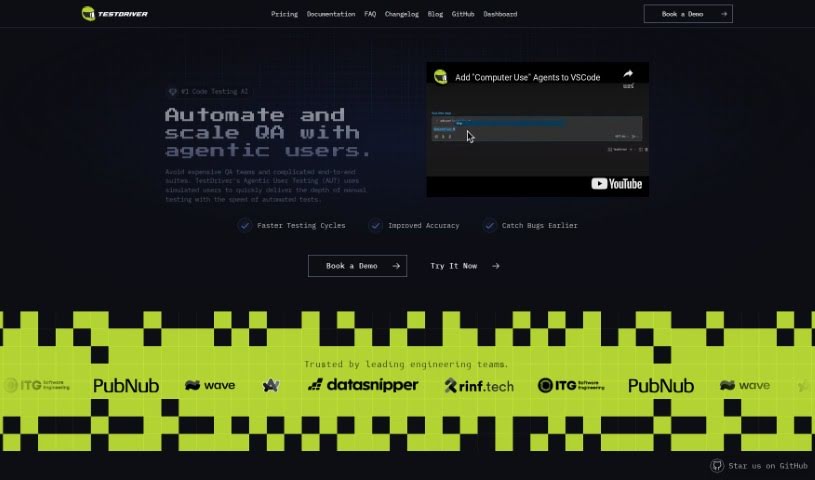
Discover what Testdriver is and how it uses natural language commands and AI to build self-healing, maintainable tests integrated with GitHub.
Testdriver is an AI assistant for software engineers that helps you build tests that are easy to maintain. You write tests in plain, natural language from your command line — no selectors required. Testdriver interacts with your application like a human QA tester, then generates YML test files with optimized instructions for repeating those tests.
It includes fuzzy matching and self-healing capabilities, so tests adapt when your application changes. You can also run tests automatically on secure, temporary virtual machines using GitHub Actions.
The tool is built specifically for engineers and integrates with GitHub. It aims to eliminate complex automated test scripts and reduce manual testing, freeing you to focus on coding. It supports end-to-end exploratory testing and lets developers see exactly what’s happening during test runs.
Two limitations to note: it currently only integrates with GitHub and relies on Dashcam.io.
Testdriver was created by Dashcam.io. The company focuses on bringing AI-driven capabilities to testing workflows.
Testdriver is designed for engineers who want to reduce manual testing and avoid writing complex automated test scripts.
$ testdriver in your CLI to get started.Related
Discover more tools in similar categories
Weekly picks of the best AI tools we've researched and added — no spam, unsubscribe anytime.
Join 25,000+ AI enthusiasts. No spam, unsubscribe anytime.