AI Social Media Tools

AI Tools for Social Media

Discover the best Social Media AI tools to enhance your productivity and creativity.

Page 8 of 15 • 174 total tools
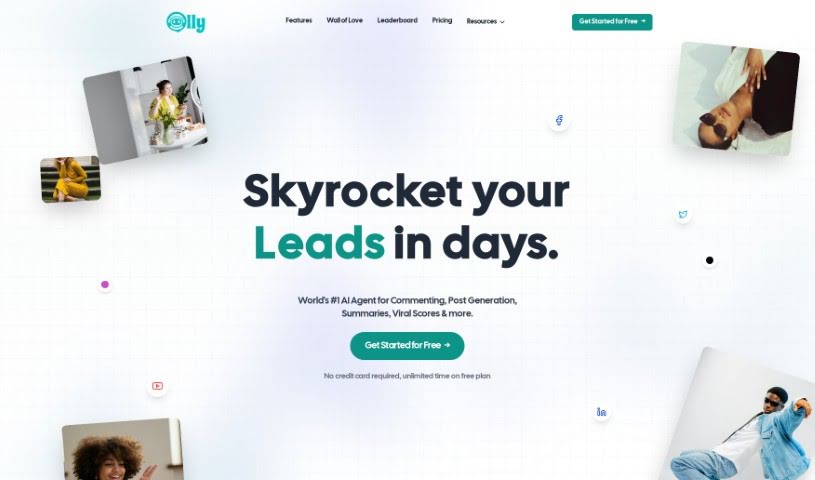
Screenshot of Olly Social

Olly Social

Freemium

Olly Social is an AI-powered Chrome extension for social media that works on LinkedIn, Twitter, Reddit, and Facebook. It generates personalized comments, analyzes why posts perform well, and suggests post ideas based on what is already getting engagement. Its commenting style is adjustable — professional, casual, or funny — so output can match your voice. The extension installs in Chrome and works directly on the supported platforms as you browse them.

Social Media View Tool →
Screenshot of OneCliq

OneCliq

Freemium

OneCliq is an AI assistant for content creators — business owners, marketing agencies, and solo creators. It turns long videos into shorter clips, writes blog posts and social media updates, and adapts content to each platform while keeping your branding consistent. It also analyzes your audience and competitors to make content more relevant.

Social Media View Tool →
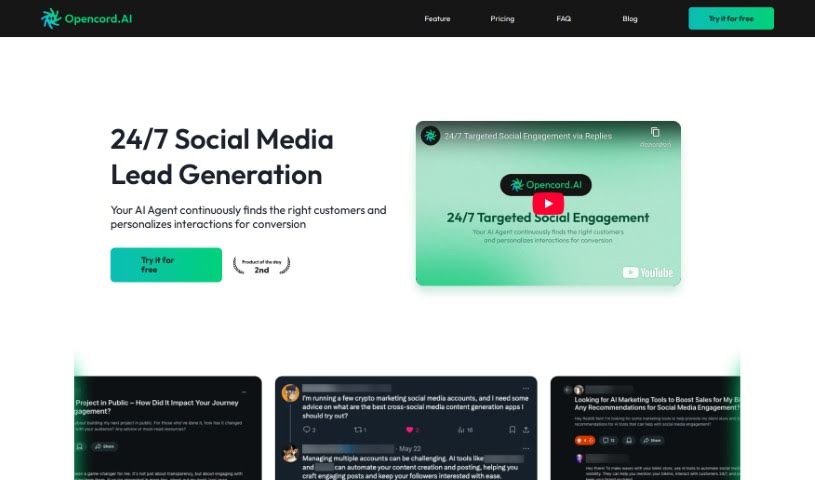
Screenshot of Opencord AI

Opencord AI

Freemium

Opencord AI combines artificial intelligence with networking capabilities. It is designed to boost network performance, automate tasks, and improve operational efficiency, particularly in telecommunications. The platform offers insights and predictions intended to help operators make smarter decisions around efficiency, reliability, and scalability. Its feature set centers on social media management.

Social Media View Tool →
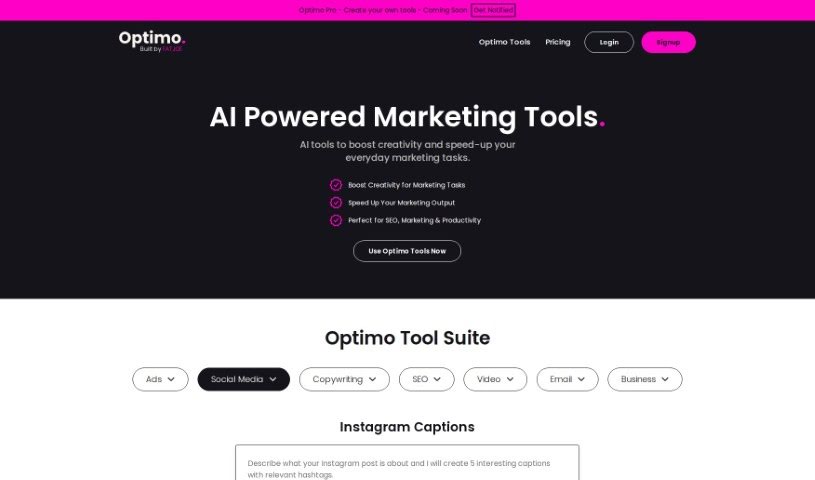
Screenshot of Optimo

Optimo

Freemium

Optimo is a free AI-powered Instagram caption tool created by FATJOE. It generates captions and relevant hashtags for Instagram posts, helping brands maintain their voice and connect with their audience. Over 2,500 people use the tool.

Social Media View Tool →
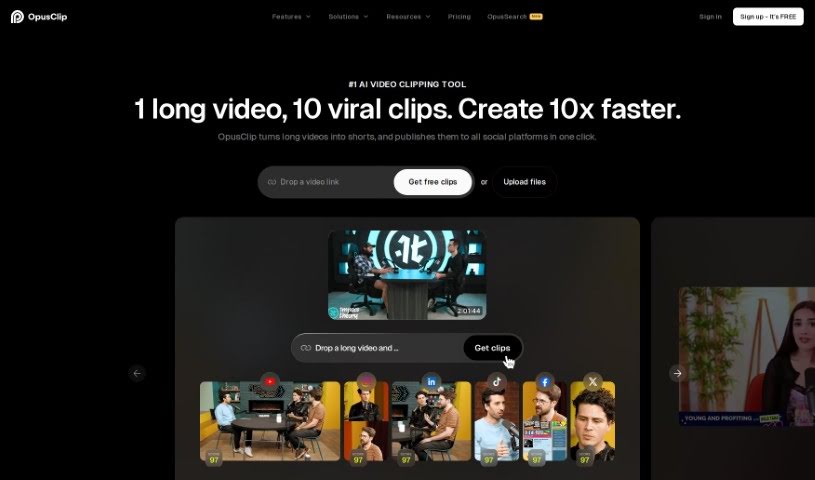
Screenshot of Opus Clip

Opus Clip

Freemium

Opus Clip is an AI-powered tool that helps creators repurpose video content. It turns longer videos into short, shareable clips for platforms like TikTok, YouTube Shorts, and Instagram Reels. Its AI features include ClipGenius™ for picking the best content, an AI Virality Score™ that estimates how well a clip might perform, and Active Speaker Detection for a more polished result. You can also post directly to social media, trim clips quickly, remove filler words for cleaner audio, and it supports over 20 languages and various video resolutions.

Social Media View Tool →
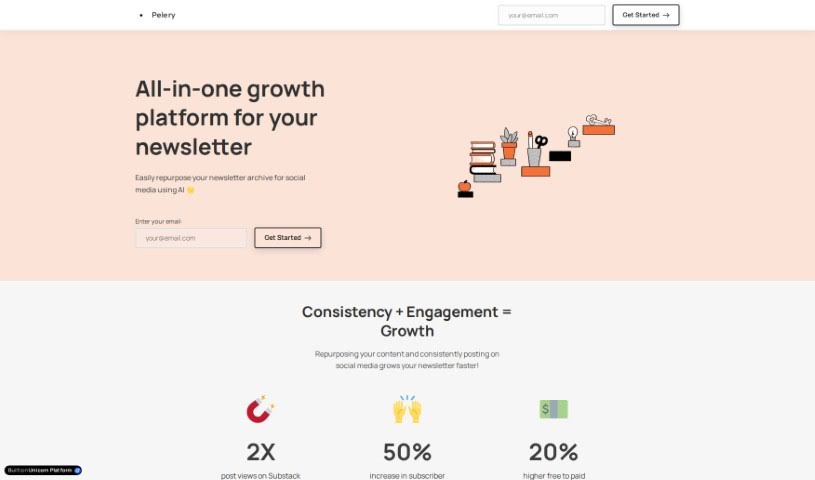
Screenshot of Pelery

Pelery

Freemium

Pelery is an all-in-one platform for repurposing newsletter content into social media posts. Once you link your Substack account, it automatically generates posts you can share across different social media platforms.

Social Media View Tool →
Screenshot of Picmaker

Picmaker

Freemium

Picmaker is a platform that blends AI-powered graphic design with social media management — a combination of Canva and Hootsuite. It helps you create designs and post them across your social media channels, and is built for individuals, small teams, and larger businesses.

Social Media View Tool →
Screenshot of Pikzels

Pikzels

Freemium

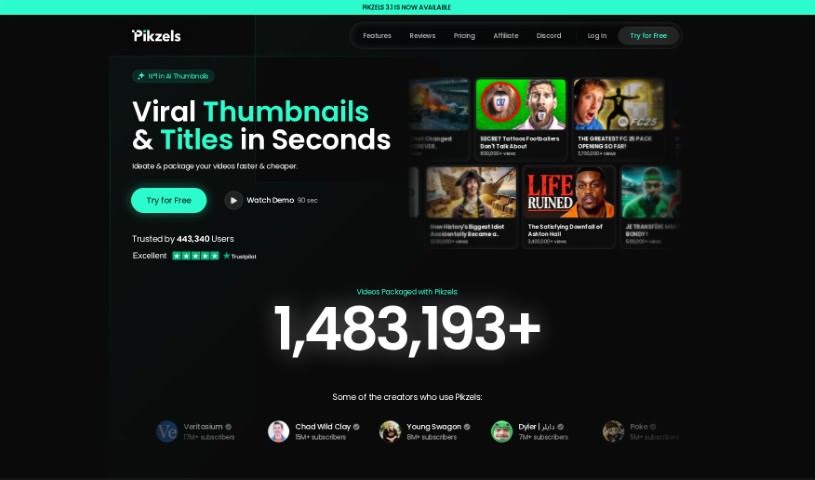
Pikzels is an AI tool for YouTube creators that generates thumbnails from text prompts in under 30 seconds. It gives you full control over the creation process, so you don't need to hire a designer, and it delivers consistent results regardless of your experience level.

Social Media View Tool →
Screenshot of Platformium

Platformium

Freemium

Platformium is a tool that helps you manage all your social media accounts in one place. Once you log into the management panel, you can choose which social media channels to monitor and link up your profiles. Beyond seeing what customers are saying, Platformium helps you understand how they're feeling. Its analytics let you track customer opinions based on topics, behavior, and other specific categories. You also receive weekly updates to stay informed.

Social Media View Tool →
Screenshot of Postboost

Postboost

Freemium

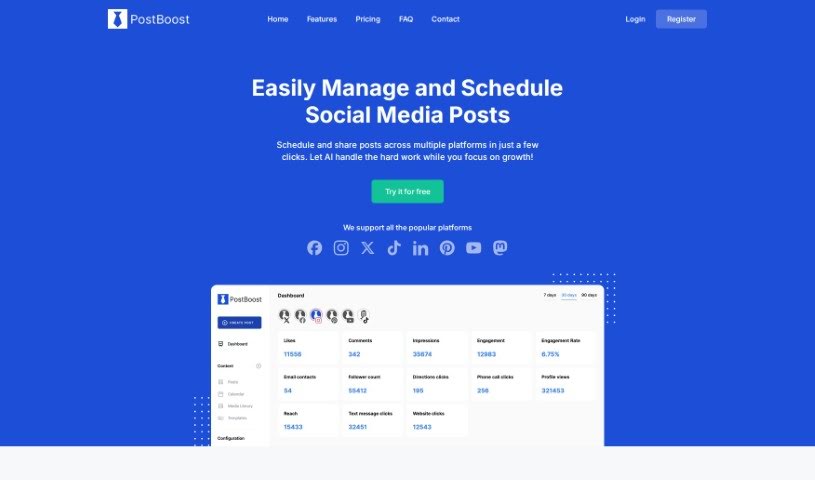
Postboost is a social media management tool for creating, scheduling, and publishing posts across multiple platforms. It includes an AI Assistant for drafting content, analytics for tracking post performance, an integrated scheduling calendar, per-platform post versions managed from one screen, workspaces for organizing multiple brands, and a media library for storing and reusing files. Setup takes about 5 minutes: create an account, add your account details, and publish your first post.

Social Media View Tool →
Screenshot of Postguard

Postguard

Freemium

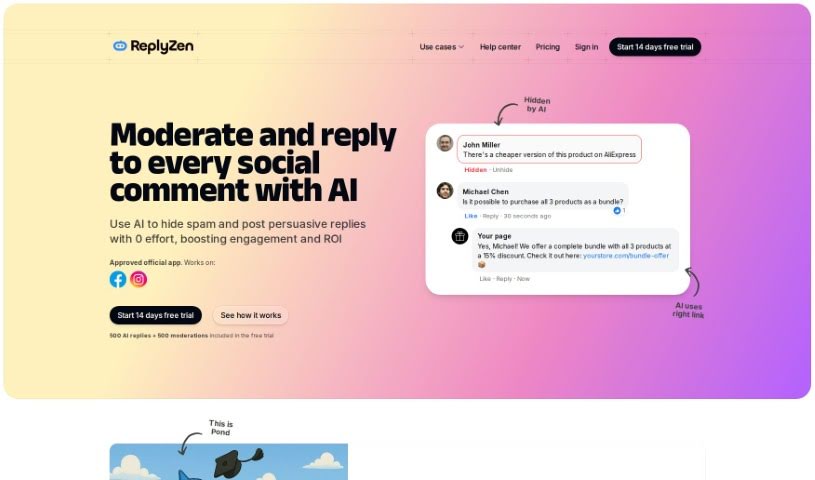
PostGuard is an AI-powered tool that helps businesses manage their social media comments. It can automatically reply to comments, hold replies for review before they go live, hide inappropriate comments, and analyze the sentiment behind what people are saying. It adapts to your brand's voice and social media strategy, making it suitable for businesses of all sizes. It currently works with Facebook, with Instagram support planned. It is multilingual and available via subscription, with different plans to fit different needs.

Social Media View Tool →
Screenshot of Posthunt

Posthunt

Freemium

Posthunt is an AI tool for writing viral tweets. You describe what you want to say, pick a viral template, and the AI blends your content with that template to produce a new tweet. It also generates real-time viral tweets. Users have reported noticeable improvements in engagement rates and post quality, and a 7-day free trial with no credit card required makes it easy to test.

Social Media View Tool →

About Social Media tools

Keeping up with a dozen social accounts while trying to maintain a distinct voice often feels like a non-stop sprint. I remember sitting at my desk late on a Sunday evening, trying to adapt one piece of news into five distinct posts for LinkedIn, X, Instagram, Facebook, and Pinterest, only to realize I’d spent three hours formatting text instead of planning actual strategy. Between monitoring comments, designing eye-catching visuals, scheduling cross-platform updates, and tracking engagement metrics, routine publishing tasks quickly consume your week.

Built for social media managers, digital agencies, creators, and brand strategists, these AI tools act as high-speed social assistants. They draft multi-platform captions, schedule posts for peak activity, and organize incoming messages in seconds.

Cross-Platform Content, Smart Queues, and Engagement

Adapting single ideas into platform-native content takes minutes instead of hours. Rewriting a long-form article or product announcement into a professional LinkedIn update, a punchy X thread, and a visually driven Instagram post usually requires constant tone switching. Modern AI social generators analyze your core message and rephrase it to match the specific formatting, length, and style norms of each individual network.

Automating publishing schedules and discovering peak posting windows keeps your feed active consistently. Manually posting updates throughout the day breaks up your focus and leads to missed opportunities. Intelligent scheduling engines analyze when your specific followers are most active online, placing your content into an automated publishing queue that posts at optimal times across all your connected accounts.

Centralizing audience engagement and comment management saves hours of tab switching. Logging into six different apps just to reply to direct messages and customer comments makes it easy for important inquiries to slip through the cracks. Unified AI inbox tools compile mentions and messages into a single dashboard, auto-categorizing support requests, summarizing long comment threads, and drafting contextual reply suggestions for your review.

Practical Features to Look For:

  • Multi-network caption rephrasing: Tools that adapt one master draft into tailored, platform-native captions with custom hashtag suggestions.
  • Dynamic queue scheduling: Systems that analyze audience activity data to automatically queue and post content during high-engagement windows.
  • Unified social inbox: Software that compiles messages, mentions, and comments across platforms into one dashboard with automated reply drafts.
  • Brand voice and visual guardrails: Features that store your brand colors, fonts, and tone guidelines so generated posts stay consistently on-brand.
  • Performance analytics and sentiment tracking: Dashboards that aggregate cross-channel engagement metrics and monitor audience sentiment trends over time.

Building a loyal online community will always depend on your strategic perspective, human empathy, and creative storytelling. Software can format a caption, optimize a publishing schedule, or organize direct messages, but creating content that truly resonates requires a human touch.

Take a look through the social media tools below to find the right assistant for your team.

The Best AI Social Media Tools

  1. Opus Clip: Makes creating social media videos super easy.
  2. Streamlabs: Helps boost engagement with videos that are set up just right.
  3. Buffer: Simplifies planning your social media content.
  4. FlexClip: Great for making eye-catching videos for social media.
  5. Zeemo AI: Lets you create engaging captions for your social posts.
  6. Simplified: Helps you schedule social media content efficiently.
  7. Tubebuddy: Good for making YouTube thumbnails that get more clicks.
  8. Brandwatch: Offers a complete solution for managing all your social media.
  9. Favikon: Makes it easy to find influencers in specific niches.
  10. Taplio: Helps you boost engagement on LinkedIn without a lot of effort.
  11. Thread Creator: Lets you manage Twitter threads easily.
  12. Agent Gold: Generates titles, summaries and social content for YouTube creators.
  13. Pikzels: Helps you create social media graphics that stand out.
  14. SocialBee: Simplifies scheduling and managing your posts.
  15. Circleboom: Effectively boosts your social media engagement.
New tools, in your inbox.

Weekly picks of the best AI tools we've researched and added — no spam, unsubscribe anytime.

Join 25,000+ AI enthusiasts. No spam, unsubscribe anytime.