AI Tools for Professionals

AI Tools for Professionals

Discover the best Professionals AI tools to enhance your productivity and creativity.

Page 30 of 32 • 384 total tools
Screenshot of Ttcare

Ttcare

Freemium

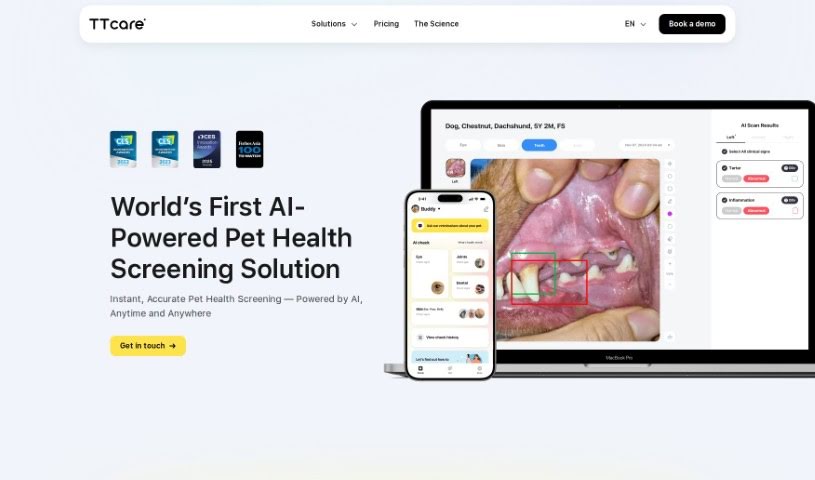
TTcare is a healthcare app for pet owners that provides homecare solutions using AI. It lets you check your pet's health from your smartphone by analyzing photos of their eyes and skin for unusual symptoms. TTcare is a patent-registered medical device software, approved by the Korean Ministry of Agriculture, Food and Rural Affairs. Its goal is to improve preventive care for pets and make veterinary advice and services easier to access.

Professionals View Tool →
Screenshot of Typo

Typo

Freemium

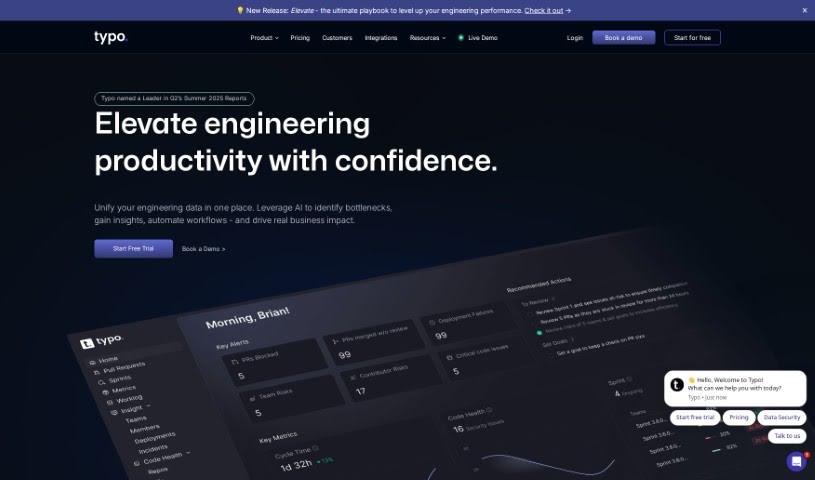
Typo is a tool designed for engineering teams. It provides a clearer view of their work and automates parts of the process, making software delivery smoother and helping teams perform better.

Professionals View Tool →
Screenshot of Ubie

Ubie

Freemium

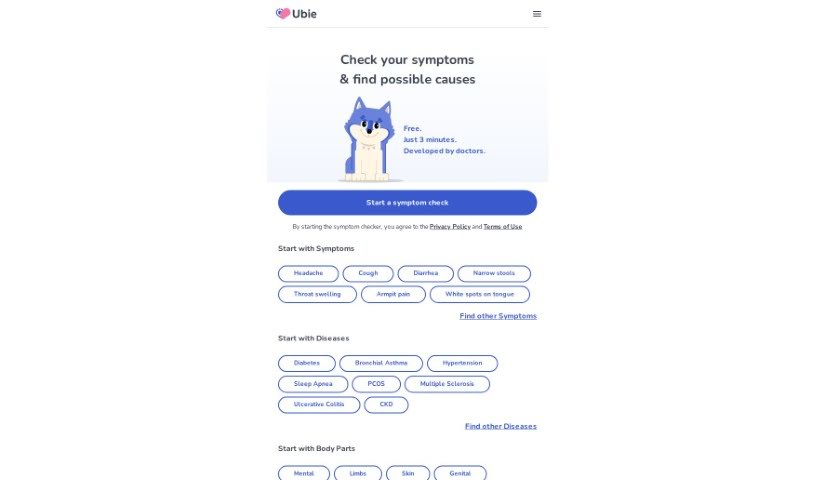
Ubie is an AI platform that helps you understand what might be causing your symptoms. It works as an interactive quiz: you describe your symptoms, and its AI — developed with input from medical professionals — analyzes your answers. It is free to use and can rank potential causes, indicate how serious a condition might be, and suggest treatments, helping you make informed decisions about your health.

Professionals View Tool →
Screenshot of Unlearn

Unlearn

Freemium

Unlearn AI is a California-based company that applies AI to healthcare and drug development. Using generative machine learning, it creates "digital twins" — detailed simulations of individual patients that project a patient's health journey over time. These digital twins forecast how a patient's health might change, estimate treatment effectiveness, and speed up enrollment in AI-powered clinical trials. Unlearn focuses on neuroscience, immunology, and metabolic diseases, where its approach reduces guesswork and makes clinical research more efficient.

Professionals View Tool →
Screenshot of Upheal

Upheal

Freemium

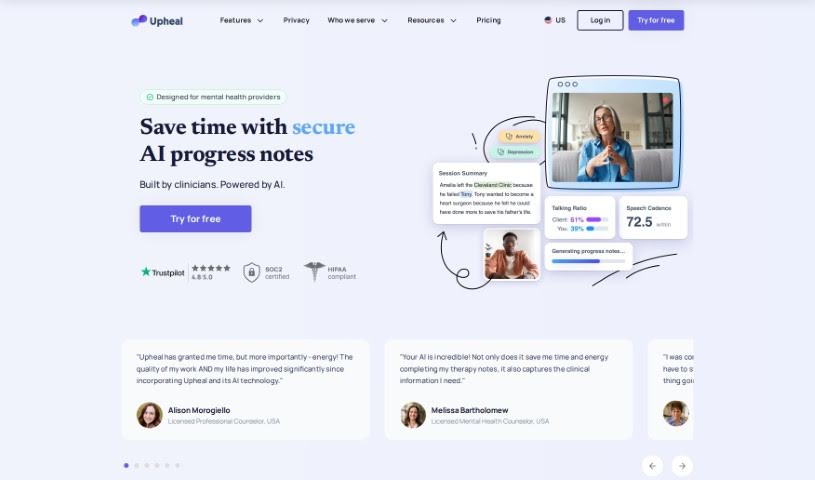
Upheal is a platform built for mental health professionals. It acts as an AI assistant that generates progress notes, creates treatment plans, analyzes sessions, manages scheduling, connects with tools you already use, and supports general practice management. The goal is to make documentation easier, improve therapy sessions, and keep client information safe and private.

Professionals View Tool →
Screenshot of UserTesting

UserTesting

Freemium

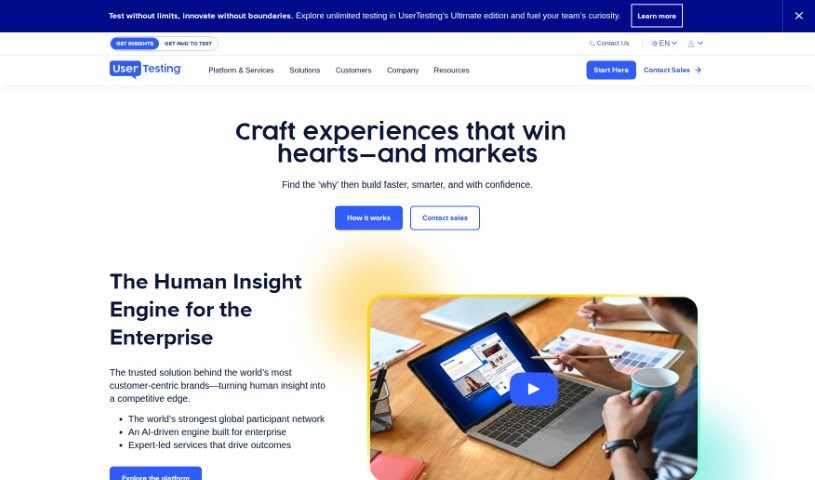
UserTesting AI uses artificial intelligence to analyze multiple data types, including video, audio, text, and user behavior. It helps businesses and researchers uncover insights and contextual information they might otherwise miss.

Professionals View Tool →
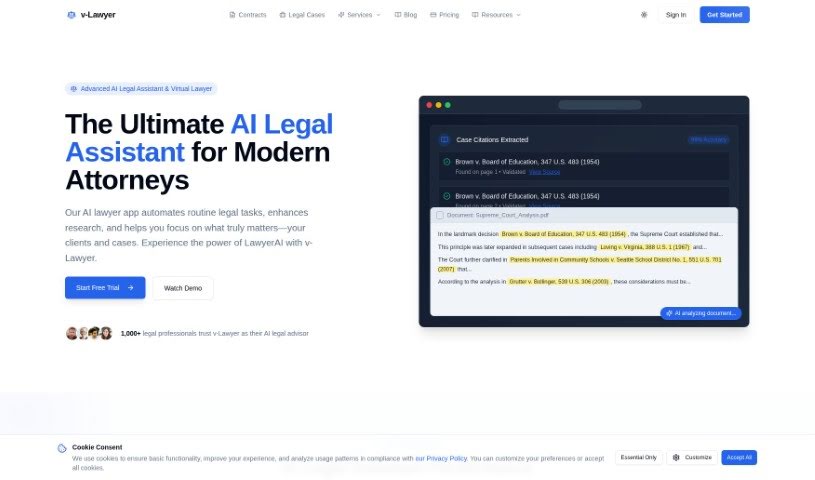
Screenshot of v-Lawyer

v-Lawyer

Freemium

v-Lawyer is an AI-powered tool that makes legal help simpler and more accessible. It serves both professional and personal legal needs, with the goal of helping people understand their rights and make better-informed decisions.

Professionals View Tool →
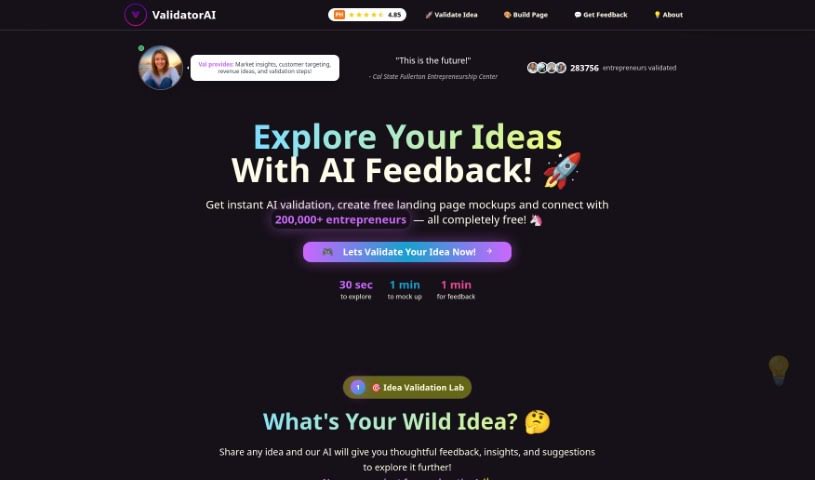
Screenshot of Validator AI

Validator AI

Freemium

ValidatorAI is a platform that gives entrepreneurs instant AI-powered feedback on their business ideas. It analyzes market trends, customer behavior, and industry data to produce detailed reports highlighting the strengths and weaknesses of a business concept, helping you make data-backed decisions and refine your plans. The interface is designed to simplify the validation process and save time.

Professionals View Tool →
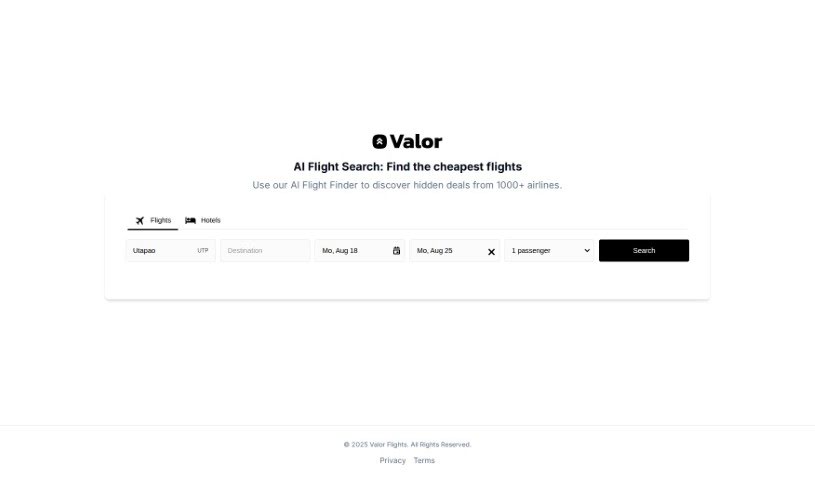
Screenshot of Valor Flights

Valor Flights

Freemium

Valor Flights is a travel service built around an AI Flight Finder that surfaces deals from more than 1,000 airlines. Beyond flight search, it compares flights and hotels side-by-side, arranges taxi and transfer services, and offers eSIMs. Searches often require just a single click, and the platform is designed to surface hidden deals across a wide airline network.

Professionals View Tool →
Screenshot of Velo.ai

Velo.ai

Freemium

Velo.ai is a platform designed to make cycling safer. Its core product, Copilot, uses artificial intelligence to monitor the road around you. Copilot constantly watches your surroundings, spots approaching vehicles, and analyzes how they're behaving. Based on that analysis, it provides a range of safety features.

Professionals View Tool →
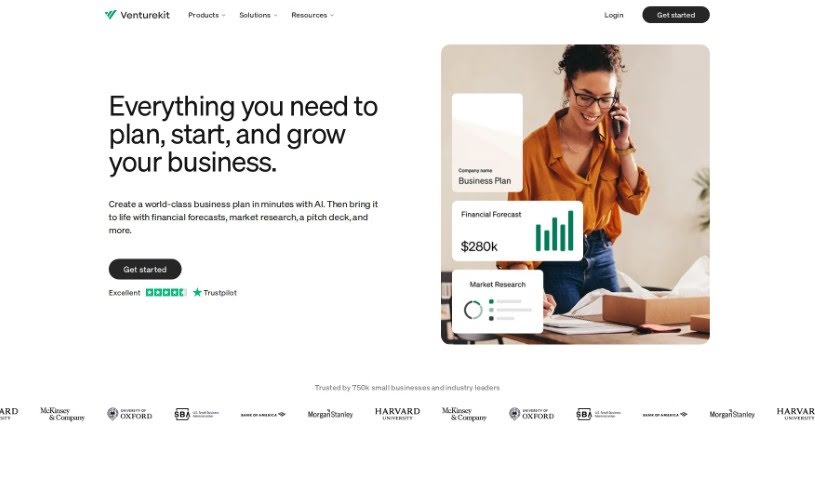
Screenshot of Venturekit

Venturekit

Freemium

Venturekit is an online platform that uses AI to create personalized business plans. It covers a wide range of industries and offers an easy-to-use interface for generating detailed sections such as Executive Summaries, SWOT Analyses, Marketing Strategies, and Competitive Analyses. The AI draws on a large amount of internet data to produce business plan templates with over 30 specific sections, helping users make informed decisions. Venturekit can also generate custom content like blog posts and social media updates, and it offers quick support. Its goal is to make business planning accessible and straightforward for entrepreneurs and small teams.

Professionals View Tool →
Screenshot of VenturusAI

VenturusAI

Freemium

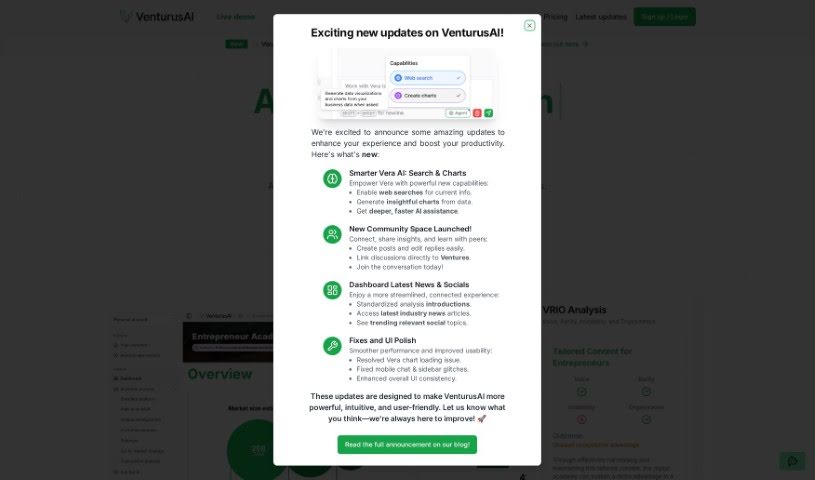
VenturusAI is a platform that helps entrepreneurs and business owners turn their ideas into viable businesses. It uses GPT-3.5 and GPT-4 to provide in-depth business analysis, including SWOT, PESTEL, and Porter's Five Forces assessments. The platform also offers insights into your target customers, suggests tailored business strategies, provides guidance on marketing and branding, and helps you identify new ideas and opportunities to improve your business model.

Professionals View Tool →

About Professionals tools

Juggling admin work, long client threads, market research, and tight deadlines can make any workday feel chaotic. Between sorting through endless email chains, drafting client reports, prepping for back-to-back meetings, and staying current on industry trends, routine desk work easily swallows your strategic focus.

Built for consultants, business analysts, managers, and corporate strategists, these platforms act as high-speed executive assistants. They synthesize research, draft clear communications, and handle routine data analysis in seconds without replacing your industry expertise or professional judgment.

Research Synthesis, Client Communications, and Status Tracking

Synthesizing market research and long reports takes a fraction of the usual effort. Reading through a fifty-page industry analysis or a dense compliance document to pull out key metrics used to take hours. Intelligent research tools parse complex files, extract key trends, and generate executive summaries with direct source citations, giving you accurate data for your next meeting without manual scanning.

Drafting clear client communications and internal updates becomes much faster, too. Finding the right tone for an important pitch, a delicate project update, or a detailed proposal takes careful thought. AI writing assistants help turn quick bullet points into polished emails, client proposals, and executive memos, keeping your communication clear across the organization.

Automating data analysis and status tracking keeps projects moving on schedule. Keeping project boards updated while pulling insights from scattered team spreadsheets often leads to administrative bottlenecks. Smart workspace tools analyze data sheets, flag project risks, and summarize meeting action items automatically—letting you spend more time driving results and less time tracking status.

Useful Features for Knowledge Workers:

  • Document synthesis with citations: Systems that read long reports, PDFs, and spreadsheets to provide cited summaries and key takeaways.
  • Contextual tone customization: Settings that adapt drafts to match formal corporate communications, client pitches, or internal team updates.
  • Enterprise data security: Platforms built with strict encryption models that guarantee proprietary business records remain confidential.
  • Seamless workspace integrations: Extensions and plugins that work directly inside your existing email clients, document editors, and project boards.
  • Automated meeting intelligence: Tools that record call transcripts, highlight key decisions, and assign follow-up action items automatically.

A successful career will always depend on critical thinking, personal integrity, and relationship-building skills. Software can summarize a report or analyze a spreadsheet, but making crucial business decisions and leading teams requires human experience.

Take a look through the tools below to streamline your daily desk work.

The Best AI Professionals Tools

  1. Google Labs: for an AI assistant for project management tasks.
  2. UserTesting: for improving workflow tools to make users happier.
  3. What Font Is: for finding fonts in client design projects.
  4. vLex: for automating legal research.
  5. Forms.app: for making client feedback collection simpler.
  6. CrowdStrike: for endpoint protection for teams working remotely.
  7. Flyhomes: for thorough market analysis.
  8. Katalon: for automating tests for professional software tools.
  9. BlockSurvey: for easier team collaboration on surveys.
  10. Viact: for AI-powered tools tracking and management.
  11. 15-Minute plan AI: Generates presentation-ready business plans.
  12. Hiver: for simpler team email collaboration.
  13. Gamma.AI: for real-time collaboration alerts.
  14. REimagine Home: for AI space planning for real estate professionals.
  15. ReRender AI: for smooth integration with design software.
New tools, in your inbox.

Weekly picks of the best AI tools we've researched and added — no spam, unsubscribe anytime.

Join 25,000+ AI enthusiasts. No spam, unsubscribe anytime.