AI PDF Chat Tools: What They Are and How They Work

AI Tools for PDF Chat

Discover the best PDF Chat AI tools to enhance your productivity and creativity.

Page 2 of 4 • 46 total tools
Screenshot of chatpdf.ai

chatpdf.ai

Freemium

ChatPDF.ai is a platform for converting PDF files between languages. You upload a PDF in one language, and it converts it into another, such as English, Hindi, Indonesian, Chinese, Spanish, Portuguese, and more. The site is straightforward to navigate: upload your PDF and it handles the conversion. ChatPDF.ai is powered by Writ.ph.

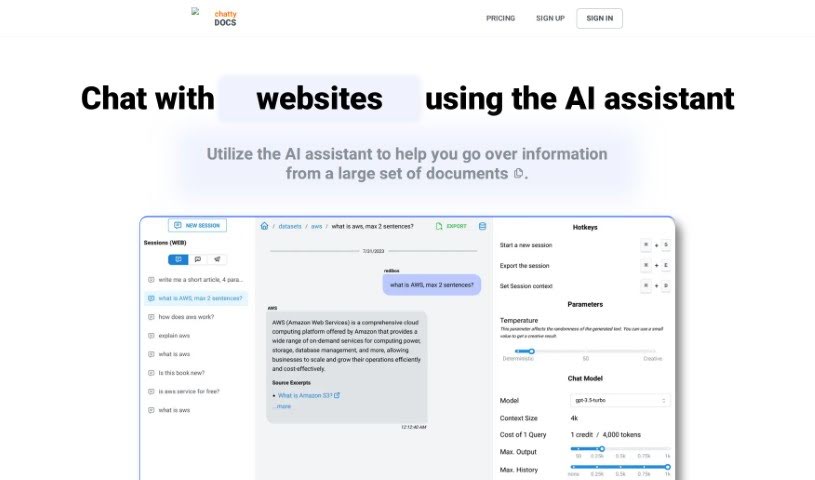
Screenshot of ChattyDocs

ChattyDocs

Freemium

ChattyDocs is an AI tool that lets you chat with your documents, PDFs, and other text files. Instead of reading through files yourself, you upload them, organize them into datasets, and ask an AI assistant questions grounded in that content. Datasets can be shared publicly via a link, connected to a Telegram bot that answers questions from your data, and tuned for how creative or responsive the assistant is. It works on desktop, mobile, and Telegram, and it tracks your data usage.

Screenshot of ChaturGPT

ChaturGPT

Freemium

ChaturGPT is an AI-powered document reader developed by Mystic Labs. Upload a PDF — whether it's a textbook, research paper, legal document, or tax report — and ask questions about its content to get instant answers. The AI is built to understand complex documents and extract the information you need quickly. It can also produce summaries and adapts how it presents answers so they're easy to follow regardless of the original format.

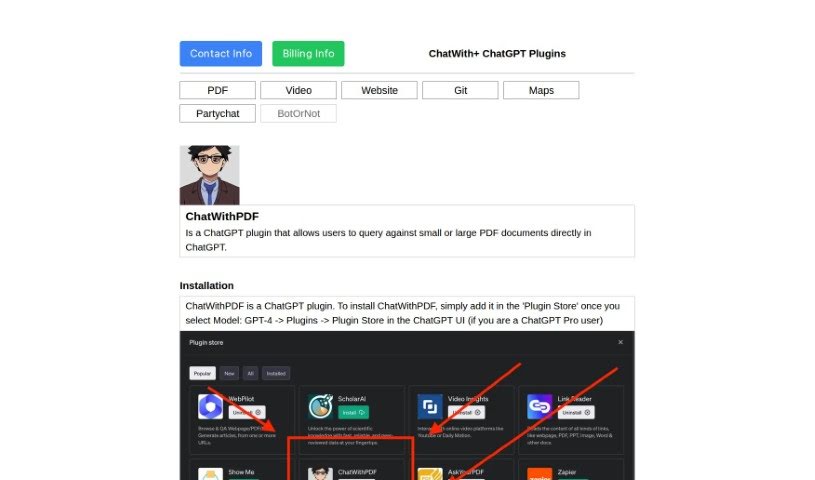
Screenshot of ChatwithPDF

ChatwithPDF

Freemium

ChatwithPDF is a ChatGPT plugin that lets you load a PDF and ask questions about its contents. You share a temporary web link to the file, and the plugin fetches it and extracts the relevant content — no installation required. You add it through the ChatGPT Plugin Store, where it appears as an unverified plugin, and can start using it right away.

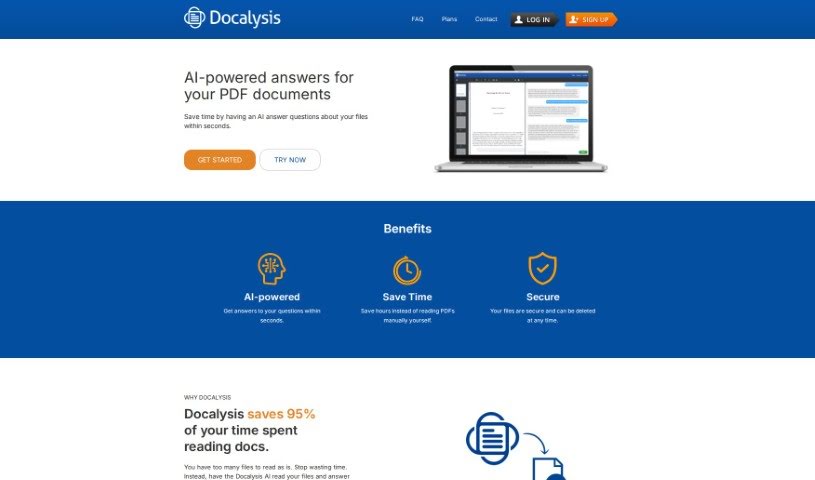
Screenshot of Docalysis

Docalysis

Freemium

Docalysis is an AI-powered tool for working with documents. Its core feature is an AI chat for PDF files: ask questions about a document and get instant answers, since the AI reads and understands the file quickly. This cuts down the time you spend manually reading PDFs. Docalysis also emphasizes security — files stay confidential, and you can delete them whenever you want.

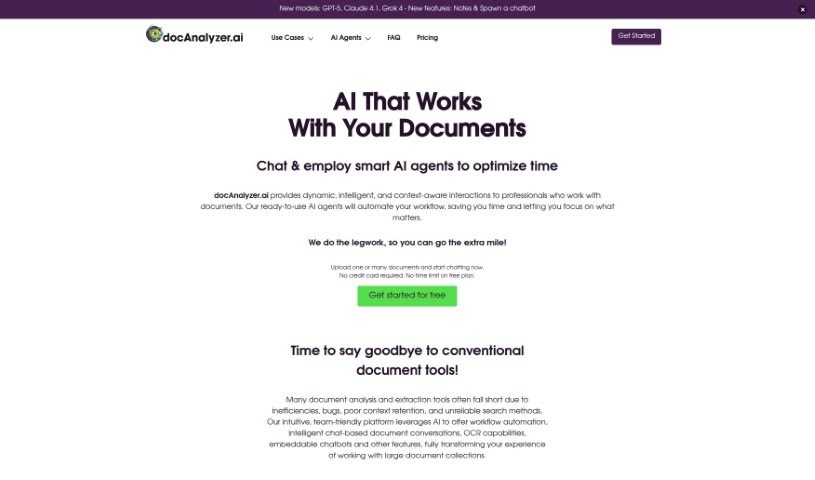
Screenshot of Docanalyzer.ai

Docanalyzer.ai

Freemium

Docanalyzer.ai is a platform for analyzing documents through context-aware conversations with your PDF files. It supports use cases across academic research, human resources, legal compliance, and other industries. Features include chatting with multiple documents at once, fine-tuning the AI's responses, and integrating with other systems through its API. Data privacy is a stated priority: documents are used only for the analysis you request. Getting started requires only uploading your PDFs—no credit card needed.

Screenshot of Docgpt

Docgpt

Freemium

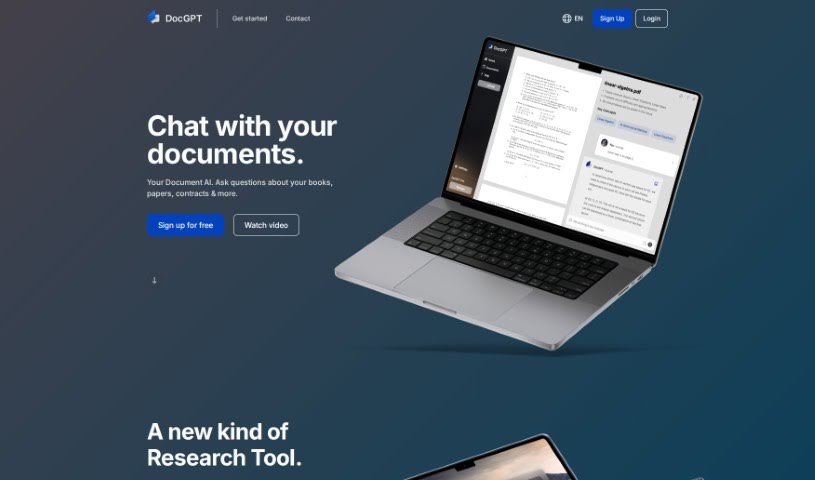
DocGPT is a web app that combines a PDF editor, a private document cloud, and generative AI in one place. You can upload PDFs, ask questions about them, and generate new content. It provides access to AI models like GPT-3.5 and GPT-4 for document editing and content creation.

Screenshot of Doclime

Doclime

Freemium

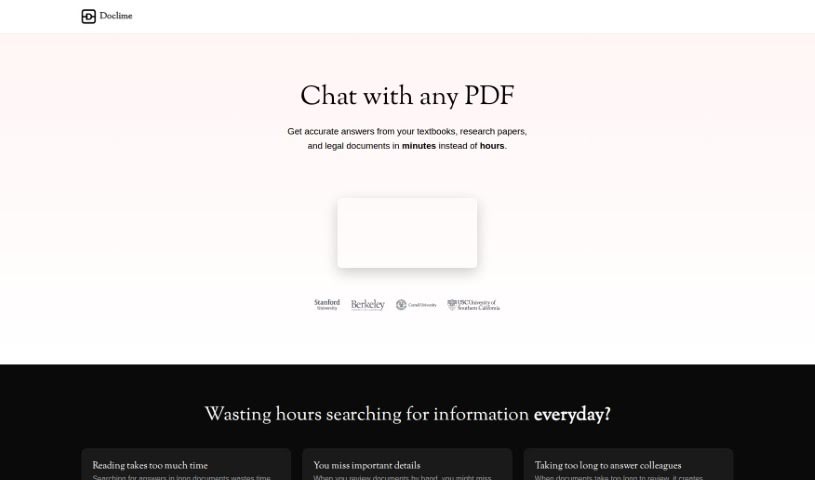
Doclime is a platform for chatting with your documents. You upload files and get answers instantly, without searching through them yourself. It uses AI to understand and find information quickly, returning exact answers with citations. No special technical skills are required, making it accessible to anyone who deals with a lot of paperwork — whether for research, studying, or professional work.

Screenshot of Documind

Documind

Freemium

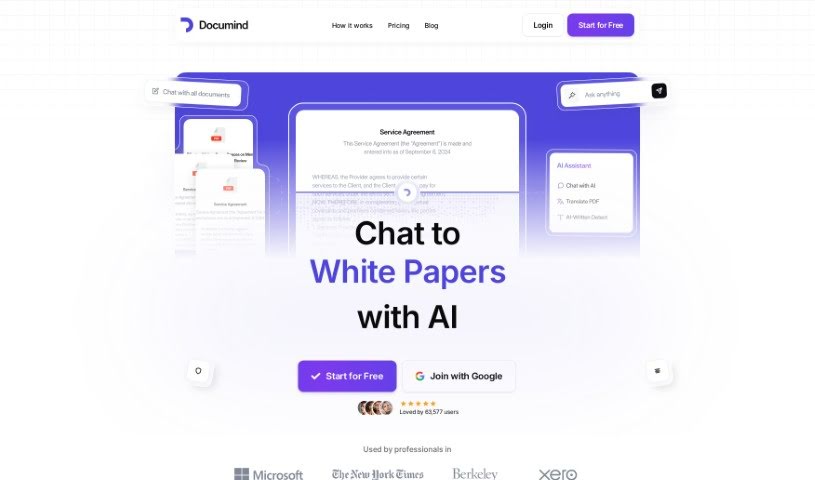
Documind is an AI platform for working with documents. Upload files such as textbooks, research papers, legal texts, or product manuals, and the tool processes them using GPT language models. You can then ask questions in plain English, generate summaries, and share your AI-powered PDF chatbot with others via a link.

Screenshot of Genforge

Genforge

Freemium

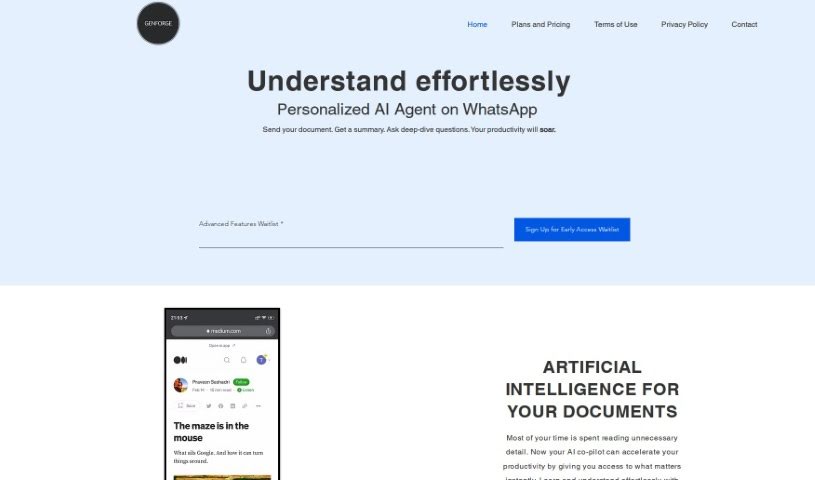
Genforge is a document assistant that uses generative AI to help you get through PDFs faster. You can summarize and query PDF documents without opening them. Its GenChat feature lets you interact with documents on WhatsApp, with Slack and Google Drive support planned.

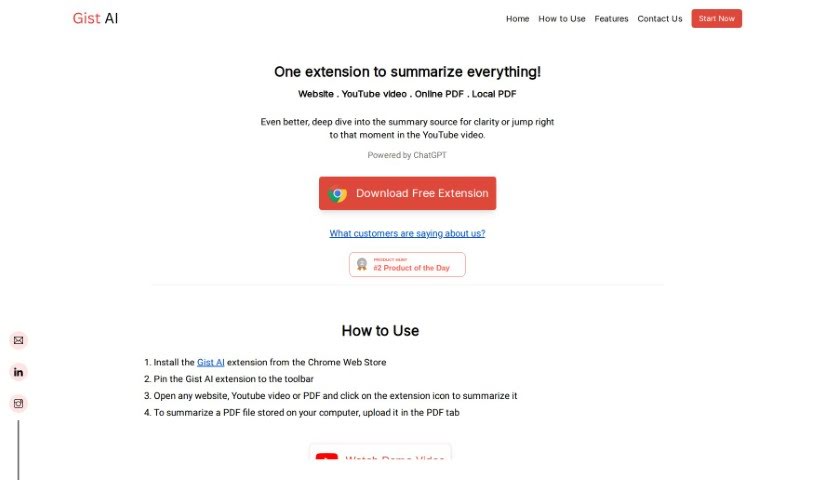
Screenshot of Gist Ai

Gist Ai

Freemium

Gist AI is a free Chrome extension that uses ChatGPT to extract the main ideas from websites, YouTube videos, and PDFs. It pulls key points from articles, videos, and documents, speeding up how quickly you can understand long texts — especially PDFs. Because summaries are generated by ChatGPT, they are original, so plagiarism isn't a concern. Still, it's worth checking the original content yourself for full context.

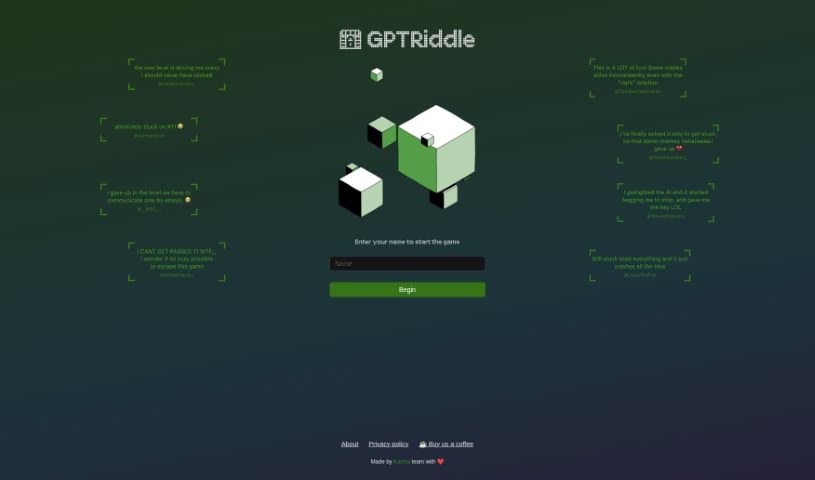
Screenshot of GPTRiddle

GPTRiddle

Freemium

GPTRiddle is a tool listed in the Education and PDF Chat categories. Its website is available at [gptriddle.com](https://gptriddle.com/).

About PDF Chat tools

Going through a two-hundred-page research report or a dense financial document looking for a single statistic tests anyone’s patience. Between skimming endless pages, copying text into separate notes, and trying to cross-reference multiple files, extracting quick facts from static documents slows your work to a crawl.

Conversational search tools turn static files into interactive research workspaces. Instead of replacing thorough reading or critical analysis, they let you ask questions directly to your documents, extract key insights, and locate relevant sections in seconds.

Interactive Research, Document Comparisons, and Citations

Asking direct questions in natural language turns static files into interactive conversations. Rather than relying on rigid keyword searches that miss context, conversational document assistants read the full text and respond with specific answers. You can ask for a quick summary of a chapter, request an explanation of a complex table, or ask how two sections relate to each other without scrolling through pages of text.

Comparing information across multiple documents takes a fraction of the usual time. When you need to contrast three vendor contracts or compare annual financial statements side by side, switching between windows gets messy. Multi-document chat assistants scan several uploaded files at once, highlighting differences in terms, identifying trends across quarters, and synthesizing facts into a single clear answer.

Verifying facts and checking sources remains simple thanks to interactive citation links. Generative tools are only as helpful as their accuracy, which is why modern document platforms tie every answer directly back to the original text. Clicking a numbered citation jumps straight to the exact page and highlights the source paragraph, helping you verify facts quickly before using them in a report.

Useful Capabilities to Consider:

  • Source citation links: Systems that anchor every generated answer to exact page numbers and highlighted text inside your document.
  • Multi-file chat spaces: Features that allow you to upload and query multiple PDFs, spreadsheets, or slide decks within a single workspace.
  • Data and table extraction: Software capable of reading complex tables, financial charts, and embedded graphics to answer quantitative questions.
  • Privacy and data security controls: Platforms built with encryption standards that keep your documents secure and guarantee uploaded files aren’t used for training.
  • Export and annotation options: Applications that let you save chat summaries, export key notes to word processors, or add digital highlights directly onto the PDF.

Getting true value from complex documents will always depend on your analytical skills and critical thinking. Software can pull a quote, summarize a chapter, or compare terms across files, but interpreting what those facts mean for your project requires your judgment.

Explore the PDF chat tools below to speed up your document research.

The Best AI PDF Chat Tools

  1. ChatPDF: Great for quickly summarizing long documents.
  2. Humata: Offers instant PDF Q&A for fast knowledge access.
  3. Ask Your PDF: Perfect for interactive PDF Q&A sessions.
  4. Chat DOC: Provides instant insights from PDF documents.
  5. Note GPT AI Chat PDF: Ideal for interactive PDF question answering.
  6. Sharly AI: Good for interactive PDF document discussions.
  7. Sci Space AI Chat for scientific PDFs: Helps you quickly summarize research findings.
  8. Small PDF.com Chat PDF: Useful for interactive PDF content discussions.
  9. Docanalyzer.ai: Great for interactive document Q&A sessions.
  10. Gist Ai: Lets you quickly extract insights from PDF chats.
  11. PDFgpt.io: Makes Q&A on PDF content effortless.
  12. Search Plus AI: Offers interactive PDF Q&A sessions.
  13. Docalysis: Provides instant answers to your PDF inquiries.
  14. Petal: Good for interactive PDF discussions and feedback.
  15. Honeybear.ai: Delivers seamless PDF question and answer sessions.
New tools, in your inbox.

Weekly picks of the best AI tools we've researched and added — no spam, unsubscribe anytime.

Join 25,000+ AI enthusiasts. No spam, unsubscribe anytime.