What is Documind?
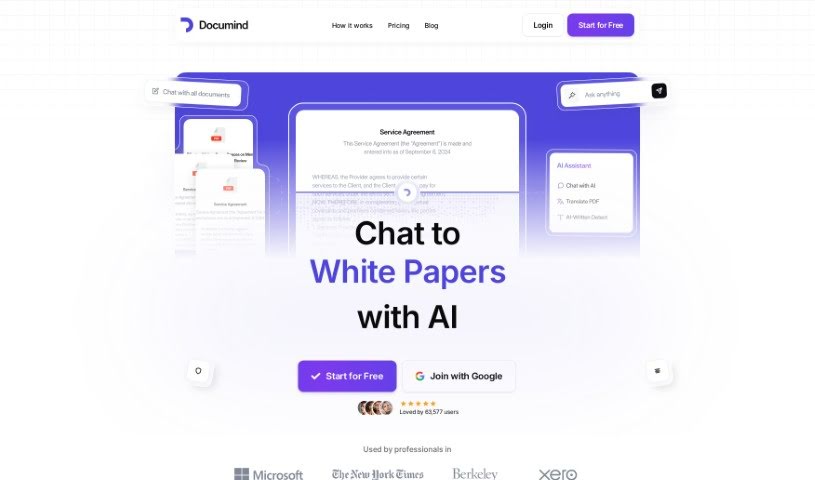
Documind is a platform that uses AI to help you work with your documents. You can upload all sorts of files – think textbooks, research papers, or even product manuals. The AI, specifically using GPT language models, then processes these documents. What does that mean for you? It means you can ask questions in plain English and get natural-sounding answers. Plus, it can whip up quick summaries of whatever you’ve uploaded. Pretty neat, right? You can even share your AI-powered PDF chatbot with others by creating a simple link.
What can you actually do with it? Well, it’s got a handy Q&A function, it can summarize documents for you, and you can even build your own chatbot from your files. It also handles uploading multiple documents at once, which is a real time-saver. The whole thing is designed to be super easy to use, whether you’re a student trying to get your head around a tough subject, a professional needing to analyze reports, or a business looking to make sense of complex information faster. Documind also takes data security seriously, sticking to the EU’s General Data Protection Regulation (GDPR) standards. They offer different pricing plans, too, with varying limits on how many documents you can upload, API access, and other features to suit different users.
Who created Documind?
Documind was actually started by Daniel, who’s both a startup founder and a teacher. It first launched on May 18, 2023. The company’s main goal is to help professionals and students get more done by offering AI tools that can summarize information, create reports, and answer questions directly from documents. To help everyone out, Documind has a few different plans designed for students, professionals, and businesses. These plans can include access to advanced AI models like GPT-4o, API access for developers, the ability to create your own chatbots, and support for many different languages.
What is Documind used for?
Documind can be a real workhorse for a variety of tasks:
- Generate Reports: Need to compile information? Documind can help.
- Summarize Documents: Get the key takeaways from long texts quickly.
- Ask Questions: Get direct answers from your uploaded files.
- Write Essays: Use it as a research assistant for your writing.
- Create a Chatbot: Train a chatbot on your own documents for easy access to information.
- Summarize Long Textbook PDFs: Make studying more manageable.
- Study Better: Get quick explanations and summaries to aid your learning.
- Simplify and Summarize Legal Texts and Academic Journals: Cut through dense information.
- Enhance Work in Academia: Synthesize information from various sources efficiently.
- Sift Through Technical and Educational Documents Quickly: Find what you need without the lengthy read.
- Summarize Documents: A core function for getting the gist of anything.
- Enhance Academic Work: Combine insights from multiple sources to strengthen your research.
- Quickly Sift Through Technical and Educational Documents: Save time on research.
- Ask Questions from Documents: Engage directly with your material.
- Work with Teachers: Use simple documents to collaborate or get explanations.
- Improve Work with Assignments: Tackle assignments faster and more effectively.
- Improve Work with Simple Documents: Make everyday document tasks easier.
Who is Documind for?
Documind is a great tool for a wide range of people:
- High Achiever Students: Those looking to get ahead and study smarter.
- Ambitious Professionals: People aiming for peak performance in their careers.
- Top Performer Businesses: Companies focused on efficiency and data-driven insights.
- Students: Anyone needing help with coursework and research.
- Professionals: Individuals who regularly work with documents and need quick analysis.
- Teachers: Educators looking for tools to aid their students or prepare materials.
- Startup Founders: Entrepreneurs needing to process information efficiently.
- Education Administrators: Those managing educational resources and student success.
- Academic Researchers: Scholars needing to analyze large volumes of text.
- Legal Professionals: Individuals who deal with complex legal documents.
- Startup Founder & Teacher: (Specifically Daniel, but applicable to others with this dual role).
- Education Administrator: (A broader category within education management).
- Professionals dealing with legal texts and academic journals: A specific group benefiting from its summarization and Q&A features.
How to use Documind?
Getting the most out of Documind is pretty straightforward. Here’s a simple guide:
- Sign Up: First, you’ll need to create an account on the Documind website. It’s usually a quick process.
- Upload Your Files: Once you’re in, upload the documents you want to work with. This could be anything from textbooks and research papers to product manuals.
- Process with AI: Let the AI do its magic! It will process your documents, and you can get summaries with just a single click.
- Ask Away: Now for the fun part – ask your questions in plain language. The system is designed to give you answers that sound like they came from a person.
- Chat It Up: Really dive into the Q&A feature. It’s great for having a back-and-forth conversation with your documents.
- Share Your Chatbot: Want to let others tap into your documents? Just generate a shareable link for your PDF chatbot.
- Customize for Your Team: If you’re in a larger organization, you can set up custom chatbots for different departments, complete with admin roles and hierarchies.
- Explore Features: Make sure to check out all the handy features, like the document chatbot capability, the ability to upload multiple documents at once, and support for various file types.
- Stay Secure: You can upload your documents with confidence, as Documind adheres to the EU’s GDPR regulations for data security.
- Pick Your Plan: Documind offers different pricing options. There’s a free plan with 20 PDF uploads, and then more advanced plans with extra features and higher limits if you need them.
By following these steps, you can really make Documind work for you, making document analysis much simpler and boosting your productivity across the board.