Bringing a still photo or graphic to life used to take hours of painstaking frame-by-frame animation or complex visual effects work. Whether you want to turn a product picture into an eye-catching video ad, animate a character concept, or add subtle motion to a website background, setting up manual keyframes drains your time and budget fast.
Think of the image-to-video tools in this category as motion design assistants. They don’t replace directorial judgment or narrative storytelling, but they transform static artwork and photographs into fluid video clips in just a few minutes.
Animating Stills for Socials, Teasers, and Backgrounds
Creating video content for social channels gets much faster when you start from a finished still image. Instead of setting up studio lights, hiring a camera crew, or spending days in editing software, you can take existing photos and apply realistic movement. Add camera pans, subtle facial expressions, or environmental motion like flowing water and drifting clouds with a few simple clicks.
Pre-visualization and storyboarding for larger film and ad projects see immediate speed improvements, too. Testing visual pacing or building a concept teaser before full production begins can get expensive fast. Image-to-video generators allow directors and concept artists to convert static storyboard frames into moving preview clips, helping production teams visualize scene timing long before stepping onto set.
Giving old visual assets new life is another huge advantage. Digital media folders are often packed with great photography and graphics that get used once and forgotten. Converting those static images into short looping videos, dynamic product teasers, or animated social posts gives your existing creative library fresh engagement on video-first platforms like Instagram, TikTok, and YouTube.
Practical Features to Look For:
- Camera movement controls: Settings that let you direct specific camera paths like panning, zooming, orbiting, or tilting around your subject.
- Motion brush and area masking: Tools that give you precise control over which parts of the image move while keeping the rest perfectly still.
- Text-guided motion prompts: Features that allow you to describe specific movements, speed changes, or visual actions using plain English instructions.
- Seamless video looping: Controls that render smooth, repeating animations ideal for website headers, digital signage, and social graphics.
- HD video exports: Rendering options that deliver crisp 1080p or 4K resolution suitable for professional marketing campaigns.
Captivating video will always depend on pacing, mood, and thoughtful visual direction. Software can animate pixels and simulate physical movement, but knowing what story to tell and how to connect with your audience remains your job.
Take a look through the tools below to start animating your visual library.
- Invideo AI AI Image to Videos: Great for turning product images into ads.
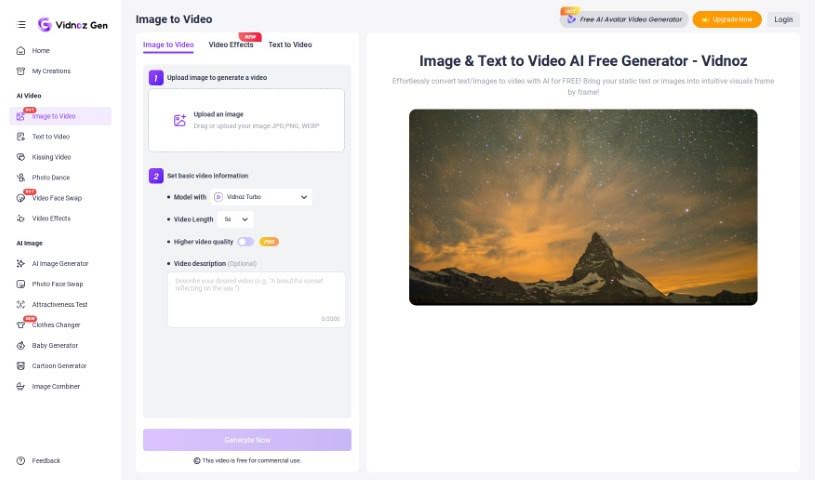
- Vidnoz AI Image to Video: Perfect for transforming photos into engaging videos.
- Haiper AI: Use this to transform images into captivating videos.
- Canva Photo to Video Converter: Ideal for creating marketing promotional videos.
- Getimg.ai AI Image to video: Transforms artwork into dynamic videos.
- Artificial Studio: Turns still images into captivating videos.
- Kapwing AI Image to Video: Use it for creating social media posts from images.
- Steve.ai Photo Video Maker: Good for social media content creation.
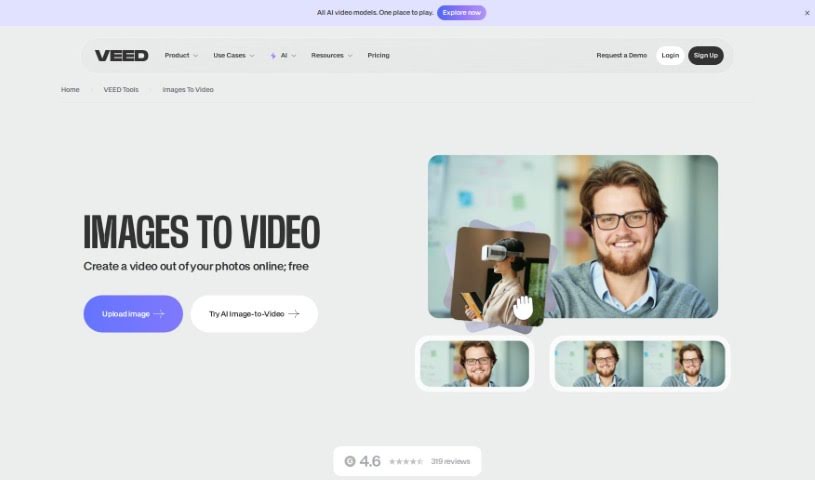
- VEED Image to Video: Helps create animated social media posts.
- ArtificialStudio: Bundles image, video, audio and 3D creation in one platform.
- Biteable Image to Video: Turns photos into engaging slideshows.
- Simplified AI Image to Video: Transforms slideshows into dynamic videos.
- Fancy Tech: Use this to transform product photos into dynamic videos.
- Twinsync: Modifies existing videos with lip sync, face shift and video chat.
- Mind Video: Turns still images into dynamic videos.