AI Image Generation Tools

AI Tools for Image Generation

Discover the best Image Generation AI tools to enhance your productivity and creativity.

Page 30 of 33 • 392 total tools
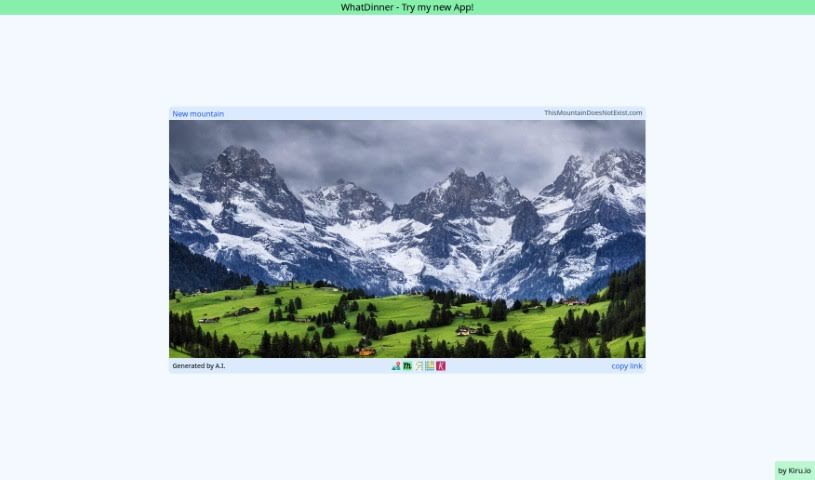
Screenshot of Thismountaindoesnotexist

Thismountaindoesnotexist

Freemium

ThisMountainDoesNotExist.com creates images of mountains that don't actually exist. The pictures are generated by AI algorithms, and refreshing the page produces a brand new mountain image each time. The site's purpose is to demonstrate how convincing AI-generated imagery can be, even for subjects that don't exist in the real world.

Image Generation View Tool →
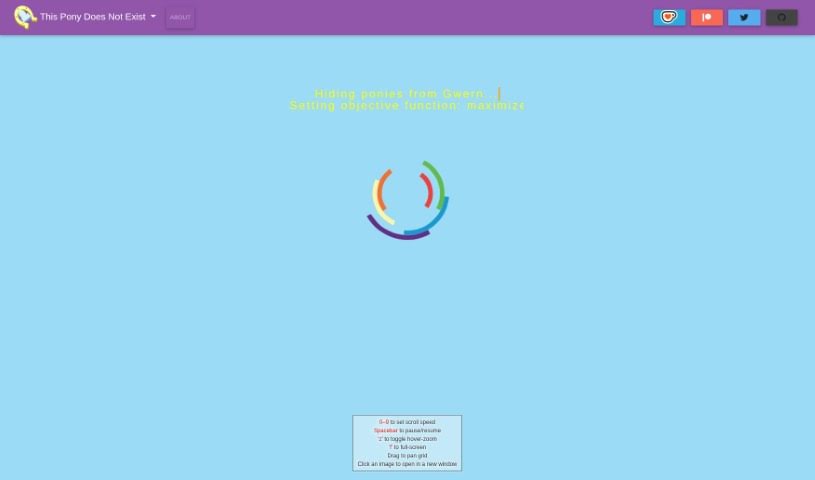
Screenshot of Thisponydoesnotexist

Thisponydoesnotexist

Freemium

Thisponydoesnotexist is a website displaying pony portraits generated by a StyleGAN 2 neural network. Visitors see a scrolling grid of cartoon-style pony faces that don't exist in real life — each image is generated randomly and is unique. JavaScript must be enabled in your browser to view the images.

Image Generation View Tool →
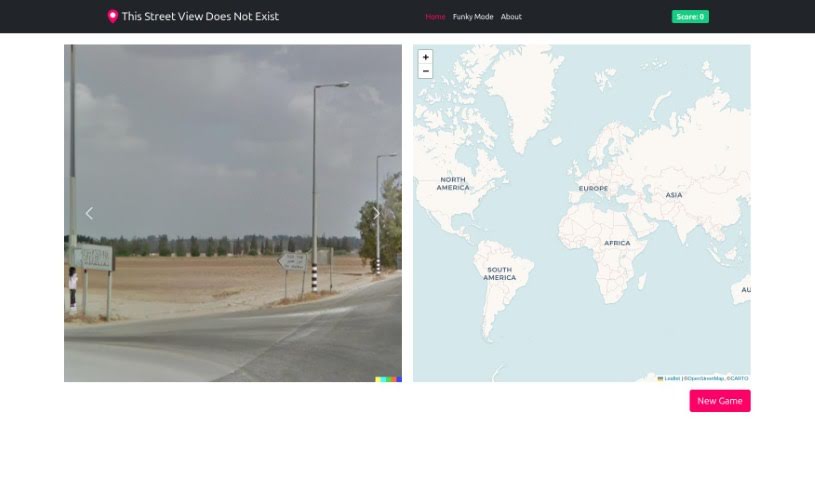
Screenshot of Thisstreetviewdoesnotexist

Thisstreetviewdoesnotexist

Freemium

"This Street View Does Not Exist" is a website that lives up to its name: it showcases street view images that aren't real. Following the concept of "This Person Does Not Exist," it displays AI-generated, entirely fictional street scenes that you can explore directly in your browser.

Image Generation View Tool →
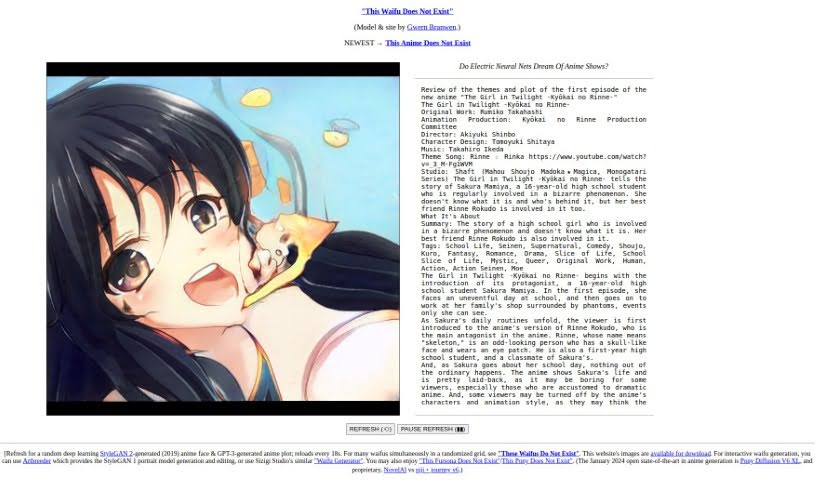
Screenshot of Thiswaifudoesnotexist

Thiswaifudoesnotexist

Freemium

"This Waifu Does Not Exist" is a project by Gwern Branwen that uses a StyleGAN 2 neural network to generate random anime faces, then sharpens them with waifu2x. Images are drawn from a pool of 100,000 possibilities, so every page load or refresh produces a new face. The site also links to "This Anime Does Not Exist," a similar site that uses StyleGAN2-ext to generate anime characters.

Image Generation View Tool →
Screenshot of Thumbmachine

Thumbmachine

Freemium

Thumbmachine is an AI-powered tool built for creating video thumbnails and advertising creatives. It includes features such as Thumbnail Design, Text-to-Image, Background Remover, and an AI Image Creator, and works on virtually any device. The platform runs on servers, so there is nothing to download or install, and it provides access to a collection of free background images.

Image Generation View Tool →
Screenshot of Thumbnail AI

Thumbnail AI

Freemium

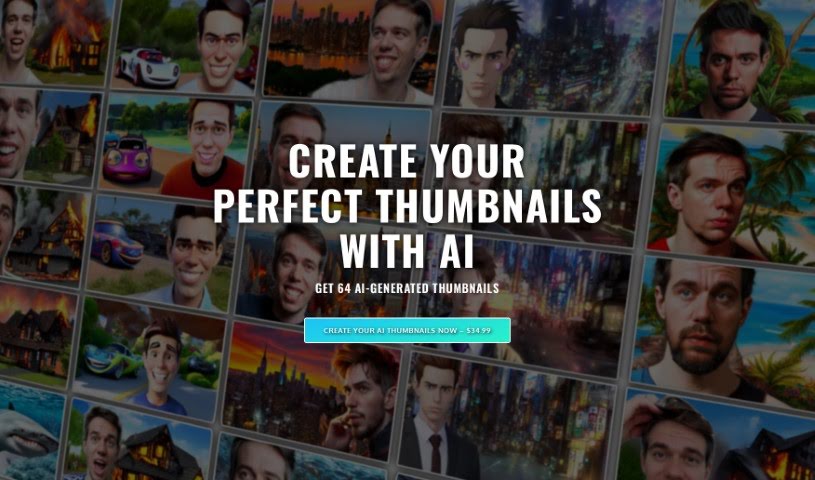
Thumbnail AI is a service that uses artificial intelligence to create custom thumbnails for YouTube videos. You pick from 10 different styles — such as Realistic, Anime, or Warrior — describe what you envision, and upload photos of yourself so the AI can learn your likeness. It then generates 64 unique thumbnails for you to choose from, delivered by email within a couple of hours. The goal is to help YouTubers save time and boost viewer engagement by simplifying thumbnail creation.

Image Generation View Tool →
Screenshot of Toastyroast

Toastyroast

Freemium

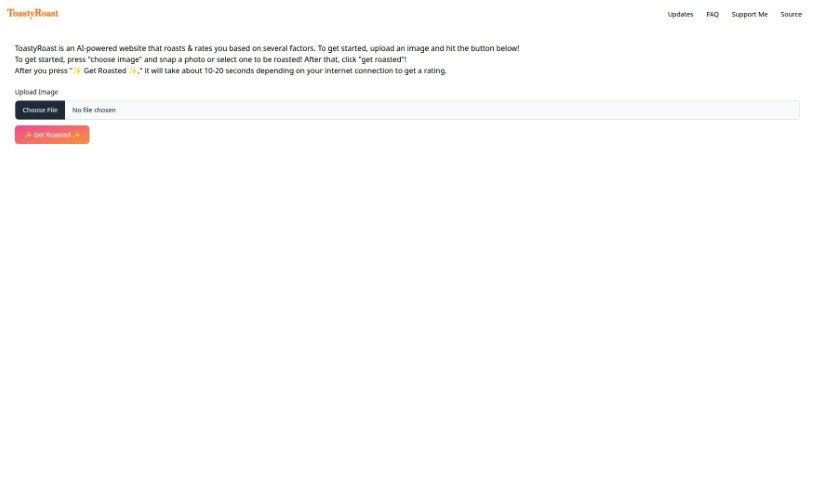
ToastyRoast is an AI-powered website that roasts and rates users. Upload a picture of yourself, take a new photo with the site's built-in camera, or choose an existing image, then hit the "Get Roasted" button. Processing usually takes about 10 to 20 seconds, depending on your internet connection.

Image Generation View Tool →
Screenshot of Topaz Labs

Topaz Labs

Freemium

Topaz Labs is a suite of AI-powered photo enhancement tools covering sharpening, upscaling, de-noising, de-blurring, and texture adjustments. Its AI distinguishes genuine image detail from noise, corrects blurriness, and increases resolution. It works as a standalone app or as a plugin alongside editors like Photoshop and Lightroom Classic, making it useful for photographers and graphic designers.

Image Generation View Tool →
Screenshot of Topvsbest AI Image Creator

Topvsbest AI Image Creator

Freemium

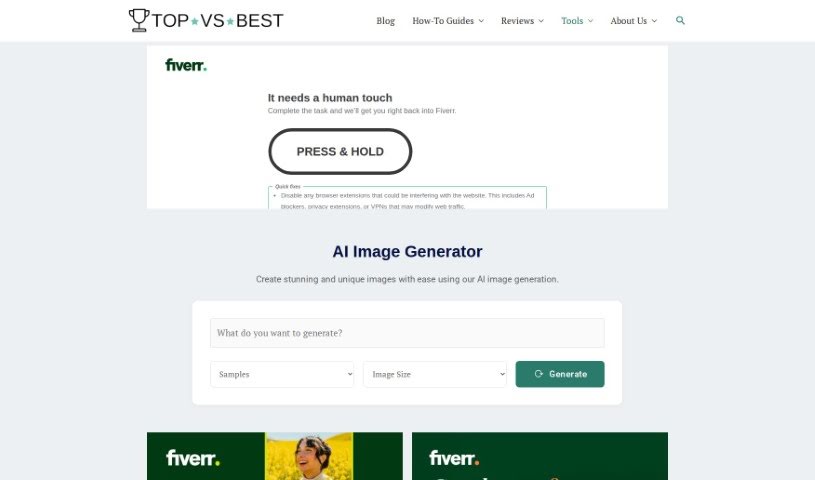
The Topvsbest Free AI Image Creator is a straightforward tool for generating unique images with AI. It offers customization options, a range of templates, and automated image generation that saves time. The output is high-quality enough for professional use, making it suitable for graphic design, social media content, and website visuals.

Image Generation View Tool →
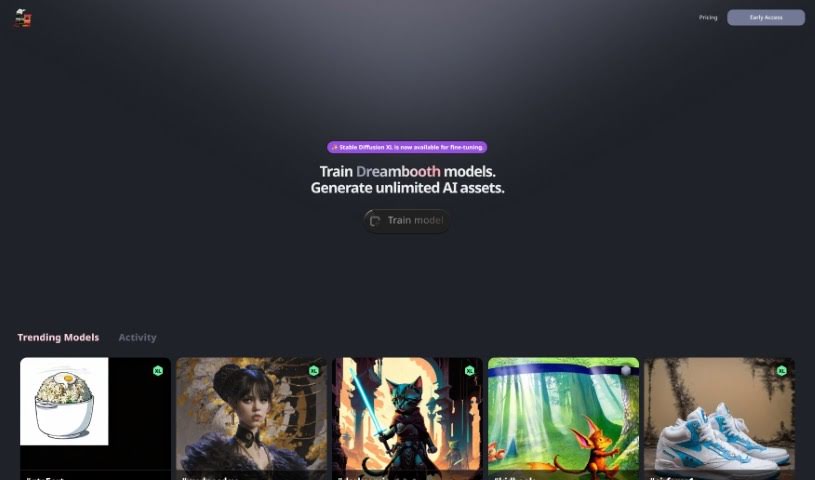
Screenshot of Trainengine.ai

Trainengine.ai

Freemium

Trainengine.ai is a platform for training AI models, specifically Dreambooth models. You can train models, download them, and integrate them into applications, websites, software, or company workflows. The platform also supports training private models and offers different model download formats.

Image Generation View Tool →
Screenshot of TravelAroundTheWorld

TravelAroundTheWorld

Freemium

TravelAroundTheWorld is an AI tool that creates realistic photos of you at famous global destinations without leaving home. Upload a picture, and the AI transforms it into a high-quality, realistic image of you at a well-known location. The app offers thousands of destinations, with new ones added regularly, and its AI is trained on real travel photos so the transformations look authentic. No photography or technical skills are required.

Image Generation View Tool →
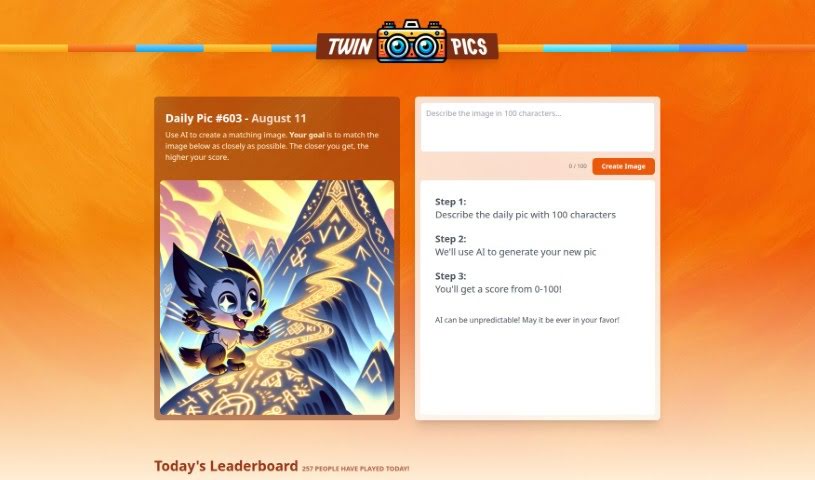
Screenshot of Twin Pics

Twin Pics

Freemium

Twin Pics is an AI image tool created by Chris Sev. You describe a reference image in up to 100 characters, the AI generates its own version, and the tool scores how closely the result matches the original. Because AI output can be unpredictable, a perfect match isn't guaranteed — that's part of the challenge. The site runs daily challenges, maintains a leaderboard of the best-scored images, and includes educational content about how AI works in creative visual fields.

Image Generation View Tool →

About Image Generation tools

Turning visual ideas into reality can be a frustrating bottleneck. Whether you need custom hero graphics for a website, concept art for a project, or unique social media assets, you often spend hours searching stock libraries for an image that never quite fits. Arranging custom photoshoots or rendering 3D scenes from scratch takes even longer, driving up creative budgets and pushing back launch dates.

The image generators in this section act as high-speed creative partners. They don’t replace genuine human taste or artistic direction, but they convert text prompts, rough sketches, and reference images into high-resolution visuals in seconds.

Testing Concepts and Creating Custom Visuals

Rapid visual concepting is where these platforms save serious time. When you start a new project, translating abstract ideas into a clear visual direction takes time. Modern image tools let you test dozens of artistic styles, color schemes, and lighting setups in a single sitting. You can build mood boards, visual options, and storyboards instantly, helping your team agree on a creative path before spending money on full production.

Creating tailored marketing visuals gets much easier, too. Relying on stock photography means risking a brand identity that looks identical to hundreds of other companies using the same popular images. Image generation tools help you produce original stock-style photos, digital illustrations, and eye-catching backgrounds built around your exact product specs and color palettes.

Editing and canvas expansion have also improved drastically. Getting an image that’s almost perfect used to mean starting over from scratch. Modern inpainting and outpainting features let you select specific regions of a generated image to swap elements, extend canvas borders for different aspect ratios, or refine small details without losing the rest of your composition.

Key Capabilities to Consider:

  • Prompt accuracy: Tools that reliably interpret detailed text instructions and render clear compositions without distortion.
  • Inpainting and canvas expansion: Features that let you edit specific regions of an image, insert objects, or extend backgrounds cleanly.
  • Custom style references: Systems that allow you to upload style reference photos to keep visual consistency across a campaign.
  • High-resolution exports: File outputs suitable for web design, print materials, social media, and presentation decks.
  • Commercial licensing: Clear licensing terms regarding commercial usage rights and copyright considerations for generated assets.

Great visual art will always depend on human perspective, artistic direction, and emotional resonance. Software can follow style guidelines and arrange pixels, but knowing which visual tells the right story still requires your creative eye.

Browse the options below to find the right image generator for your workspace.

The Best AI Image Generators

  1. Leonardo AI: Perfect for custom artwork for product listings.
  2. Photoroom: Great for creating unique branding backgrounds.
  3. Pixlr: Ideal for making unique visuals for marketing.
  4. Midjourney: Excellent for artistic concept visualization.
  5. Tensor.art: Use it for unique artwork creation from sketches.
  6. PixAI: Best for creating custom anime characters.
  7. Freepik Pikaso: Transforms sketches into art in real-time.
  8. Adobe Firefly: Use it for custom social media graphics.
  9. Luma AI: Craft 3D imagery with dynamic effects.
  10. Recraft: Easily generate brand-consistent visuals.
  11. Microsoft Designer: Create unique visuals for your projects.
  12. Artguru AI: Turn selfies into anime art.
  13. 123RF AI Image Generator: Creates custom images from text prompts with commercial-use licensing.
  14. Topaz Labs: Enhance AI-generated images for better clarity.
  15. Freepik AI Image Generator: Make custom illustrations for marketing content.
New tools, in your inbox.

Weekly picks of the best AI tools we've researched and added — no spam, unsubscribe anytime.

Join 25,000+ AI enthusiasts. No spam, unsubscribe anytime.