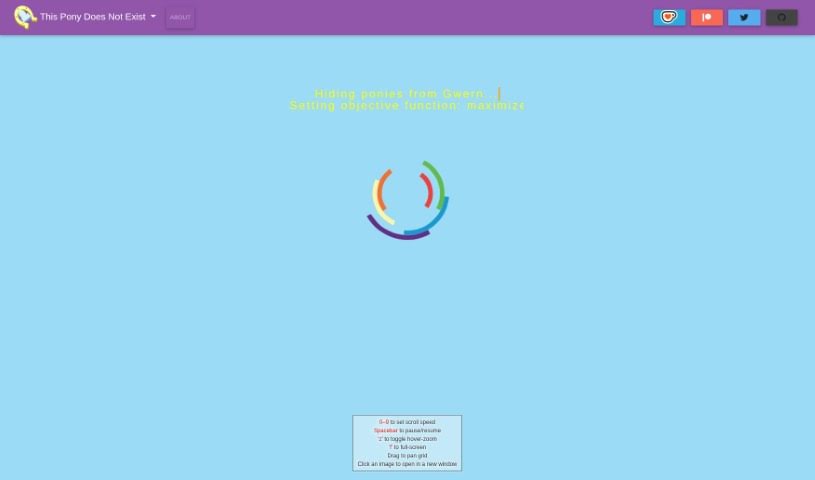
Screenshot of Thisponydoesnotexist

Thisponydoesnotexist

Discover Thisponydoesnotexist, a fascinating site showcasing AI-generated pony images. Learn how to use its features and explore its creative potential in 2025. See how it stacks up against other AI image generators.

Screenshot

What is Thisponydoesnotexist?

“Thisponydoesnotexist” is a really cool website that shows off pony pictures made by a computer program, specifically a StyleGAN 2 neural network. When you visit, you’ll see a scrolling grid filled with faces of ponies that, well, don’t actually exist in real life! These images are created randomly, meaning each one is unique and completely imaginary. To see these generated pony pictures, you’ll need to have JavaScript enabled on your browser. The images themselves have a style that reminds you of cartoon ponies. It’s a fun way to check out the creative side of AI, letting you enjoy some whimsical and fantastical artwork that’s all thanks to this AI-driven system.

Who created Thisponydoesnotexist?

The person behind Thisponydoesnotexist is arfa. They built this site to feature AI-generated pony portraits, using nVidia’s StyleGAN2 architecture. Arfa trained the AI model using a collection of SFW (safe for work) pony images they found on Derpibooru. After the initial training, the model was fine-tuned for another 13 days using a powerful TPUv3-32 pod, and then the resolution was scaled up to 1024x1024. This project also benefited from the valuable input of people like Gwern and Shawn Presser, along with support from the Tensorfork community.

How to use Thisponydoesnotexist?

Using Thisponydoesnotexist is pretty straightforward. Here’s a quick guide:

  1. First, head over to the Thisponydoesnotexist website.
  2. Make sure JavaScript is turned on in your browser, as the tool needs it to work properly.
  3. Take a look around the grid of pony images that have been generated.
  4. You can control the grid with these keyboard shortcuts:
    • Pressing the numbers 0 through 9 will change how fast the grid scrolls.
    • Hit the spacebar to either pause the scrolling or get it going again.
    • Want to zoom in on an image when you hover over it? Just press ‘z’.
    • For a full-screen view, press ‘f’.
    • You can also pan around the grid by simply dragging it with your mouse.
  5. If you see a pony picture you really like, just click on it. It’ll open in a new window so you can get a closer look.
  6. If you want to tweak things, you can adjust the scroll speed and image size using the settings available in the script.
  7. Most importantly, have fun exploring all the unique, AI-generated pony images you’ll find on the site!

By following these simple steps, you can easily navigate Thisponydoesnotexist and enjoy all the creative pony images the neural network has to offer.

Related AI Tools

Discover more tools in similar categories that might interest you

123RF AI Image Generator

Creative Image Generation
Learn More

Stay Updated with AI Tools

Get weekly updates on the latest AI tools, trends, and insights delivered to your inbox

Join 25,000+ AI enthusiasts. No spam, unsubscribe anytime.