Top AI Email Writing Tools

AI Tools for Email Writing

Discover the best Email Writing AI tools to enhance your productivity and creativity.

Page 5 of 6 • 63 total tools
Screenshot of RubyGPT.ai

RubyGPT.ai

Freemium

RubyGPT.ai is an AI writing assistant built to help with a wide range of writing tasks, from essays and marketing taglines to poems and professional emails. It aims to help users beat writer's block and generate content quickly. The platform is user-friendly: you sign in with Google, submit a topic or prompt, and receive AI-generated text. Privacy and security are emphasized, and features include versatile writing, idea generation, instant content creation, and content improvement.

Email Writing View Tool →
Screenshot of Scribbly – AI

Scribbly – AI

Freemium

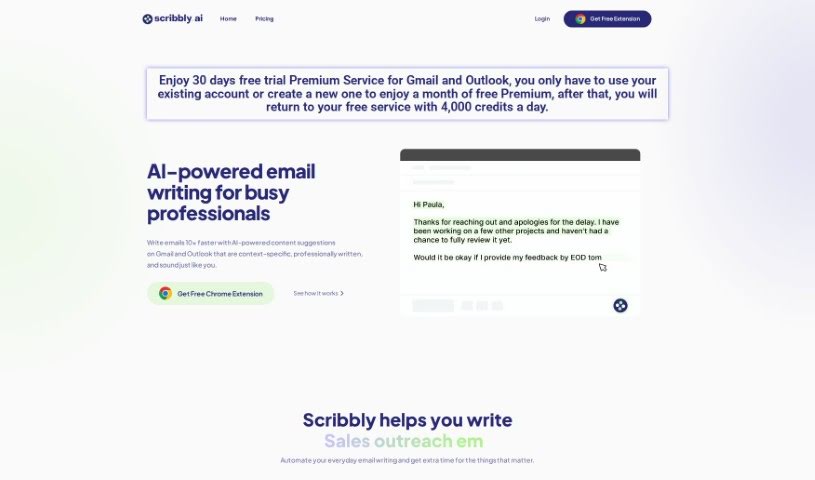
Scribbly AI is an AI-powered email writing assistant for busy professionals. It works inside Gmail and Outlook, analyzing the text of emails you select and suggesting personalized responses based on your goal. You can edit the suggestions, polish them, and send.

Email Writing View Tool →
Screenshot of ScriboWriter

ScriboWriter

Freemium

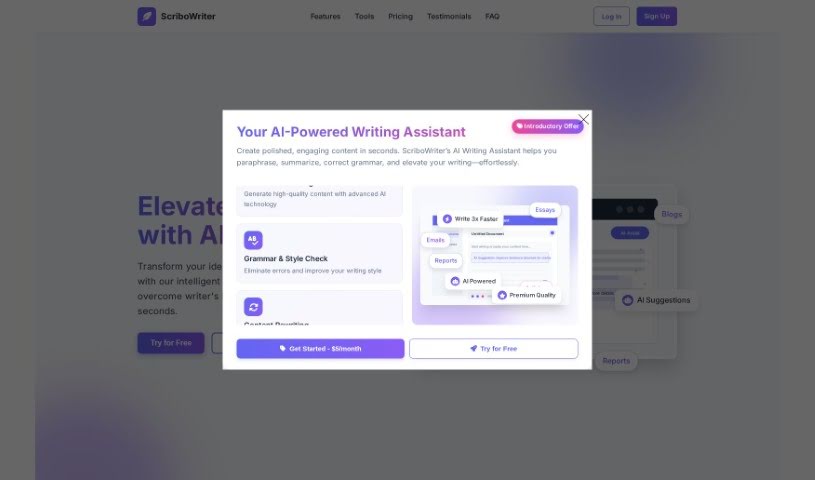
ScriboWriter is an AI writing tool for creating business emails, website copy, blog posts, and articles. It includes grammar and spelling checks, character counts, paraphrasing, summarizing, and plagiarism checking, with the goal of streamlining the writing process and improving productivity.

Email Writing View Tool →
Screenshot of Smartwriter Ai

Smartwriter Ai

Freemium

Smartwriter Ai is an AI writing tool focused on creating personalized, human-sounding content, especially for cold outreach. It generates personalized messages, email templates, and other outreach content, helping users get more opens and replies. It offers a straightforward interface, automation features, and options tailored to different audiences.

Email Writing View Tool →
Screenshot of Spark Mail

Spark Mail

Freemium

Spark Mail is an AI-powered email app that works across devices and helps you keep your inbox under control. Its Smart Inbox automatically sorts incoming emails and highlights the important ones, while Priority and Pin functions keep key contacts front and center. Emails from the same sender can be grouped, and the Done Marker and Set Aside features help you clear your inbox. The app also includes email scheduling, reminders, and an AI-powered writing assistant to help you compose messages.

Email Writing View Tool →
Screenshot of Superhuman

Superhuman

Freemium

Superhuman is an AI-powered email platform designed for high-performing teams. Its goal is to save time by making email management faster and more efficient. Users report getting through email roughly twice as fast, focusing better on what matters, and feeling less stressed about their inbox. It works with Gmail and Outlook, and customers credit it with improving collaboration, decision-making speed, response quality, and overall productivity.

Email Writing View Tool →
Screenshot of Toolsaday

Toolsaday

Freemium

Toolsaday is an AI platform for creating marketing content. It offers a suite of AI-powered tools covering paraphrasing, storytelling, marketing copy, and email writing. According to the site, it has over 300,000 users, has helped generate more than 1 billion words, and has saved users 50,000 hours.

Email Writing View Tool →
Screenshot of Trimbox

Trimbox

Freemium

Trimbox is an email assistant that works inside Gmail. It drafts emails to match your natural writing style, unsubscribes you from mailing lists with one click, and bulk-deletes old emails from specific senders to help manage storage space. Every draft is editable before sending.

Email Writing View Tool →
Screenshot of VoiceType

VoiceType

Freemium

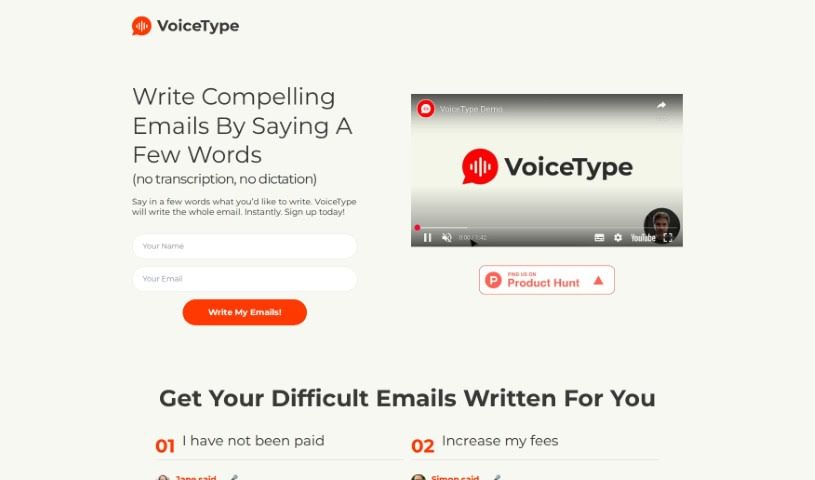
VoiceType is an AI assistant that writes emails from short voice prompts. Instead of typing, you describe what you want to say, and it drafts the full email for you.

Email Writing View Tool →
Screenshot of Voila

Voila

Freemium

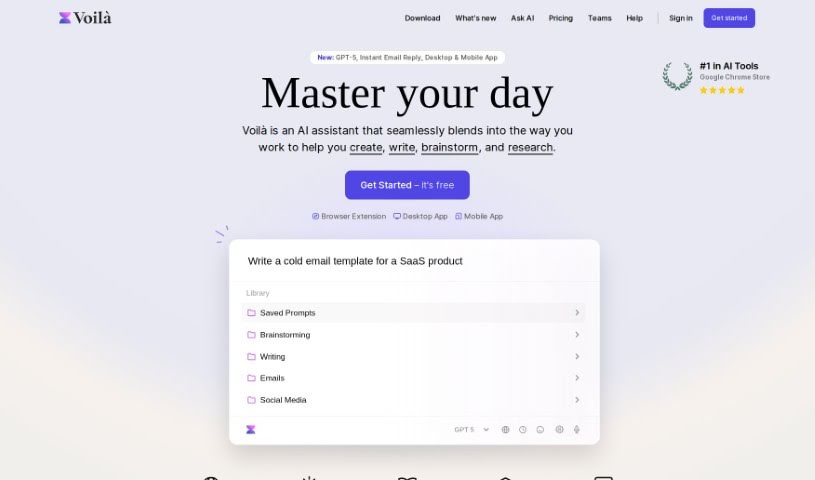
Voila works with Jupyter notebooks, turning them into interactive web applications. Instead of sharing static notebooks, you can build dashboards from your code and visualizations and publish them as standalone web apps that anyone can use. You can also adjust the layout and design so your data analysis or machine learning models look polished and feel user-friendly.

Email Writing View Tool →
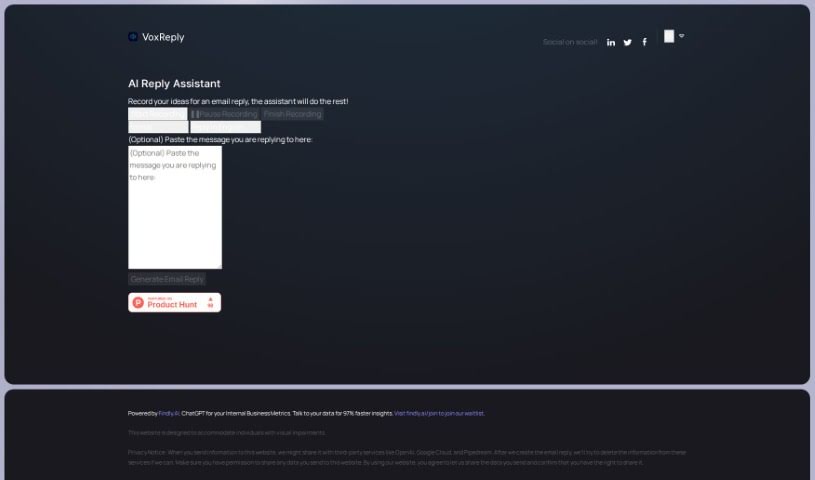
Screenshot of Voxreplay

Voxreplay

Freemium

VoxReply is a writing assistant that creates email replies from your voice. Paste the email you need to answer, record your thoughts out loud, and VoxReply turns them into a grammatically correct, contextually appropriate response.

Email Writing View Tool →
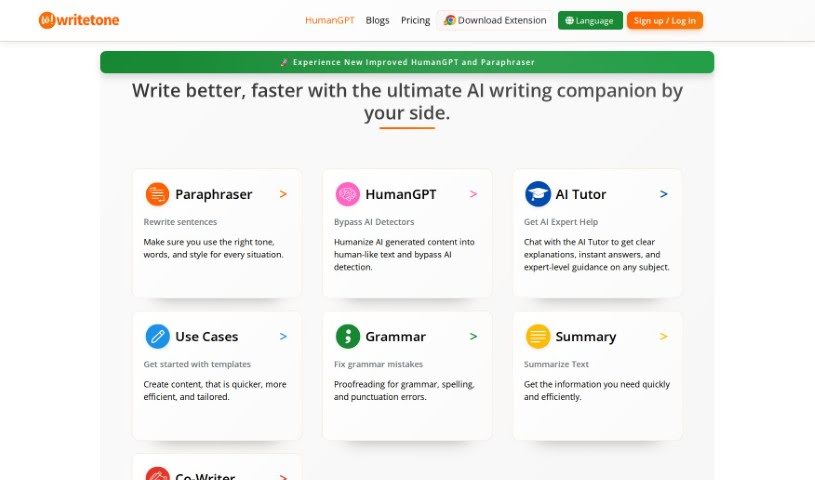
Screenshot of Write Tone

Write Tone

Freemium

Write Tone is an AI-powered writing assistant that helps you find the right words, tone, and style for any situation. It offers a wide variety of tones so you can express your ideas in a way that sounds like you, producing content that is clear, engaging, and natural rather than generic or robotic.

Email Writing View Tool →

About Email Writing tools

Staring at an empty compose window with twenty unread emails waiting can freeze your workday. Whether you need to decline a request politely, draft a clear project update, or follow up with a quiet client, finding the right wording takes mental energy. A simple message that should take two minutes can easily swallow fifteen.

The tools in this section act like efficient inbox drafting partners. They help you outline quick replies, adjust formality, and fix awkward phrasing directly inside your email client.

Speeding Up Daily Inbox Management

Overcoming initial writer’s block is often the biggest win during a busy morning. When you know what needs to be said but struggle to frame it clearly, draft generators turn rough bullet points into complete, well-structured messages. Type a quick note like “delay on project until Thursday due to server issue,” and the software generates a polite, clear update ready to send.

Adjusting tone for different recipients becomes much simpler, too. Writing to an executive calls for a concise, formal message, while replying to a close teammate works better with a warm, conversational approach. Modern email tools let you tweak formality and style with a single click, helping you avoid miscommunication or sounding overly stiff.

Proofreading on the fly keeps your writing sharp. Reading over your own drafts while rushing between meetings makes it easy to miss clunky phrasing. AI email assistants scan your text for awkward sentence structures, passive voice, and tone mistakes, offering quick alternatives that keep your point clear and courteous.

Useful Features for Email Productivity:

  • In-inbox integration: Extensions that work directly inside Gmail, Outlook, or Apple Mail to eliminate tab switching.
  • Tone and formality toggles: Controls that adjust messages from friendly and casual to strictly professional.
  • Bullet-to-email generation: Features that convert short notes or voice memos into full, polished emails.
  • Thread summarization: Software that reads long email chains and extracts key points so you can reply with full context.
  • Custom style matching: Settings that learn your personal writing style and store frequent responses for quick reuse.

Effective communication always depends on personal relationships and human nuance. Software can arrange sentences and check grammar, but knowing when a situation requires a phone call instead of an email still rests in your hands. Handing off initial drafting and tone tweaks simply gives you back time for higher-priority work.

Explore the email writing tools below to clear out your inbox faster.

The Best AI Email Writing Tools

  1. AI Email Writer: Drafts professional emails, campaigns and support replies to match your tone.
  2. AI Mailer: Generates personalised professional emails using GPT and NLP.
  3. Toolsaday: for crafting professional emails.
  4. Spark Mail: for AI-assisted email writing to draft quickly.
  5. Voila: for writing clear, concise emails.
  6. Trimbox: for easy email drafting and editing.
  7. Mail Maestro: for quick, personalized email replies.
  8. Compose AI: for efficient email autocompletion.
  9. Writemail: for writing persuasive sales outreach emails.
  10. Friday Email: for an effective email writing tool.
  11. Reimagine AI: for engaging your audience well.
  12. Scribo Writer: for creating business emails more smoothly.
  13. AI Pal: WhatsApp assistant that drafts emails, social posts and image ideas.
  14. AIM Reply: for writing professional email responses.
  15. AI Toolbar: Browser extension for email drafting, translation, summarization and chat.

New tools, in your inbox.

Weekly picks of the best AI tools we've researched and added — no spam, unsubscribe anytime.

Join 25,000+ AI enthusiasts. No spam, unsubscribe anytime.