Turning raw spreadsheets into clean, compelling graphics can easily feel like a slog. You spend hours adjusting chart axes, picking color palettes, and wrestling with dashboard settings just to present last week’s performance numbers. By the time you fix the legend formatting, your presentation deadline is minutes away.
These visual platforms convert complex datasets into presentation-ready charts and dynamic dashboards without the usual design friction.
Setting up custom dashboards traditionally meant learning complex business intelligence software or sitting through endless drag-and-drop steps. Modern visualization tools skip that hassle with simple prompt-based controls. Upload a dataset, type a request like “plot monthly recurring revenue by region,” and the system selects an effective visual layout to render an interactive chart instantly.
Selecting the wrong chart format is an easy trap (like using a crowded pie chart for time-series data). Smart visualization engines evaluate your underlying metrics and recommend the most readable layout—whether your data calls for a stacked bar chart, a scatter plot, or a heatmap.
Graphics also become easier to present because these platforms generate written narrative summaries alongside your charts. They highlight key percentage shifts, call out anomalies, and point out trends directly on the screen, saving you from typing up explanatory slides for every team review.
Features Worth Looking For
- Natural language chart creation: Tools that let you type plain-text prompts to generate custom charts instantly.
- Automated chart selection: Software that analyzes your dataset structure to recommend the clearest visual layout.
- Written narrative generation: Features that provide concise text summaries and key takeaways alongside your graphics.
- Interactive dashboard controls: Platforms that convert static charts into dynamic visual boards viewers can filter on the fly.
- Custom brand styling: Settings that apply your company colors, typography, and logos across every generated visual.
A polished visual means very little if the underlying numbers are flawed. While algorithms format charts and suggest color scales, verifying data accuracy and framing the narrative for your audience still rests on your shoulders.
Check out the tools below to turn your raw data into clear visual stories.
- Databricks: Great for interactive dashboards that give you sales insights.
- Visme: Helps you turn data into stunning visuals.
- Julius AI: Lets you craft dynamic graphs for clear insights.
- Scale AI: Useful for visualizing security threat patterns efficiently.
- Text Cortex: Streamlines creating visuals for reports, effortlessly.
- Dataminr: Offers visual analytics tools for crisis response.
- Rapidminer: Provides interactive dashboards for sales performance.
- KNIME: Offers interactive dashboards for sales analysis.
- Kanaries: Delivers streamlined visual insights for data trends.
- Piktochart AI Infographic Maker: Perfect for data dashboard infographics.
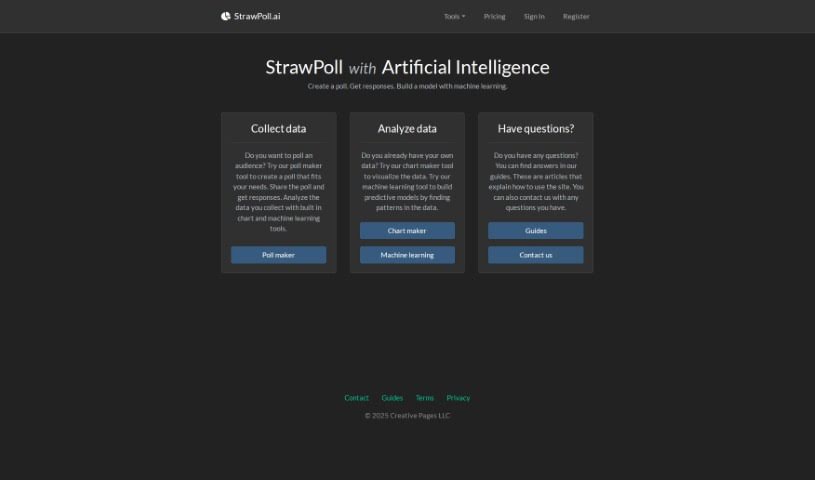
- Strawpoll: Lets you create engaging visual reports from polls.
- Powerdrill: Helps with dynamic data dashboard creation.
- Quadratic: Ideal for visualizing quadratic regression trends.
- Insightjini: Generates dynamic charts from your datasets.
- Aitable: Transforms data into insightful charts.