AI Data Visualization Tools

AI Tools for Data Visualization

Discover the best Data Visualization AI tools to enhance your productivity and creativity.

Page 10 of 14 • 166 total tools
Screenshot of Pink Piko

Pink Piko

Freemium

Pink Piko is an AI-powered mood journaling app that helps you understand your mood patterns and build emotional resilience. A guide called Piko Cat walks you through documenting and reflecting on your emotions with daily prompts, while the app provides personalized insights and interactive tracking to support emotional well-being.

Data Visualization View Tool →
Screenshot of Powerbi AI Lens

Powerbi AI Lens

Freemium

Power BI AI Lens is a third-party visual for Microsoft Power BI that integrates OpenAI and ChatGPT capabilities into dashboards. Users can ask complex questions about their data in natural language and receive real-time, context-aware answers. The visual fits into existing Power BI projects and can be customized to match a brand's appearance.

Data Visualization View Tool →
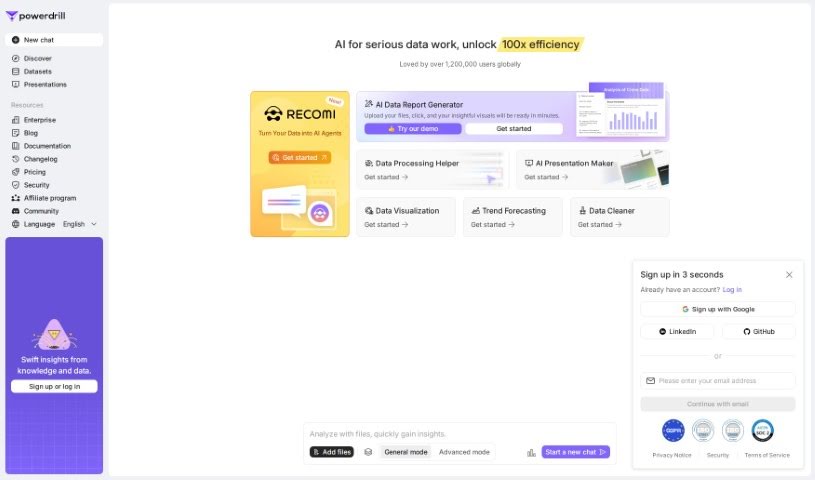
Screenshot of Powerdrill

Powerdrill

Freemium

Powerdrill is a no-code platform for integrating your data with OpenAI's Large Language Models (LLMs). It is designed for building intelligent Q&A systems, interacting with your data in new ways, and sharing datasets with others — all without writing code.

Data Visualization View Tool →
Screenshot of Prometh

Prometh

Freemium

Prometh is a smart data framework designed to improve AI model performance through better data processing. It uses Cognee, a semantic memory layer, to uncover hidden connections within your data, making results more relevant and trustworthy. Prometh ingests data, enriches it by building knowledge graphs, and retrieves the most relevant information based on facts. It also aims to reduce infrastructure costs by offering an efficient way to handle big data. Users have reported positive results: Keepi.ai achieved more accurate and faster outputs, and dynamo.fyi streamlined its workflows and decision-making.

Data Visualization View Tool →
Screenshot of Propellor

Propellor

Freemium

Propellor is a data analysis platform that helps businesses unify, analyze, and activate their data across a wide range of business problems. Users can build custom charts and dashboards tailored to their needs, connect to over 200 data sources, and process more than 10 terabytes of data per day.

Data Visualization View Tool →
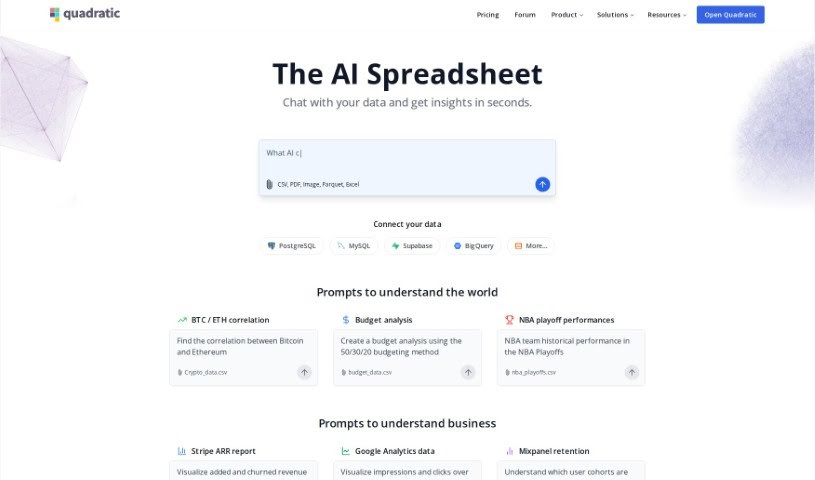
Screenshot of Quadratic

Quadratic

Freemium

Quadratic is a modern data spreadsheet that blends the familiarity of traditional spreadsheets with the power of programming languages and database tools. It runs entirely in your web browser, offering an infinite canvas for working with large datasets efficiently.

Data Visualization View Tool →
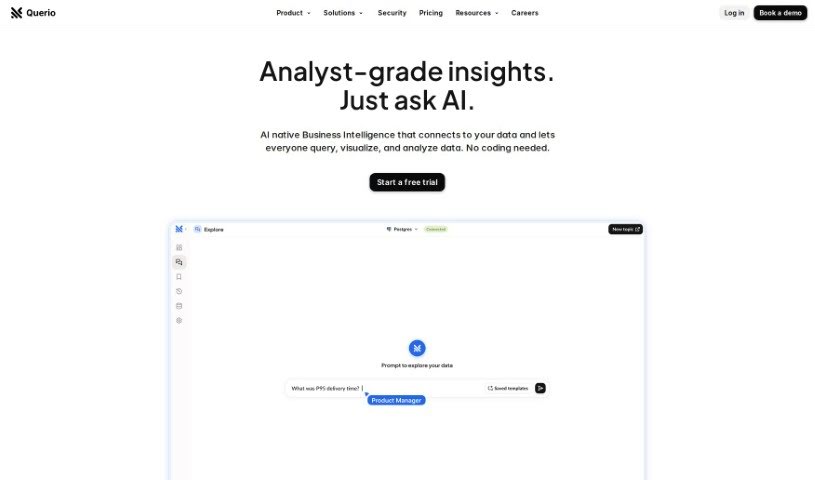
Screenshot of Querio

Querio

Freemium

Querio is a data analytics tool built for people who don't code. It lets you ask questions of your data in plain language, without needing SQL, Python, or advanced Excel. You connect data sources such as HubSpot or your app's database, then request the information you need. The goal is to reduce time spent writing queries so you can focus on interpreting results. Users value Querio for its ease of use, its ability to handle complex questions, and its accurate, clear results.

Data Visualization View Tool →
Screenshot of Quills AI

Quills AI

Freemium

Quills AI is an assistant for analyzing and visualizing data. Ask questions about your data in everyday language and it writes the SQL queries for you, generates visualizations, and offers personalized prompts to guide your analysis. It works across many industries, connects with chatbots, and exports findings in common formats like CSV and PDF. The goal is to help you surface key insights faster and make decisions more quickly.

Data Visualization View Tool →
Screenshot of Rapidminer

Rapidminer

Freemium

RapidMiner is a data science software platform that serves as an all-in-one workbench for working with data. It provides a unified environment for the full range of data-related tasks: data preparation, building machine learning models, deep learning, text mining, and predictive analytics.

Data Visualization View Tool →
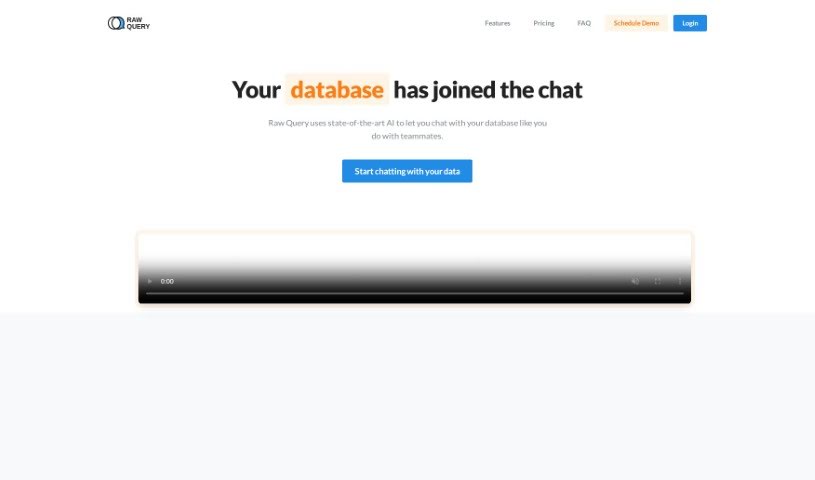
Screenshot of Raw Query

Raw Query

Freemium

Raw Query simplifies database interaction by using plain English. Instead of writing SQL or building internal tools, you chat with your database: ask for client email addresses, add new sales figures, or update existing records. It works with Postgres, MySQL, and MariaDB, offers affordable plans, and is mobile-friendly.

Data Visualization View Tool →
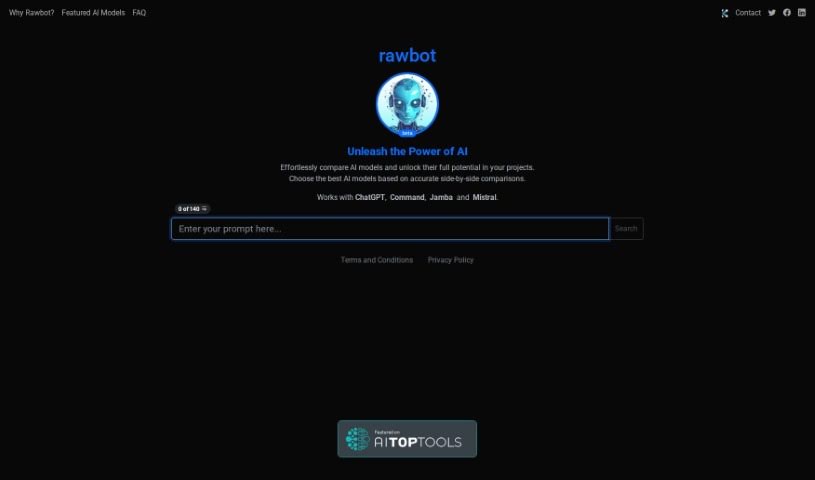
Screenshot of Rawbot

Rawbot

Freemium

Rawbot is an AI model comparison tool that provides performance analysis, cost and efficiency evaluations, and side-by-side model comparisons. It identifies strengths and weaknesses across options, supports tailored evaluations, and simplifies decision-making for researchers and developers. The interface requires JavaScript, and the platform receives regular updates.

Data Visualization View Tool →
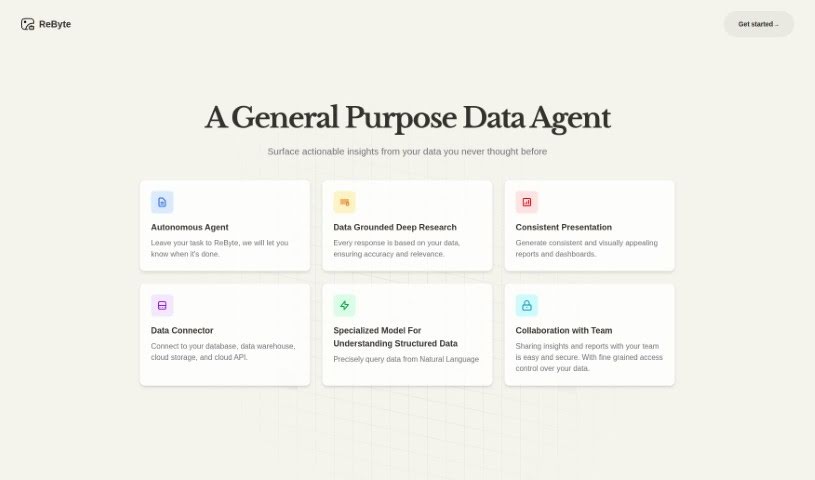
Screenshot of ReByte

ReByte

Freemium

ReByte is an AI platform from RealChar AI that lets you edit and adjust tools much like you'd edit a document. Its core feature is an Internet Connected Assistant: ask questions in any language and it fetches factual, up-to-date information, typically responding in English in about 5 seconds. The platform also includes data visualization, voice commands, chat with Mistral 7B, bank statement analysis, and a simulated Airline Ticket Seller. It is customizable and voice-enabled.

Data Visualization View Tool →

About Data Visualization tools

Turning raw spreadsheets into clean, compelling graphics can easily feel like a slog. You spend hours adjusting chart axes, picking color palettes, and wrestling with dashboard settings just to present last week’s performance numbers. By the time you fix the legend formatting, your presentation deadline is minutes away.

These visual platforms convert complex datasets into presentation-ready charts and dynamic dashboards without the usual design friction.

Building Visuals Without the Formatting Headache

Setting up custom dashboards traditionally meant learning complex business intelligence software or sitting through endless drag-and-drop steps. Modern visualization tools skip that hassle with simple prompt-based controls. Upload a dataset, type a request like “plot monthly recurring revenue by region,” and the system selects an effective visual layout to render an interactive chart instantly.

Selecting the wrong chart format is an easy trap (like using a crowded pie chart for time-series data). Smart visualization engines evaluate your underlying metrics and recommend the most readable layout—whether your data calls for a stacked bar chart, a scatter plot, or a heatmap.

Graphics also become easier to present because these platforms generate written narrative summaries alongside your charts. They highlight key percentage shifts, call out anomalies, and point out trends directly on the screen, saving you from typing up explanatory slides for every team review.

Features Worth Looking For

  • Natural language chart creation: Tools that let you type plain-text prompts to generate custom charts instantly.
  • Automated chart selection: Software that analyzes your dataset structure to recommend the clearest visual layout.
  • Written narrative generation: Features that provide concise text summaries and key takeaways alongside your graphics.
  • Interactive dashboard controls: Platforms that convert static charts into dynamic visual boards viewers can filter on the fly.
  • Custom brand styling: Settings that apply your company colors, typography, and logos across every generated visual.

A polished visual means very little if the underlying numbers are flawed. While algorithms format charts and suggest color scales, verifying data accuracy and framing the narrative for your audience still rests on your shoulders.

Check out the tools below to turn your raw data into clear visual stories.

The Best AI Data Visualization Tools

  1. Databricks: Great for interactive dashboards that give you sales insights.
  2. Visme: Helps you turn data into stunning visuals.
  3. Julius AI: Lets you craft dynamic graphs for clear insights.
  4. Scale AI: Useful for visualizing security threat patterns efficiently.
  5. Text Cortex: Streamlines creating visuals for reports, effortlessly.
  6. Dataminr: Offers visual analytics tools for crisis response.
  7. Rapidminer: Provides interactive dashboards for sales performance.
  8. KNIME: Offers interactive dashboards for sales analysis.
  9. Kanaries: Delivers streamlined visual insights for data trends.
  10. Piktochart AI Infographic Maker: Perfect for data dashboard infographics.
  11. Strawpoll: Lets you create engaging visual reports from polls.
  12. Powerdrill: Helps with dynamic data dashboard creation.
  13. Quadratic: Ideal for visualizing quadratic regression trends.
  14. Insightjini: Generates dynamic charts from your datasets.
  15. Aitable: Transforms data into insightful charts.

New tools, in your inbox.

Weekly picks of the best AI tools we've researched and added — no spam, unsubscribe anytime.

Join 25,000+ AI enthusiasts. No spam, unsubscribe anytime.