AI Creative Tools

AI Tools for Creative

Discover the best Creative AI tools to enhance your productivity and creativity.

Page 2 of 107 • 1276 total tools
Screenshot of AI App Icon Generator

AI App Icon Generator

Freemium

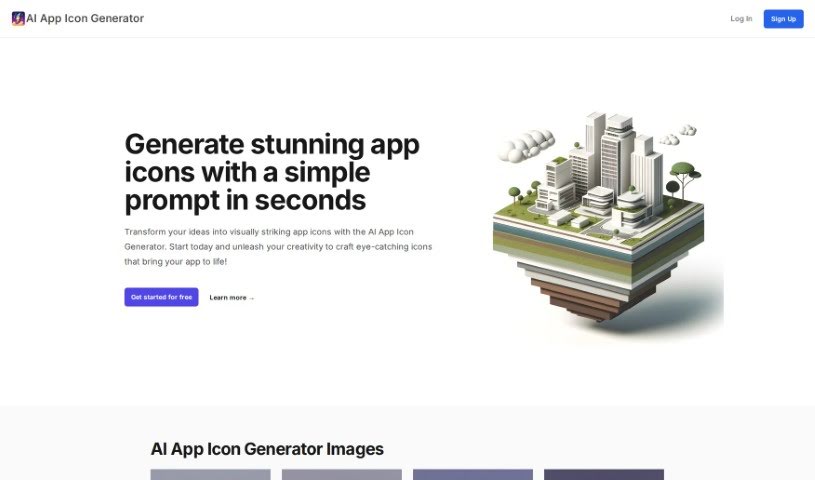
The AI App Icon Generator is an online tool that uses artificial intelligence to create app icons from text descriptions. No design or coding background is needed: you enter a prompt and the AI produces several unique icon designs to choose from. The Negative Prompt feature lets you tell the AI what to exclude, giving you more control over the results. Icons can be redesigned until they match what you want, and finished images can be downloaded for immediate use or shared on social media.

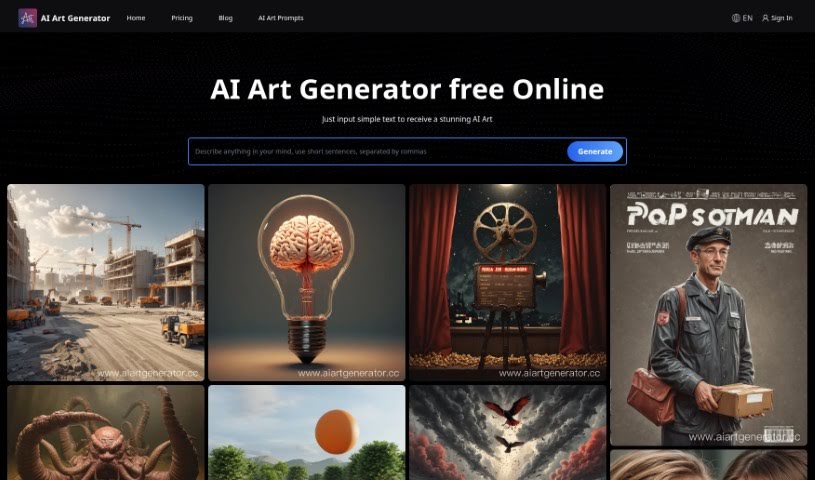
Screenshot of AI Art Generator

AI Art Generator

Freemium

AI Art Generator, from Ai Art Limited, is a mobile app that converts written ideas into images, videos, music, and AI-generated text. It runs on both Apple and Android devices and offers fast performance, free updates, 24/7 support, and multiple pricing options. Users highlight its technology, quick operation, easy-to-use interface, and cross-platform performance. The app is listed on the Apple App Store and Google Play Store under the name "Real AI Photo Generator."

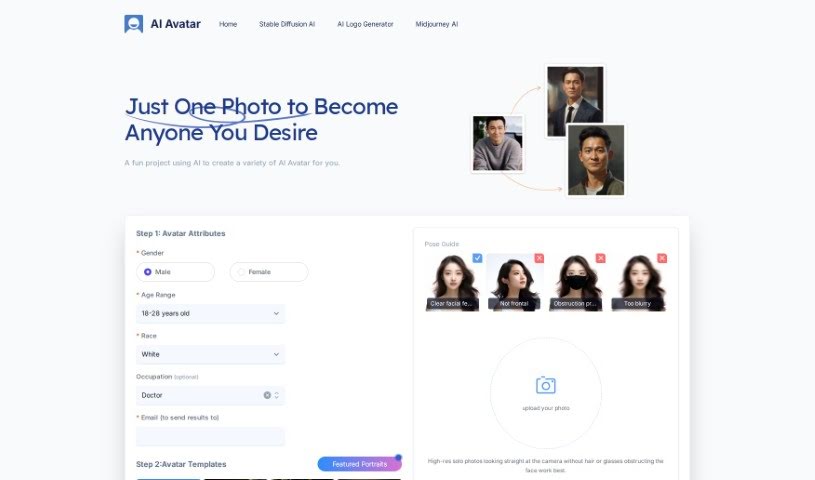
Screenshot of AI Avatar

AI Avatar

Freemium

AI Avatar creates digital versions of you from a single uploaded selfie. It generates more than 100 avatars across dozens of styles — photorealistic, anime, superhero, cyberpunk, and fantasy — which you can customize and narrow down to your favorites. Editable details include hair, clothing, accessories, and background, with optional fine-tuning to match your personal style.

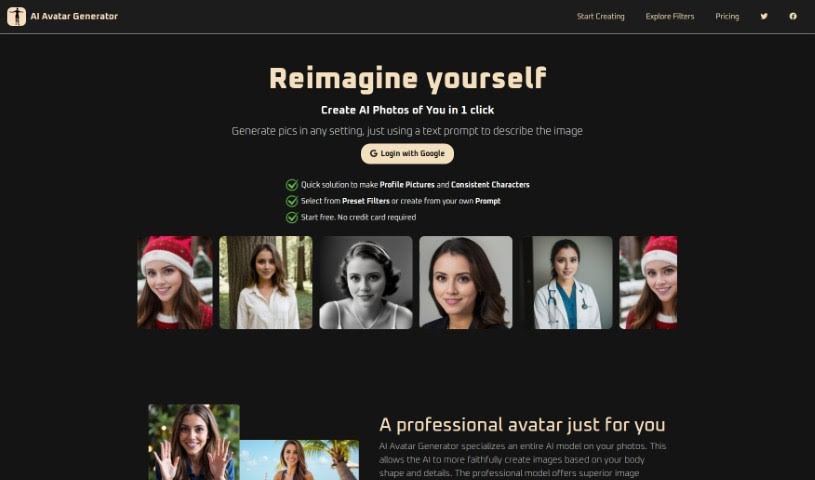
Screenshot of AI Avatar Generator

AI Avatar Generator

Freemium

AI Avatar Generator creates lifelike profile pictures and headshots from a simple text description. No design experience is required. It offers over 100 artistic filters for customizing avatars, so you can create looks suited to specific occasions, themes, or settings—historical, professional, festive, or artistic.

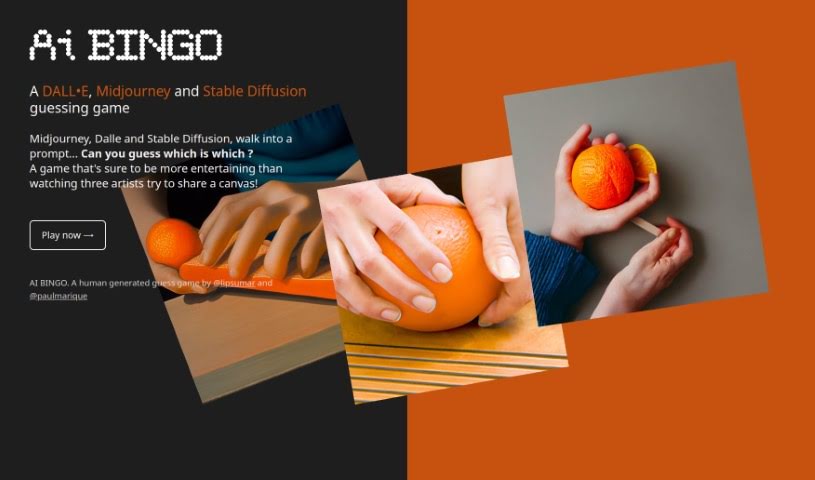
Screenshot of AI Bingo

AI Bingo

Freemium

AI Bingo is a guessing game based on a document called "ai-bingo.pdf." Players guess which AI model—such as DALL•E, Midjourney, or Stable Diffusion—is being talked about. The game is designed to test how well you can tell which AI model generated which prompt.

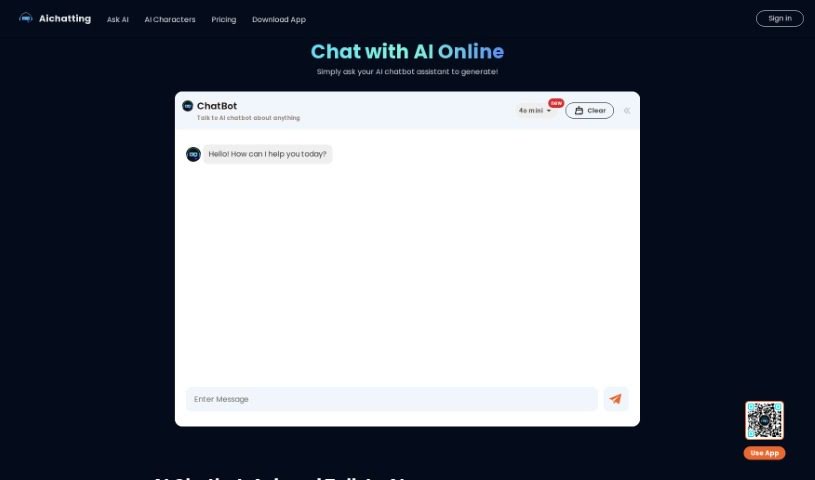
Screenshot of AI Chatting

AI Chatting

Freemium

AI Chatting is a platform for chatting with AI bots, asking questions, and generating text content. The bots are powered by GPT and designed to provide expert-level answers quickly and accurately. Built-in AI writing tools help writers overcome writer's block and produce emails, articles, or poems more efficiently. The platform emphasizes data safety and a secure experience.

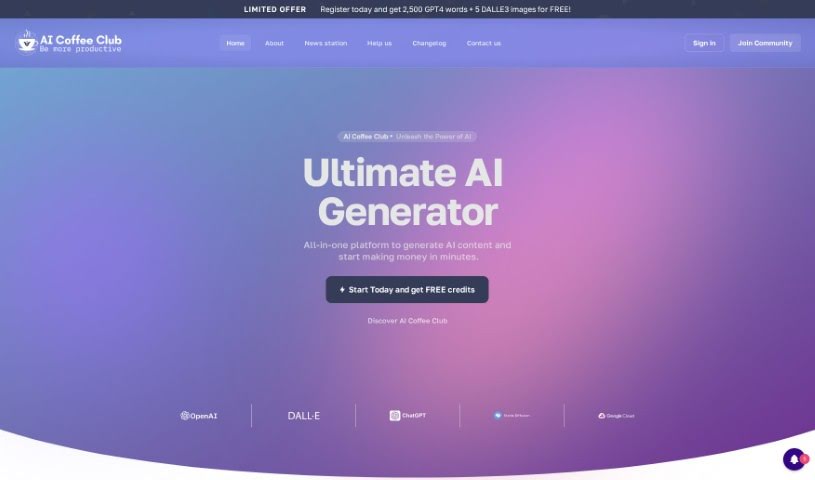
Screenshot of AI Coffee Club

AI Coffee Club

Freemium

AI Coffee Club is an all-in-one AI platform that bundles several AI technologies and models into one toolkit. It includes pre-made prompt templates, image generation, chatbots, audio transcription, and voiceover technology. The core idea is to save money by putting multiple AI models together in one package, while also building a community for people using AI in their personal lives or businesses.

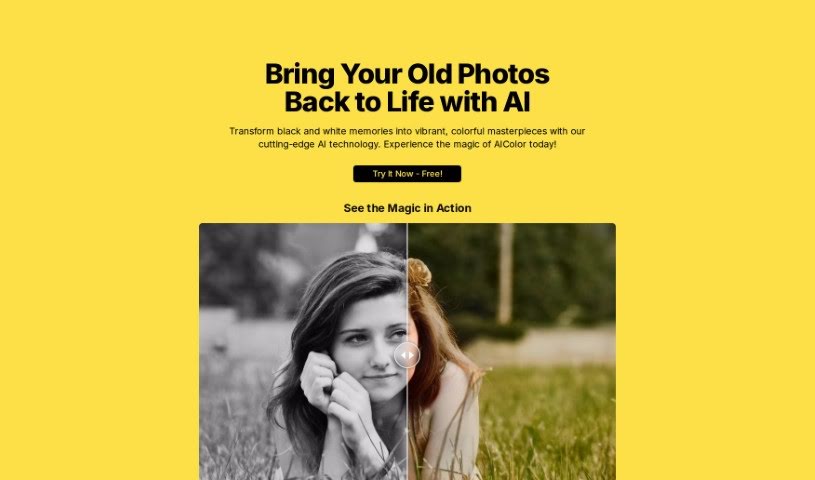
Screenshot of AI Color

AI Color

Freemium

AI Color is an artificial intelligence tool that adds color to old black and white photos. It is designed to restore faded pictures and turn them into vibrant, colorful images. The interface is straightforward, and the AI can reveal details that might otherwise be missed in monochrome photos.

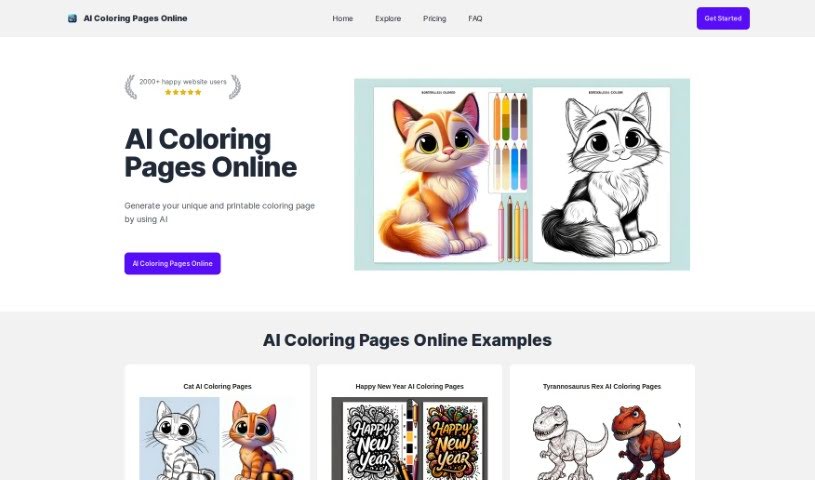
Screenshot of AI Coloringpage Online

AI Coloringpage Online

Freemium

AI ColoringPage Online is a tool that creates unique, printable coloring pages from text prompts. It runs on the DALLE-3 AI model, and a user dashboard lets you manage credits and supervise the generation process.

Screenshot of AI Colors

AI Colors

Freemium

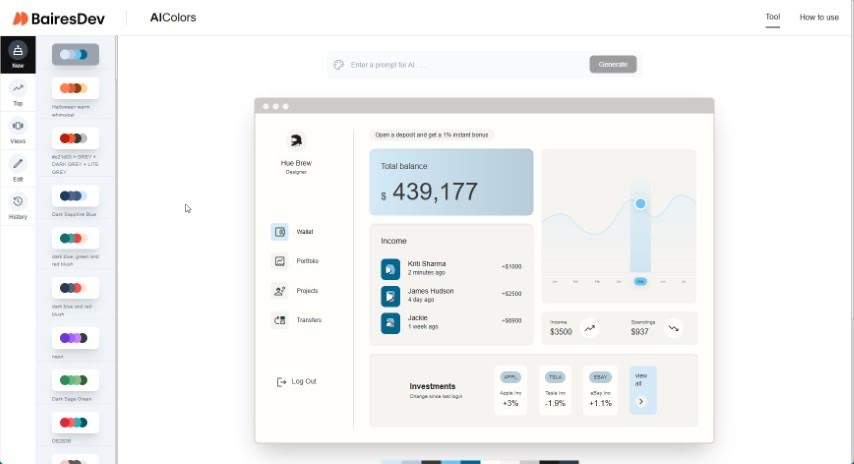
AI Colors — also known as the AI Color Palette Generator — uses AI to create color palettes. Enter a text prompt to generate a palette, or browse a collection of pre-made ones. Palettes can be edited and visualized in real time, and the AI produces harmonious combinations suited to the project at hand.

Screenshot of AI Comic Factory

AI Comic Factory

Freemium

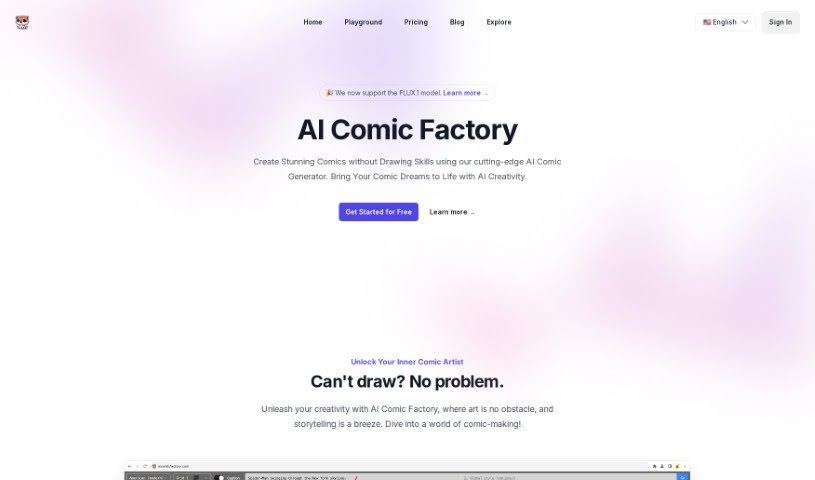
AI Comic Factory is an online platform that generates comic books from text descriptions. Users describe characters, art style, and scenes, and the AI produces the panels — no drawing skills required. Features include multiple art styles, panel layout options, adjustable captions, a Redraw Image tool, and prompt editing.

Screenshot of AI Cover

AI Cover

Freemium

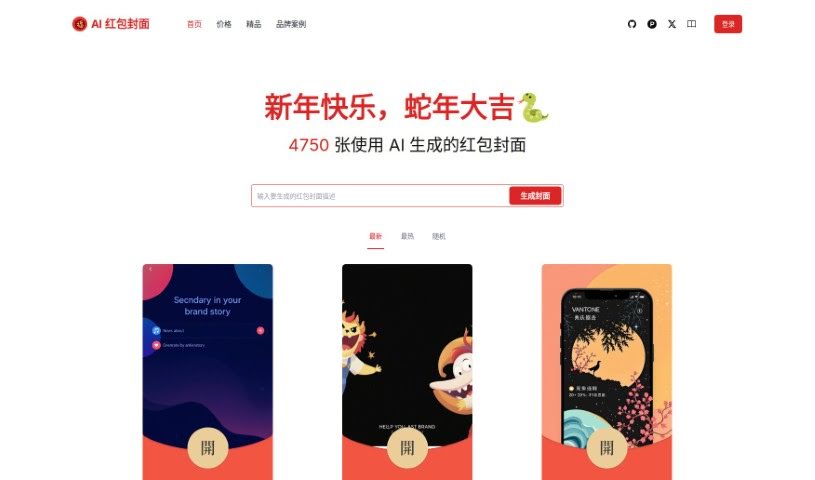
AI Cover (AI 红包封面生成器) is a tool for creating WeChat red envelope covers with AI. It produces high-definition, modern designs that add a fresh twist to the traditional red envelope exchange, especially during Lunar New Year. The platform is used to boost engagement and help brands stand out, and it includes a community space with tutorials and design sharing.

About Creative tools

Bringing a creative vision to life takes stamina. Whether you’re working on visual art, video projects, sound design, or written work, the gap between a great idea and a finished piece is usually filled with hours of tedious setup. You spend time masking image layers, cutting out filler words from audio, or wrestling with software settings when you’d rather be making art.

The tools in this category handle repetitive technical tasks so you can keep your focus where it belongs: on creative direction and artistic choice.

Offloading Technical Setup to Focus on Art

Testing visual concepts gets much faster when you can prototype ideas instantly. Instead of spending hours building manual moodboards or sketching rough wireframes by hand, generative tools let you test lighting styles, color palettes, and compositions in seconds. You can explore dozens of creative paths before committing to a full production shoot or detailed illustration.

In video and audio editing, smart software handles the tedious mechanics. Automatically generating precise closed captions, reframing shots for vertical video formats, or isolating vocal tracks from ambient background noise used to take complex plugins and hours of manual editing. Modern creative tools process those heavy tasks in minutes, giving you back time to polish the story itself.

Maintaining visual consistency across large projects gets a major upgrade, too. Managing design elements, color palettes, and character references across a long series or multi-asset campaign often leads to small visual errors. Creative AI tools help enforce visual rules and match styles automatically, keeping your artwork, video sequences, or digital assets aligned from start to finish.

Key Capabilities for Creators:

  • Style and reference matching: Systems that analyze an artistic style or reference image and apply it across new graphic assets.
  • Generative canvas expansion: Tools that expand image borders, fill in background details, or remove unwanted objects cleanly.
  • Text-to-media rendering: Software that converts written prompts into high-resolution images, video clips, or sound textures for fast prototyping.
  • Non-destructive asset editing: Applications that adjust lighting, color tones, and individual layers without destroying original files.
  • Cross-format conversion: Features that automatically reformat visual assets and video projects for desktop, mobile, and print.

Technology can generate pixels and format files, but true artistic judgment, taste, and emotional expression still belong to you. Handing off routine file conversions, background cleanup, and quick concept testing simply gives you the freedom to focus on your craft.

Explore the tools below to upgrade your creative workspace.

The Best AI Creative Tools

  1. Canva: for designing social media posts
  2. Character AI: for brainstorming story ideas and concepts.
  3. Janitor AI: for quickly crafting unique story ideas.
  4. Remove.bg: for instantly removing backgrounds from design projects
  5. Leonardo AI: for generating dynamic artwork for designers
  6. Photopea: for designing stunning graphics and illustrations.
  7. Photoroom: for improving photos for creative projects
  8. Pixelcut: for designing eye-catching product ads
  9. Pixlr: for designing great graphics with ease
  10. Midjourney: for visual storytelling through art prompts.
  11. AI Face Swap: for creating unique memes for social media.
  12. Cutout.pro: for creating dynamic backgrounds for art
  13. Remaker: for AI-powered image creation for unique designs.
  14. Ideogram: for logo design and customization.
  15. Openart: for experimenting with unique artistic styles
New tools, in your inbox.

Weekly picks of the best AI tools we've researched and added — no spam, unsubscribe anytime.

Join 25,000+ AI enthusiasts. No spam, unsubscribe anytime.