AI Audio Tools

AI Tools for Audio

Discover the best Audio AI tools to enhance your productivity and creativity.

Page 20 of 37 • 442 total tools
Screenshot of Openai Whisper

Openai Whisper

Freemium

Whisper is a transcription technology from OpenAI that converts spoken words into written text. It is designed to deliver accurate speech-to-text output and is part of OpenAI's broader suite of tools, which also includes Voice (text-to-speech), GPT-4V, and DALL·E 3. Together, these tools support projects involving audio, vision, and language.

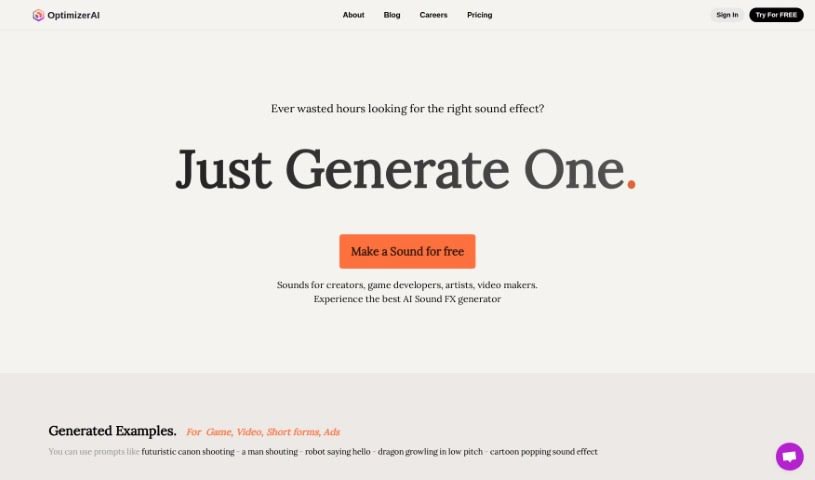
Screenshot of OptimizerAI

OptimizerAI

Freemium

OptimizerAI is a company focused on AI research and applications for sound effects. Its goal is to make content more engaging by producing a wider range and higher quality of sound effects through fundamental AI research.

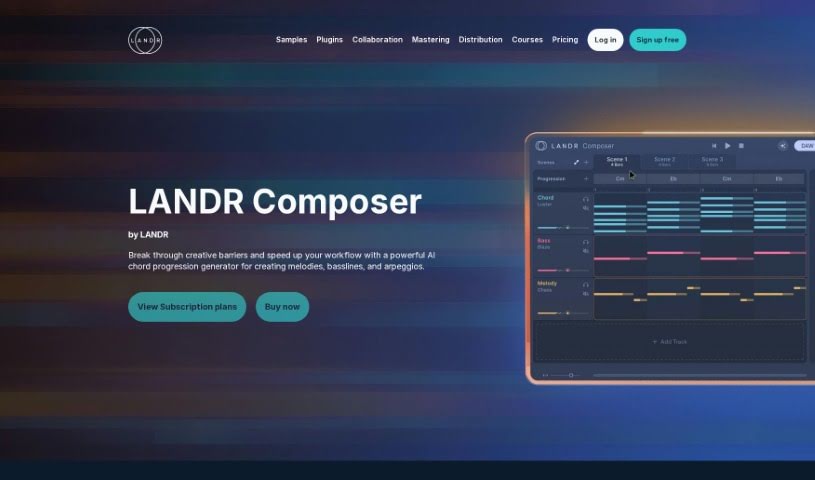
Screenshot of Orb Plugins

Orb Plugins

Freemium

Orb Plugins is a music production software suite powered by AI, developed by Hexachords. It includes four plugins: Orb Melody, Orb Bass, Orb Arpeggios, and Orb Synth. The suite generates patterns, chord progressions, melodies, basslines, and arpeggios, and includes features like Polyrhythms, Lyrical Melodies, and Chaining Blocks. It integrates with most Digital Audio Workstations (DAWs), though it does not support Pro Tools. A 30-day money-back guarantee lets you try it risk-free. The suite also provides expertly crafted presets, advanced production tools, and a continuous stream of AI-generated patterns for exploring new musical ideas.

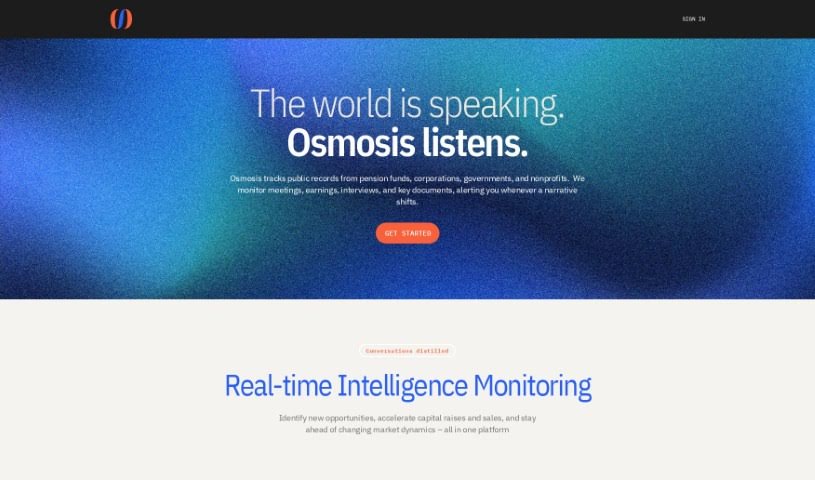
Screenshot of Osmosis

Osmosis

Freemium

Osmosis turns conversational content into unscripted insights designed to help you grow revenue, raise funds faster, and work more efficiently. Its core feature is content density management: conversations are distilled into different levels of detail, so complex information is accessible at whatever speed you prefer. Insights are tailored to each team member's role and experience, and the system extracts the valuable parts of conversations automatically — saving the time you'd otherwise spend sifting through and analyzing everything yourself. Learn more at [osmosis.fm](https://osmosis.fm/).

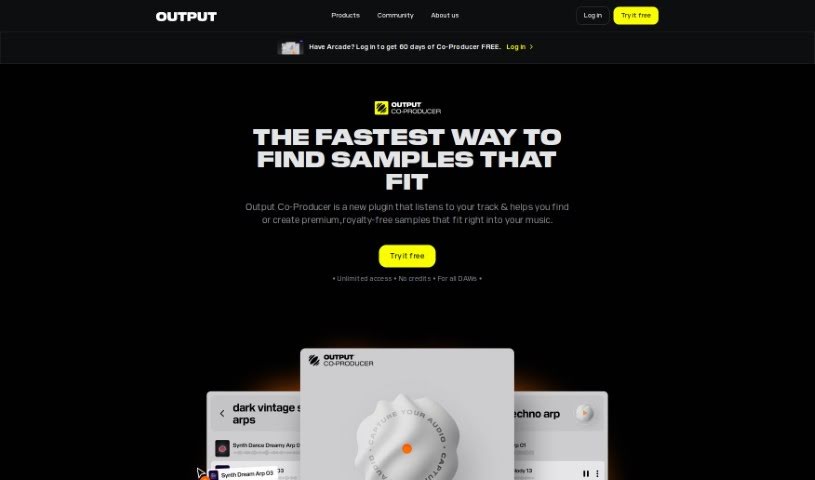
Screenshot of Output Co-Producer

Output Co-Producer

Freemium

Output Co-Producer is an AI tool for musicians developed by Output. Its core feature is the Pack Generator, which creates unique, free, royalty-free sample packs from text descriptions. It combines generative AI with real audio samples from musicians, curating and blending sounds into something new. You can guide the generator by describing moods, instruments, genres, or referencing specific artists. Output plans to release more AI-powered tools under the Co-Producer umbrella.

Screenshot of Papercup

Papercup

Freemium

Papercup is an AI dubbing service built on AI voices fine-tuned by human experts. Its full-service dubbing uses thousands of licensed AI voices, managed by dubbing professionals and reviewed by professional translators. Voice data is commissioned and licensed, with ethical content standards applied throughout.

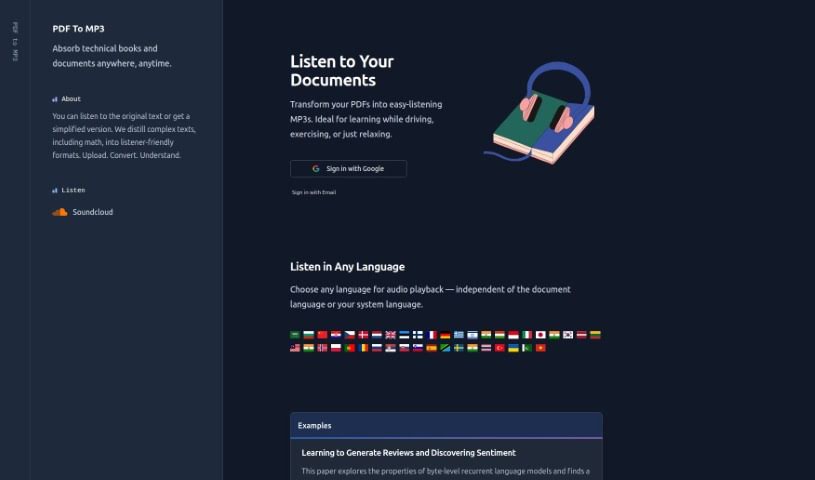
Screenshot of PDFToMP3

PDFToMP3

Freemium

PDFToMP3 converts text from PDF files into MP3 audio, allowing you to listen to documents instead of reading them. Upload a PDF on the website, and the tool produces an MP3 file you can download and play while commuting, exercising, or handling other tasks.

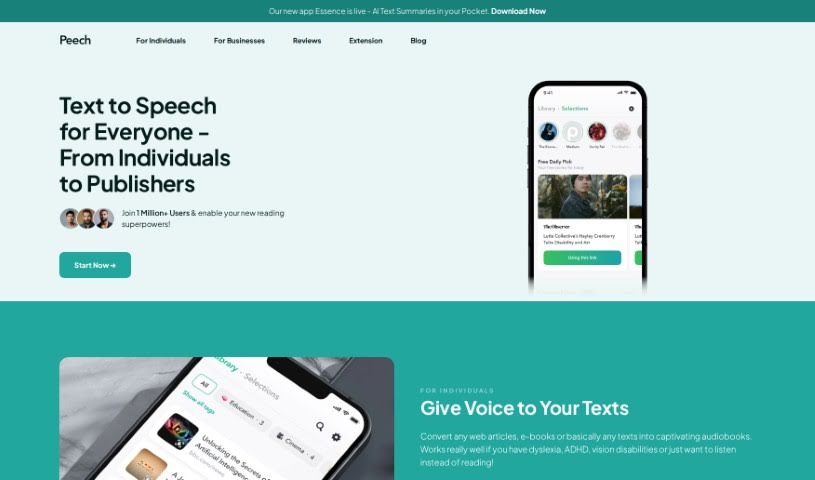
Screenshot of Peech

Peech

Freemium

Peech is an application that turns written content, such as web pages, into audio. It uses AI-powered technology to produce natural-sounding narration in multiple languages and with various input types. It is particularly useful for people with dyslexia, ADHD, or vision impairments, as well as anyone who prefers listening to reading. Publishers can also use Peech to convert written material into audiobooks faster and at lower cost than traditional production methods.

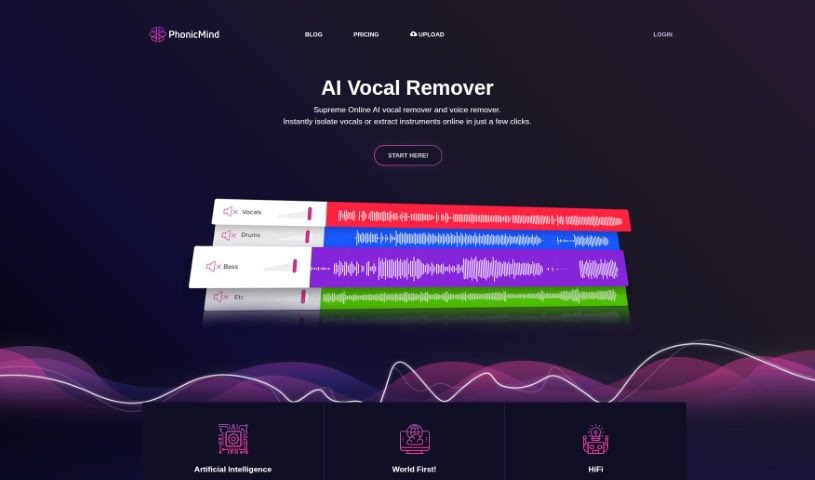
Screenshot of PhonicMind

PhonicMind

Freemium

PhonicMind is an online service that uses AI to transform songs into instrumentals, acapella versions, and minus one tracks. It handles vocal and voice isolation, letting you create custom karaoke tracks or extract specific instruments like drums and bass. It was the first AI-powered stems maker, offering high audio quality with no software installation required.

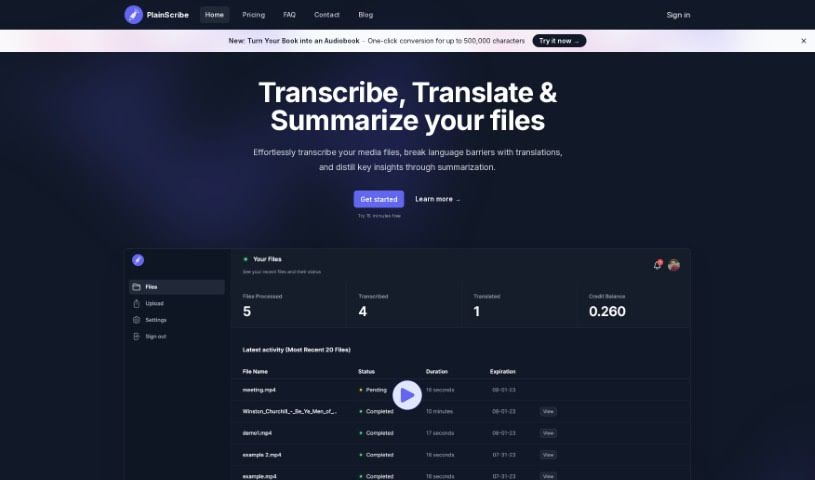
Screenshot of PlainScribe

PlainScribe

Freemium

PlainScribe is a platform for transcribing, translating, and summarizing audio and video files. You can upload files up to 100MB, and the system handles all processing — you'll receive an email notification when your files are done.

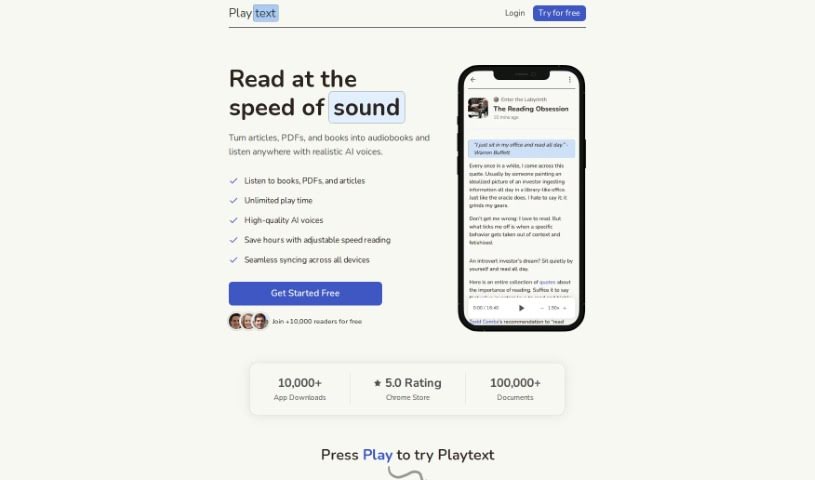
Screenshot of Playtext

Playtext

Freemium

Playtext is a text-to-speech app that turns articles, PDFs, books, and emails into audio so you can listen while reading along. Simultaneous reading and listening can improve comprehension and retention, with adjustable playback speed up to four times your normal reading pace. Text is read aloud by AI-generated, human-like voices in a distraction-free environment with keyboard shortcuts. The app supports multiple languages and is designed for accessibility, including support for people with dyslexia and other learning differences.

Screenshot of PlotPilot

PlotPilot

Freemium

PlotPilot is an AI-powered app that turns story ideas into audiobooks. You provide a brief description or core concept, and the app's algorithms determine the genre, mood, narration style, and ambiance, then generate a personalized audiobook experience.

About Audio tools

Recording clean audio can be frustrating. You hit record, start talking, and suddenly a neighbor starts mowing their lawn, your air conditioner kicks into high gear, or you realize you spoke too close to the mic. In the past, fixing those issues meant spending hours in complex editing software manually cutting out background noise or re-recording takes from scratch.

The AI audio tools in this section handle the tedious cleanup work in minutes so your podcasts, video voiceovers, and music projects sound polished without the technical headaches.

Where Audio AI Saves the Most Time

Noise removal is easily one of the most practical uses for this technology. Modern noise reduction tools don’t just apply a harsh filter that makes your voice sound like it’s trapped in a tin can. Instead, they isolate the unique frequency patterns of human speech, separating your voice from background hums, traffic, or room echoes. You can take a conversation recorded on a noisy street corner and make it sound like it was captured inside a quiet studio.

Editing speech has changed completely, too. Older workflows required staring at complex waveforms for hours, hunting down every awkward pause, slip of the tongue, or repeated word. Text-based audio editors transcribe your recording into written text first. Delete a word or sentence from the transcript, and the tool cuts that exact audio segment automatically. You can edit a full podcast episode in minutes just like tweaking a text document.

Voice synthesis and localized dubbing have also taken a massive leap forward. If you need a quick voiceover for a product demo or internal training video, text-to-speech engines generate natural-sounding voices with realistic pauses and subtle tone shifts. Some platforms even let you clone your own voice or translate audio files into new languages while matching the speaker’s original cadence.

For creators who need background tracks, generative music tools build royalty-free sound effects and original background tracks on demand. Specify the mood, tempo, and duration, and the software builds a custom piece that fits your video perfectly without copyright risks.

Key Features to Consider:

  • Background noise isolation: Software that strips out air conditioner hums, wind noise, and room echo without distorting human speech.
  • Text-based editing: Tools that automatically transcribe your files and let you edit audio by editing the written transcript.
  • Voice synthesis and cloning: Applications that convert text to speech or replicate existing voices for quick voiceover work.
  • Automated mastering: Systems that balance volume levels, equalize frequencies, and optimize audio for streaming platforms.
  • Multilingual translation and dubbing: Features that translate spoken words into new languages while preserving the original voice’s tone.

Clear sound is non-negotiable for keeping an audience engaged. Viewers might forgive a slightly grainy video, but harsh audio makes them click away in seconds. While software handles background noise, leveling, and fast edits, your message and creative direction remain the heart of the project.

Take a look through the options below to upgrade your audio workflow.

The Best AI Audio Tools

  1. ElevenLabs: Great for making multilingual video voiceovers if you’re a creator.
  2. Suno: Perfect for creating custom soundscapes to help you relax.
  3. BandLab: Lets you mix and master tracks smoothly.
  4. TurboScribe: Helps improve audio for clearer transcriptions.
  5. Voicemod: Lets you change your voice for creative projects.
  6. Adobe Podcast: Enhances audio with simple, one-click AI tools.
  7. Transkriptor: An automated tool for transcribing lectures.
  8. Speechify: Makes it easy to listen to articles and documents.
  9. NaturalReader: Good for creating voiceovers for your video content.
  10. Riffusion: Offers real-time audio manipulation for creators.
  11. Narakeet: Converts subtitles into synchronized audio.
  12. 008 Agent: Open-source assistant for VoIP calls, with transcription and call summaries.
  13. Lalal.ai: Lets you remove vocals seamlessly for remixes.
  14. Ttsmaker: Effortlessly create voiceovers for videos.
  15. Udio: Craft unique sounds using its audio tools.
New tools, in your inbox.

Weekly picks of the best AI tools we've researched and added — no spam, unsubscribe anytime.

Join 25,000+ AI enthusiasts. No spam, unsubscribe anytime.